# Pico Engine — full text bundle
---
# Pico overview
# Picos: what they are, what they enable, and what they are for
**Status:** draft (2026-09-24)
**Audience:** anyone arriving at this repo — contributors, students, integrators — who needs the model in their head before reading the other design docs.
**Sources:** the design docs in this folder and `MEMORY.md`; the `manifold-api`, `sensor-network`, and `MCPforEXP` repos; the Picolabs wiki; and the picos-tagged posts on windley.com (2013–2026). Links at the end.
---
## 1. What picos are
A **pico** (persistent compute object) is a small, general-purpose, always-online computer that stands in for one entity: a person, a place, a device, an organization, a group, a concept, even a pothole. It has a unique identity, keeps its own state, runs its own programs, and talks to other picos by exchanging events and answering queries. Networks of picos model the world — one addressable actor per thing we care about.
Picos are **actors** in the [actor-model](https://en.wikipedia.org/wiki/Actor_model) sense. In response to a message a pico may send messages to other picos, create other picos, and change its internal state, which affects how it handles the next message. Picos share nothing except messages; one pico cannot see or touch another's state.
Three kinds of persistence distinguish picos from most other programming models:
| Property | Meaning |
|----------|---------|
| **Persistent identity** | A pico exists with one stable identity from creation until it is explicitly deleted. Since 1.6 that identity is a portable `did:webvh` that survives moving between engines. |
| **Persistent state** | A pico's state lives inside it, isolated from every other pico, and is available to any rule that runs there. No external database. |
| **Persistent availability** | Once created, a pico is always on and ready for events and queries. Restarting the engine changes nothing about what picos exist or know. |
### Anatomy of a pico
| Part | What it is |
|------|------------|
| **Rulesets and event bus** | Behavior is installed as KRL rulesets, loaded by URL and compiled to JavaScript. A rule is event-condition-action: `select when` an event expression matches, evaluate a condition, act, then a postlude that updates state and raises further events. Every incoming event is raised on the pico's internal bus; a salience graph routes it to listening rules, so installing a ruleset subscribes its rules automatically. |
| **Event-query API** | Not RESTful. Events change state; queries call shared functions. It is a *meta-API*: a pico's concrete API is whatever its installed rulesets provide, and it can change over the pico's life. Sky is the current [Event Exchange Protocol](/exp/) version (`/sky/event`, `/sky/query`). |
| **State: entity variables and PDS** | `ent:` variables are scoped to each ruleset (a closure over its data). The **Pico Data Store** (default since 1.4) is the shared data plane on every pico — profile, namespaced general data, per-ruleset settings — written by `pds` events, read by shared functions. |
| **Channels (ECIs)** | As many channels as a pico needs, each with an Event Channel Identifier and its own event/query **policy**. Channels are non-correlatable addresses and the local authorization gate. A `discovery` channel on every pico lets integrators learn what it can do. |
| **Relationships** | Pairwise, bidirectional, policy-gated connections between picos (*subscriptions* before 1.6.2). They form the heterarchical graph applications run on, independent of the parent/child tree and of which engine hosts each pico. |
| **Parent/child tree + Wrangler** | Every pico except a root has a parent, which installs and initializes it; control of a root implies control of its subtree. **Wrangler**, the pico OS on every pico, exposes lifecycle, channels, and relationships as KRL functions and events. |
| **Identity** | Three planes: a human unlocks their **root pico** with a passkey (the root is the person's actor on the mesh); picos identify themselves to each other with **DIDs** (`did:webvh` per pico, `did:peer` per relationship, DIDComm across meshes); outside software reaches a mesh with **OAuth** tokens on `/sky/*`. |
### Where picos run
Picos live in a **pico engine**, an open-source Node.js runtime built on `pico-framework` (lifecycle, channels, LevelDB persistence) and `select-when` (event-expression matching) with a KRL compiler on top. One engine hosts many picos and, since 1.5, many independent **meshes** (a root pico and its descendants) belonging to different owners. Picos on different engines form relationships as easily as picos on the same engine; the engines need no arrangement between them. The engine runs on a Raspberry Pi and on Fargate.
The stack above the engine is strictly layered, and the layering is a design rule: engine and wrangler stay domain-agnostic; Manifold and community rulesets supply the vocabulary (owner, thing, community, borrower).
```
engine ← primitives: picos, channels, policy, persistence, DID keys, passkeys, OAuth
wrangler ← the OS: children, channels, relationships, discovery
manifold ← a framework for pico meshes: owner, things, communities, registries, notifications
mesh apps ← sensor-network, SafeAndMine, Fuse-style apps
```
### Lineage
Picos grew out of the Kynetx rules engine (2008) and its "personal cloud" era: CloudOS, SquareTag, Fuse (a production connected-car platform, 2013–2015, hundreds of customers and over a thousand devices), and a guard-tour system. The Node rewrite (2017) made the engine small and fast; 1.0 (2021) made it modular; 1.4 added PDS by default; 1.5 (July 2026) brought passkeys and OAuth into the engine; 1.6 (August 2026) shipped DID-based identity and relationships. The motivation has not changed: an Internet of Things that is decentralized, heterarchical, and interoperable — an alternative to the "CompuServe of Things," where people rent connected devices from vendors in the middle.
---
## 2. What pico features enable
The value is the combination: every entity gets a **closure over identity, data, and behavior**.
| Feature | What it enables |
| -------------------------------------------------------- | ----------------------------------------------------------------------------------------------------------------------------------------------------------------------------------------------------------------------------------------------------------------------------------------------------------------------------------------------------------- |
| **Persistent identity** (`did:webvh`, channels) | Relationships that outlive restarts and moves; reputation and history; credentials with a durable subject; revocable delegation; a lifecycle that follows the thing across owners. Why SPIFFE was set aside: it names replaceable processes; picos are actors that last. |
| **Persistent state and availability** (entity vars, PDS) | Databaseless programming; the running system *is* the design, visible live in the developer UI. Data control at the ruleset grain: delete the trip service before transferring a vehicle, keep the maintenance records. Twins keep working while the owner is offline. |
| **Rules on an event bus** | Each rule is a microservice for one entity. Functionality accretes — install a ruleset and its rules start listening. Correlation ids, scatter-gather, guard rules, scheduled retries, and routed error events make failure-tolerant asynchrony the default. |
| **Event-query meta-API + discovery** | A pico's API is discoverable at runtime. Home Assistant turns discovery bindings into devices and services; the MCP interface turns them into LLM tools, gated to the rulesets actually installed. Details: [Event Exchange Protocol](/exp/). |
| **Channels with policy** | Capability-style security: an ECI is permission to do what its policy allows and nothing more. Separate channels prevent correlation, scope webhooks to one endpoint, and let discovery filter bindings per caller. |
| **Typed, pairwise relationships** | Heterarchical graphs across the tree and across engines. Rights are *relationships*, not attributes: a fleet can have two owners, a truck can be lent with attenuated rights, a community can accept members from other meshes. The **introduction pattern** — an existing relationship brokers a new one — generalizes to delegation, transfer, and ReBAC. |
| **Tree + Wrangler** | Programmatic lifecycle: picos create, initialize, and delete picos; prototypes stamp out configured children. Admin rights follow the tree; everything else is conferred by policy. |
| **Actor concurrency** | Lock-free, isolated, location-transparent. Applications shard naturally — one pico per section, sensor, vehicle — and scale by adding engines. A laptop replayed 44,504 registration events into 8,000+ section picos at 21 events/sec. |
| **Three-plane identity** | Self-sovereign meshes: no central identity provider, no password database; strangers on different engines trust each other by resolving DIDs, with no federation. Integrators get scoped, revocable OAuth access without becoming the pico. |
| **Substitutable, small hosting** | A Pi, a community server, or a cloud, with picos movable between them. Compute moves toward the data, and a vendor's cloud shutting down does not brick the thing. |
---
## 3. Five use cases
| Use case | Picos | Relationships | Status |
|----------|-------|---------------|--------|
| LoRaWAN sensor network | owner, Manifold hub, sensor communities, sensor things | community ↔ thing; hub ↔ community; Home Assistant via OAuth | Running at the cabin |
| Connected vehicles, transferable twins | owner, fleet, vehicle | FleetOwner per owner; vehicle ↔ mechanic, insurer, borrower | Fuse shipped 2014; DID-era transfer designed |
| Personal inventory and lost-and-found | owner, things, communities, tag and skills registries | thing ↔ community; tag → thing via registry | Manifold on 1.5+; tag-scan path in progress |
| AI that works for the owner | root or household pico and children as memory and event sources | pico ↔ model via webhook or callback; later a local model | Webhook pattern now; `llm:*` designed |
| High-fan-out institutional systems | institution, index picos, tours, locations, reports; or one pico per course section | personal cloud ↔ institution; collection → members | Guard tour delivered 2014; registration proof 2017 |
### 3.1 A LoRaWAN sensor network
Battery-powered Dragino sensors in a pump house, a crawl space, a deck, and a beehive report over the Helium network. Each sensor is a **thing pico** in a **sensor community pico** under the owner's Manifold hub. Helium posts each heartbeat to a channel on the sensor's pico; a router ruleset decodes the payload and raises `sensor:new_readings`; a thresholds ruleset raises `sensor:threshold_violation`; the community raises `manifold:add_notification`, and Manifold fans the alert out to whatever the owner enabled (inbox, SMS, Prowl, Home Assistant). Home Assistant connects over OAuth and renders the mesh as devices — history, dashboards, automations — with no custom UI. Picos contribute one actor per sensor with its own decoding, thresholds, and history; communities that own bootstrap and aggregation; a notification platform no domain ruleset reimplements; and a way to admit a machine (the Helium webhook) into an OAuth-locked mesh by exempting one narrow channel. Adding a sensor type is one router ruleset.
### 3.2 Connected vehicles and transferable digital twins
Fuse gave every vehicle a pico fed by an OBD-II device — trips, fuel, maintenance, diagnostic codes, alerts, each a set of rules in the vehicle pico — with an owner pico and a fleet pico above. Ownership was a **relationship** (`FleetOwner`), so two owners were two relationships, and a new owner was added through the introduction pattern. The design docs carry this forward: a vehicle's relationships with manufacturer, mechanic, insurer, borrower, and DMV are one mechanism with different roles and Rx policies. When Phil sells his truck to Dave on another engine, the truck's `did:webvh` stays the same, parent and community links move to Dave's mesh, and the battery-health service relationship survives via DID rotation. Trip data can be deleted before transfer; maintenance records stay with the vehicle. The twin's identity is bound to the vehicle, not to any owner.
### 3.3 Personal inventory, tags, and lost-and-found
SquareTag, and now Manifold with SafeAndMine, gives a person a mesh of **thing picos** for the objects they care about — a backpack, a bike, a furnace — grouped into communities. Each thing carries skills: SafeAndMine registers QR/NFC tags in the tag registry and shows owner contact information to a finder who scans one; Journal records notes such as filter changes. Things are created, tagged, and annotated through Home Assistant or through a conversational interface: an MCP server exposes Manifold operations as tools, and skill-gating shows the model only the tools whose rulesets are installed on the pico at hand, offering to install what is missing. Every thing has its own API, skills are installed per thing at runtime, a thing can belong to several communities, and the data stays in the owner's mesh rather than a vendor's account.
### 3.4 AI that works for the owner
Picos already have what an AI integration needs: persistent identity, owned state, and an event-driven interface. The progression starts shallow — a pico fires an event, an external routine reasons and posts a response event back — then moves to KRL actions that call a model with a callback event, then to the model using pico queries as tools so that the **pico is the memory**, and finally to the model raising events into the pico graph to make things happen. A household pico gives a model a cross-domain view over its children (car, sensors, calendar) while the hierarchy encodes the privacy boundary. The local-model design adds `llm:complete`, `llm:extract`, `llm:classify`, and `llm:summarize` as KRL primitives bounded by channel policy, with the rule that the model *proposes* and KRL *commits*. Fuse's bare alerts are the motivating example: a diagnostic code enriched with context and a recommendation is what drivers needed.
### 3.5 High-fan-out institutional systems
The **guard tour** system modeled an institution, tours, locations, and reports as separate picos, with index picos mapping identifiers to channels; guards and managers used their own personal clouds with a guard-tour ruleset installed — no accounts in the tour system — plus temporary channels for the duration of a tour. **BYU priority registration** modeled each of 5,393 course sections as a pico keeping its own roster; replaying two days of add/drop requests showed that an actor per entity absorbs a surge without contention. The pattern: many entities with independent state and bursty activity get one pico each, plus collection picos for grouping, and people participate through their own picos rather than an account the institution owns.
---
## Open work
Moving picos between engines ([pico-move.md](./pico-move.md)), pico-level schemas ([pico-schemas.md](./pico-schemas.md)), the `peer` relationship type and ReBAC in community rulesets ([pico-relationships.md](./pico-relationships.md)), delegated admin ([delegated-admin-relationship.md](./delegated-admin-relationship.md)), local LLM primitives ([pico-llm-capabilities.md](./pico-llm-capabilities.md)), and the channel-policy ceiling and pico mirrors (`MEMORY.md` roadmap).
## Sources
**Actor model:** [Actor model](https://en.wikipedia.org/wiki/Actor_model) — general overview; Hewitt, Bishop and Steiger, *A Universal Modular ACTOR Formalism for Artificial Intelligence* (IJCAI 1973) — the origin; [Agha, *Actors: A Model of Concurrent Computation in Distributed Systems*](https://dspace.mit.edu/handle/1721.1/6952) (MIT AITR-844, 1985) — the canonical treatment.
**Repos and docs:** this folder and `MEMORY.md`; [manifold-api](https://github.com/Picolab/manifold-api) (`README.md`, `docs/Manifold.md`, `docs/Managing_PDS.md`); [sensor-network](https://github.com/windley/sensor-network); [MCPforEXP](https://github.com/picolab/MCPforEXP).
**Docs in this repo** — start with the [Programming lessons](/lessons/) (Quickstart through Relationships). Engine and Wrangler: [Operator guide](/pico-engine) · [Wrangler](/wrangler/) · [Channels](/wrangler/channels) · [Event Exchange Protocol](/exp/). KRL: [KRL Manual](/krl/) · [Developing with Picos](/developing/) (workflow, tips, misconceptions). Identity and relationships: [Relationships](/wrangler/relationships) · design notes in this folder. Platform: [Manifold](https://github.com/Picolab/manifold-api) (sibling repo). Older Confluence pages that have not been moved yet remain at the [Pico Labs wiki](https://picolabs.atlassian.net/wiki/spaces/docs/overview).
**Blog (windley.com, tag: picos):** [Fundamental Features of Persistent Compute Objects](https://www.windley.com/archives/2013/10/fundamental_features_of_persistent_compute_objects.shtml) · [Pico APIs: Events and Queries](https://www.windley.com/archives/2013/12/pico_apis_events_and_queries.shtml) · [Complex Pico Structures: Guard Tours](https://www.windley.com/archives/2014/01/complex_pico_structures_guard_tours.shtml) · [Fuse as a Microservice Architecture](https://www.windley.com/archives/2014/07/fuse_as_a_microservice_architecture.shtml) · [Fuse with Two Owners](https://www.windley.com/archives/2014/10/fuse_with_two_owners.shtml) · [Reactive Programming with Picos](https://www.windley.com/archives/2015/11/reactive_programming_with_picos.shtml) · [Reactive Programming Patterns: Examples from Fuse](https://www.windley.com/archives/2016/04/reactive_programming_patterns_examples_from_fuse.shtml) · [Using Picos for BYU's Priority Registration](https://www.windley.com/archives/2017/01/using_picos_for_byus_priority_registration.shtml) · [Announcing Pico Engine 1.0](https://www.windley.com/archives/2021/02/announcing_pico_engine_10.shtml) · [Persistence, Programming, and Picos](https://www.windley.com/archives/2021/02/persistence_programming_and_picos.shtml) · [Ten Reasons to Use Picos](https://www.windley.com/archives/2021/07/ten_reasons_to_use_picos_for_your_next_decentralized_programming_project.shtml) · [Alternatives to the CompuServe of Things](https://www.windley.com/archives/2021/07/alternatives_to_the_compuserve_of_things.shtml) · [Monitoring Temperatures in a Remote Pump House](https://www.windley.com/archives/2023/03/monitoring_temperatures_in_a_remote_pump_house_using_lorawan.shtml) · [Building a Conversational Interface for Manifold](https://www.windley.com/archives/2026/04/building_a_conversational_interface_for_manifold_with_mcp_and_picos.shtml) · [AI Integration in Picos Starts with Events](https://www.windley.com/archives/2026/06/ai_integration_in_picos_starts_with_events.shtml) · [Manifold API and Sensor Network](https://www.windley.com/archives/2026/06/manifold_api_and_sensor_network_two_new_repos.shtml) · [Identity for the Pico Engine](https://www.windley.com/archives/2026/07/identity_for_the_pico_engine.shtml) · [Why Not SPIFFE for Pico Identity?](https://www.windley.com/archives/2026/08/why_not_spiffe_for_pico_identity.shtml) · [Moving My Sensor Network onto Manifold](https://www.windley.com/archives/2026/09/moving_my_sensor_network_onto_manifold.shtml).
---
# Developing with Picos
# Developing with Picos
Practical notes for people writing KRL and running picos on the pico engine: how a ruleset gets from your editor into a running pico, what the engine does when an event arrives, and the mistakes that cost the most time.
If you're new, start with the [Programming lessons](/lessons/), which build a working system step by step. Come back here when you want the "why did that happen?" and "how do I set things up?" answers.
## In this section
1. [Programming Workflow](/developing/workflow): develop, build, deploy, test, and release a ruleset.
2. [Event Loop Introduction](/developing/event-loop): the five phases a pico goes through for every event, and why rule order can surprise you.
3. [Tips](/developing/tips): engine setup, hosting and flushing rulesets, `krl-check`, and short technique tips (data, HTTP, picos working together).
4. [Event and Query URLs with Postman](/developing/postman): building Sky event and query requests in Postman (or `curl`).
5. [KRL misconceptions and common errors](/developing/misconceptions): where habits from other languages mislead, and the typos that are hard to see.
6. [Webhook signatures](/developing/webhook-signatures): check a Square-style signature over the raw body.
7. [AI tools over MCP](/developing/mcp-ai-tools): connect Claude, or another remote MCP client, to a channel or a mesh.
## Elsewhere in the docs
- [Programming lessons](/lessons/): hands-on lessons from the Quickstart to scatter-gather.
- [KRL manual](/krl/): the language and its libraries.
- [Event Exchange Protocol](/exp/): the Sky event and query APIs.
- [Cookbook](/cookbook/): runnable demos from the **Try It!** tab.
The engine listens on port 3000 by default, so the examples here use `http://localhost:3000`. Change that if you've configured another port or public URL (see the [operator guide](/pico-engine)).
---
Section intro for pages ported from the Pico Labs wiki (Programming Workflow, Event Loop Introduction, Developer Tips, Event and Query URLs with Postman, KRL misconceptions, and the KRL Cookbook tips), updated for this engine.
---
# Developing: Programming Workflow
# Programming Workflow
A suggested workflow for new pico developers. Programming picos uses a small tool chain, used more or less in sequence. This page is organized by its stages:
The loop you'll spend most of your time in is Develop → Build → Deploy (flush) → Test. Release only matters when someone other than you depends on the ruleset.
## Develop
Use Git (or any version control) and your favorite editor. A KRL ruleset is a plain text file, by convention named after its ruleset id with a `.krl` extension.
```sh
mkdir myproject
cd myproject
git init
```
Create a ruleset file in the repository, for example `io.picolabs.hello_world.krl`. Editors don't need special support, but KRL is close enough to JavaScript that syntax highlighting for JavaScript is a reasonable fallback.
Write `/** … */` doc comments on your rules and shared functions, using the `@attr`, `@param`, and `@example` tags. The compiler turns them into the ruleset's *schema*, which the **Testing** tab uses to build forms. They don't change what the ruleset does. The [Quickstart](/lessons/quickstart) shows an example.
## Build
"Building" a ruleset means making sure it parses and compiles. Use `krl-check`, which ships with `krl-compiler`:
```sh
npm install -g krl-compiler
krl-check my.ruleset.krl
```
`krl-check` parses and compiles the file, and also lints doc comments and views. It exits with status 1 when there is an error, and prints warnings to stderr. With no file argument it reads standard input. `--json` prints a machine-readable result.
> **Note:** `krl-check` replaces the old parse-only hook scripts (`krl-compiler --verify`, and the hooks built on the old parser). If you still have one of those in a repository, replace it.
Run it often, from your editor or a file watcher. To make sure nothing that fails to compile is ever committed, add a Git pre-commit hook. [Tips](/developing/tips) has the hook, and it checks the *staged* version of each file, which is what you want.
Then add and commit as usual:
```sh
git add io.picolabs.hello_world.krl
git commit -m "initial commit"
```
With the hook in place, a ruleset that commits is one that compiles. (It doesn't promise the rules do what you want. That's the Test stage.)
## Deploy
Deploying means installing the ruleset in each pico that needs it. If it's already installed, you only need to flush it.
### Install
Open the developer UI at (port 3000 is the default), click the pico, and use the **Rulesets** tab's **Install Ruleset by URL** form. You need the ruleset's URL:
- **Local file.** While developing on the same machine as the engine, use `file://` followed by the full path. The path starts with a slash, so you end up with three slashes: `file:///Users/you/myproject/io.picolabs.hello_world.krl`. The **Browse…** button stages a *copy* of the file, which is convenient for a first install but is not reread by a later flush; type the `file:///` URL yourself if you want flush to see your edits.
- **GitHub.** Use the *raw* URL, `https://raw.githubusercontent.com////.krl`, not the page GitHub shows. GitHub caches raw files for a few minutes, so a change you just pushed may not be visible right away.
- **The engine's own rulesets and demos.** `http://localhost:3000/krl/.krl` and `/krl/demos/…`.
When the engine can't compile the ruleset, the install fails and the UI shows the error with its line and column.
### Flush
The engine compiles a ruleset once and keeps the result. After you change the source, **flush** it so the engine fetches the URL and compiles it again. On the **Rulesets** tab, click **flush** next to the ruleset. Flushing is per URL: every pico on this engine that has the ruleset installed from that URL gets the new version. The ruleset's hash changes with each new version of the source.
You can also flush from KRL, which is handy in scripts:
```krl
raise wrangler event "rulesets_need_flushing"
```
That re-fetches and recompiles every ruleset installed in the pico, and then raises `wrangler:rulesets_flushed`.
Flushing doesn't raise `wrangler:ruleset_installed`, so a rule that initializes the ruleset on install doesn't run again. If you changed what that rule sets up, run it yourself (or reinstall in a fresh pico). If a ruleset doesn't compile, the flush fails with the same kind of error you see on install.
## Test
The **Testing** tab sends events and queries to the pico without you building URLs. Choose a channel (ECI) and a ruleset. The forms come from the ruleset's schema, so the doc comments you wrote in the Develop stage become the form fields and presets. The tab keeps a history so you can send the same thing again. See [Events and Queries](/lessons/events-and-queries) for a walk-through.
The **Logging** tab is where you find out why a rule did or didn't run. It lists each event and query the pico handled, newest first, with the channel and policy decision, the attributes, which rules were selected and which fired, any `klog` output, the directives returned, and the events the rules raised. Add `klog` to a binding to see a value:
```krl
my_name = event:attr("name").klog("saw name: ")
```
For repeatable tests, or to try an event from a script, use `curl` or [Postman](/developing/postman) against the [Event and Query APIs](/exp/).
If you run the engine under a different host name or port than `localhost:3000`, remember the browser's passkey is tied to that address (see the operator guide's `baseUrl` and `webauthn` settings). Otherwise you can ignore passkeys in the workflow: you register once, on the first visit.
## Release
For local development there is nothing to do beyond Deploy.
When others use your ruleset, they need a *stable* version, even while you keep working. Any HTTP server will do:
- **GitHub.** Make a Git tag or a GitHub release for each version, and give users the raw URL at that tag (for example `https://raw.githubusercontent.com///v1.2.0/.krl`). Keep `master` for work in progress.
- **Object storage such as S3.** Use a directory per release. Make sure the engine can read the URL.
Users install from that URL. A flush rereads the same URL, so a tagged URL stays put until they choose a new one.
---
Ported from the [Pico Labs wiki](https://picolabs.atlassian.net/wiki/spaces/docs/pages/32754595) (last edited there 2021-01-07), and updated for this engine.
---
# Developing: Event Loop Introduction
# Event Loop Introduction
Each pico presents an event loop that handles the events sent to it, according to the rulesets installed in it. The event is the input that makes the cycle happen. When the event has been handled, the pico waits for the next one.
The five phases, in order: **Wait**, **Decode**, **Schedule Rules**, **Rule Evaluation**, **Assembling the Response**. Then the pico waits again.
## Wait
A pico spends nearly all its time waiting. An idle pico does no work.
Events the pico receives are added to its event queue and handled in the order received. The pico leaves the wait phase when the queue has an event to process.
**Picos are single-threaded.** A pico never processes two events at the same time, so rules in one pico can't race each other over its entity variables. Other events that arrive meanwhile queue up.
## Decode
The decode phase unpacks the event from whatever carried it and puts it in a common form, the *request* that the rest of the cycle uses whenever it needs information about the event: its domain, type, attributes, and event id.
Most events arrive over HTTP, through the [Sky event API](/exp/event) (`/sky/event////`). The channel in the URL picks the pico and its policy decides whether this domain and type is allowed in. Events sent from another pico with `event:send` arrive the same way, and events raised by the pico itself skip the transport altogether. Other transports could be supported by adding a decoder.
## Schedule Rules
Building the schedule determines what happens for the rest of the cycle.
The engine keeps a *salience graph* for each pico. For any event domain and type, it tells which rules are *salient*: which have an event expression that mentions that domain and type. The incoming event has one domain and one type, and the engine looks up the rules that are listening for that pair and puts them on the **schedule**.
The graph is computed from the rulesets installed in the pico, so it's recalculated whenever the pico's rulesets change. It acts as an event bus: when you install a ruleset, its rules are subscribed to the events they select on, with no other wiring.
Order matters in some places and not in others:
- **Within a ruleset**, rules appear in the schedule in the order they are written.
- **Across rulesets**, there is no defined order. Don't count on one ruleset's rules running before or after another's. If you need an order, make it explicit with events (see below).
"Salient" doesn't mean "will run". A rule on the schedule has only shown that it listens for this domain and type.
## Rule Evaluation
The engine goes down the schedule one rule at a time. For each rule it evaluates the event expression to see whether the rule is *selected*, and if so runs it: the prelude, the action when its condition is true, and then the postlude. A rule can be on the schedule and still not be selected, such as when a compound event expression is waiting for another event, or a `where` clause is false.
Most of what a rule does doesn't affect the loop. Two things do:
- **`raise` appends to the schedule.** A `raise` in a postlude doesn't call anything. The engine looks up the rules salient for the raised event and **appends** them to the end of the schedule, and the current rule's evaluation continues from where it left off. Everything scheduled by the original event runs before anything scheduled by a raised event. This is why `raise` is not a function call, and why a rule that raises an event and then expects the effect right away is surprised. See [KRL misconceptions](/developing/misconceptions#order-of-rule-evaluation).
- **`last`** in a postlude stops the remaining rules of that ruleset on the schedule.
Rules that raise events are still within the same pico and the same cycle. The whole cascade runs, and the schedule empties, before the cycle ends.
Two other kinds of effects are outside the schedule:
- **HTTP calls.** A synchronous call to an external API from the [http library](/krl/libraries/http) makes the rule wait until the resource answers, and the pico handles nothing else meanwhile, since it's single-threaded.
- **Sending an event to another pico.** `event:send` is **asynchronous**. It starts an independent cycle in the receiving pico and doesn't change the schedule you're running. If both picos are on the same engine they run concurrently, though not necessarily in parallel. You can't assume anything about their relative order unless you make one, usually by having the receiver send an event back when it's done. The [Scatter-Gather](/lessons/scatter-gather) lesson does exactly this, with a correlation id so the gatherer can tell which reply is which.
If a pico sends an event to its *own* channel, that event goes to the back of its queue and is handled in a later cycle, since the pico is busy.
## Assembling the Response
When the schedule is empty, the engine assembles the response from the output of all the rules that fired: the directives (`send_directive`), the outcome of each rule, and the events raised during the cycle. Over HTTP this is the JSON body described on the [Event API](/exp/event#response) page.
An event having a response is unusual, and mostly a historical convenience. For an event sent synchronously over HTTP the response confirms that it arrived and was processed, and it can carry useful results. Events sent asynchronously, including `event:send` from a rule, never have a response the sender can use. Responses are optional and depend on which rules ran.
## Waiting again
Once the response has gone, the pico takes the next event in its queue, or waits if the queue is empty.
Queries are separate. They call a shared function and return its value, and they don't run rules or change the pico (see [Query API](/exp/query)).
## See also
- [Events and Queries](/lessons/events-and-queries): events and queries over HTTP, with the Logging tab showing each cycle
- [Scatter-Gather](/lessons/scatter-gather): ordering concurrent picos explicitly
- [KRL misconceptions and common errors](/developing/misconceptions)
- [Event expressions](/krl/event-expressions/) and [raising explicit events](/krl/rulesets/rules/postlude/raising-explicit-events-in-the-postlude) in the KRL manual
---
Ported from the [Pico Labs wiki](https://picolabs.atlassian.net/wiki/spaces/docs/pages/1189951) (by Phil Windley; last edited there 2021-02-22), and updated for this engine.
---
# Developing: Tips
# Tips
Practical notes for running the engine and writing KRL. Engine setup is below; technique pages (from the old Patterns and tips / KRL Cookbook) are indexed further down. The [operator guide](/pico-engine) is the full configuration reference.
## Managing your engine
### Install, update, and check the version
```sh
npm install -g pico-engine # install, or update to the latest
npm install -g pico-engine@ # a specific version
pico-engine # run it (port 3000 by default)
pico-engine --version # which version is this?
npm ls -g --depth 0 pico-engine # what npm has installed
```
Back up your data directory (`~/.pico-engine` by default) before you update, and especially before you *downgrade*. A different engine version may not read what a newer one wrote.
The version also appears at the bottom of the developer UI's root page.
To remove the engine code (not your picos, which live in the data directory):
```sh
npm rm -g pico-engine
```
### Start over
The engine keeps everything in its data directory, `PICO_ENGINE_HOME`, which defaults to `~/.pico-engine`:
| Folder | What's in it |
|--------|--------------|
| `db/` | Picos, channels, users, identity |
| `rulesets-db/` | Which URL each ruleset came from (rebuildable) |
| `rulesets/` | Compiled rulesets (rebuildable) |
To wipe all picos and begin with a fresh engine, stop the engine and delete the data directory. You then register a new passkey on your next visit, and get a new root pico:
```sh
rm -r ~/.pico-engine
```
> **There is no undo.** Deleting `db/` deletes your picos. Deleting only `rulesets-db/` and `rulesets/` is harmless: they're rebuilt when rulesets are installed again. Adjust the path if you set `PICO_ENGINE_HOME` to somewhere else.
### Keep separate projects apart
The data directory is an *image* of the engine's state: all its picos and rulesets. Point `PICO_ENGINE_HOME` at different directories to keep projects separate, and return to where you left off in each:
```sh
PICO_ENGINE_HOME=~/.game_image pico-engine
PICO_ENGINE_HOME=~/.iot_image pico-engine
```
### Run more than one engine
To run several engines on one machine at once, give each its own port, its own data directory, and the matching public URL:
```sh
PORT=3001 PICO_ENGINE_HOME=~/.pico-engine-1 pico-engine
```
Never point two running engines at the same data directory. Engines can also be configured with a config file per process (`pico-engine -c file.json`). See [Multiple engines on one host](/pico-engine#multiple-engines-on-one-host).
### The base URL
The engine knows its own address, `http://localhost:3000` by default, and gives it to your KRL as `meta:host` (and uses it to build links). To use another address, such as a machine's name or a public domain, set `PICO_ENGINE_BASE_URL`:
```sh
PICO_ENGINE_BASE_URL=http://my-machine.local:3000 pico-engine
```
This is also what passkeys are bound to: the browser's passkey only works at the address the engine thinks it has. If you open the engine from a different host name than the one you registered with, sign-in fails; see `webauthn` in the operator guide.
The engine reads the address once, at startup. TLS isn't terminated by the engine, so for HTTPS put a reverse proxy in front of it and set the base URL to the public HTTPS address.
### Docker
There's an official image, `picolabs/pico-engine`. Mount a volume for the data directory and set the same variables you'd set for the command line:
```sh
docker run -p 3001:3000 \
-v ~/images/pico-image:/var/pico-image \
-e PICO_ENGINE_HOME=/var/pico-image \
-e PICO_ENGINE_BASE_URL=http://localhost:3001 \
picolabs/pico-engine:
```
You can run the image several times with different ports and volumes to get several independent engines. Don't share one volume between running containers. The package README covers Docker Compose and AWS Fargate with EFS.
### Windows
WSL 2 (a Linux environment on Windows) is a good way to run the engine on Windows. If a browser on Windows can't reach an engine running in WSL 2, the usual culprit is bridging the port between Windows and the virtual machine. Also check that the base URL matches the address the browser uses.
## Hosting, flushing, and checking rulesets
### Host the source where the engine can reach it
The engine installs a ruleset from a URL and remembers it:
- **Your own files**, while you work: `file:///path/to/my.ruleset.krl` (three slashes). The engine must be on the same machine.
- **GitHub:** use the *raw* URL, `https://raw.githubusercontent.com////.krl`, not the page that displays the file. GitHub caches raw files for a few minutes. For a private repository the engine needs a URL that includes an access token.
- **The engine's own:** `http:///krl/.krl` for rulesets that ship with it, and `/krl/demos/...` for demos.
- **S3 or any static host:** make sure the URL is readable by the engine.
### Flush after every change
The engine compiles each ruleset once and caches it. After you change the source, flush it so the engine fetches and compiles it again:
- **From the UI.** On the pico's **Rulesets** tab, click **flush** next to the ruleset.
- **From a rule.** `raise wrangler event "rulesets_need_flushing"` re-fetches every ruleset installed in the pico and then raises `wrangler:rulesets_flushed`.
If the changed source doesn't compile, the flush fails and the error appears next to the ruleset:
Flushing is by URL. The engine keeps one compiled version per URL, so every pico with that ruleset gets the update. Flushing does **not** raise `wrangler:ruleset_installed` again, so rules that run on install don't run. If you change what such a rule sets up (for example a channel's policy), run that rule again yourself. The [Bootstrap and channels](/cookbook/bootstrap/) demo shows how.
The UI uses `/api/flush?url=`, which needs the signed-in browser session, so it doesn't work from a plain `curl`; use the UI or the wrangler event instead.
### Check your KRL before the engine sees it
```sh
npm install -g krl-compiler
krl-check my.ruleset.krl
```
`krl-check` parses and compiles, and lints doc comments and views. It exits with status 1 on an error and prints warnings to stderr. With no file, it reads standard input. Keep `krl-compiler` at the same version as your engine.
A Git pre-commit hook that checks the *staged* version of each `.krl` file:
```sh
#!/bin/sh
status=0
for f in $(git diff --cached --name-only --diff-filter=ACM -- '*.krl'); do
if ! git show ":$f" | krl-check >/dev/null; then
echo "krl-check failed: $f"
status=1
fi
done
exit $status
```
Save it as `.git/hooks/pre-commit` and make it executable. `git show ":$f"` is the staged copy, so a fix you haven't staged yet doesn't hide an error. See also [Programming Workflow](/developing/workflow).
## Writing and debugging
### Use the Testing and Logging tabs
- The **Testing** tab builds a form for each event and query a ruleset offers, using the ruleset's doc comments (`@attr`, `@param`, `@example`). Document your rules and shared functions and the forms write themselves.
- The **Logging** tab shows what the pico did for each event or query: the channel and its policy decision, the attributes, which rules were selected and which fired, directives, raised events, and `klog` output. Use the filters to narrow it to a ruleset, an event, or errors. It keeps recent transactions per pico in memory (200 by default, `PICO_ENGINE_LOG_RING`), so a restart clears it. The log file on disk keeps the full record; see [Reading the engine's log files](/developing/engine-log-files).
- `.klog("label: ")` returns the value it's applied to, so you can add it in the middle of an expression without changing the code.
### "Not allowed by channel policy"
This is the most common surprise when calling a pico from outside. The channel you used doesn't permit that event or query. Try another channel on the **Channels** tab, or give the channel a policy that allows what you need. See [Managing channels](/wrangler/channels).
### Initialize a ruleset when it's installed
Rulesets often need setup: default values for entity variables, a scheduled event, a channel. Wrangler raises `wrangler:ruleset_installed` when a ruleset is installed in a pico, and a rule in your ruleset can select on that event. Always check that the ruleset that was installed is yours, or the rule runs every time *any* ruleset is installed:
```krl
rule initialize_ruleset {
select when wrangler ruleset_installed where event:attr("rids") >< meta:rid
if ent:heartbeat_period.isnull() then noop()
fired {
ent:heartbeat_period := event:attr("heartbeat_period") || 60;
ent:emitter_state := "running"
}
}
```
Two cautions:
- The event isn't raised again on a flush, so a change to this rule's setup doesn't take effect on picos that already have the ruleset.
- Guard each initialization with `isnull()` so you never overwrite state that has accumulated.
More: [Initializing entity variables](/developing/initializing-entity-variables) and [Bootstrap and channels](/cookbook/bootstrap/).
### Wrangler, not `ctx`, in application rulesets
For children, channels, ruleset installation, and queries between picos, use wrangler's events and functions (`wrangler:new_child_request`, `wrangler:picoQuery`, and so on). The engine's lower-level `ctx:*` actions exist for wrangler and the platform to use. See [Wrangler](/wrangler/).
## Technique tips
Short techniques for writing KRL and working with picos, checked against this engine. For runnable examples, see the [Cookbook](/cookbook/) and the **Try It!** tab. Event and query URLs live in the [Event Exchange Protocol](/exp/).
### Working with data
| Page | What it covers |
|------|----------------|
| [Initializing entity variables](/developing/initializing-entity-variables) | `defaultsTo`, a guard rule, or a rule that runs on install |
| [Arrays and maps](/developing/arrays-and-maps) | Loops with `reduce`, flattening, and sorting arrays of maps by one key or two |
| [Decoding form-encoded data](/developing/decoding-form-data) | Turning `a=1&b=2` into a map, keeping repeated names, and decoding `+` and `%xx` |
| [Importing tables and CSV](/developing/tabular-data) | Tab- and comma-separated exports to arrays and maps, fetched with `http:get` |
| [Converting time formats](/developing/converting-time-formats) | RSS (RFC 2822) dates to the RFC 3339 form the time library uses |
| [What's in a name?](/developing/names-and-scope) | KRL's separate kinds of names, and how a `pre` declaration shadows a global |
### HTTP and the outside world
| Page | What it covers |
|------|----------------|
| [Cookies and redirects](/developing/cookies-and-redirects) | The `_cookie` and `_redirect` directives, reading cookies, and a URL shortener |
| [Events from email](/developing/events-from-email) | A mail webhook to an event, routing by address, and turning message lines into events |
| [Reading the engine's log files](/developing/engine-log-files) | Where the logs are, how they rotate, and one pico's history with `grep` and `jq` |
| [Event and Query URLs with Postman](/developing/postman) | Building Sky requests in Postman or `curl` |
### Picos working together
| Page | What it covers |
|------|----------------|
| [Querying another pico](/developing/querying-another-pico) | `wrangler:picoQuery`, which channel to use, why a pico can't query itself, and `http:get` |
| [Accepting relationship requests](/developing/accepting-relationship-requests) | An approving rule, wrangler's auto-accept configuration, and a ruleset that accepts later and removes itself |
| [One pico per resource](/developing/singleton-picos) | Giving a device or account its own pico, so requests can't collide |
### Patterns that became demos
| Pattern | Demo |
|---------|------|
| Idempotency and guard rules; authorize, then use | [Guard rules](/cookbook/guard_rules/) |
| Splitting rules for clarity and extensibility; layering functionality with rulesets; semantic translation | [Layered rulesets](/cookbook/layered_rulesets/) |
| Collection picos | [Collection](/cookbook/collection/) |
| Access tokens and other secrets; keeping keys safe | [Configuration and secrets](/cookbook/secrets/) |
| Installing a multi-ruleset application; creating a channel for a ruleset | [Bootstrap and channels](/cookbook/bootstrap/) |
| An echo server | [Echo](/cookbook/echo/) |
| A score tracker | [Score tracker](/cookbook/score_tracker/) |
| A child pico for an asynchronous task | [Child pico tasks](/cookbook/child_tasks/) |
| Automatic replies to relationship requests; querying over a relationship | [Two picos talking](/cookbook/two_picos/) |
| An event hierarchy across rulesets | [KBlog](/cookbook/kblog/) |
### In the KRL manual
- [Persistent variables](/krl/persistent-variables/)
- [User-defined actions](/krl/krl-expression-language/user-defined-actions)
### Left out of the old cookbook
- **Sending secure messages** used `engine:signChannelMessage` and its relatives, which are gone. Relationships can use DIDComm; see [Relationships](/wrangler/relationships).
- **Shorter URL for a query or event** used `io.picolabs.rewrite` on the root pico, removed in engine 1.0. A ruleset can do the same with `_redirect`: see [Cookies and redirects](/developing/cookies-and-redirects).
- **Account management using the root pico** described owner picos from before engine 1.0.
- **Generate an image with KRL**, **Using Foursquare data**, **Using Wovyn sensors**, **Using Git**, and **Using a Google sheet** are about particular services rather than KRL.
- **Proposals, experiments, and proofs of concept** were experiments on earlier engines.
---
Merges the [Developer Tips](https://picolabs.atlassian.net/wiki/spaces/docs/pages/31544297) wiki page (last edited there 2021-04-12) with the Patterns and tips / KRL Cookbook pages that still apply, updated for this engine.
---
# Developing: Event and Query URLs with Postman
# Event and Query URLs with Postman
[Postman](https://www.postman.com/) is a desktop tool for building and sending HTTP requests and examining the responses. It's handy for trying events and queries on a pico: you can save requests, change attributes quickly, and keep them in a collection.
Everything here is plain HTTP, so `curl` works equally well. Each Postman step has a `curl` equivalent. For the full API, see the [Event API](/exp/event) and [Query API](/exp/query). For a gentler introduction, see [Events and Queries](/lessons/events-and-queries).
The examples use `http://localhost:3000`, the engine's default address. Use your own host and port if you've changed them.
## Before you start: pick a channel
Both events and queries are sent to a pico through one of its **channels**, and a channel is named by its ECI (event channel identifier). The channel's *policy* decides which events and queries it allows.
1. Open the developer UI, click the pico, and open its **Channels** tab.
2. Choose a channel whose policies allow what you want to send. The pico's own `self` channel (its ECI is the pico's id) allows everything, which is fine for experiments. For anything you'll leave around, make a channel that allows only what's needed. See [Managing channels](/wrangler/channels).
3. Copy the ECI.
If a request is refused, you'll get HTTP 200 and `{"error":"Error: Not allowed by channel policy"}`. Use a channel with a more permissive policy.
If the mesh has [OAuth](/wrangler/oauth) turned on, requests also need an `Authorization: Bearer ` header, which in Postman is the **Authorization** tab.
## Raising an event
The event URL looks like this:
```
http://localhost:3000/sky/event////
```
- ``: the channel
- ``: an event id you choose, for your own tracing (`none` is common)
- `` and ``: the event's domain and type, which rules select on
This example asks wrangler to create a child pico: the domain is `wrangler` and the type is `new_child_request`.
> **Older docs and rulesets** call this event `child_creation`. The current wrangler event is `wrangler:new_child_request`. Likewise, in URLs `/sky/query/` replaces `/sky/cloud/`.
### In Postman
1. Create a new request tab.
2. Set the method to **POST**. (GET works for events, but POST is preferred because an event may change the pico.)
3. Enter the URL, with your ECI:
```
http://localhost:3000/sky/event//child_test/wrangler/new_child_request
```
4. Open the **Body** tab, choose **raw**, and set the type to **JSON**. Put the event's attributes in the body as a JSON object:
```json
{
"name": "test child",
"backgroundColor": "#87cefa"
}
```
5. Click **Send**.
*These screenshots are from an earlier release: they show port 8080 and the old `child_creation` event name. Use the URL and event above.*
A JSON body is the best way to send attributes: it keeps numbers, booleans, and nested maps as they are, and avoids URL-encoding. You can also send attributes as a query string (`?name=test%20child`) or as `application/x-www-form-urlencoded`. When a name appears in both body and query string, the body wins.
### The response
The response is JSON. It carries the transaction id, any directives from rules that ran, which rules fired, and the events raised during the cycle:
```json
{
"eid": "…",
"directives": [ … ],
"ruleOutcomes": [ { "rid": "io.picolabs.wrangler", "rule": "createChild", "status": "fired" } ],
"events": [ { "domain": "wrangler", "name": "new_child_created", "attrs": { … } } ]
}
```
For a wrangler event like this one there may be no directive: the `events` list and the new child in the developer UI are your confirmation. A rule that calls `send_directive` shows up under `directives`. The [Event API](/exp/event#response) page describes every field.
### With curl
```sh
curl -X POST "http://localhost:3000/sky/event//child_test/wrangler/new_child_request" \
-H 'content-type: application/json' \
-d '{"name": "test child", "backgroundColor": "#87cefa"}'
```
## Querying a pico
A query calls a function that a ruleset lists in its `shares`, and returns the function's value. It can't change the pico. The URL looks like this:
```
http://localhost:3000/sky/query///?
```
- ``: the ruleset id that shares the function
- ``: the function's name
- arguments: the function's parameters, by name (order doesn't matter)
### In Postman
1. Create a new request tab and set the method to **GET**.
2. Choose the pico, the ruleset, and a function that ruleset shares. The pico's **Testing** tab lists the queries a ruleset shares, and the **Channels** tab has the ECI. This example uses wrangler's `children` query:
```
http://localhost:3000/sky/query//io.picolabs.wrangler/children
```
3. For a function with parameters, add them on the **Params** tab (Postman builds the query string), such as `name = Ada` for `…/io.picolabs.hello_world/hello?name=Ada`. The names must match the function's parameter names.
4. Click **Send**. The body is the function's return value, as JSON.
If the function isn't in the ruleset's `shares` list, or the ruleset isn't installed in that pico, the response has an `error` field instead of a value. A GET is the natural method, though POST with a form-encoded or JSON body also works and is useful for long arguments.
### With curl
```sh
curl "http://localhost:3000/sky/query//io.picolabs.wrangler/children"
curl "http://localhost:3000/sky/query//io.picolabs.hello_world/hello?name=Ada"
```
## Tips
- Use Postman **variables** (such as `{{eci}}` and `{{base}}`) for the base URL and ECI, so a saved request works on another pico or engine by changing one value.
- Add `.txt` or `.html` to a function name (`…/page.html`) to get the function's string result as plain text or a web page. See the [Query API](/exp/query#text-and-html).
- If a rule doesn't seem to run, open the pico's **Logging** tab and look at the transaction your request created.
- To exercise a whole system, not one pico, the [Programming lessons](/lessons/) and the [EXP](/exp/) pages show how events and queries fit together.
---
Ported from the [Pico Labs wiki](https://picolabs.atlassian.net/wiki/spaces/docs/pages/1177157666) (last edited there 2020-06-26), and updated for this engine.
---
# Developing: KRL misconceptions and common errors
# KRL misconceptions and common errors
KRL is the programming language for picos. It's a notation for how a pico reacts to events and how it answers queries. This page collects the places where habits from other languages mislead, and the small mistakes that are hard to see. Skim the headings first: most readers recognize their own bug.
## KRL is not JavaScript
KRL's syntax looks like JavaScript's: braces, arithmetic and Boolean expressions, things that look like assignment, function definitions and calls, `if`. There is no `for` or `while`, and there are constructs JavaScript doesn't have, such as `select when`, `foreach`, and `defaction`.
It has a different execution model and a different memory model. KRL compiles to JavaScript, and the engine is a Node.js program, but a ruleset isn't a program that runs. It's a set of rules that a pico evaluates in reaction to events. The unit of compilation is the ruleset. Rule names must be unique within it, and the *order* the rules are written in matters. Its `global` block can define functions, which evaluate in the context of the ruleset and the pico they're installed in.
## Common misconceptions
### Request/response vs. event/action and query/response
If you know HTTP programming, you may think of a pico as a resource. With REST, a GET shouldn't change the resource and a POST or PUT often does. With picos:
- A **query** can never change the pico. It calls a function the ruleset lists in `shares` and returns the value, given the current state. Functions can't change state, and an HTTP POST isn't allowed in one. (KRL does let a function make a synchronous HTTP GET to use outside information, and a poorly designed resource may change in response to a GET, but that is the outside world's problem.)
- Only an **event** can change a pico. Rules react by (conditionally) taking actions on the outside world and by changing entity variables in the postlude, and they can raise more events to the same pico.
Think of a pico as a state machine: queries tell you what state it's in; events (maybe) change it.
An event's rules can change things in two places: **outside** the pico, through actions, and **inside** it, through the postlude.
Queries are `GET`s to `/sky/query///?…` and events are `POST`s (or `GET`s) to `/sky/event////`. The first path component is the giveaway. The event URL names the pico, the domain, and the type, but **not a ruleset**: every installed ruleset with a salient rule gets a chance. A query names the ruleset and function, and only that one answers. See the [Event API](/exp/event), the [Query API](/exp/query), and [Event Loop Introduction](/developing/event-loop).
The response to an event isn't produced until the whole cycle, including the rules that events raised along the way scheduled, has finished. Actions on the outside world happen as the rules evaluate, not at the end.
### Name binding is not variable assignment
Most languages have an assignment that replaces the value at an address. KRL has two different things, and they're written differently.
**Declarations bind a name to a value.** In a `global` or `pre` block, `x = 3` binds the name `x`. The left side is always a plain name. There is no assignment, and the binding is in force from that point on: through the rest of the `global` block and the rules, or through the rest of the rule. Names are also bound by `setting(...)` in an event expression, by an action, and by `foreach`.
Don't declare a name twice. A second declaration doesn't change the first. It shadows it, and functions that closed over the first still see the first. The compiler warns about a duplicate declaration, so take notice of that.
```krl
pre {
x = 3
y = function(a){ x + a }
x = 5 // shadows, doesn't change; y(6) is still 9
}
```
Rather than "refining" a binding, give each step its own name. See [Declaration Semantics](/krl/rulesets/rules/prelude/declarations/declaration-semantics).
**Entity variable assignment** changes pico state. It uses `:=`, only in a rule's postlude, so only events can change state:
```krl
fired {
ent:count := ent:count.defaultsTo(0) + 1;
ent:rooms{[room, "temp"]} := temp // path assignment for a nested key
}
```
Use the *composite path* form, `ent:m{[a, "b"]} := v`, to set a nested key. Chained braces (`ent:m{a}{"b"} := v`) don't parse as an assignment target, and building a new map with `put` and assigning the whole thing back is more work and slower for large values.
Each pico keeps its own state: the entity variables of each ruleset installed in it, which persist.
### Operators produce new values
KRL's operators never change a structure in place. They return a new one. A line like this
```krl
temp = ent:var
temp[1].put("b", temp[1]{"b"} + 1) // computes a new map; changes neither temp nor ent:var
```
computes a new value and then throws it away, because nothing receives it. Even if you used it, the result would be only the changed *part*, not the whole structure. To change state, assign the new whole value, or a path, in a postlude:
```krl
fired {
ent:counts{[room, "n"]} := ent:counts{[room, "n"]}.defaultsTo(0) + 1
}
```
### Order of rule evaluation
When an event arrives, the engine builds a **schedule** of the rules salient for it. Rules in one ruleset are in the order they're written. Across rulesets the order is undefined. Evaluation then runs down the schedule.
A `raise` in a postlude doesn't run anything. The engine finds the rules salient for the raised event and **appends** them to the end of the schedule. They run after *all* the rules already on it. The lexical order applies each time rules are looked up, once for the arriving event and again for each raised one, so it can produce surprising results.
Here's a real example. A ruleset records temperature readings to a spreadsheet at `ent:url`. To change the URL each month, someone added a rule *before* the recording rule, so it would run first when `wovyn:new_temperature_reading` arrived:
```krl
rule set_up_url {
select when probe_temp_recorder new_url url re#^(http.*)# setting(url)
fired {
ent:url := url;
ent:urlInEffectSince := time:now()
}
}
rule check_for_new_month {
select when wovyn new_temperature_reading
pre { … }
if new_month && new_url then noop()
fired {
raise probe_temp_recorder event "new_url" attributes { "url": new_url }
}
}
rule record_probe_temp_to_sheet {
select when wovyn new_temperature_reading where ent:url
…
http:post(ent:url, qs = data) setting(response)
}
```
`set_up_url` is written first, but the schedule for the original event was `check_for_new_month` then `record_probe_temp_to_sheet`. The raised `new_url` event put `set_up_url` at the *end*, so it ran last: the first reading of a new month went to the old URL.
The fix was to do the work directly: put the postlude statements of `set_up_url` in `check_for_new_month`'s postlude instead of raising. It's tempting to avoid the repetition by chaining with `raise`, but that doesn't work when the order matters. If one rule's result must be visible to another rule in the same cycle, do the assignment in the first rule's postlude (rules later in the schedule see it) rather than through a raised event.
### Interference between rulesets
An event goes to *every* installed ruleset with a salient rule. Usually just one ruleset cares, but make sure your rules react only to what they should.
The standard example is `wrangler:ruleset_installed`, raised when a ruleset is installed in a pico. Every installed ruleset sees it, not only the one just installed. The `rids` attribute lists the rulesets that were installed, so guard with it:
```krl
select when wrangler ruleset_installed where event:attr("rids") >< meta:rid
```
Another example is creating a child. A rule that asks wrangler for a child with `raise wrangler event "new_child_request"` gets `wrangler:new_child_created` back, but so does any other rule in any ruleset that selects it, whether or not it asked. Correlate with an attribute that passes through, such as `meta:txnId`, which is unique to this schedule:
```krl
rule make_child {
select when app new_thing name re#(.+)# setting(name)
fired {
raise wrangler event "new_child_request" attributes {
"name": name, "txn_id": meta:txnId
}
}
}
rule child_ready {
select when wrangler new_child_created where event:attr("txn_id") == meta:txnId
…
}
```
The second rule only selects when the child it asked for is created, not when someone creates a child by hand in the UI. Wrangler passes the extra attributes of the request along. (Note `meta:txnId` works here because both rules run in the same cycle. If your reply arrives in a later one, which is common with `event:send`, pass a correlation id of your own instead.)
### A rule's name is not its event
The name of a rule is for reference (in logs, for example) and must be unique within a ruleset. The event it listens to is in its `select when`. Rule names are usually verbs and event types usually nouns.
```krl
rule send_twilio_sms_message {
select when twilio new_sms_message
…
}
```
This rule is **not** triggered by raising `twilio:send_twilio_sms_message`. That's a common mistake: rules aren't procedures that you call by raising an event named after them. Raise the event the rule selects on, `twilio:new_sms_message`.
When two rules select the same event, both are scheduled, in the order written. That makes this pattern work:
```krl
rule check_for_a_known_number {
select when twilio new_sms_message
if ent:known_numbers >< event:attr("to") then noop()
notfired {
last
}
}
rule send_twilio_sms_message {
select when twilio new_sms_message
…
}
```
If the number is unknown, `last` in the postlude stops the rest of *this ruleset's* rules for the event. `send_twilio_sms_message` was selected but isn't evaluated. (`last` doesn't affect other rulesets' rules on the schedule.)
### One action block and one postlude
A rule has at most **one** condition, one action block, and one postlude:
```krl
rule name {
select when domain type
pre { x = event:attr("x") }
if cond then every { action1(); action2() }
fired {
ent:things{[id, "name"]} := x;
raise domain event "next" attributes { "x": x }
}
else {
error warn <>
}
}
```
- Several actions go in one `every { … }` block. Don't write two `if … then` blocks, and there's no `else` on the action.
- The postlude is `fired`, `notfired`, or `always`. `fired` and `notfired` take an optional `else` (which runs in the opposite case), and an optional `finally`, which runs either way. Don't write `fired { } notfired { }` as two blocks. `finally` can only come after `fired` or `notfired`. Use `always` when you want something to run whatever happened, with nothing else.
- `event:send` is an action, so it goes in the action block, not in a postlude.
- `if X then noop()` with `fired { … }` runs the postlude when `X` is **true**. Use `notfired` for the other case.
### Strings: double quotes and chevrons
A double-quoted string is a constant. It can't contain line breaks, and the compiler turns it into a JavaScript string.
A chevron-quoted string (`<< … >>`) can contain line breaks and unescaped double quotes. It can also contain **beestings**, `#{expression}`, which are evaluated at run time, so the value can differ each time. When that happens depends on where it appears: in `global`, when the ruleset is installed; in a function, each time it's called; in a prelude, each time the rule selects; in a postlude, each time it runs.
```krl
url = <<#{meta:host}/sky/event/#{eci}/none/byu_hr_login/logout_request>>
```
A beesting can contain a chevron string:
```krl
#{is_self => << title="this is you">> | ""}
```
(or, less readable, `#{is_self => " title=\"this is you\"" | ""}`).
When a chevron string holds markup, put the closing `>>` on its own line, and the opening `<<` too if the first thing is a tag. `>>>` is ambiguous (the compiler sees `>>`, then a stray `>`):
```krl
<<
" selected" | ""}>#{e}
>>
```
### KRL isn't Java: `raise` is not a call
A ruleset installed as a module doesn't make an object. The pico pre-existed, and the ruleset's entity variables belong to that pico. Consider a ruleset that offers a "setter" by event:
```krl
ruleset holder {
meta { provides getter }
global { getter = function(){ ent:stuff } }
rule stuffer {
select when holder setter
fired {
ent:stuff := event:attrs{"stuff"};
raise holder event "stuffed" attributes event:attrs
}
}
}
```
and a naive caller:
```krl
ruleset java_pattern {
meta { use module holder }
rule checker {
select when user checker
pre { value = random:word() }
fired {
ent:value := value;
raise holder event "setter" attributes {"stuff": value} // schedules the setter, doesn't call it
}
}
rule tester {
select when user checker
send_directive("result", {"okay": ent:value == holder:getter()}) // false
}
}
```
The schedule when `user:checker` arrives is `checker`, then `tester`. `holder:setter` is *appended*, so `tester` runs before `stuffer` does and reports `false`. "Saves it away" should have been read as "schedules it to be saved, later."
The right pattern uses the terminal event the module raises, `holder:stuffed`, which it provides for exactly this purpose:
```krl
rule tester {
select when holder stuffed
send_directive("result", {"okay": ent:value == holder:getter()})
}
```
A module that does work in response to events should raise a *terminal* event, one it doesn't react to itself, so callers know when it has finished.
## Common errors
### Regular expression capture groups
`setting` binds to a capture group, which needs parentheses in the regular expression:
```krl
select when phone incoming number re#\d{10}# setting(caller_id) // caller_id is never bound
select when phone incoming number re#(\d{10})# setting(caller_id) // right
```
Without the parentheses `caller_id` stays unbound and evaluates to `null` when used.
### Regular expression capture vs. explicit binding
These look equivalent and aren't:
```krl
select when console incoming attr_name re#(.+)# setting(local_name)
```
```krl
select when console incoming
pre { local_name = event:attr("attr_name") }
```
The first only selects when `attr_name` matches. Regular expressions work on a single line, so with a multi-line value, don't count on getting more than the first line. The second binds the whole attribute value, which is also what you want when the value might be empty or absent. Use `event:attr` in the prelude for a multi-line value.
### Forgetting the parentheses on a function call
A function is called with parentheses, even with no arguments: `f()`. Without them, the name evaluates to the function itself, and the errors that follow can be astonishing.
### Dots, colons, and braces
- **Dots** introduce operators: `list.length()`. Don't use a dot to get a map key, as in JavaScript.
- **Colons** separate a module or library name from what it provides: `time:now()`, `ent:name`. A dot in its place gives an unknown operator error.
- **Curly braces** after a map get the value for a key or path: `m{"k"}`, `m{["a","b"]}`.
- **Square brackets** index arrays: `a[0]`.
### A name or a string in a map reference
Inside braces, a quoted key is the literal string; a bare name is the value the name is bound to. It's easy to get this wrong:
```krl
their_key = event:attr("sender_key")
se = ent:se{"their_key"} // the key "their_key", almost certainly null
se = ent:se{their_key} // the key the name is bound to
```
The first always gives `null`, and the `http:post` that uses it will always fail.
### The empty string isn't null
A blank form field arrives as the empty string, not as a missing attribute, so `event:attr("name")` is `""`, not `null`. Then:
- `isnull()` is `false`.
- `defaultsTo()` only replaces `null` (or a missing value), so `event:attr("name").defaultsTo(ent:name)` stays empty.
Use `||` when you also want to replace the empty string (and other false values):
```krl
name = event:attr("name") || ent:name
```
Also the string `"null"` is not `null`. `"null".decode()` is `null`, and so is `null.decode()`, so if you're not sure, decode. (`decode` returns a string unchanged if it isn't JSON.)
### Regular expressions and case
A regex is case sensitive unless you flag it:
```krl
"1E4C".match(re#1e4c#) // false
"1E4C".match(re#1e4c#i) // true
```
A regex made from a string, `"1e4c".as("RegExp")`, has no way to carry the `i` flag. Change the case of the string you're matching (or the pattern) with `uc()` or `lc()` instead:
```krl
"1E4C".match("1e4c".uc().as("RegExp")) // true
```
### Operator precedence
Infix operators rarely need parentheses, but sometimes you need them, and the bug is subtle. The conditional (`=>`) binds more loosely than `+`. This conditionally-added part didn't do what was intended:
```krl
html:header("Tic Tac Toe", css)
+ <<
…
>>
+ board
+ need_detail => << Moves: #{moves.encode()} >> | "" // wrong: the whole sum is the test
+ js
```
Everything before `=>` was concatenated into the condition. It's a non-empty string, so true, and the result was just the "Moves" part. Parenthesize:
```krl
+ (need_detail => << Moves: #{moves.encode()} >> | "")
```
A conditional inside a beesting is already enclosed, so it doesn't need them.
### Attributes when you generate an event
There are two ways to generate an event from a rule, and each names its attributes differently.
**`event:send`** is an *action* (action block only, no `use module` needed). Its first argument is a map. Keys: `"eci"` (the target channel, usually another pico's), `"domain"`, `"type"` (or `"name"`), optionally `"eid"`, and `"attrs"` (a map of the attributes). The event goes out asynchronously, perhaps to another engine. If the ECI is your own pico's, the event is queued and handled in a later cycle.
**`raise … event … attributes …`** is a postlude statement. The event always goes to *this* pico, and the rules it selects are scheduled in the same cycle, after the ones already scheduled.
It's easy to write `"attributes"` where you mean `"attrs"`, or the other way around. And a key that `event:send` doesn't know is silently ignored, so this sends *no* attributes:
```krl
event:send({
"eci": eci,
"domain": "wrangler",
"type": "ready_for_deletion",
"co_id": meta:rid // not a recognized key; ignored
})
```
The attributes belong under `"attrs"`:
```krl
event:send({
"eci": eci,
"domain": "wrangler",
"type": "ready_for_deletion",
"attrs": { "co_id": meta:rid }
})
```
### An empty array is truthy
KRL follows JavaScript's truthiness rules: `0`, `""`, `false`, and `null` are false, but an empty array is **true**. A test like
```krl
pending => handle_them() | nothing_to_do() // pending is an array of requests
```
is true even when `pending` is `[]`, so `handle_them()` is chosen when there's nothing to handle. Test the length, since zero is false:
```krl
pending.length() => handle_them() | nothing_to_do()
```
### A domain isn't a ruleset id
An event domain is often similar to a ruleset id, but a ruleset id like `byu.hr.connect` has dots, which a bare event domain can't. So you can't use `meta:rid` where a domain is expected. Spell out the domain (`byu_hr_connect`), or convert: `"byu.hr.connect".replace(re#[.]#g, "_")`.
### Initializing entity variables on install
A rule that gives entity variables initial values when a ruleset is installed needs two guards:
```krl
rule initialize {
select when wrangler ruleset_installed where event:attr("rids") >< meta:rid
if ent:apps.isnull() then noop()
fired {
ent:apps := built_ins()
}
}
```
- The `where` clause. Without it the rule selects whenever *any* ruleset is installed in the pico, and resets the variable each time, erasing changes made since.
- The `isnull()` test. It protects against the ruleset being initialized again. A pico's state can accumulate for months, and a reinstall that re-initializes it would throw that away. (Wrangler raises `ruleset_installed` only when the ruleset's id is new on the pico, and a flush doesn't raise it, but the guard is cheap and covers any other path to this rule.)
See [Initializing entity variables](/developing/initializing-entity-variables).
### Regular expressions and multi-line strings
When an event expression captures an attribute value with a regular expression, only a single line of it is matched and kept. For a multi-line attribute, read it with `event:attr` in the prelude instead.
### The ruleset id and the file name
By convention the file is named after the ruleset id, with `.krl` on the end, but nothing enforces it. If you don't follow the convention, know where each is used:
- The **rid** (what's in `ruleset { … }`, and `meta:rid`) goes in query URLs (`/sky/query///…`) and in the `rid` attribute of wrangler's install request.
- The **URL** ends with the whole file name, extension included, and is what the `url` attribute of an install request and the flush use.
The engine enforces uniqueness of installed rulesets in a pico by rid, not by URL.
## See also
- [Event Loop Introduction](/developing/event-loop): how the schedule works
- [KRL manual](/krl/): the language reference
- [Guard rules](/cookbook/guard_rules/): demo of the guard patterns here
---
Ported from the [Pico Labs wiki](https://picolabs.atlassian.net/wiki/spaces/docs/pages/676397057), and updated for this engine.
---
# Tip: initializing entity variables
# Initializing entity variables
Each ruleset installed in a pico gives the pico its own entity variables, specific to that pico and that ruleset. Until a rule's postlude first assigns one, its value is `null`. There are three ways to deal with that.
## Use `defaultsTo` wherever you read it
`defaultsTo` supplies a value when the variable is `null`. Suppose `ent:owners` will be a map but might not exist yet:
```krl
nameExists = function(ownername) {
ent:owners.defaultsTo({}) >< ownername
}
```
The first time the map is stored, start from the same default:
```krl
rule owner_token {
select when owner token_created
pre {
name = event:attr("name")
new_owner = event:attr("owner")
}
fired {
ent:owners := ent:owners.defaultsTo({}).put(name, new_owner)
}
}
```
With this technique, every use of `ent:owners` in the ruleset needs `defaultsTo`. A shared function that returns `ent:owners.defaultsTo({})` keeps that in one place.
## Initialize it in a guard rule
Put a rule before the others that select the same event, and have it create the variable when it is missing:
```krl
rule guard_owners_map {
select when owner token_created
if ent:owners.isnull() then noop()
fired {
ent:owners := {}
}
}
```
Rules in one ruleset that select the same event run in the order they are written, so this one runs first. The rules after it can then use a path assignment, which is also faster for a large map:
```krl
rule owner_token {
select when owner token_created
pre {
name = event:attr("name")
new_owner = event:attr("owner")
}
fired {
ent:owners{name} := new_owner
}
}
```
Functions still need `defaultsTo`, in case a query arrives before any event does.
## Initialize it when the ruleset is installed
A rule that selects the ruleset's own `wrangler:ruleset_installed` runs before anything else can use the ruleset:
```krl
rule initialization {
select when wrangler ruleset_installed where event:attr("rids") >< meta:rid
if ent:owners.isnull() then noop()
fired {
ent:owners := {}
}
}
```
The `where` clause matters. Many rulesets are installed in a pico over its life, and without it this rule would run every time. Checking `isnull()` first is good practice too.
Installing again from the same URL, or flushing, does not raise `ruleset_installed` again. A rule like this runs once per install.
See also: [Persistent variables](/krl/persistent-variables/) in the KRL manual, and the [Guard rules](/cookbook/guard_rules/) demo.
*From the Pico Labs KRL Cookbook page "Initializing entity variables".*
---
# Tip: arrays and maps
# Arrays and maps
KRL has no `for` loop in expressions. Array operators do the same work: `map`, `filter`, `reduce`, `sort`, and the others in [Array operators](/krl/krl-expression-language/operators/array-operators). Here are a few patterns that come up often.
## Loop with `reduce`
To repeat a step a fixed number of times, `reduce` over a range and carry the state in the accumulator. This converts a number to an 8-byte array, high byte first, the way this JavaScript does:
```js
for (var index = 0; index < byteArray.length; index++) {
var byte = long & 0xff;
byteArray[index] = byte;
long = (long - byte) / 256;
}
```
```krl
toByteArray = function(str) {
1.range(8)
.reduce(function(a, i) {
[a[0].append(a[1] % 256), math:int(a[1] / 256)]
}, [[], str.as("Number")])
.head()
.reverse()
}
```
`1.range(8)` is `[1, 2, ... 8]`. It only counts; the function doesn't use `i`. The accumulator is a pair: the bytes so far, and what's left of the number. Each step appends the low byte and divides by 256. At the end, `head()` takes the bytes and `reverse()` puts the high byte first. `toByteArray("1551127401")` is `[0,0,0,0,92,116,83,105]`.
Add `.klog("step")` inside the function to watch the accumulator change on each step.
The inverse is one `reduce`. With no initial value, it starts from the first element:
```krl
fromByteArray = function(bytes) {
bytes.reduce(function(a, b) { a * 256 + b })
}
```
## Flatten an array of arrays
```krl
[[1, 2, 3], [4, 5, 6], [7, 8, 9]].reduce(function(a, b) { a.append(b) }, [])
// [1, 2, 3, 4, 5, 6, 7, 8, 9]
```
## Sort an array of maps
`sort` takes a comparison function. A function that returns one, for a given key, reads well:
```krl
by = function(key) {
function(a, b) { a{key}.encode() cmp b{key}.encode() }
}
```
`wrangler:channels().sort(by("id"))` reads "my channels, sorted by id". `cmp` compares strings, and `encode()` turns any value into a string, so `by` works whatever the values are. For numbers, compare them as numbers instead: `people.sort(function(a, b) { a{"born"} <=> b{"born"} })`.
For a primary and a secondary key:
```krl
by = function(key1, key2) {
key2 =>
function(a, b) {
a{key1}.encode() cmp b{key1}.encode() ||
a{key2}.encode() cmp b{key2}.encode()
}
|
function(a, b) { a{key1}.encode() cmp b{key1}.encode() }
}
```
`||` stops at the first comparison that isn't zero, so the second key only breaks ties. `by("last", "first")` sorts by last name, then first name, and `by` still works with one key.
A key can also be a path, such as `by(["meta", "flushed"])`, because `a{["meta", "flushed"]}` looks up a nested value.
*From the Pico Labs KRL Cookbook pages "Looping using the reduce operator", "Flatten an Array of Arrays", and "Sorting an Array of Maps".*
---
# Tip: decoding form-encoded data
# Decoding form-encoded data
Form-encoded content, such as `q=5&value=%20space%20`, sometimes arrives as a single string: in a webhook body, a stored URL, or a query string you built. A chain of operators turns it into a map.
## Names and values
```krl
nv_split = function(x) { x.extract(re#([^=]*)=?(.*)#) } // "n=v" -> ["n", "v"]
frst = function(a) { a.head() }
dup_1st = function(v) { v[0][1] }
decodeContent = function(content) {
content // "n0=v0&n1=v1&..."
.split(re#&#) // ["n0=v0", "n1=v1", ...]
.map(nv_split) // [["n0", "v0"], ["n1", "v1"], ...]
.collect(frst) // {"n0": [["n0", "v0"]], "n1": [["n1", "v1"]], ...}
.map(dup_1st) // {"n0": "v0", "n1": "v1", ...}
}
```
`decodeContent("q=5&value=%20space%20")` is `{"q": "5", "value": "%20space%20"}`.
- `split` makes an array of `name=value` strings.
- `extract` matches each one against a regular expression and returns its capture groups, the name and the value.
- `collect` groups the pairs into a map keyed by name. Each value is an array of every pair with that name.
- The map operator `map` keeps the first value for each name.
## Keep every value of a repeated name
When a name can repeat, keep all its values:
```krl
dup_all = function(v) {
v.length() == 1 => v[0][1] | v.map(function(w) { w[1] })
}
```
Use `.map(dup_all)` in place of `.map(dup_1st)`. `a=1&a=2&b=3` becomes `{"a": ["1", "2"], "b": "3"}`.
## Decode `+` and `%xx`
`replace` accepts a function as its second argument. It is called with the match and then each capture group, and returns the replacement:
```krl
hexDigits = "0123456789abcdef"
hex2dec = function(hex) {
hex like re#^[0-9A-Fa-f]+$#
=> hex.lc().split("").reduce(function(a, h) { a * 16 + hexDigits.split("").index(h) }, 0)
| null
}
hex2char = function(encoded, hex) {
val = hex2dec(hex)
val && val < 128 => val.chr() | encoded
}
decode_val = function(s) {
s.replace(re#[+]#g, " ").replace(re#%([0-9A-Fa-f]{2})#g, hex2char)
}
```
Replace `+` first: early encoders used it for a space, and a real plus sign arrives as `%2B`. Then use `function(v) { decode_val(v[0][1]) }` as the last step of the chain. `value=%20space%20&plus=a%2Bb&pct=100%25` becomes `{"value": " space ", "plus": "a+b", "pct": "100%"}`. This handles ASCII characters. Anything above 127 is left encoded.
Events and queries that arrive over HTTP are already decoded: the engine gives you their attributes as a map. This is for strings you have in hand.
*From the Pico Labs KRL Cookbook page "Decoding WWW-Form Encoded Content or Query Parameters".*
---
# Tip: importing tables and CSV
# Importing tables and CSV
Data exported from a spreadsheet or another system usually arrives as text: tab-separated (TSV) or comma-separated (CSV) lines. If the other system can export JSON, use that instead. `decode()` turns a JSON string into KRL data in one step.
## Lines
Exports end lines with `\n` or, from Windows, `\r\n`. One regular expression handles both:
```krl
lineBreak = re#\r?\n#
lines = content.split(lineBreak).filter(function(s) { s })
```
`filter(function(s) { s })` drops empty lines: an empty string is falsy, and there is usually one after the last line break. Another way is to let a global regular expression find the lines: `content.extract(re#(.+)#g)`.
## A table to an array of maps
When the first row names the columns, make each data row a map:
```krl
tsv = function(content) {
lines = content.split(re#\r?\n#).filter(function(s) { s })
keys = lines.head().split(re#\t#)
lines.tail().map(function(line) {
values = line.split(re#\t#)
keys.reduce(function(m, k, i) { m.put(k, values[i]) }, {})
})
}
```
Given
```
A B
1 2
3 4
```
`tsv(content)` is `[{"A": "1", "B": "2"}, {"A": "3", "B": "4"}]`. The `reduce` passes each key's index as its third argument, which picks the matching value.
## CSV with a known shape
CSV is harder, because a value that contains a comma is wrapped in double quotes. When you know what each line looks like, match the whole line with a regular expression and let the last group take the rest:
```krl
graduands = function(content) {
content.extract(re#(.+)#g)
.tail()
.map(function(line) { line.extract(re#^([\w ]+),(\w+),(\d+),(\d+),(.*)$#) })
}
```
`Ada Lovelace,AL,1,1843,"Notes, on the engine"` becomes `["Ada Lovelace", "AL", "1", "1843", "\"Notes, on the engine\""]`. Strip the quotes from that last field if you need to. `tail()` skips the header line.
## Fetch the file
Rather than passing a whole file to a function, give it a URL:
```krl
import = function(url) {
tsv(http:get(url){"content"})
}
```
A function that calls `http:get` runs on every query, so for a large file, import it once in a rule and store the result in an entity variable.
*From the Pico Labs KRL Cookbook pages "Converting a table to an Array of Maps" and "Importing data from other systems".*
---
# Tip: converting time formats
# Converting time formats
The [time library](/krl/libraries/time) works with ISO 8601 / RFC 3339 times such as `2011-09-21T15:02:01-07:00`. Other formats need converting first. RSS feeds, for example, give dates like `Wed, 21 Sep 2011 15:02:01 -0700` (RFC 2822), and `time:new` rejects them: `time:new was given an invalid date string`.
This function rearranges the parts:
```krl
mon2num = {
"Jan": "01", "Feb": "02", "Mar": "03", "Apr": "04", "May": "05", "Jun": "06",
"Jul": "07", "Aug": "08", "Sep": "09", "Oct": "10", "Nov": "11", "Dec": "12"
}
rss2krlTime = function(pubDate) {
tarr = pubDate.split(re# #)
tzoff = tarr[5].replace(re#(\d\d)$#, ":$1")
tarr[3] + "-" + mon2num{tarr[2]} + "-" + tarr[1] + "T" + tarr[4] + tzoff
}
```
`split` gives `["Wed,", "21", "Sep", "2011", "15:02:01", "-0700"]`. The offset `-0700` becomes `-07:00`, and `+0530` becomes `+05:30`. Then the time library can format it:
```krl
time:strftime(rss2krlTime("Wed, 21 Sep 2011 15:02:01 -0700"), "%b %d %Y") // "Sep 21 2011"
```
This expects a two-digit day, as RSS feeds use. For a feed that writes `1 Sep`, pad the day first, for example with `tarr[1].length() == 1 => "0" + tarr[1] | tarr[1]`.
*From the Pico Labs KRL Cookbook page "Converting Time Formats" (originally by Ed Orcutt). The time-zone handling here also covers offsets that aren't whole hours.*
---
# Tip: what's in a name
# What's in a name?
KRL keeps many kinds of names apart: the ruleset id, rule names, event domains and types, attribute names, global and local names, function parameters, and directive names. As an exercise, here is a ruleset where every one of them is `name`:
```krl
ruleset name {
meta {
shares name
}
global {
/**
* @param name String
*/
name = function(name) {
name.klog("name") => name | "name"
}
}
rule name {
select when name name
pre {
name = event:attr("name").defaultsTo(name(name), "name")
}
send_directive("name", {"name": name || "name"})
}
rule name_provided {
select when name name name re#(.+)# setting(name)
send_directive("name", {"name": name})
}
}
```
It works. Most of the uses can't collide: an event domain, a rule name, and a directive name live in different places. One line is worth a closer look:
```krl
name = event:attr("name").defaultsTo(name(name), "name")
```
The right-hand side is evaluated before the binding. At that moment `name` is still the global function, so `name(name)` calls the function with itself as the argument, and it returns itself, because a function is truthy. After the line, `name` is bound to the result, and the global function is shadowed for the rest of the rule.
Raise `name:name` with `name` set to `Ada` and both rules answer `{"name": "Ada"}`. Raise it without the attribute and `defaultsTo` uses the function (logging `"name"`). The directive's `name` is then a function, which doesn't survive conversion to JSON, so the reply shows `{}`.
So: a name declared in `pre` hides a global of the same name for the rest of that rule. That is legal, and usually a mistake. And a name in `pre` can't be declared twice. KRL declarations are not assignments.
*From the Pico Labs KRL Cookbook page "What's in a name?".*
---
# Tip: cookies and redirects
# Cookies and redirects
Two directive names are special. When a rule sends one in response to an event raised over HTTP, the engine turns it into part of the HTTP response.
## Set a cookie: `_cookie`
```krl
rule set_cookie {
select when cookie needed
pre {
eci = wrangler:channels(["wellKnown_Rx", "Tx_Rx"]).head(){"id"} || meta:eci
}
send_directive("_cookie", {"cookie": <>})
}
```
The engine adds `Set-Cookie: wellKnown_Rx=; Path=/sky` to the response, and the browser sends the cookie back with later requests to the same engine. This one shares the pico's well-known channel, so other picos reached from the same browser could offer it a relationship. The ruleset uses `io.picolabs.wrangler` as a module.
## Read one cookie
`_headers` does not include the `Cookie` header. Read one cookie by name:
```krl
eci = http:cookie("wellKnown_Rx")
```
That is `"abc123"` when the browser sent `Cookie: wellKnown_Rx=abc123`. A cookie that was not sent is `null`. The engine's own session and ceremony cookies are not available to rulesets. `_cookie` and `_redirect` are unchanged: they still set the response.
## Redirect: `_redirect`
```krl
send_directive("_redirect", {"url": "https://picolabs.io/"})
```
The engine answers the event with HTTP 302 and that URL as the `Location`.
## A URL shortener
Together with a channel per link, `_redirect` makes a URL shortener. Each link gets its own channel, whose policy allows only the event that follows it. The channel id is the short URL:
```krl
ruleset s {
meta {
use module io.picolabs.wrangler alias wrangler
provides u
}
global {
u = function(eci) {
<<#{meta:host}/sky/event/#{eci}/none/s/u>>
}
}
rule recordShortcut {
select when s u
url re#(.+)# setting(url)
pre {
tag = event:attr("tag").lc().replace(re#[^a-z0-9_.-]#g, "-")
eid = tag => tag | "none"
}
every {
wrangler:createChannel(
[eid, "s"],
{"allow": [{"domain": "s", "name": "u"}], "deny": []},
{"allow": [], "deny": [{"rid": "*", "name": "*"}]}
) setting(channel)
send_directive("shortcut registered", {"tag": tag, "eci": channel{"id"}, "shortcut": u(channel{"id"}), "url": url})
}
fired {
ent:shortcuts{channel{"id"}} := url
}
}
rule redirectShortcut {
select when s u
where event:attr("url").isnull()
send_directive("_redirect", {"url": ent:shortcuts{meta:eci}})
}
}
```
Another ruleset uses it as a module. It registers a link with `raise s event "u" attributes {"url": long_url, "tag": "docs"}`, then finds the channel with `wrangler:channels(["docs", "s"]).head()` and the short form with `s:u(eci)`. Opening the short URL redirects to the long one. The short URL can only raise `s:u`, and queries on it are all denied. Short links are handy in QR codes, which get smaller as the URL does.
*From the Pico Labs KRL Cookbook pages "Setting and reading cookies" and "Ruleset that provides a general purpose URL shortener".*
---
# Webhook signatures
# Webhook signatures
A webhook such as Square's is an HTTP event. The sender signs the exact bytes of the body. The parsed attributes are not those bytes: a space or the order of keys would change the signature. The channel has to keep the raw body, and the comparison has to take the same time whether or not it matches.
## Keep the raw body
On the Channels tab, check **Keep the raw request body**. From KRL, pass `rawBody: true` when the channel is created:
```krl
raise wrangler event "new_channel_request" attributes {
"tags": ["square", "webhook"],
"eventPolicy": { "allow": [{ "domain": "square", "name": "webhook" }], "deny": [] },
"queryPolicy": { "allow": [], "deny": [] },
"rawBody": true
}
```
`event:raw_body()` then returns the body as a string. On a channel without that setting it returns `null`, and so does `event:send` or a scheduled event. The body is not an attribute. Storing `event:attrs` does not store it. A rule that raises another event in the same transaction can still read it.
## The signing key
Keep the key in the ruleset's own PDS settings and mark it secret. `settings` then returns `{ "secret": true, "set": true }`. The ruleset reads the key with `pds:config_value("signatureKey")`. See [PDS settings](/wrangler/pds).
## Square
Square's `x-square-hmacsha256-signature` header is the base64 HMAC-SHA256 of the notification URL concatenated with the raw body, using the webhook signature key. The URL is the one configured in Square, exactly, not whatever host the request happened to arrive on. Header names on the event are lowercase.
```krl
ruleset com.example.square_webhook {
meta {
use module io.picolabs.pds alias pds
shares verdict
}
global {
notification_url = "https://example.com/sky/event//none/square/webhook"
verdict = function() { ent:verdict || "none" }
}
rule verify {
select when square webhook
pre {
key = pds:config_value("signatureKey")
body = event:raw_body()
given = event:attr("_headers"){"x-square-hmacsha256-signature"}.defaultsTo("")
ready = body.typeof() == "String" && key.typeof() == "String"
expected = ready => math:hmac("sha256", key, notification_url + body, "base64") | ""
ok = ready && math:timing_safe_equal(expected, given)
}
noop()
fired {
ent:verdict := ok => "accepted" | "rejected"
}
}
}
```
`math:timing_safe_equal` compares the two strings without stopping at the first different byte. Use it instead of `==` for the signature. `math:hmac` is described in the [math library](/krl/libraries/math).
---
# AI tools over MCP
# AI tools over MCP
An MCP client such as Claude can call a pico the same way it calls any remote MCP server: add a URL, sign in with a passkey, approve, and use the tools. The engine also has a separate local MCP server for coding agents on the same machine. That one is `pico-engine mcp --stdio` and does not use this sign-in. This page is the remote connection.
## Which URL
| You want | URL | Tools |
|----------|-----|--------|
| One channel | `https:///mcp/` | That channel's events and queries, one tool each |
| The mesh under a channel | `https:///mcp/mesh/` | `pico_tree`, `pico_channels`, `query`, `raise_event` |
No trailing slash. An ECI is a channel id from the Channels tab.
`mesh:read` covers schemas, lists, and queries. `mesh:act` covers events. `mesh:admin` is reserved and unlocks nothing. A sign-in that does not name a narrower scope receives both `mesh:read` and `mesh:act`.
A channel is not exposed until you allow it. On the Channels tab, check the channel surface for `/mcp/`, or the mesh surface for a channel that should appear in `/mcp/mesh/…`. The channel you name in the mesh URL does not itself need the mesh checkbox. A missing or empty policy denies both surfaces. A pico ceiling from an older engine does not block this. A ceiling that has its own `mcpPolicy` does.
On a channel endpoint, that channel's event and query policies decide which calls succeed. The tools are the events and queries those policies allow. A mesh endpoint is not bound to the policies of the channel in the URL. `pico_tree` and `pico_channels` list the subtree. `query` and `raise_event` name some other channel, and that channel's event and query policies are what allow or refuse the call. `pico_channels` includes a channel only when its MCP policy allows the mesh surface.
## The root has to allow OAuth
Install `io.picolabs.oauth` on the **root** pico before anyone signs in. The Engine KRL Directory lists it only on the root. On the Rulesets tab the URL is `https:///krl/io.picolabs.oauth.krl`.
That ruleset is the switch for issuing sign-in tokens. A connector for one channel and a connector for the whole mesh both require it. The channel URL still limits the token to that channel. Installing the ruleset also makes external `/sky/*` calls on the mesh require a bearer token. Channels tagged `mesh-oauth-exempt`, or `didcomm` and `ingress`, stay open. See [OAuth](/wrangler/oauth).
A channel tagged `oauth-webhook` can obtain a client-credentials token for its own MCP URL without this ruleset. That is a machine credential, not the passkey sign-in below.
## Claude cannot use localhost
Claude connects from Anthropic's network, including from Claude Desktop. The connector URL must be HTTPS on port 443. `http://localhost:3000` and a URL with another port are refused.
Keep the engine on port 3000 and put a tunnel in front of it. A Cloudflare quick tunnel does not need an account:
```sh
brew install cloudflared
cloudflared tunnel --url http://localhost:3000
```
The public URL is in the box near the top of the output, `https://….trycloudflare.com`. A line about a missing `config.yml` is normal. Leave that process running. The hostname changes if you stop it and start it again. Anyone with the URL can reach the engine, so stop the tunnel when you are done.
Quick tunnels do not carry server-sent events. If sign-in succeeds and the tools then fail to stay connected, use `ngrok http 3000` instead. A named Cloudflare tunnel, with a hostname you choose, needs a free Cloudflare account and a domain on Cloudflare.
## Set the host before you create the account
A passkey works only for the host it was created on. A passkey for `localhost` will not sign in on the tunnel host, and a passkey for one quick-tunnel hostname will not sign in on the next one. Channels do not store the host. The account that owns them does. Create the passkey, then the channel, on the host Claude will use.
1. Start the tunnel and copy the hostname.
2. Point the engine at that host and restart it. In the config file (`~/.config/pico-engine/config.json`, or the file in `PICO_ENGINE_CONFIG`):
```json
{
"baseUrl": "https://example.trycloudflare.com",
"allowSelfSignup": true,
"webauthn": {
"rpId": "example.trycloudflare.com",
"origin": "https://example.trycloudflare.com",
"rpName": "Pico Engine"
}
}
```
`baseUrl` and `origin` have no trailing slash and no port. `rpId` is the hostname only. `allowSelfSignup` can go back to `false` after the account exists. The engine reads this file at startup.
3. Open the tunnel URL in a browser and register a passkey.
4. Install `io.picolabs.oauth` on that root.
5. Open the Channels tab, allow the channel MCP surface on the channel the agent should use, and copy its ECI.
The connector URL is then `https://example.trycloudflare.com/mcp/`.
## Add the connector in Claude
On a Pro or Max plan: **Customize** → **Connectors** → **+ Add** → **Add custom connector**.
On a Team or Enterprise plan an owner adds it under **Organization settings** → **Connectors** → **Add** → **Custom** → **Web**. Each person then connects it from **Customize** → **Connectors**.
- Name it whatever you like.
- Remote MCP server URL: the channel or mesh URL from above, exactly.
- Authentication: **Sign in now**.
- OAuth client: **Use Claude's published identity**. Leave the client id and secret empty.
**Register automatically** is dynamic client registration. This engine does not offer it. **Use your own OAuth client** is an `app_…` client you create on the engine first. The "Detected" label means Claude found an OAuth server, not that a client id is required.
If Claude says automatic client registration is not supported, or the connector page says the connection stopped working and never opens the passkey page, remove the connector and add it again with **Use Claude's published identity**. **Reconnect** repeats the registration attempt Claude already saved.
The passkey page is the tunnel host, not `localhost`. Sign in, then approve. The approval screen names Claude, its host, the mesh, and the scopes. After that, turn the connector on from the **+** menu in a chat. Ask it to run a query (`mesh:read`) or raise an event (`mesh:act`).
A public client's access token lasts one hour. Each refresh returns a new refresh token. Sending the previous refresh token again revokes that grant.
## What another MCP client needs
A client that implements the MCP authorization spec can use the same URLs. A request with no bearer token gets `401` and a `WWW-Authenticate` header pointing at the protected-resource document.
| Document | URL |
|----------|-----|
| Protected resource, one channel | `/.well-known/oauth-protected-resource/mcp/` |
| Protected resource, mesh | `/.well-known/oauth-protected-resource/mcp/mesh/` |
| Authorization server | `/.well-known/oauth-authorization-server` |
The same authorization-server document is also served with the MCP path inserted, and at `/.well-known/openid-configuration`, because some clients look there first. PKCE is S256 only. A `client_id` that is an `https` URL is fetched as a Client ID Metadata Document. The token endpoint accepts a public client (`none`) and a confidential client that sends its secret in the body (`client_secret_post`). The token's `resource` is the MCP URL it was issued for. A token for one channel is rejected on another channel and on `/sky/*`.
---
# Tip: events from email
# Events from email
Any service that can call a webhook can raise events on a pico. Email is a good example: services such as [CloudMailin](https://www.cloudmailin.com/) give you an address and POST each message that arrives to a URL you choose. Point that URL at a pico:
```
https:///sky/event//mail/mail/received
```
The engine has to be reachable from the internet. For an engine on your own machine, a tunnel such as [ngrok](https://ngrok.com/) gives it a public address. Use a channel made for this purpose, whose policy allows only `mail:received`, so the webhook URL can't do anything else.
## Parse the message
The service's POST body becomes the event's attributes. With CloudMailin's JSON format, the headers and the plain-text body are in `headers` and `plain`:
```krl
rule mail_incoming {
select when mail received
pre {
headers = event:attr("headers").defaultsTo({})
}
always {
raise mail event "parsed" attributes {
"date": headers{"Date"},
"to": headers{"To"},
"from": headers{"From"},
"subject": headers{"Subject"},
"text": event:attr("plain")
}
}
}
```
## Route it to another pico
One mail pico can serve many. Put the target pico's channel id in the address, as in `me+@cloudmailin.net`, and forward on it:
```krl
rule mail_router {
select when mail parsed
to re#[+]([^@]*)@#
setting(eci)
event:send({"eci": eci, "domain": "mail", "type": "events", "attrs": event:attrs})
}
```
The person writing the email needs that address, but not where the target pico lives.
## Turn lines into events
The target pico can treat each line of the body as an event to raise. Here, a line such as `aurora/on` raises `aurora:on`, and every other line is ignored:
```krl
rule mail_events {
select when mail events
foreach event:attr("text").defaultsTo("").split(re#\r?\n#) setting(request)
pre {
parts = request.split(re#/#)
wanted = parts.length() == 2 && parts[0] == "aurora"
}
if wanted then noop()
fired {
raise aurora event parts[1]
}
}
```
A body of
```
Turn on the lights, then show the second theme after this one.
aurora/on
aurora/next
aurora/next
```
raises `aurora:on` and `aurora:next` twice, which the pico's existing rulesets handle. The new ruleset doesn't change them.
Parsing the body is the fragile part. Email clients add things you don't expect, such as invisible characters. Test with messages from the clients your senders use.
*From the Pico Labs KRL Cookbook page "Triggering Events from Email Messages".*
---
# Tip: reading the engine's log files
# Reading the engine's log files
The **Logging** tab shows recent events and queries for a pico, from the engine's memory. To look further back, or across every pico, read the log files.
## Where they are
The engine writes one JSON object per line to `pico-engine.log` in its home directory (`PICO_ENGINE_HOME`, `~/.pico-engine` by default). When the file reaches 100 MB it rotates: the older entries move to `pico-engine.log.1`, `pico-engine.log.2`, and so on, and the engine keeps up to twelve files. `PICO_ENGINE_LOG_FILE` writes somewhere else instead (`stdout` to write to standard output). See [the operator guide](/pico-engine) for the settings.
Each line has `level`, `time`, and `msg`, and lines about a pico's work have `picoId` and `txnId`. A transaction is one event or query and everything it caused.
```json
{"level":50,"time":"2026-11-13T18:46:16.317Z","picoId":"cmwfbv2y1001e4jysd0cn9w05","txnId":"cmwfbvcvx00244jysd16w7grz","txnKind":"query","error":"This is a family channel and only the owner can use it.","msg":"..."}
```
## One pico's history
Find the pico's id on its **About** tab, then:
```sh
cd ~/.pico-engine
grep -h '"picoId":""' pico-engine.log* | jq -s -c 'sort_by(.time)[]' > my_pico.log
```
`grep` collects the lines from every file, and [`jq`](https://jqlang.org/) sorts them by time, since rotated files aren't in order relative to each other. To follow one event through everything it caused, filter on its `txnId` instead.
## What to look for
- `"msg":"txnQueued"` lines show each event or query as it arrived, with its attributes.
- `"error"` fields show what failed: a channel policy refusal, a KRL runtime error, a family channel used from outside.
- `klog` output from your own rules is in the log, with the message you gave it.
The logs hold every event's attributes. Anything secret that arrives in an event is in them. See the [Configuration and secrets](/cookbook/secrets/) demo.
*From the Pico Labs KRL Cookbook page "Examining pico-engine log files". The log format and rotation have changed since that page was written.*
---
# Tip: querying another pico
# Querying another pico
To call a function another pico's ruleset shares, use `wrangler:picoQuery`. Two things are needed: a channel to the other pico whose query policy allows that function, and `io.picolabs.wrangler` as a module.
```krl
meta {
use module io.picolabs.wrangler alias wrangler
}
```
```krl
rule ask_the_other_pico {
select when example question_asked
pre {
answer = wrangler:picoQuery(other_eci, "my.ruleset.id", "myFunction", {"arg1": "a", "arg2": "b"})
}
if answer{"error"}.isnull() then noop()
fired {
ent:last_answer := answer
}
}
```
On the same engine, `picoQuery` calls the other pico directly. On another engine, or for a `did:` identifier, it goes over HTTP or DIDComm. Either way it returns the function's value, or a map with an `error` key if something went wrong.
## Which channel
- **Your children.** `wrangler:children()` gives each child's family channel (`eci`). `picoQuery` can use it, because the parent owns it.
- **Picos you have a relationship with.** Use the relationship: `subscription:queryOnSub(Id, rid, name, args)` (see the [Two picos talking](/cookbook/two_picos/) demo), or `picoQuery` on the relationship's `Tx` channel.
- **Anyone else.** A channel they give you, made for the purpose, with a policy that allows the functions you need.
## Don't query yourself
A pico handles one thing at a time. A query from a pico to itself would wait behind the work that's making it. `picoQuery` refuses: it returns `{"status_code": 400, ...}` with the error "Pico should not query itself". To use a function in another ruleset on the same pico, use that ruleset as a module instead.
## With `http:get`
A pico has a URL, so `http:get` works too:
```krl
response = http:get(meta:host + "/sky/cloud/" + other_eci + "/my.ruleset.id/myFunction", {"arg1": "a"})
answer = response{"content"}.decode()
```
It's slower than `picoQuery` on the same engine, and it can't use family channels: the answer is an error, "This is a family channel and only the owner can use it". The HTTP status is still 200 in that case, so check the content for `error`, not just `status_code`.
*From the Pico Labs KRL Cookbook page "Accessing a Function Shared by Another Pico".*
---
# Tip: accepting relationship requests
# Accepting relationship requests
When another pico asks for a relationship, the request waits on the receiving pico (its **Relationships** tab lists it) until something approves it. Here are three ways to approve requests automatically. The examples share one setup: a list pico asks participant picos to join it, in the role `participant list` for itself and `participant` for them.
## A rule that approves
On each participant:
```krl
rule accept_list {
select when wrangler inbound_pending_subscription_added
where event:attr("Rx_role") == "participant"
&& event:attr("Tx_role") == "participant list"
always {
raise wrangler event "pending_subscription_approval" attributes event:attrs
}
}
```
Passing the event's attributes along tells wrangler which request to approve. Roles arrive from the receiving pico's point of view: `Rx_role` is this pico's, and `Tx_role` is the other pico's.
Don't approve every request. A rule without a `where` accepts a relationship with any pico that has your well-known channel. Accept only what you expect: the right roles, a request from your parent, a request that carries a shared secret. To refuse, raise `wrangler:inbound_rejection` with the same attributes. The [Collection](/cookbook/collection/) demo does both, and remembers whom it turned away.
## Wrangler's auto-accept configuration
Without writing a rule, give the participant a pattern to accept:
```krl
raise wrangler event "autoAcceptConfigUpdate" attributes {
"config": {"configName": "lists", "entries": {"Tx_role": ["^participant list$"]}}
}
```
Each entry maps an attribute of the request, as the participant sees it, to a list of regular expressions. A request that matches any of them is approved. Send the same event with `"delete": true` and the `configName` to remove it. `autoAcceptConfig()`, shared by `io.picolabs.subscription`, shows what is set. You can also send this event from the pico's **Testing** tab.
## Accept later, by installing a ruleset
If a request arrived before there was anything to approve it, install a ruleset that approves it and then removes itself:
```krl
ruleset acceptance {
meta {
use module io.picolabs.subscription alias subs
}
rule initialize {
select when wrangler ruleset_installed where event:attr("rids") >< meta:rid
pre {
s = subs:inbound("Tx_role", "participant list")
.filter(function(i) { i{"Rx_role"} == "participant" })
.head()
}
if s then noop()
fired {
raise wrangler event "pending_subscription_approval" attributes s
}
finally {
raise wrangler event "uninstall_ruleset_request" attributes {"rid": meta:rid}
}
}
}
```
It looks for a pending request from a participant list, approves it, and uninstalls itself either way. This is handy when a parent asked many children to join before they could accept: install it on each child.
*From the Pico Labs KRL Cookbook pages "Automatic Replies to Subscription Requests" and "Accepting a subscription offer by installing a ruleset".*
---
# Tip: one pico per resource
# One pico per resource
Some things should be used by only one party at a time: a motor, a GPIO pin, a printer, an account with an outside service. Give each one its own pico. Everything else asks that pico, by event, to use the resource. Because a pico handles one event at a time, its rulesets are the only code that touches the resource, and requests can't collide.
A Pico Labs rover project did this with its wheels. Each of four wheel picos kept the index of the one motor it drove, and only its rules called the motor driver:
```krl
rule set_motor_index {
select when rover motor_index_assigned
always {
ent:motor_index := event:attr("motor_index")
}
}
```
A controller pico had a channel to each wheel. To move, it sent each wheel the direction that wheel should turn:
```krl
to_wheels = defaction(type, fr, fl, br, bl) {
every {
event:send({"eci": ent:wheels{"FR"}, "domain": "rover", "type": type, "attrs": fr})
event:send({"eci": ent:wheels{"FL"}, "domain": "rover", "type": type, "attrs": fl})
event:send({"eci": ent:wheels{"BR"}, "domain": "rover", "type": type, "attrs": br})
event:send({"eci": ent:wheels{"BL"}, "domain": "rover", "type": type, "attrs": bl})
}
}
forward = defaction() {
to_wheels("run", {"direction": "fwd"}, {"direction": "back"}, {"direction": "back"}, {"direction": "fwd"})
}
```
The controller could have driven the motors itself. But then every new pico that needed the wheels would need the motor code too, and two of them could drive the same motor at once. With a pico per wheel, any number of controllers can share the wheels safely.
Keep the channels to the resource picos in relationships (or, for children, in their family channels), not in ECIs written into the code. The original rover hard-coded them, and noted that relationships would be much better.
*From the Pico Labs KRL Cookbook page "Singleton Pattern".*
---
# Pico engine operator guide
# pico-engine — operator guide
This document is the **canonical operator reference** for running and configuring the pico engine. It lives in the repo's top-level `docs/`, is published at , and is indexed in [`llms.txt`](llms.txt).
**New to picos?** Read [pico-overview.md](pico-overview.md) — what picos are, why they exist, and the event-query model (`docs/design/pico-overview.md` in the repo).
## Documentation source of truth
| Location | Role |
|----------|------|
| **This file** (`docs/pico-engine.md`) | Authoritative for install, config, security flags, and deployment. Versioned with the engine; bundled into the npm package for the dev MCP server, so it's what agents read. |
| **README** in the same package | Quick start, CLI overview, OAuth, containers — links here for config details. |
| **`MEMORY.md`** (engine repo) | Maintainer log: rationale, gotchas, env registry — not end-user docs. |
| **Confluence / wiki** | Optional mirror for Picolab internal use. **Do not treat Confluence as primary:** edit this file in git first, then update Confluence to match (or replace Confluence pages with a short blurb + link to [`docs/pico-engine.md`](https://github.com/Picolab/pico-engine/blob/master/docs/pico-engine.md) on `master` or the release tag). |
If Confluence and this guide disagree, **trust the repo at the release you run** (`pico-engine --version`).
---
## Quick start
```sh
npm install -g pico-engine
pico-engine
```
Open `http://localhost:3000`. First visit registers a passkey and creates the root pico.
Copy the example config and adjust paths:
```sh
mkdir -p ~/.config/pico-engine
cp "$(npm root -g)/pico-engine/config.example.json" ~/.config/pico-engine/config.json
# or from a git checkout: packages/pico-engine/config.example.json
pico-engine
```
Show which config file the process will use:
```sh
pico-engine config path
```
Alternate config file (one file **per engine process**):
```sh
pico-engine -c /path/to/engine-a.json
# or
PICO_ENGINE_CONFIG=/path/to/engine-a.json pico-engine
```
---
## Config file vs data directory
| | Config | Data (`home`) |
|---|--------|----------------|
| **Default path** | `$XDG_CONFIG_HOME/pico-engine/config.json` or `~/.config/pico-engine/config.json` | `~/.pico-engine/` |
| **Override** | `PICO_ENGINE_CONFIG`, `pico-engine -c` | config JSON `home`, or `PICO_ENGINE_HOME` |
| **Contains** | Port, public URL, WebAuthn, security flags, policy ceiling | LevelDB mesh (`db/`), ruleset cache, logs |
| **Delete to reset** | No — keeps operator settings | Yes — **fresh mesh** (picos, passkeys in DB gone) |
**Precedence:** defaults → **environment variables** → **config file** → programmatic overrides (tests). If both env and file set `port`, **the file wins**.
In **`NODE_ENV=test`**, the config file is ignored unless `PICO_ENGINE_CONFIG` is set (isolated tests).
---
## Config JSON fields
Example templates: [`config.example.json`](../../config.example.json), [`config.policy-ceiling.example.json`](../../config.policy-ceiling.example.json), [`config.instances.example/`](../../config.instances.example/).
| Field | Type | Description |
|-------|------|-------------|
| `home` | string | Data directory (supports `~/…`). Default `~/.pico-engine`. |
| `port` | number | HTTP listen port. Default `3000`. |
| `baseUrl` | string | Public origin (no trailing slash): WebAuthn, did:webvh, links. Default `http://localhost:3000`. |
| `allowSelfSignup` | boolean | Open registration after bootstrap. Default `false` (invite-only). |
| `allowLocalhostChannelBypass` | boolean | Allow `/c/*`, `/api/dev/local`, and `/api/try-it` from a **direct loopback** socket without a passkey or the internal token. Default `false`. A request with `X-Forwarded-For`, `X-Real-IP`, or `Forwarded` is never treated as local. The dev MCP uses `$PICO_ENGINE_HOME/internal-token` instead. |
| `wildcardSkyRequireBearer` | boolean | Require OAuth bearer on `/sky/*` for channels with unrestricted `*.*` allow rules. Default `false` (1.8 opt-in hardening). |
| `logToStdout` | boolean | Log to stdout instead of a file. Use on Fargate (set `logToStdout: true` in config). |
| `logFile` | string | Absolute log path when `logToStdout` is false. Values `stdout`, `-`, or `0` force stdout. |
| `logMirror` | boolean | When **`logToStdout`** is true: also write structured JSON lines to **`$PICO_ENGINE_HOME/pico-engine.log`** for operators. Default **`true`**. Set **`false`** on EFS + Fargate to avoid mirror-file churn (then use CloudWatch from stdout, or set **`logFile`** to a writable path). The Developer UI **Logging** tab reads an in-memory ring and does not need this file. **Env:** `PICO_ENGINE_LOG_MIRROR` (`true`/`1` / `false`/`0`). |
| `show_tryit_menu` | string | Where the Developer UI shows the **Try It!** tab: **`off`** (nowhere, and `/api/try-it` lists no demos), **`root_only`** (the root pico only), or **`all`** (every pico). Default **`root_only`**. **Env:** `PICO_ENGINE_SHOW_TRYIT_MENU`. |
| `defaultRootPolicyCeiling` | object | Max channel policy for new root picos (`eventPolicy` / `queryPolicy`). See policy example file. |
| `globalEventDeny` | array | Extra deny rules applied on **every** ECI before channel policy (e.g. block `engine:secret_ping`). |
| `globalQueryDeny` | array | Same for queries. |
| `webauthn.rpId` | string | WebAuthn RP ID (usually hostname without port). |
| `webauthn.origin` | string | Must match browser URL (scheme + host + port). |
| `webauthn.rpName` | string | Display name in passkey UI. |
Legacy top-level `rpID`, `rpName`, `origin` are still accepted if `webauthn` is omitted.
---
## Environment variables
These env overrides cover config path, data dir, port, public URL, and a few logging knobs; everything else (WebAuthn, signup, localhost bypass, policy ceiling, …) belongs in the **config file**. Maintainer registry of all env keys: engine repo `MEMORY.md` (Engine environment variables).
| Variable | Purpose |
|----------|---------|
| `PICO_ENGINE_CONFIG` | Path to config JSON |
| `PICO_ENGINE_HOME` | Data directory |
| `PORT` | Listen port (if not in file) |
| `PICO_ENGINE_BASE_URL` | Public URL |
| `PICO_ENGINE_LOG_FILE` | Log file path, or `stdout` / `-` / `0` / empty for stdout-only |
| `PICO_ENGINE_LOG_MIRROR` | When stdout-only: `false` / `0` disables writing `$PICO_ENGINE_HOME/pico-engine.log` (config: **`logMirror`**). The Logging tab does not read that file |
| `PICO_ENGINE_LOG_RING` | How many recent transactions per pico the Logging tab keeps in memory. Default **200**. A restart clears the ring |
| `PICO_ENGINE_SHOW_TRYIT_MENU` | `off`, `root_only` (default), or `all`: where the Developer UI shows the **Try It!** tab (config: **`show_tryit_menu`**) |
| `PICO_ENGINE_DEMOS_DIR` | A directory to serve as `demos/` (at `/krl/demos/`) instead of the copy shipped with the engine, such as the `demos/` folder of a pico-engine checkout you're editing |
---
## Multiple engines on one host
Give each process its own config with distinct **`home`**, **`port`**, **`baseUrl`**, and matching **`webauthn.origin`**.
```sh
pico-engine -c ~/.config/pico-engine/engine-a.json # terminal 1
pico-engine -c ~/.config/pico-engine/engine-b.json # terminal 2
```
Cursor MCP: separate `mcpServers` entries, each with its own `PICO_ENGINE_CONFIG` pointing at the engine you want.
Docker: mount **one config file per service** and **one data volume per service** — never share a `home` volume between two running tasks.
---
## Docker and AWS (summary)
Mesh state lives under `home`:
| Subdir | Purpose |
|--------|---------|
| `db/` | Picos, channels, auth, identity |
| `rulesets-db/` | Cached ruleset metadata (rebuildable) |
| `rulesets/` | Compiled ruleset JS |
- One writer per data directory (LevelDB).
- **Fargate:** mount EFS at e.g. `/var/pico-image`, set `home` accordingly, `baseUrl` to public **HTTPS**, `logToStdout: true` in config. Set **`logMirror: false`** if you do not want the engine writing `pico-engine.log` on EFS (stdout → CloudWatch only).
- `allowLocalhostChannelBypass` defaults to **false**. Leave it false on public deployments. The dev MCP reads `internal-token` from the engine data directory (on Docker, the host path of the `home` volume).
Detailed checklists: package **README** § Containers / Fargate.
---
## Wrangler and bundled rulesets
**Wrangler** (`io.picolabs.wrangler`) is the pico **OS** — the **preferred layer** for operating on picos. It wraps engine primitives (persistence, channels, ruleset registry, policy) in stable **`wrangler:*` events and shared queries**: children, channels, ruleset install/flush, relationships, discovery, and schema (`picoSchema`, `rulesetSchema`, `channelSchema`). It is installed on every pico with **PDS**, **subscription**, and **pico-engine-ui**.
**Use wrangler, not engine escape hatches.** Application rulesets, integrators, and harnesses should raise **`wrangler` events** and call **`wrangler:*` functions** (or the UI / `/sky/*` / mesh MCP surfaces that send those operations). The engine also exposes lower-level **`ctx:*`** actions and owner-only tooling; those exist for wrangler and the platform rulesets to call, not as the everyday API.
If something you need **cannot be done through wrangler**:
1. **Red flag — you may be out of bounds.** Lifecycle and mesh structure belong in wrangler (or in a domain framework such as Manifold built *on* wrangler), not in ad hoc `ctx:` calls or custom engine hooks from app KRL.
2. **Possible bug or missing OS feature.** If the gap is real OS work (a new child type, channel operation, install path, …), [open an issue](https://github.com/Picolab/pico-engine/issues) on **pico-engine** and describe the wrangler-shaped event or query you expected — not a request to bless more direct `ctx` use.
**How to interact:** developer UI (Rulesets, Channels, About), **`wrangler:*` on `/sky/event`** where channel policy allows, **`wrangler:picoQuery`** on family channels, and the generated [wrangler API doc](rulesets/io.picolabs.wrangler.md).
**Optional** rulesets ship in the same `krl/` directory but are not auto-installed on every pico:
| Ruleset | When to install |
|---------|-----------------|
| [io.picolabs.oauth](rulesets/io.picolabs.oauth.md) | **Root pico only** — require OAuth bearer on most `/sky/*` traffic (mesh lock) |
| [io.picolabs.portable_subtree](rulesets/io.picolabs.portable_subtree.md) | Portable subtree export/import (e.g. identity-aware move) |
Install optional rulesets from the **Rulesets** tab (URL like `https://your-engine/krl/io.picolabs.oauth.krl`) or send `wrangler:install_ruleset_request`.
**Generated API docs** (events, queries, `@example` from KRL annotations) live under **[rulesets/](rulesets/README.md)** — notably [wrangler](rulesets/io.picolabs.wrangler.md). Refresh in a git checkout: `npm run check:krl-schema-samples` then **`npm run generate:llms`** (copies samples into `docs/rulesets/`).
---
## Manifold (mesh framework)
Above wrangler sits **[Manifold](https://github.com/Picolab/manifold-api)** — KRL rulesets that define a **personal mesh**: owner, Manifold hub, **things** (devices, vehicles, objects), **communities** (groups of things), tag and skills registries, and centralized notifications. Manifold uses **wrangler** for all lifecycle (`manifold:create_thing` delegates to `wrangler:new_child_request`, and so on); app code should call **`manifold:*` and domain events**, not `ctx:`.
Manifold is **not** one product. It is the shared platform for many meshes, for example:
- **Fuse-like connected car** networks (owners, vehicles, shared access)
- **Household / personal IoT** with things and communities
- **SafeAndMine**, **Home Assistant**, and other integrators shipped from manifold-api
- **Sensor or industrial monitoring** (separate repos install bootstrap rulesets on the Manifold pico)
Install **`io.picolabs.manifold_bootstrap`** on the engine root to stand up the graph; domain repos add their own rulesets on the Manifold child.
**Documentation (separate repo):**
- Overview: [docs/Manifold.md](https://github.com/Picolab/manifold-api/blob/main/docs/Manifold.md)
- Agent index: [docs/llms.txt](https://github.com/Picolab/manifold-api/blob/main/docs/llms.txt)
- Generated ruleset APIs: [docs/rulesets/](https://github.com/Picolab/manifold-api/tree/main/docs/rulesets) (e.g. [manifold_pico](https://github.com/Picolab/manifold-api/blob/main/docs/rulesets/io.picolabs.manifold_pico.md))
---
## Security and policy (1.8)
- **Deny overrides permit** on channel policies (pico-framework 0.8.2+).
- **Policy ceiling:** parent can cap child channel policies; optional `defaultRootPolicyCeiling` on the root.
- **Wildcard channels:** opt-in `wildcardSkyRequireBearer` so wide `/sky/*` access requires a validated bearer.
- **Channel policy audit:** [channel-policy-audit-2026-10.md](https://github.com/Picolab/pico-engine/blob/master/docs/design/channel-policy-audit-2026-10.md) (repo; summary in [1.8.0 release notes](https://github.com/Picolab/pico-engine/blob/master/docs/release/1.8.0.md)).
Owner UI uses the **UI channel** (passkey). Automation uses **OAuth** on `/sky/*` and narrow channels — see README § OAuth.
---
## HTTP surfaces
| Path | Auth | Use |
|------|------|-----|
| `/` | Browser | Developer UI |
| `/c/*` | Passkey session, or `X-Pico-Internal` (dev MCP) | Developer UI (browser). **Discouraged** for automation and third-party apps — use `/sky/*` or mesh MCP instead. |
| `/sky/*` | Channel policy ± OAuth bearer | Events, queries, integrators |
| `/mcp/:eci` | OAuth bearer | Mesh MCP (Streamable HTTP). A missing token is `401` with `WWW-Authenticate: Bearer resource_metadata="…"`. |
| `/.well-known/oauth-authorization-server` | Public | OAuth authorization-server metadata (RFC 8414) for MCP clients |
| `/.well-known/oauth-protected-resource/mcp/:eci` | Public | Protected-resource metadata (RFC 9728) for that channel's MCP URL |
| `/auth/*` | WebAuthn flows | Registration, login |
Local dev MCP: `pico-engine mcp --stdio` — not exposed on hosted load balancers; see [1.8 plan § MCP](https://github.com/Picolab/pico-engine/blob/master/docs/release/1.8.md) (deployment table).
---
## Agents and KRL authoring
- **`krl-check`** on ruleset files before install.
- **Dev MCP** (stdio): validate, install, flush, raise, query — same mesh as the UI when `PICO_ENGINE_HOME` / config match. It runs the Try It! demos too (`list_try_it_demos`, `run_try_it_demo`, `try_it_status`), and serves the cookbook and Developing with Picos pages as `pico://docs/cookbook//README`, `…/instructions`, and `pico://docs/developing/`.
- **Docs for LLMs:** [`llms.txt`](llms.txt), [`llms-full.txt`](llms-full.txt), [`openapi.yaml`](openapi.yaml). Regenerate after doc edits: `npm run generate:llms` at repo root.
---
## Troubleshooting
| Symptom | Check |
|---------|--------|
| Passkey fails | `baseUrl` / `webauthn.origin` match browser URL; HTTPS in production |
| “Not allowed by channel policy” | Channel event/query policy; ceiling; global deny lists |
| Install/flush errors in UI | Event-wait returns `events` with `ruleset_install_failed` / `ruleset_flush_failed` and line/col in `errors` |
| LevelDB LOCK on startup | Unclean shutdown; stop all tasks using the volume; engine may remove stale LOCK |
| Empty mesh after deploy | Fargate EBS vs EFS — use persistent volume for `home` |
Logs: default `$home/pico-engine.log`, or stdout when configured. Engine logs **`txnError`** at error level for ruleset compile failures (includes line/col when available).
---
## Related docs
- [Pico overview / philosophy](pico-overview.md) · [Pico views](pico-views.md) · [Bundled rulesets (wrangler, PDS, …)](rulesets/README.md) · [Manifold mesh framework](https://github.com/Picolab/manifold-api/blob/main/docs/llms.txt) · [KRL manual](krl/README.md)
- Package [README](../../README.md) — OAuth, authentication, full container checklist
- Release [1.8.0 notes](https://github.com/Picolab/pico-engine/blob/master/docs/release/1.8.0.md) — what changed in this line
---
# Pico views
# Pico views
A **view** is a shared function that returns [XMLUI](https://xmlui.org) markup. Install the ruleset, open it on a channel that may call that function, and the engine serves the page.
The engine ships the XMLUI runtime (`/xmlui/0.14.28.js`) and the optional ruleset `io.picolabs.xmlui`. That ruleset builds the app shell, navigation, and the markup helpers. It is not installed on every pico. Install it from the engine:
`/krl/io.picolabs.xmlui.krl`
Channel policy applies to views the same way it applies to any other query. A channel that cannot call the function does not get that page. Live data still comes from `/sky/query` and `/sky/event` on that same channel.
Examples live in `demos/xmlui/` in the pico-engine repository; the [cookbook](/cookbook/xmlui/) shows how to install and open each one. The design record is `docs/design/pico-views-xmlui.md`.
## Write a view
Tag the function with `@view` and return one ``:
```krl
ruleset com.example.hello {
meta {
name "Hello"
shares hello
}
global {
/**
* A first view
* @view "Hello"
*/
hello = function() {
<<
Hello
This view is a shared function in #{meta:rid}.
>>
}
}
}
```
`@view "Title"` sets the navigation label. The shell turns the function name into the component tag by capitalizing the first letter (`hello` → ``). The `` in the markup has to be that same name.
Give the function a path when you want a specific URL:
```krl
@view "Settings" /settings
```
With one view and no path, the page is `/`. With several views and no path, each page is `/` plus the function name. A path that contains `:` is a detail page (`@view "Contact" /contact/:id`). It is left out of the navigation. The component reads `{$routeParams.id}`. Other views link to it with ``.
Do not name a view after a built-in XMLUI tag (`List`, `Table`, `Form`, `Text`, …). A function named `list` becomes ``, which is the framework list, not your page. Name it `contactsPage` and, if you want the URL to be `/list`, set the path.
`#{}` runs in KRL while the page is generated. Use it for constants: `meta:rid`, labels, and the helpers below. Do not put entity variables or query results in `#{}`. Those values belong in a `DataSource`, which XMLUI renders as text. `krl check` warns when a `@view` function interpolates `ent:` and when the heredoc is not well-formed XML.
## Open it
| URL | What it serves |
|-----|----------------|
| `/ui/{eci}` | A list of rulesets on this channel that have a view the channel may call |
| `/ui/{eci}/{rid}/` | That ruleset's app. Routes are hash URLs under this path |
The shell (`index.html`), `Main.xmlui`, and `config.json` come from `io.picolabs.xmlui:file`. `components/.xmlui` is the view function itself, queried on the channel in the URL.
In the developer UI, a ruleset with at least one `@view` function has a **View** button on the Rulesets tab. Pick the channel, then open the app.
The channel must allow:
- `io.picolabs.xmlui` / `file`, or the shell does not load
- the view function, or that component is not found
- every query and event the page calls
A policy denial on these routes is HTTP 403. Anything else the route cannot serve is HTTP 404.
These `/ui/` files are the ruleset's markup plus the ECI and RID already in the URL. They are served without a bearer token. Pico data is not in them. When the engine requires a bearer on `/sky/*`, the shell sends `sessionStorage.picoViewBearer` as `appGlobals.auth` on each `DataSource` and `APICall`. See [OAuth-protected meshes](#oauth-protected-meshes).
## Read and write
`use module io.picolabs.xmlui alias ui`. The helpers return markup, so they go in the heredoc with `#{}`.
| Call | Result |
|------|--------|
| `ui:query(id, name, opts)` | A `DataSource`. Set `opts.rid` to `meta:rid`: without it the `DataSource` calls `io.picolabs.xmlui`, because inside the module `meta:rid` is the module's own. `opts.args` is a map of query parameters (values may be XMLUI bindings such as `"{$routeParams.id}"`). `opts.select` sets `resultSelector`. |
| `ui:event(id, domain, type, opts)` | An `APICall` that posts the form body. `opts.refresh` is a list of `DataSource` ids to refetch. `opts.confirm` sets a confirmation message. |
| `ui:query_url(name, rid, eci)` | `/sky/query/…` for this channel, ruleset, and query. |
| `ui:event_url(domain, type, eci)` | `/sky/event/{eci}/xmlui/{domain}/{type}`. |
| `ui:app_url(tags, app_rid)` | `/ui/{eci}/{rid}/` for the newest channel that has every tag in `tags`, or `null`. Extra tags on the channel still match. |
| `ui:escape(s)` | Escape `&`, `<`, `>`, and `"` for text placed in markup. |
A guestbook view:
```krl
meta {
name "Guestbook"
use module io.picolabs.xmlui alias ui
shares entries, book
}
global {
/** Guestbook entries, newest first. @returns Array */
entries = function() {
ent:entries.defaultsTo([]).reverse()
}
/**
* Sign and read the guestbook
* @view "Guestbook"
*/
book = function() {
<<
#{ui:query("entries", "entries", {"rid": meta:rid})}
#{ui:event("sign", "guestbook", "signed", {"refresh": ["entries"]})}
>>
}
}
```
The matching rule selects `guestbook signed`. After it fires, `entries.refetch()` reloads the table. The full ruleset is `demos/xmlui/com.example.guestbook.krl`.
## App channel
`ui:create_app_channel(tags, domains, queries, app_rid)` creates a channel whose events are limited to `domains` (each name is `*`) and whose queries are `queries` on `app_rid`. When `queries` is `null`, every shared function of `app_rid` is allowed. The query policy always includes `io.picolabs.xmlui` / `file`.
```krl
rule create_app_channel {
select when wrangler ruleset_installed where event:attr("rids") >< meta:rid
ui:create_app_channel(["guestbook", "app"], ["guestbook"], null, meta:rid)
}
```
`ui:rotate_app_channel(tags)` creates a new channel with the same tags and policy as the newest channel that already has those tags.
## Components
A shared function tagged `@component` returns one `` that other views use as a tag. It is not a page: it has no `Page` and no navigation entry. The component name is the function name with its first letter capitalized (`readingHistory` → ``). Pass data in as attributes and read them with `$props`. Use `` for children, `method.open="…"` for a method, and `emitEvent('saved', data)` for an event.
```krl
/**
* Readings as a table. Props: rows.
* @component
*/
readingHistory = function() {
<<
>>
}
```
A view then writes ``. Share the function like a view. Do not name a component after a built-in XMLUI tag (`Table`, `Form`, `List`, …): `krl check` warns, and the engine will not serve it.
The engine serves `components/.xmlui` from the app ruleset first, then from `io.picolabs.xmlui`, then from one other installed ruleset. A component is a query, so the channel must allow it. `ui:create_app_channel` allows every `@component` of the app ruleset and of `io.picolabs.xmlui`. When a schema changes (install, uninstall, or a flush that changes it), `io.picolabs.xmlui` adds missing component queries to every app channel, for the rulesets that channel already allows.
`io.picolabs.xmlui` provides four components every view can use:
| Component | Use |
|-----------|-----|
| `` | Wraps the page in the theme stored in this tab (`picoViewTheme`), with a background that keeps rows readable in dark themes |
| `` | A settings dialog. Put fields inside it. Save stores each field in `sessionStorage` as `picoView` plus the field name capitalized, then reloads. Open it with `settings.open()` |
| `` | The theme picker, for `PicoSettings` |
| `` | The access token for an [OAuth-protected mesh](#oauth-protected-meshes), for `PicoSettings`. Leave it out on an open mesh |
```xml
```
`demos/xmlui/com.example.thermostat.krl` uses all of these.
## What a view does not do
A view does not subscribe to changes made somewhere else. It loads when the page opens and refetches the `DataSource`s named in `opts.refresh` after its own event. Another pico's data is reached by a query on this pico that calls out, not by pointing a `DataSource` at the other pico. See `demos/xmlui/com.example.temperature_sensors_view.krl`.
## OAuth-protected meshes
When the root pico has `io.picolabs.oauth` installed, `/sky/query`, `/sky/event`, and `/sky/cloud` require a bearer token. The `/ui/` files still load. The page appears, and its data calls return 401 until a token is sent.
The shell does not start a sign-in. If `/api/ui-sky-context?eci=` reports `bearerRequired`, the shell reads `sessionStorage.picoViewBearer` once, before XMLUI loads. It sends that value as `Authorization: Bearer` on those Sky routes, and as `appGlobals.auth`. A view can collect the token, store it under that key, and reload the page. Keep the token out of the ruleset, out of entity variables, and out of `#{}`. Those files are served with no bearer.
Two grants reach a view. They are not the same scope.
**One view channel.** Tag the view's app channel `oauth-webhook` and create a channel secret in the developer UI. The tag is the exact string `oauth-webhook`. `POST /oauth/token` with `grant_type=client_credentials`, `client_id` set to that channel's ECI, and the channel secret returns an access token. The engine accepts that token only when the request's ECI is that same channel. The caller can do only what that channel's policy allows: the queries named when the channel was created, and events in the domains named then. Family channels, the system channel, and relationship channels (tags `subscription`, `wellknown_rx`, and `tx_rx`) are not eligible for this secret. The relationship that brings another pico's data onto the page stays a DID relationship. The browser token is how the visitor calls this view's channel, not how the two picos trust each other.
The channel secret stays in the developer UI. The page stores the access token, never the secret.
**The mesh.** A registered OAuth app signs in with a passkey and receives an authorization-code token. That token is valid for channels under the root. Use it when the person should reach the mesh. The view shell does not run that flow.
### Security
The page URL does not contain the token. Opening the URL shows the view and does not grant the data. A token minted for a different channel is rejected.
`picoViewBearer` is session storage for that tab on that engine's origin. Reloading the tab keeps it. Closing the tab drops it. Another tab does not see it, and it is not written to the site's persistent local storage.
Any script on that origin can read it. Every pico's pages are served from the same origin, so a script bug in any view on that engine can take the token and call Sky with it. The access token is that channel's authority for as long as it is valid. Whoever holds it can exercise the channel policy. Creating a new channel secret revokes the tokens already minted for that channel. Revoking the channel's tokens revokes all of them. There is no separate revoke for one person.
The shell attaches the token only on `/sky/query`, `/sky/event`, and `/sky/cloud`, in the `Authorization` header. The browser does not send it on other requests.
---
# Programming lessons
# Pico Programming Lessons
Short, hands-on lessons that take you from a fresh install to systems of cooperating picos. Each one builds on the last: you write KRL, install it in a running engine, and watch what the pico does.
## Before you begin
Start with the [Quickstart](/lessons/quickstart). It installs the engine, registers your passkey, and gets a first ruleset running. You need [Node.js](https://nodejs.org/) 20 or later.
## The lessons
Do them in order. Each one assumes what the earlier ones taught.
| # | Lesson | You learn |
|---|--------|-----------|
| 1 | [Quickstart](/lessons/quickstart) | Install and run the engine, meet your root pico, install and flush `hello_world` |
| 2 | [Events and Queries](/lessons/events-and-queries) | Channels and policies, sending events and queries over HTTP, the Testing and Logging tabs, `klog` |
| 3 | [Pico State](/lessons/pico-state) | Entity variables, `defaultsTo` and `\|\|`, maps with path assignment, `clear` |
| 4 | [Modules and External APIs](/lessons/modules-and-apis) | `use module`, `provides`, `configure using`, calling web APIs, secrets in install configuration |
| 5 | [Pico views](/lessons/pico-views) | Giving a pico a web page of its own |
| 6 | [Pico-Based Systems](/lessons/pico-based-systems) | Children, and systems made of many picos |
| 7 | [Relationships](/lessons/relationships) | Picos that stay connected over time, and how they talk (called subscriptions in older material) |
| 8 | [Scatter-Gather](/lessons/scatter-gather) | Asking many picos at once and combining their answers |
| 9 | [Gossip Lab](/lessons/gossip) | Optional pointer to the BYU CS 462 gossip lab (video only here) |
Complete lessons 1 through 7 in order. **Scatter-Gather** is an optional advanced pattern lesson. The **Gossip Lab** page is only a pointer to the course video; the assignment itself isn't in these docs.
> **A note on names.** These lessons say **relationships**. Older lessons, blog posts, and the KRL module that implements them, `io.picolabs.subscription`, say *subscriptions*. They're the same thing; the module name stays for compatibility. See [Relationships](/wrangler/relationships).
## How the lessons work
- **Run everything.** Each lesson has code to install and things to try. Use the developer UI at `http://localhost:3000` or `curl`.
- **The Testing tab builds forms from the ruleset's schema**, which comes from `/** … */` doc comments on rules and functions. You'll see `@attr`, `@param`, and `@example` in the lessons' KRL.
- **Use wrangler.** Picos create children and channels through [wrangler](/wrangler/) events and functions, not by reaching into the engine.
- **Check your KRL.** `krl-check`, in the `krl-compiler` package, finds errors before you install. See [Tips](/developing/tips).
## Runnable examples beside the lessons
The [Cookbook](/cookbook/) has demos you can run in a new child pico with one click, from the **Try It!** tab on your root pico. They're a good parallel to the lessons:
| After | Try |
|-------|-----|
| [Quickstart](/lessons/quickstart) and [Events and Queries](/lessons/events-and-queries) | [Echo](/cookbook/echo/): a rule answers an event with a directive, from a page or from `curl` |
| [Pico State](/lessons/pico-state) | [Score tracker](/cookbook/score_tracker/): a contest pico with a leaderboard kept in entity variables |
| [Modules and External APIs](/lessons/modules-and-apis) | [Configuration and secrets](/cookbook/secrets/), and [Bootstrap and channels](/cookbook/bootstrap/) |
| [Pico views](/lessons/pico-views) | [Pico view demos](/cookbook/xmlui/) |
| [Pico-Based Systems](/lessons/pico-based-systems) | [Child pico tasks](/cookbook/child_tasks/) |
| [Relationships](/lessons/relationships) | [Two picos talking](/cookbook/two_picos/) and [Collection](/cookbook/collection/) |
## Reference while you work
- [Persistent Compute Objects](/pico-overview): what picos are and why
- [Pico Engine](/pico-engine): installing, configuring, and operating the engine
- [KRL manual](/krl/)
- [Event Exchange Protocol](/exp/): the HTTP event and query APIs
- [Developing with Picos](/developing/)
---
Ported from the [Pico Labs wiki](https://picolabs.atlassian.net/wiki/spaces/docs/pages/1185969/Pico+Programming+Lessons) (last edited there 2023-10-10), and updated for this engine.
---
# Lesson: Quickstart
# Quickstart
Install the pico engine, run it, and make a pico say hello. It takes about ten minutes and it's the starting point for every other lesson.
## Objectives
When you finish you will have:
- installed and started the pico engine
- registered a passkey and met your root pico
- written, installed, and run a first ruleset, `io.picolabs.hello_world`
- changed the ruleset and reloaded it with **Flush**
You need [Node.js](https://nodejs.org/) 20 or later and a text editor. You don't need to know KRL yet: this lesson only asks you to copy a short ruleset and read it.
## Install and start the engine
```sh
npm install -g pico-engine
pico-engine
```
The engine listens on port 3000 and keeps its data in `~/.pico-engine`. Leave the terminal open: the engine runs until you stop it with Control-C. Starting it again later picks up where it left off, because picos persist.
Port, data directory, public URL, logging, and the other settings are in the [operator guide](/pico-engine). You won't need them for the lessons, except if you open the engine from a different host name than `localhost`: passkeys are tied to the address in the browser (see `webauthn` there).
## Open the developer UI
Browse to .
The first visit has no users yet, so the page asks you to **register a passkey**. A passkey is a login credential kept by your browser, your operating system, or a password manager, such as Touch ID, Windows Hello, or 1Password. Follow the prompt your browser shows. The engine never stores a password.
Registering creates your **root pico**. On later visits you sign in with the same passkey. If you delete `~/.pico-engine`, you get a fresh engine with no picos and no passkeys, and you register again.
*The screenshots in this lesson come from an earlier release. Yours will look a little different, but the layout and the steps are the same.*
The page shows your root pico as a box. Click it to open its tabs:
| Tab | What it's for |
|-----|---------------|
| **About** | The pico's id, its parent and children, and its name |
| **Rulesets** | Install a ruleset on this pico, flush one after you change it |
| **Channels** | See, create, and edit the pico's channels and their policies |
| **Logging** | A trace of everything the pico has done, newest first |
| **Testing** | Send events and queries to the pico from forms |
| **Relationships** | Relationships with other picos (a later lesson) |
| **Try It!** | Demos you can run in a new child pico (root pico only, by default) |
Every pico also gets its own box with a small form to **Add** a child pico, with a name and a color. The lessons use a child pico so your root pico stays clean: type a name such as `hello`, click **Add**, and open the new pico.
## The hello_world ruleset
A **ruleset** is the program a pico runs. It's written in KRL and has a unique ruleset id (the **rid**). Save this as `hello_world.krl`:
```krl
ruleset io.picolabs.hello_world {
meta {
name "Hello World"
description <<
A first ruleset for the Quickstart
>>
author "Phil Windley"
shares hello
}
global {
/**
* Greet someone.
* @param name String "who to greet"
* @returns String
*/
hello = function(name = "world") {
"Hello " + name
}
}
/**
* Answer with a greeting, as a say directive.
* @attr name String optional "who to greet"
* @example "Ada" { "name": "Ada" }
*/
rule hello_world {
select when echo hello
pre {
my_name = event:attr("name").defaultsTo("world").uc()
}
send_directive("say", {"something": "Hello " + my_name})
}
}
```
It has three parts:
- **`meta`** names the ruleset and lists what it `shares`. Names in `shares` are functions other parties can call as queries. The `description` uses KRL's `<< … >>` quotes, which span lines.
- **`global`** holds definitions every rule can use. `hello` is a function with a default for its parameter.
- **`rule hello_world`** says when to run and what to do. `select when echo hello` means "run for events with domain `echo` and type `hello`". The `pre` block declares `my_name` from the event's `name` attribute: `event:attr("name")` is `null` if the attribute is missing, `defaultsTo("world")` fills it in, and `uc()` upper-cases it. Then `send_directive` adds a directive named `say` to the response. A directive is how a rule answers whoever sent the event.
`pre` declares names. It doesn't assign: you can't declare the same name twice in one rule.
The `/** … */` comments are doc comments. The compiler turns the `@attr`, `@param`, and `@example` tags into the schema that the **Testing** tab uses to build its forms. They don't change what the ruleset does.
## Install it
You can install from a file on your machine, or from a URL.
1. Open the child pico and click its **Rulesets** tab.
2. Scroll to **Install Ruleset by URL**.
3. Either enter a URL, or click **Browse…** and pick `hello_world.krl`. Browse reads the file in your browser and stages a temporary `file://` URL on the engine host. This is for local development. You can also type the URL yourself: `file:///Users/you/lessons/hello_world.krl` (the engine must run on the same machine as the file).
If the ruleset is on GitHub, use the **raw** URL, such as `https://raw.githubusercontent.com////hello_world.krl`, not the page that shows the file.
4. Leave **Config** as it is and click **Install**.
`io.picolabs.hello_world` now appears in the list of installed rulesets. More on URLs and hosting rulesets: [Tips](/developing/tips).
## Try it
Open the pico's **Testing** tab. Pick the pico's channel in the **ECI** menu and `io.picolabs.hello_world` in the **Ruleset** menu. The tab lists what the ruleset offers: the `echo:hello` event with an optional `name` attribute, and the `hello` query. The `Ada` preset comes from the rule's `@example` comment.
- Send `echo:hello` with `name` set to `Ada`. The result includes a `say` directive: `{"something": "Hello ADA"}`.
- Run the `hello` query with `name` set to `Ada`. The result is `"Hello Ada"`.
- Send `echo:hello` with no `name`. You get `Hello WORLD`.
The same operations work from outside the developer UI, over HTTP, once the pico has a channel for the purpose. The next lesson creates one. The [Echo demo](/cookbook/echo/) is a close relative of this ruleset, with a page that sends the events for you. Run it from the **Try It!** tab, or follow its [instructions](/cookbook/echo/instructions).
## Change it and flush
The engine compiles a ruleset once and remembers it. When you change the source, tell the engine to look again:
1. Edit `hello_world.krl`. Change `"Hello "` in the rule to `"Howdy "`.
2. On the child's **Rulesets** tab, find `io.picolabs.hello_world` in the list and click **flush**. The engine fetches the URL again and recompiles.
3. In **Testing**, send `echo:hello` again. The greeting now says `Howdy`.
A flush updates every pico that has the ruleset installed. It rereads the ruleset's URL. If you installed with **Browse…**, that URL is the engine's staged copy, not your file, so flush won't see your edit: browse for the changed file again, or install from a `file://` URL you typed, which flush rereads. [Tips](/developing/tips) covers flushing, and how to check KRL from the command line with `krl-check` before you install it.
## Troubleshooting
- **The Install button does nothing, or shows an error.** The URL didn't load, or the KRL didn't compile. Check the path, and for GitHub use the raw URL.
- **The ruleset never seems to run.** Open the **Logging** tab and look for the event. If it's there and no rule was selected, check the domain and type. A stray character after the `meta { }` block can stop a ruleset from registering at all, so check it really shows in the installed list.
- **`Not allowed by channel policy`.** The channel you used doesn't permit that event or query. The Testing tab's ECI menu lists the pico's channels. Try another, or see [Managing channels](/wrangler/channels).
## Next steps
- [Events and Queries](/lessons/events-and-queries): give the pico a channel of its own, and call it with `curl`.
- [Pico State](/lessons/pico-state): make the pico remember things.
- [Persistent Compute Objects](/pico-overview): what picos are, and why.
- [Cookbook](/cookbook/): worked examples. The **Try It!** tab runs them for you.
---
Ported from the [Pico Labs wiki](https://picolabs.atlassian.net/wiki/spaces/docs/pages/19791878/Pico+Engine+Quickstart), and updated for this engine.
---
# Lesson: Events and Queries
# Events and Queries
Picos do two things for the world outside them: they react to **events**, and they answer **queries**. This lesson makes both real. You'll give a pico its own channel, send it events and queries with a browser, `curl`, and the Testing tab, and watch what happens in the Logging tab.
## Objectives
When you finish you will be able to:
- explain the difference between an event and a query, and why picos separate them
- create a channel with tags and a policy
- send an event and a query to a pico over HTTP
- add `klog` to a rule and read the output in the Logging tab
- tell why a request was refused
**Before you begin**, finish the [Quickstart](/lessons/quickstart). You need a running engine and a pico with `io.picolabs.hello_world` installed.
## Motivation: events change things, queries read them
Most web APIs are request-response: you call a function and it returns a value, and who knows what else happened. Picos split that in two:
| | Event | Query |
|--|-------|-------|
| Means | "Something happened. React if you care." | "Tell me something." |
| Changes the pico's state? | May | Never |
| Answered by | Zero, one, or many **rules**, each selecting events by domain and type | One **function** the ruleset lists in `shares` |
| Returns | **Directives** from the rules that ran | The function's return value |
The sender of an event doesn't name a function to run. It reports what happened, and the rules installed on the pico decide whether to react, and how. That lets you add behavior to a pico by installing another ruleset, without changing the sender. A query is a plain read: because it can't change state, it's safe to repeat and to cache. The engine enforces the split: functions can't write persistent state, only rules can.
Both kinds of traffic arrive on a **channel**. For the full model, see the [Event Exchange Protocol](/exp/) and the overview in [Persistent Compute Objects](/pico-overview).
## Channels
A channel is a communication path to one pico, identified by its **ECI** (event channel identifier), a unique string. Anyone who has the ECI and can reach the engine can use the channel, so an ECI works like a key. Each channel has:
- **tags**, a short list of words so you can find the channel later without remembering the ECI
- an **event policy** and a **query policy**, which list the events and queries the channel will accept. Anything not allowed is refused. This is how a pico limits what each party can do.
Your pico already has channels the engine made for it. The developer UI uses one, and the Testing tab sends on it. You'll make a new one for outside callers. The [Managing channels](/wrangler/channels) page has the whole story.
### Create a channel for hello_world
1. Open your pico and click its **Channels** tab.
2. In the **New Channel** form, leave **Channel id (ECI)** blank to let the engine pick one. (You can choose your own, at least 12 characters of letters, digits, hyphen or underscore, but it can't be changed later.)
3. Set **Tags** to `hello, lesson`.
4. Set **Event Policy** to:
```json
{
"allow": [{"domain": "echo", "name": "hello"}],
"deny": []
}
```
5. Set **Query Policy** to:
```json
{
"allow": [{"rid": "io.picolabs.hello_world", "name": "hello"}],
"deny": []
}
```
6. Click **Add**. The new channel appears in the list, with its ECI. Copy it.
The policy says this channel accepts one event, `echo:hello`, and one query, the `hello` function of `io.picolabs.hello_world`. Use `"*"` to match anything, for instance `{"domain": "echo", "name": "*"}` allows every `echo` event. A rule in `deny` always wins over `allow`.
From here on, `` means the ECI you copied and `http://localhost:3000` is your engine's address.
## Send an event
The Event API URL is:
```
/sky/event////
```
`` is an event id you choose, for your own tracing. `none` is common. Attributes go in the query string, or in a POST body as form data or JSON. [Event API](/exp/event) has the details.
From a terminal:
```sh
curl -X POST "http://localhost:3000/sky/event//none/echo/hello?name=Ada"
```
or with a JSON body:
```sh
curl -X POST "http://localhost:3000/sky/event//none/echo/hello" \
-H 'content-type: application/json' -d '{"name": "Ada"}'
```
You get JSON back:
```json
{
"eid": "…",
"directives": [
{
"type": "directive",
"name": "say",
"options": {"something": "Hello ADA"},
"meta": {"rid": "io.picolabs.hello_world", "rule_name": "hello_world", "txnId": "…"}
}
],
"ruleOutcomes": [
{"rid": "io.picolabs.hello_world", "rule": "hello_world", "status": "fired"}
]
}
```
Those are the **directives** from every rule the event ran. The sender asked nothing of a function: the rule `hello_world` selected the event and answered with `say`.
GET works too, so you can paste the URL in a browser, but **POST is preferred** for events because an event can change state.
Now try the things that should fail:
- Send `echo:goodbye`. The channel's policy doesn't allow it, so you get `{"error":"Error: Not allowed by channel policy"}`. The rule never saw the event.
- Send `echo:hello` with no `name`. The rule runs with its default, and says `Hello WORLD`.
## Send a query
The Query API URL is:
```
/sky/query///?
```
`` is the ruleset id, and `` has to be listed in that ruleset's `shares`. Arguments are the function's parameters by name:
```sh
curl "http://localhost:3000/sky/query//io.picolabs.hello_world/hello?name=Ada"
```
The answer is the return value: `"Hello Ada"`. Leave off `name` and the function's default gives `"Hello world"`. Query details are in [Query API](/exp/query).
> **Note:** Older docs and rulesets show `/sky/cloud/…`. It's a legacy alias for the same handler. Use `/sky/query/…`.
## Use the Testing tab
You can send the same events and queries without typing URLs. Open the pico's **Testing** tab:
1. Pick the **ECI** to send on. The menu lists the pico's channels with their tags, and the tab remembers your choice. It starts on the pico's own `self` channel (its ECI is the pico's id), which allows everything. Pick the channel you just made to see its policy at work.
2. Pick the **Ruleset**, `io.picolabs.hello_world`.
3. The tab builds a form for each event the ruleset's rules select and each query it shares. The forms come from the ruleset's **schema**, which the compiler generates from the code and from the `/** … */` doc comments on rules and functions: the `@attr` and `@param` tags name the inputs, and `@example` supplies presets. Fill in `name`, then send.
The result shows below the forms, and the tab keeps a history of what you sent so you can send it again.
> **Note:** Older rulesets list their events and queries in a global `__testing` map. That's legacy: the engine still understands it for older rulesets, but new rulesets should use doc comments. Rules and functions with no doc comment still appear, with attributes the engine can find in the code, but you won't get descriptions or examples.
## Debug with klog and the Logging tab
`klog` is KRL's print statement. It's a function that returns the value it was applied to, so you can slip it into the middle of an expression:
```krl
my_name = event:attr("name")
.defaultsTo("world")
.lc()
.klog("Here's the name I saw: ")
.uc()
```
Change the rule in your `hello_world.krl` to look like this, and flush the ruleset (see the Quickstart). The full rule:
```krl
rule hello_world {
select when echo hello
pre {
my_name = event:attr("name")
.defaultsTo("world")
.lc()
.klog("Here's the name I saw: ")
.uc()
}
send_directive("say", {"something": "Hello " + my_name})
}
```
Send `echo:hello` with `name` set to `Ada`. Then open the **Logging** tab. It lists what the pico did, newest first, one transaction for each event or query that arrived. Select the `echo:hello` transaction. The panel shows:
- the channel it arrived on, and the policy decision
- the attributes the event carried
- which rules were selected and which fired
- your `klog` line, `Here's the name I saw: ada`
- the directives that went back
- any events the rules raised
The **Filters** button narrows the list: by ruleset, by `domain:type`, errors only, or transactions that logged `klog`. The tab follows new transactions as they arrive. You'll use it constantly: if a rule didn't run, this is where you find out why. Rules that didn't select an event are shown with their `select` text, so you can see what they were waiting for.
`klog` also works inside a rule's postlude, and KRL has explicit [log statements](/krl/rulesets/rules/postlude/explicit-logging) with levels.
## Exercises
### Beginner
1. Create a new channel (any tags you like, same event and query policy as before). Send an event on it. Do you get the same result? Why or why not?
2. Delete that channel. Resend the event using the deleted ECI. What happens? Why?
3. Send the event `ecco/hello` (note the spelling) to your pico. What do you observe? Why?
4. Add a rule that selects `echo/monkey` and answers `"Hello Monkey"` unless an attribute `name` is given, in which case it answers `"Hello "` plus that name. Hint: `.defaultsTo()`. Use `.klog()` on the value you use.
5. Repeat the previous exercise with the ternary conditional (`=>` / `|`) instead of `.defaultsTo()`.
6. Create a second channel whose query policy allows only `hello` and whose event policy allows nothing (`{"allow": [], "deny": []}`). Show that the query works and the event is refused. Where in the Logging tab do you see the refusal?
### Intermediate
These presume [Pico State](/lessons/pico-state) and [Modules and External APIs](/lessons/modules-and-apis). Come back after those lessons.
1. Write and install a ruleset `track_trips` with a rule `process_trips` that selects `car:new_trip` with attribute `mileage` and answers a directive `trip` with option `trip_length` set to that mileage.
2. Create a pico that represents a car and install `track_trips` on it. Test with and without `mileage`.
3. Tighten the select so the rule only runs when `mileage` is a positive number (hint: the `as` operator).
4. Have `process_trips` raise `explicit:trip_processed` with the same attributes (`event:attrs`).
5. Add `find_long_trips` on `explicit:trip_processed`: if `mileage` is greater than a global `long_trip`, raise `explicit:found_long_trip`.
6. Add `trip_fuel_usage` on `explicit:trip_processed` that uses a vehicle-info function from your Modules lesson and the mileage to estimate gallons used, and returns that in a directive.
7. Use the Logging tab to convince yourself the cascade runs.
## What you learned
- Events report that something happened. Rules select them by domain and type, and answer with directives.
- Queries read state with no side effects, by calling a function listed in `shares`.
- Channels carry both, and a channel's policy decides what it accepts. Tags help you find channels.
- URLs: `/sky/event////` and `/sky/query///`.
- The Testing tab builds forms from the schema; the Logging tab and `klog` show what happened.
## Next
[Pico State](/lessons/pico-state) adds memory: a pico that remembers the names it's been told. For a runnable relative of this lesson, see the [Echo demo](/cookbook/echo/), and for more on how apps make channels for themselves, [Bootstrap and channels](/cookbook/bootstrap/).
---
Ported from the [Pico Labs wiki](https://picolabs.atlassian.net/wiki/spaces/docs/pages/19791904/Events+and+Queries+Lesson) (last edited there 2021-02-02), and updated for this engine.
---
# Lesson: Pico State
# Pico State
A pico that forgets everything between events isn't much use. This lesson teaches the pico to remember: you'll store a name, store many names in a map, count visits, and clear it all again.
## Objectives
When you finish you will be able to:
- store and read **entity variables** (`ent:`)
- choose between `defaultsTo` and `||` for a missing value
- keep a nested map and update one part of it with a **path assignment**
- write a rule with one action block and a `fired` / `else` postlude
- delete a persistent variable with `clear`
- inspect a pico's state while you work
**Before you begin**, finish [Events and Queries](/lessons/events-and-queries). Make a new child pico for this lesson, so the ruleset below doesn't collide with the Quickstart's `io.picolabs.hello_world`. The Testing tab's default `self` channel allows everything, so you don't need a channel of your own. If you want to use `curl`, make a channel whose policies allow `hello` events (`{"allow": [{"domain": "hello", "name": "*"}], "deny": []}`) and this ruleset's queries (`{"allow": [{"rid": "io.picolabs.hello_world", "name": "*"}], "deny": []}`).
## Persistent variables
A KRL declaration like `x = 5` isn't an assignment, and it lives only as long as the rule evaluation. To remember something, use a **persistent variable**. There are two kinds:
- **Entity variables** (`ent:`) belong to one pico. The same ruleset running on two picos has two separate `ent:name`. They're how a pico has state.
- **Application variables** (`app:`) belong to the ruleset itself and are shared by every pico that has it installed. They're rarely what you want.
Entity variables:
- survive restarts and updates to the ruleset
- are private to the ruleset that uses them, on that pico. Other rulesets can't read your `ent:name`; they ask your ruleset through a shared function
- are **read** in any expression: a prelude, a condition, or a function
- are **written** only in a rule's **postlude**, the `fired`, `notfired`, `always`, or `else` block after the action
- are limited to about 1 MB each, and come back as copies: you can't hold a reference and change it. Large structures are slow to rewrite
Reading a variable that was never set gives `null`.
The [Persistent Variables](/krl/persistent-variables/) section of the KRL manual has the full story.
## Store a name
Start with the smallest case: one pico, one remembered name. Save this ruleset in a file, `hello_world_state.krl`, and install it on the new pico from a `file://` URL (so that flush rereads your file; see the [Quickstart](/lessons/quickstart)). It keeps the rid `io.picolabs.hello_world`, and you'll change this one file as the lesson goes on, flushing after each change:
```krl
ruleset io.picolabs.hello_world {
meta {
name "Hello World"
author "Phil Windley"
shares hello, name
}
global {
hello = function(obj) {
"Hello " + obj
}
name = function() {
ent:name.defaultsTo("Monkey")
}
}
rule store_name {
select when hello name name re#(.*)# setting(new_name)
send_directive("store_name", {"name": new_name})
always {
ent:name := new_name
}
}
}
```
Then:
1. Query `name`. The pico hasn't stored anything, so `ent:name` is `null` and `defaultsTo` supplies `"Monkey"`.
2. Send the event `hello:name` with attribute `name` set to `Ada`. The rule answers with a `store_name` directive.
3. Query `name` again. It's `"Ada"`.
4. Restart the engine (stop it with Control-C and start it again) and query `name`. It's still `"Ada"`. That's what "persistent" means.
The pieces:
- `select when hello name name re#(.*)# setting(new_name)` selects `hello:name` events whose `name` attribute matches the regular expression, and `setting` gives the captured text a name. The domain is `hello`, the type is `name`, and `name` is the attribute.
- The rule has one action, `send_directive`. Anything after the action runs in the **postlude**.
- `always { … }` runs whether or not an action ran. `ent:name := new_name` is the only place the variable changes.
Notice that the function `name` and the event attribute `name` share a word and nothing else. Names in KRL live in different places: [What's in a name?](/developing/names-and-scope) explains the one case where that bites.
You can check any entity variable without writing a query. On the **Testing** tab, pick the ruleset, find the **KRL console**, enter `ent:name`, and click **Evaluate**. It evaluates the expression inside that ruleset on that pico.
## defaultsTo and ||
Two ways to say "this, or if it's missing, that":
```krl
ent:name.defaultsTo("Monkey")
ent:name || "Monkey"
```
They differ in what counts as missing:
| Expression | `ent:name` is `null` | `ent:name` is `""` | `ent:name` is `0` or `false` |
|---|---|---|---|
| `ent:name.defaultsTo("Monkey")` | `"Monkey"` | `""` | `0` / `false` |
| `ent:name \|\| "Monkey"` | `"Monkey"` | `"Monkey"` | `"Monkey"` |
`defaultsTo` replaces only `null`. `||` replaces anything false: `null`, the empty string, `0`, and `false`.
Try it. Send `hello:name` with `name` set to nothing at all (`...?name=`). The regular expression `(.*)` accepts an empty string, so the pico stores `""`. Query `name`:
- with `defaultsTo`, the answer is `""`. The stored empty string is a value.
- change the function to `ent:name || "Monkey"` and flush: the answer is `"Monkey"`.
Which is right depends on what the value means. For text where an empty string means "not set", use `||`. For counts, flags, and anywhere `0` or `false` is a real value, use `defaultsTo`. `ent:count || 5` can never give `0`. This is also the idiom for event attributes: `event:attr("name") || ent:name` falls back for a missing or empty attribute. See [event attributes](/krl/rulesets/rules/prelude/event-attributes).
## Many names: a map
One name isn't enough. To remember a name for each person, give each one an id and keep a map: `ent:users` maps an id to what we know about that person.
```json
{
"1": {"name": {"first": "Ada", "last": "Lovelace"}, "visits": 2},
"2": {"name": {"first": "Grace", "last": "Hopper"}}
}
```
To write inside the map, use a **path assignment**. The path is a list of keys, in `{[ … ]}` after the variable:
```krl
ent:users{[id, "name", "first"]} := first
```
That sets `first` under `id`, then `"name"`, then `"first"`. If `ent:users` or the maps along the path don't exist, they're created. You can read with the same path: `ent:users{[id, "name", "first"]}`. For one level, `ent:users{id}` works. For deeper keys, put them all in one list, and don't chain (`ent:users{id}{"name"}` isn't valid on the left of an assignment).
> **Older style:** you'll see `ent:users := ent:users.put([id, "name", "first"], first)` in older rulesets. It still works, but it reads the whole map, copies it, and writes it back. Prefer the path assignment.
## The full ruleset
Here's the whole ruleset, with names, visit counts, and a way to start over. Replace the contents of `hello_world_state.krl` with this one, and flush the ruleset:
```krl
ruleset io.picolabs.hello_world {
meta {
name "Hello World"
author "Phil Windley"
shares hello, name, users, visits
}
global {
hello = function(obj) {
"Hello " + obj
}
users = function() {
ent:users.defaultsTo({})
}
name = function(id) {
first = ent:users{[id, "name", "first"]}.defaultsTo("HAL")
last = ent:users{[id, "name", "last"]}.defaultsTo("9000")
first + " " + last
}
visits = function(id) {
ent:users{[id, "visits"]}.defaultsTo(0)
}
}
rule store_name {
select when hello name
pre {
id = event:attr("id")
first = event:attr("first")
last = event:attr("last")
}
if id && first && last then send_directive("store_name", {"id": id, "name": first + " " + last})
fired {
ent:users{[id, "name", "first"]} := first
ent:users{[id, "name", "last"]} := last
}
else {
error warn <>
}
}
rule visit {
select when hello visit
pre {
id = event:attr("id")
}
if id then send_directive("hello", {"something": hello(name(id))})
fired {
ent:users{[id, "visits"]} := visits(id) + 1
}
else {
error warn <>
}
}
rule clear_names {
select when hello clear_names
always {
clear ent:users
}
}
}
```
Walk through what's new.
**`if … then action`.** A rule runs one action block, here the single `send_directive`, only when the condition is true. The condition `id && first && last` is false if any attribute is missing. `fired` runs when the condition was true and the action ran. `else` runs when it wasn't, here to log a warning: `error warn` raises a `system:error` event you can see in the Logging tab, and it doesn't stop anything else. If you had two things to do, use an `every { … }` block, not two `if … then` blocks.
**`pre`** declares `id`, `first`, and `last` once for the rule. You can't redeclare them.
**Functions read, rules write.** `users`, `name`, and `visits` read state with `defaultsTo`. Because `name(id)` falls back to `"HAL 9000"`, an unknown id doesn't produce an error. `visit` writes the visit count, but only in its postlude.
**`clear ent:users`** deletes the variable entirely. Afterward `ent:users` is `null` again, and `users()` shows `{}`. You could also assign an empty map, `ent:users := {}`, which keeps the variable but with nothing in it.
Now play with it from the Testing tab (or from `curl`, with the URLs from the last lesson):
1. Send `hello:name` with `id` `1`, `first` `Ada`, `last` `Lovelace`.
2. Send `hello:name` with `id` `2` and only `first`: the warning shows in the Logging tab and nothing is stored. The condition was false, so `else` ran.
3. Query `name` with `id` `1`: `"Ada Lovelace"`. With `id` `9`: `"HAL 9000"`.
4. Send `hello:visit` with `id` `1` twice. The directive says `Hello Ada Lovelace`. Query `visits` with `id` `1`: `2`.
5. Query `users`: `{"1": {"name": {"first": "Ada", "last": "Lovelace"}, "visits": 2}}`.
6. Send `hello:clear_names`. Query `users`: `{}`. The visit count went too, because it lives in the same map.
Over HTTP the same steps look like this:
```sh
curl -X POST "http://localhost:3000/sky/event//none/hello/name?id=1&first=Ada&last=Lovelace"
curl -X POST "http://localhost:3000/sky/event//none/hello/visit?id=1"
curl "http://localhost:3000/sky/query//io.picolabs.hello_world/visits?id=1"
curl "http://localhost:3000/sky/query//io.picolabs.hello_world/users"
```
Check the channel's policy: it has to allow `hello` events and the functions you query.
Entity variables are per pico. Make a second pico, install the same ruleset on it, and query `users`. It's empty: the first pico's names are in the first pico.
## Exercises
1. **A greeting that remembers.** Add a rule that answers `hello:greet` with `Hello` and the name stored by the first, single-name version of this ruleset. Store with `ent:name`, and use `||` so an empty name falls back to `"Monkey"`.
2. **Last seen.** Record the time of each visit with `ent:users{[id, "last_visit"]} := time:now()`, and add a function that returns it. (`time:now()` is in the [time library](/krl/libraries/time).)
3. **Forget one.** Add a rule that selects `hello:forget` and removes just one id. A path assignment can set the visit count to `0` or a name to an empty string. To remove the whole entry, assign the map without it: `ent:users := ent:users.delete([id])`. Compare the two.
4. **Total visits.** Add a function, `total_visits`, that adds up every user's visits. You'll want `users().values()` (the [map operators](/krl/krl-expression-language/operators/map-operators)) and `reduce`. Use `defaultsTo(0)` for users who have never visited.
5. **A guard.** Make `visit` refuse an unknown id: do nothing, and log a warning, unless `ent:users{id}` exists. Where does the check go: the condition, the `pre`, or the postlude?
6. **A counter that can be zero.** Write `starting = ent:count || 5` for a counter, then store `0` in `ent:count`. What does `starting` give, and why? Fix it.
## What you learned
- `ent:` variables are a pico's memory: per pico, persistent, read anywhere, written only in the postlude.
- `defaultsTo` replaces `null`; `||` replaces anything false.
- `ent:users{[id, "name", "first"]} := first` updates one part of a nested map. `put` still works, but path assignment is the modern way.
- A rule has one action block. `fired` runs when it ran, `else` when the condition was false, `always` either way.
- `clear ent:x` deletes a variable.
## Next
[Modules and External APIs](/lessons/modules-and-apis) shows how to share code between rulesets and talk to services on the web. The [Score tracker](/cookbook/score_tracker/) demo is a small app built on this kind of state: a contest pico that keeps a leaderboard in entity variables.
---
Ported from the [Pico Labs wiki](https://picolabs.atlassian.net/wiki/spaces/docs/pages/20742148/Pico+State+Lesson) (last edited there 2021-02-18), and updated for this engine.
---
# Lesson: Modules and External APIs
# Modules and External APIs
Real picos talk to the rest of the web: weather services, movie databases, SMS gateways. In this lesson you'll wrap a web API in a **module**, a ruleset that other rulesets `use`, give it a secret key without writing the key in any file, and call it from an app ruleset.
## Objectives
When you finish you will be able to:
- write a ruleset that works as a module, with `provides` and `configure using`
- use a module from another ruleset, with `use module … alias … with …`
- call a web API with the `http` library, as a function and as an action
- write a user-defined action with `defaction`
- get a secret into a ruleset with install configuration (`meta:rulesetConfig`), and know where it still shows
**Before you begin**, finish [Pico State](/lessons/pico-state). The examples call [The Movie Database (TMDB)](https://www.themoviedb.org/). To run them against the real service you need a free TMDB account and an API key (the v3 "API key"). Without one, everything here still runs: TMDB answers `401` and you can see how the rulesets handle it.
## Why modules
Two rulesets often want the same code. One of them wraps a service so the other doesn't have to know how it works: the app says `tmdb:getPopular()` and doesn't know about URLs, query strings, or JSON. Fix the wrapper, and every app that uses it gets the fix. A module is also **parameterized**: the same code can be used with different settings, such as different keys.
Any ruleset can be a module. A ruleset becomes a *useful* module when its `meta` block says what it `provides`:
```krl
meta {
configure using api_key = ""
provides getPopular, rateMovie
}
```
- **`provides`** lists the global definitions (functions, actions, and values) that rulesets using this one may call. Rules are never shared.
- **`configure using`** declares the module's settings, with defaults. A user of the module overrides them with `with`.
And a ruleset uses one like this:
```krl
meta {
use module io.picolabs.tmdb alias tmdb
with api_key = "…"
}
```
`io.picolabs.tmdb` is the **rid** of the module, which is what the engine knows it by, not the `name` in its `meta`. The `alias` gives it a short name to use in code: `tmdb:getPopular()`. You need one because a rid contains periods, and `io.picolabs.tmdb:getPopular()` isn't valid KRL. Don't pick the name of an engine library (`http`, `time`, `wrangler`, `event`, `meta`, `ent`, and so on) as an alias: inside your ruleset the name would mean the module and the library would be out of reach. The full reference, with the reserved names, is [User Defined Modules](/krl/user-defined-modules).
The module must be installed on the pico before the ruleset that uses it, and while a module is in use, it can't be uninstalled.
`shares` and `provides` are different: `shares` lists the functions that can be called from outside the pico as queries; `provides` lists what other rulesets on the pico can use. A ruleset can do both.
## A wrapper for TMDB
Save this as `io.picolabs.tmdb.krl`:
```krl
ruleset io.picolabs.tmdb {
meta {
name "TMDB"
description <<
A thin wrapper around The Movie Database (TMDB) API, for the Modules lesson.
>>
author "Phil Windley"
configure using
api_key = ""
provides getPopular, rateMovie
}
global {
base_url = "https://api.themoviedb.org/3"
/**
* Today's popular movies from TMDB.
* @param page Number "which page of results"
* @returns Array
*/
getPopular = function(page = 1) {
response = http:get(base_url + "/movie/popular",
qs = {"api_key": api_key, "page": page})
response{"status_code"} == 200 => response{"content"}.decode(){"results"} | []
}
rateMovie = defaction(movie_id, rating, guest_session_id) {
http:post(base_url + "/movie/" + movie_id + "/rating",
qs = {"api_key": api_key, "guest_session_id": guest_session_id},
json = {"value": rating}) setting(response)
return response{"status_code"}
}
}
}
```
Read it in pieces.
**Configuration.** `api_key` is declared with a default of `""`. Inside the module it's an ordinary variable. It's not shared by `provides`, so no one can read it back through the module.
**`getPopular` is a function that calls the web.** `http:get(url, qs = {...})` makes the request when the expression is evaluated, and returns a map: `status_code`, `content` (the body, as a string), `content_type`, `headers`, and more. Because the body is a string, `decode()` turns the JSON into KRL data. If the call fails, the function returns an empty array. A function can call `http:get` and so can be shared as a query; it can't change state. The conditional expression `a => b | c` picks `b` when `a` is true. Read more in the [http library](/krl/libraries/http).
**`rateMovie` is an action.** Anything that changes the world, like posting a rating, is an action, and a rule runs it as its one action. `defaction` wraps an action (here `http:post`) so rules can call it by name. `http:post(url, qs = …, json = …)` sends the `json` map as the JSON body, with the right content type. `setting(response)` names the response, and `return` hands back a value to whoever used the action. See [User-Defined Actions](/krl/krl-expression-language/user-defined-actions).
> **Note:** If you have only TMDB's "API Read Access Token", pass it as a header instead of a query-string key: `headers = {"Authorization": "Bearer " + api_key}` in the `http:get` and `http:post` calls.
## An app that uses it
Save this as `com.example.my_movie_app.krl`:
```krl
ruleset com.example.my_movie_app {
meta {
name "My Movie App"
description <<
Uses the io.picolabs.tmdb module. The API key is install configuration.
>>
use module io.picolabs.tmdb alias tmdb
with api_key = meta:rulesetConfig{"tmdb_api_key"}
shares popular, ratings
}
global {
/**
* Titles of today's popular movies.
* @returns Array
*/
popular = function() {
tmdb:getPopular().map(function(m) { m{"title"} })
}
/**
* Ratings this pico has sent.
* @returns Map
*/
ratings = function() {
ent:ratings.defaultsTo({})
}
}
/**
* Rate a movie on TMDB and remember the rating.
* @attr movie_id String "TMDB movie id"
* @attr rating Number "0.5 to 10"
* @attr guest_session_id String "a TMDB guest session"
*/
rule rate_movie {
select when movie rating_given
pre {
movie_id = event:attr("movie_id")
rating = event:attr("rating").as("Number")
session = event:attr("guest_session_id")
}
tmdb:rateMovie(movie_id, rating, session) setting(status)
fired {
ent:ratings{[movie_id, "rating"]} := rating
ent:ratings{[movie_id, "status"]} := status
}
}
}
```
- `popular` calls the module function like any function, and maps each movie to its title. It's in `shares`, so it's also a query on this pico's channels.
- The rule `rate_movie` selects `movie:rating_given`, and its one action is the module's `tmdb:rateMovie`. The `setting(status)` clause catches what the action returned, the HTTP status code. The `fired` postlude stores the rating and the status with path assignments, `ent:ratings{[movie_id, "rating"]} := rating`, so one movie's entry is updated without touching the others.
- `with api_key = meta:rulesetConfig{"tmdb_api_key"}` is where the key comes from. See the next section.
## Where the secret comes from
You never want an API key in a KRL file: source gets copied, committed to repositories, and served from web servers. This lesson's rulesets don't contain one. The key arrives when the ruleset is **installed**, in the **config** that accompanies the install request:
1. Make a child pico, say `movies`.
2. On its **Rulesets** tab, under **Install Ruleset by URL**, install `io.picolabs.tmdb.krl` first, with **Config** left alone. (From a file, use a `file://` URL, as in the [Quickstart](/lessons/quickstart).)
3. Install `com.example.my_movie_app.krl` with **Config** set to:
```json
{"tmdb_api_key": "your key here"}
```
In KRL, the ruleset reads this map as `meta:rulesetConfig`. A `with` clause can use it because the engine evaluates the clause when the ruleset is loaded, before any rule runs. Other forms of the install (the `wrangler:install_ruleset_request` event, which the Rulesets tab sends) take the same `config` attribute. See [The wrangler ruleset](/wrangler/wrangler). A bootstrap ruleset can install a whole app, modules first, each with its own `config`: [Bootstrap and channels](/cookbook/bootstrap/) shows how.
Install configuration keeps the secret out of the source, but not out of sight. Anyone who can use the developer UI can see the config on the **Rulesets** tab, the install event's attributes show in the **Logging** tab and the engine's log file, and `wrangler:rulesetConfig(rid)` returns it to anyone whose channel permits the query. The [Configuration and secrets](/cookbook/secrets/) demo walks through where a secret can be seen, how to get one in by event instead, and how to keep a ruleset idle until it has one.
> **Older rulesets:** you may see a `keys` ruleset that holds `key twilio { … }` in its source, and `use module io.picolabs.lesson_keys` with `keys:twilio("account_sid")`. That puts the secret in a file. Prefer install configuration.
## Try it
On the `movies` pico, open the **Testing** tab and choose `com.example.my_movie_app`.
1. Run the `popular` query. With a valid key you get a list of titles. With a missing or wrong key, TMDB answers `401` and the module's function returns `[]`.
2. Send `movie:rating_given` with `movie_id` `550`, `rating` `8`, and a `guest_session_id` (you can make a guest session with TMDB's API, see its [documentation](https://developer.themoviedb.org/); any string works for seeing the flow).
3. Run the `ratings` query. It shows `{"550": {"rating": 8, "status": …}}` with TMDB's status code: `201` on success, `401` for a bad key.
4. Open the **Logging** tab. Select the `rate_movie` transaction and see the `ent:` writes and the event's attributes. To trace the HTTP status yourself, add `.klog("TMDB status")` to `response{"status_code"}` in the module's `rateMovie` and flush the module.
To change the key, uninstall `com.example.my_movie_app` and install it again with the new config.
## Exercise: a Twilio module
Twilio sends SMS messages from a web API. Build a module for it, in two steps. Twilio's endpoint is `POST https://api.twilio.com/2010-04-01/Accounts//Messages.json`, with HTTP basic authentication (account sid and auth token), and form fields `From`, `To`, and `Body`.
1. **Keys as parameters.** Write `io.picolabs.twilio_v1`, which `provides` a user-defined action `send_sms(to, from, message, account_sid, auth_token)`. Give the module a rule that selects `test:new_message` and calls the action with the attributes, so you can try it from the Testing tab with a Twilio test account.
2. **Keys as configuration.** Write `io.picolabs.twilio_v2`: `configure using account_sid = "" auth_token = ""` and `provides send_sms`, with action `send_sms(to, from, message)`. Then write `com.example.use_twilio`, which uses the module with `with account_sid = meta:rulesetConfig{"twilio_account_sid"}` and `auth_token = meta:rulesetConfig{"twilio_auth_token"}`, and has the `test:new_message` rule. Install both, with the keys in the config.
Compare the two. In which are the secrets in the event's attributes, and in which are they in install configuration? Use the Logging tab. The [http library](/krl/libraries/http) documents `auth`, `form`, and `setting`.
Use Twilio's test credentials so no real messages are sent, and don't commit keys.
One solution to step 2
```krl
ruleset io.picolabs.twilio_v2 {
meta {
name "Twilio SMS Module"
description <<
Send an SMS with Twilio. Exercise for the Modules lesson.
>>
author "Phil Windley"
configure using
account_sid = ""
auth_token = ""
provides send_sms
}
global {
send_sms = defaction(to, from, message) {
base_url = <>
http:post(base_url + "Messages.json",
auth = {"username": account_sid, "password": auth_token},
form = {"From": from, "To": to, "Body": message}) setting(response)
return response{"status_code"}
}
}
}
```
```krl
ruleset com.example.use_twilio {
meta {
name "Use Twilio"
use module io.picolabs.twilio_v2 alias twilio
with account_sid = meta:rulesetConfig{"twilio_account_sid"}
auth_token = meta:rulesetConfig{"twilio_auth_token"}
}
/**
* Send a text message.
* @attr to String "number to text"
* @attr from String "your Twilio number"
* @attr message String "text of the message"
*/
rule test_send_sms {
select when test new_message
twilio:send_sms(event:attr("to"), event:attr("from"), event:attr("message")) setting(status)
fired {
ent:last_status := status
}
}
}
```
Twilio answers `201` when it accepts the message.
## What you learned
- A module is a ruleset with `provides`. `configure using` declares settings with defaults, and `use module … alias … with …` uses it.
- Modules can provide functions, actions, and plain values. Rules are never shared.
- `http:get` and the other `http` calls are functions and actions. A module can wrap them to give a service a small, clean API.
- Secrets go in install configuration (`meta:rulesetConfig`), not in source, and are still visible to people who can see the developer UI and logs.
## Next
The lessons so far build up one pico. Next come picos that show themselves to people (**Pico views**), and systems of many picos: [Pico-Based Systems](/lessons/pico-based-systems) and [Relationships](/lessons/relationships). For a pico that actually calls other picos, see the [Two picos talking](/cookbook/two_picos/) demo, and the [Querying JSON](/cookbook/json_query/) demo for working with the kind of nested data web APIs return.
---
Ported from the [Pico Labs wiki](https://picolabs.atlassian.net/wiki/spaces/docs/pages/32148114/Modules+and+External+APIs+Lesson) (last edited there 2022-01-18), and updated for this engine.
---
# Lesson: Pico views
# Pico Views
A pico can be the whole back end of an application: it keeps the state, enforces who may change it, and answers queries. This lesson adds the front end, and it lives in the pico too. You'll build a small **timing tracker** (start a timing, finish it later, see how long it took) and serve its page straight from the pico as a **pico view**.
This replaces the older Single Page Application lesson, which wrote the page by hand in Angular and called the pico with AJAX. That approach still works, and you'll see how at the end. A view is the engine-hosted way: no web server, no JavaScript build, no ECI pasted into a URL. You install a ruleset and open it.
## Objectives
When you finish you will be able to:
- write a ruleset that keeps timings in an entity variable and shares them with a query
- write rules for `timing:started` and `timing:finished` with attribute matching
- tag a shared function with `@view` so the engine serves it as a page
- read and write from the page with `ui:query` and `ui:event`
- create an app channel with `ui:create_app_channel`, and one channel per user so you can revoke one
- say when to use a view and when to use a classic single page application
**Before you begin**, finish [Pico State](/lessons/pico-state) and read [Pico views](/pico-views). You need a running engine. If you haven't seen a view yet, run the [Echo demo](/cookbook/echo/) first: it's the smallest one, and its [instructions](/cookbook/echo/instructions) take two minutes.
## The application
Each **timing** has a number (`n1`, `n2`, …) and a name. When a timekeeper starts a timing, the pico records the start time. When they finish it, the pico records the finish time and the page shows the elapsed time as `HH:MM:SS`.
Some rules of the game:
- There can be several timekeepers using the page at once, but only one of them starts a given number. A number can't be reused.
- Finishing a timing records the finish time. A later finish overwrites it. (Ignoring later finishes is an exercise.)
- A timing that has started but not finished shows a **Finished** button.
That's all the behavior. A pico already knows how to do every part: events change state, a shared function reads it, and a channel decides who can do either. The view only adds a way to see and click.
## The ruleset
Save this as `com.example.timing_tracker.krl`. The three rules `timing_first_use`, `timing_started`, and `timing_finished` are the heart of the application. The page (`timingPage`) and the channel rules come after them in this walk-through.
```krl
ruleset com.example.timing_tracker {
meta {
name "Timing tracker"
description "Start and finish times, each identified by a number and a name."
use module io.picolabs.xmlui alias ui
shares entries, timings, timingPage
}
global {
channel_tags = ["timing", "app"]
/**
* Every timing, as stored.
* @returns Array of { ordinal, number, name, time_out, time_in }
*/
entries = function() {
ent:timings.defaultsTo({}).values()
}
pad = function(n) {
n < 10 => "0" + n.as("String") | n.as("String")
}
// HH:MM:SS between the start and the finish of one timing
elapsed = function(timing) {
started = time:strftime(timing{"time_out"}, "%s").as("Number")
finished = time:strftime(timing{"time_in"}, "%s").as("Number")
secs = finished - started
hours = (secs - secs % 3600) / 3600
minutes = (secs % 3600 - secs % 60) / 60
pad(hours) + ":" + pad(minutes) + ":" + pad(secs % 60)
}
/**
* The timings, newest first, with the elapsed time of each finished one.
* @returns Array of { ordinal, number, name, time_out, time_in, elapsed }
*/
timings = function() {
entries()
.sort(function(a, b) { b{"ordinal"} <=> a{"ordinal"} })
.map(function(t) { t.put("elapsed", t{"time_in"} => elapsed(t) | "") })
}
/**
* Start and finish timings
* @view "Timing"
*/
timingPage = function() {
<<
#{ui:query("rows", "timings", {"rid": meta:rid})}
#{ui:event("startTiming", "timing", "started", {"refresh": ["rows"]})}
#{ui:event("finishTiming", "timing", "finished", {"refresh": ["rows"]})}
>>
}
}
rule timing_first_use {
select when timing started or timing finished
if ent:timings then noop()
notfired {
ent:timings := {}
}
}
/**
* Start a timing. A number that is already in use is ignored.
* @attr number String "n followed by digits, such as n1"
* @attr name String "who or what is being timed"
* @example "first timing" { "number": "n1", "name": "Nick Angell" }
*/
rule timing_started {
select when timing started number re#n0*(\d+)#i setting(ordinal_string)
pre {
key = "N" + ordinal_string
}
if ent:timings >< key then noop()
notfired {
ent:timings{key} := {
"ordinal": ordinal_string.as("Number"),
"number": event:attr("number"),
"name": event:attr("name"),
"time_out": time:now() }
}
}
/**
* Finish a timing. Later finishes overwrite the finish time.
* @attr number String "the number the timing was started with"
* @example "finish" { "number": "n1" }
*/
rule timing_finished {
select when timing finished number re#n0*(\d+)#i setting(ordinal_string)
pre {
key = "N" + ordinal_string
}
if ent:timings >< key then noop()
fired {
ent:timings{[key,"time_in"]} := time:now()
}
}
/**
* Make a channel for one more timekeeper. Delete the channel to revoke access.
* @attr who String "the timekeeper's name"
* @example "Ada" { "who": "Ada" }
*/
rule new_timekeeper {
select when timing timekeeper_needed who re#(.+)# setting(who)
ui:create_app_channel(channel_tags.append(who), ["timing"], null, meta:rid)
}
rule create_app_channel {
select when wrangler ruleset_installed where event:attr("rids") >< meta:rid
ui:create_app_channel(channel_tags, ["timing"], null, meta:rid)
}
}
```
### The state and the rules
`ent:timings` is a map. Each key is a normalized number such as `N1`, and each value is a map of that timing's data. `entries` returns the values as an array, with `ordinal`, `number`, `name`, `time_out`, and `time_in` in each. It uses `defaultsTo({})`, so a query before anything has been timed returns an empty array instead of failing.
**`timing_first_use`** selects *both* `timing:started` and `timing:finished`. If `ent:timings` already holds something, the rule fires and does nothing (`noop()`). Otherwise the `notfired` postlude initializes it to an empty map. Rules in one ruleset that select the same event run in the order they're written, so this one runs before the other two and they can count on the map being there. (It's belt and braces here, since `entries` already defaults the value, but it's a good habit to have an initializing rule for each entity variable.)
**`timing_started`** selects `timing:started` when the event has a `number` attribute that matches the regular expression `n0*(\d+)` (case-insensitive). That's the letter `n`, any leading zeros, and at least one digit. `setting(ordinal_string)` binds what the parentheses captured, so `n007` gives `"7"`. The prelude builds a normalized key, `"N" + ordinal_string`. Then the condition asks whether `ent:timings` already has that key. If it **doesn't** (`notfired`), the postlude adds the entry with `time:now()` as the start. If it does, nothing happens, which is how a number can't be reused.
**`timing_finished`** selects `timing:finished` with the same pattern and builds the same key. If the timing exists (`fired`), it sets `time_in` with a *path assignment*: `ent:timings{[key,"time_in"]} := time:now()` changes one part of one entry and leaves the rest alone.
A rule with `if X then noop()` runs `fired` when `X` is true and `notfired` when it's false. The two rules use that opposite ways on purpose: `timing_started` acts when the key is *missing*, `timing_finished` when it's *present*.
### The elapsed time
The pico does the arithmetic, not the page. `timings` is a second shared function: the same data sorted newest first, with an `elapsed` string added to each finished timing. `time:strftime(t, "%s")` turns an ISO 8601 time into seconds since 1970, so `elapsed` subtracts two of them and formats the difference. Keeping the logic in KRL means the page only displays strings.
### The view
`timingPage` is tagged `@view "Timing"`, so the engine serves it as a page, and `shares` lists it so it can be queried. It returns one XMLUI ``. The only KRL inside the heredoc is the `#{…}` helpers from `io.picolabs.xmlui`, which run when the page is generated and return markup:
| In the page | What it does |
|-------------|--------------|
| `ui:query("rows", "timings", {"rid": meta:rid})` | A `DataSource` named `rows` that calls the shared function `timings` on this channel. The `rid` option is needed because inside the helper `meta:rid` would be the helper's own |
| `ui:event("startTiming", "timing", "started", {"refresh": ["rows"]})` | An `APICall` named `startTiming` that sends `timing:started` with the form's fields as attributes, then refetches `rows` |
| `ui:event("finishTiming", "timing", "finished", {"refresh": ["rows"]})` | The same for `timing:finished` |
After that it's XMLUI. The `Form` calls `startTiming.execute(data)` on submit; its `FormItem`s are named `number` and `name`, so those become the event attributes your rule matches. The `Table` shows `rows`. Its last column puts a `Button` in each row, shown `when` the row has no `time_in`, and its `onClick` runs `finishTiming.execute({number: $item.number})`. `$item` is the row. Nothing on the page talks about ECIs or URLs: the shell the engine serves already knows which channel it was opened on.
> **Note:** `#{…}` is for markup and constants only. Never put `ent:` variables or query results inside it. Values that change belong in a `DataSource`, as `rows` does here. [Pico views](/pico-views) explains why, and `krl check` warns when you slip.
Put `` on its own line after `<<`, as above. The component name must be the function name with a capital first letter: `timingPage` becomes `TimingPage`.
## The app channel
Look at the last rule:
```krl
rule create_app_channel {
select when wrangler ruleset_installed where event:attr("rids") >< meta:rid
ui:create_app_channel(channel_tags, ["timing"], null, meta:rid)
}
```
`wrangler:ruleset_installed` is the first event a ruleset sees, and every ruleset on the pico sees it when *any* ruleset is installed, so the `where` clause selects only your own install. `ui:create_app_channel(tags, domains, queries, app_rid)` makes a channel that:
- allows events only in the `timing` domain
- allows queries on `com.example.timing_tracker` (`null` means every shared function) plus `io.picolabs.xmlui`'s `file`, which the page shell needs
- is tagged `timing` and `app`
Whoever holds that channel can record timings and read them, and nothing else. They can't install a ruleset, create a child, or see another ruleset's state. That policy is what the old lesson did by hand with a "channel for each timekeeper".
### One channel per timekeeper
The old lesson gave every timekeeper a separate channel so you could cut one person off without bothering the others. You can still do that. The rule `new_timekeeper` makes another app channel with the person's name as an extra tag:
```
timing:timekeeper_needed who=Ada
```
Raise it on the Testing tab. Give each person the page opened on their own channel, and to revoke someone, delete their channel on the **Channels** tab. Their page stops working at once. The others are unaffected.
## Try it
1. Create a child pico on the **About** tab. Call it "Timing".
2. On its **Rulesets** tab, install `io.picolabs.xmlui` from your engine:
```
http://localhost:3000/krl/io.picolabs.xmlui.krl
```
The engine ships this ruleset but doesn't install it anywhere by default. It builds the page shell and the `ui:` helpers.
3. Install `com.example.timing_tracker`. Use the **Browse…** button (as in the [Quickstart](/lessons/quickstart)) or a `file://` URL to your saved file.
4. Click **View** next to the ruleset and choose the channel tagged `timing, app`. The page opens at `/ui/{eci}/com.example.timing_tracker/`.
5. Enter `n1` and a name, click **Timing started**, wait a few seconds, then click **Finished**. The elapsed time appears. Start `n2` and leave it running.
6. Start `n1` again. Nothing changes: the number is taken.
The same events work without the page. This is why a view is a front end and not a different kind of pico:
```sh
curl -X POST "http://localhost:3000/sky/event//none/timing/started?number=n3&name=Grace"
curl "http://localhost:3000/sky/query//com.example.timing_tracker/entries"
```
Use the ECI of the `timing, app` channel. Reload the page and `n3` is there. On the Testing tab, `timing:started` and `timing:finished` show up as forms, because their rules have documentation comments with `@attr` and `@example`.
If the page can't find something, check the channel's policy first. A view fails closed: a channel that can't call a function doesn't get that page, and a channel that can't send an event can't click that button.
## Exercises
1. Make `timing_finished` ignore a second finish, so the first finish time stays.
2. Add a `timing:cleared` rule that deletes every timing, and a **Clear** button that sends it. Which channel policy does it need?
3. Add a second page, `/summary`, that shows how many timings are finished and how many are running. Read [Pico views](/pico-views) on `@view` paths.
## Views and classic single page applications
Everything a view does, an ordinary web page can do, because everything goes over [Sky](/exp/): `POST /sky/event/{eci}/{eid}/{domain}/{type}` to send an event and `GET /sky/query/{eci}/{rid}/{function}` to ask a question. A page written in Angular, React, or plain HTML and `fetch` that is served from anywhere can use the timing tracker with no change to the ruleset. The old lesson did exactly that and read the ECI from the page's query string. If your front end already exists, or has to run somewhere other than the engine, do that.
Prefer a pico view when the page belongs to the pico: you want to install an app and open it, you want the channel policy to be what limits the page, or you want no other server. The pieces to explore next:
- [Pico views](/pico-views): paths and detail pages, `@component`, themes and settings, OAuth-protected meshes
- [Echo](/cookbook/echo/): events, directives, and an app channel that allows only `echo` events
- [Pico view demos](/cookbook/xmlui/): guestbook, contacts, thermostat, and a view over another pico's data
- [Event Exchange Protocol](/exp/): the HTTP side of events and queries
## Next
[Pico-Based Systems](/lessons/pico-based-systems) shows picos making other picos: the parent and child tree, and how a parent keeps track of its children.
---
Ported from the [Pico Labs wiki](https://picolabs.atlassian.net/wiki/spaces/docs/pages/32640450) (Single Page Application lesson, last edited there 2021-01-07), rewritten for pico views and this engine.
---
# Lesson: Pico-Based Systems
# Pico-Based Systems
Solving a problem with picos usually means building a **system** of picos that cooperate. This lesson is about the simplest way picos are related: **parent and child**. You'll create children by hand and from KRL, give each one a ruleset, keep a directory of them, and delete them.
The running example is a class registration system. A *Section Collection* pico keeps one child pico per section of a course. Later lessons add students and connect them to sections.
## Objectives
When you finish you will be able to:
- explain the root pico, parents, children, and family channels
- create and delete child picos in the developer UI
- create and delete children from a rule with `wrangler:new_child_request` and `wrangler:child_deletion_request`
- install a ruleset in a child with `wrangler:install_ruleset_request` and react to `wrangler:ruleset_installed`
- keep a map of section id to the child's ECI, and say why two rules select the same event
- explain why a pico needs no locks
- list children with `wrangler:children()` and query one with `wrangler:picoQuery`
**Before you begin**, finish [Pico State](/lessons/pico-state). It helps to have read [Pico overview](/pico-overview) and the [Wrangler](/wrangler/) page. The [wrangler ruleset](/wrangler/wrangler) documents every event and function used here.
## Children
When your engine starts for the first time it creates one pico, the **root pico**. Every other pico has exactly one **parent**, the pico that created it. A pico can have as many children as it likes, and children can have children, so picos form a tree.
A parent and child are connected by **family channels**: the parent has a channel to the child, and the child has one to the parent. A pico uses the family channel to its parent for `wrangler:parent_eci()`, and a parent's `wrangler:children()` lists the family channel (`eci`) to each child. Only the parent can use its channel to the child, and Wrangler, the "pico operating system" ruleset that comes with every pico, manages both.
## Create children in the UI
Open your root pico and click its **About** tab. Under **Children**, type a name and choose a color, then click the add button. Call the new pico "Registration". The About tab lists the new child with its ECI. Click the link to visit it. Notice that it has a **Parent** link and no children yet.
Create a second child of the root, "Section Collection", with a different color.
Click **Close** to see the layout: two picos connected to the root by their parent-child links. Drag them around. The layout is saved.
## Delete children in the UI
Beside each child on the About tab is a **delete** link. Create a throwaway child inside one of the picos and delete it.
Deleting is permanent. Its channels, rulesets, state, and relationships are gone, and so are any picos below it. A parent is the only pico that can delete a child. The root pico can't be deleted.
## Create children from a rule
Picos create picos. The running example needs two more kinds, one pico for each section and one for each student, and they'll be made on demand. BYU teaches thousands of sections a semester; nobody is going to click add that many times.
We'll write a ruleset for the Section Collection pico. It's a directory: other picos, or the outside world (a class management system, say), tell it that a section needs a pico. It creates the pico and records it. Here's the plan:
```
root pico
├── Registration pico
└── Section Collection pico
├── Section CS462-1 pico
└── Section CS462-2 pico
```
Create `app_section_collection.krl`. Here is the part that asks for a child:
```krl
rule section_needed {
select when section needed
pre {
section_id = event:attr("section_id")
exists = ent:sections.defaultsTo({}) >< section_id
}
if not exists then noop()
fired {
ent:sections{section_id} := {}
raise wrangler event "new_child_request" attributes {
"name": nameFromID(section_id),
"backgroundColor": "#ff69b4",
"section_id": section_id
}
}
}
```
A tour of the rule:
- It's selected by events in the `section` domain of type `needed`.
- The prelude names two values. `section_id` is the event attribute of that name. `exists` is true if `ent:sections` already has that id as a key. `><` is the membership operator, and for a map it tests keys.
- The condition is `not exists`. `noop()` is an action that does nothing, so the rule has a condition to fire on and a postlude to run.
- The postlude runs when the rule fired, that is, when the section is new. It records the section in the map, and raises `wrangler:new_child_request`.
`raise` puts an event on this pico's own queue, and the Wrangler ruleset, which is installed on every pico, handles it. That's the same event the developer UI sends when you click add. Wrangler creates the child, installs the developer UI ruleset and itself in it, and tells your pico when it's done. The `name` and `backgroundColor` are for the UI. Any other attributes, such as `section_id`, are passed along to the new pico and come back to the parent with Wrangler's events, which is how a parent tells its children apart. The function `nameFromID` is in the `global` block:
```krl
nameFromID = function(section_id) {
"Section " + section_id + " Pico"
}
```
Share it, and `sections` (below), in the `meta` block with `shares`. The full ruleset is at the end of this lesson. Install it in the Section Collection pico on the **Rulesets** tab.
### Make a section pico
On the Section Collection pico's **Testing** tab, `section:needed` appears as a form. (Rules with a documentation comment, `@attr`, and `@example` show up there.) Enter a section id such as `CS462-1` and click the button. Close the pico and its tabs, and a new pink child is there.
### Why two rules?
There are two cases when a section is needed: its pico already exists, or it has to be created. We write a rule for each, and both select `section:needed`:
```krl
rule section_already_exists {
select when section needed
pre {
section_id = event:attr("section_id")
exists = ent:sections.defaultsTo({}) >< section_id
}
if exists then
send_directive("section_ready", {"section_id": section_id})
}
```
Every rule selected by an event runs, in the order they appear in the ruleset. The `section_needed` rule above does its work only when the section is new, and this one only when it isn't, so exactly one of them acts. Put `section_already_exists` first. If `section_needed` ran first, it would record the new section and `section_already_exists` would then find it and say it was ready.
The directive tells the sender what happened: `section_ready` when there was nothing to do.
### Start from an empty map
`ent:sections` is the map of sections, and it's the directory. To start over, add a rule:
```krl
rule initialize_sections {
select when section needs_initialization
always {
ent:sections := {}
}
}
```
and share a function that shows it:
```krl
sections = function() {
ent:sections
}
```
## What about race conditions?
You may have noticed this pattern:
```
exists = ent:sections >< section_id // is this id in the map?
if not exists // if not,
ent:sections{section_id} := {} // add it
```
It looks like a critical section that needs a lock. What if two events for the same section arrive at the same moment?
It's taken care of. When an event selects a rule, that rule runs to completion before the pico looks at any other event. The check and the update happen as one atomic step, and only then is the next event taken from the queue. A pico encapsulates its state and also synchronizes access to it. We say picos are **single-threaded**, even though the engine is concurrent: many picos can be handling events at the same time, but no pico handles two at once. Picos need no locks.
One more detail, because the atomic step is one *event*, not a whole *task*. Creating a child takes several events. If the rule only recorded the section when the child appeared, a second `section:needed` for the same id could arrive before that, find nothing, and request a second child. That's why `section_needed` writes `ent:sections{section_id} := {}` at once, as a placeholder, in the same step as the check. The ECI is filled in later.
## Record where each child is
To talk to a section pico, the collection needs its ECI. When Wrangler has created the child, it raises `wrangler:new_child_created` in the parent, with the child's family channel `eci` and its `uiEci`, plus the attributes you passed in. Store the ECI under the section id:
```krl
rule store_new_section {
select when wrangler new_child_created where event:attr("section_id")
pre {
section_id = event:attr("section_id")
}
always {
ent:sections{[section_id, "eci"]} := event:attr("eci")
}
}
```
The `where` clause makes the rule apply only to children this ruleset asked for. The path assignment `ent:sections{[section_id, "eci"]} := …` sets one part of one entry. `sections()` now looks like this:
```json
{
"CS462-1": { "eci": "cm0a8w4ks0004m8ys0p1e5k2r" },
"CS462-2": { "eci": "cm0a8w9sd0008m8ysg2l73c1d" }
}
```
(ECIs vary. Yours will look different.) To clear out earlier experiments, delete the old children on the About tab and raise `section:needs_initialization`.
> **Note:** Don't use the old chained form `ent:sections{section_id}{"eci"} := …`. It doesn't parse. Use a composite path, `ent:sections{[section_id, "eci"]}`.
## List the children
Add `use module io.picolabs.wrangler alias wrangler` to the `meta` block. Then `wrangler:children()` returns an array with one map per child:
```json
[
{ "eci": "cm0a8w4ks0004m8ys0p1e5k2r", "name": "Section CS462-1 Pico", "parent_eci": "..." }
]
```
Wrangler functions are available inside your ruleset after `use module`, but to call one from outside the pico you must wrap it in a shared function:
```krl
showChildren = function() {
wrangler:children()
}
```
Share it, and the Testing tab shows `showChildren` and `sections` as queries.
## Query a child
You'll often need to ask a child something. In the [Events and Queries](/lessons/events-and-queries) lesson you queried a pico over HTTP. Don't do that from KRL: use `wrangler:picoQuery(eci, rid, name, args)`. On the same engine it calls the other pico directly, and it can use a family channel, which HTTP can't. It returns the function's value, or a map with `error` if the call failed.
```krl
sectionIdOf = function(section_id) {
eci = ent:sections{[section_id, "eci"]}
eci => wrangler:picoQuery(eci, "app_section", "sectionId", {}) | null
}
```
This asks a section pico which section it thinks it is, by calling the shared function `sectionId` of the ruleset `app_section`, which we'll write next. In a rule you would check the answer with `if answer{"error"}.isnull() then …`. A pico can't query itself, and a query waits for its answer, so avoid two picos that query each other at the same time. See [Querying another pico](/developing/querying-another-pico).
## Install a ruleset in a child
Why give a section pico any rulesets? A ruleset is behavior. A pico can be a digital twin of something real, here a section of a course, and its ruleset is what it does with events about that section.
Make a ruleset, `app_section.krl`, for the section picos. It can start nearly empty:
```krl
ruleset app_section {
meta {
name "Section"
shares sectionId
}
global {
sectionId = function() {
ent:section_id
}
}
}
```
**By hand.** Visit a section pico's **Rulesets** tab and install it.
**From a rule.** The parent asks the child's Wrangler to install it, by sending the child `wrangler:install_ruleset_request`. Wait until the child has finished setting up: when it has, Wrangler sends the parent `wrangler:child_initialized`, with the child's `eci` and the attributes of your request.
```krl
rule install_section_ruleset {
select when wrangler child_initialized where event:attr("section_id")
event:send({
"eci": event:attr("eci"),
"domain": "wrangler",
"type": "install_ruleset_request",
"attrs": {
"absoluteURL": meta:rulesetURI,
"rid": "app_section",
"section_id": event:attr("section_id")
}
})
}
```
`event:send` goes in the action block, never in a postlude. It sends the event to the child pico's channel. There are two ways to say what to install. With `url`, Wrangler installs the KRL at that URL. With `absoluteURL` and `rid`, it installs `.krl` from the same folder as `absoluteURL`. `meta:rulesetURI` is the URL of the ruleset that's running, so `app_section.krl` has to be in the same folder as `app_section_collection.krl`. This works like a relative URL in a web page: the browser resolves `page2.html` against the page it came from, and Wrangler resolves `app_section` against `meta:rulesetURI`.
Wrangler fetches and compiles the ruleset, installs it, and then raises `wrangler:ruleset_installed` in the **child**, with `rids` (an array holding the installed rid) and the other attributes of the request. So `section_id` is passed through, without Wrangler looking at it. The new ruleset's first event is `ruleset_installed`, and every ruleset on that pico sees it, so select your own with `where event:attr("rids") >< meta:rid`:
```krl
rule pico_ruleset_added {
select when wrangler ruleset_installed where event:attr("rids") >< meta:rid
always {
ent:section_id := event:attr("section_id")
}
}
```
Add this rule to `app_section`. Now follow `section_id` the whole way: it starts as an attribute of `section:needed`, goes through `new_child_request` to Wrangler, comes back in `child_initialized`, is sent in `install_ruleset_request`, appears in `ruleset_installed`, and ends up in the child's `ent:section_id`. Create a section and check with `sectionIdOf`.
If the ruleset doesn't compile, Wrangler raises `wrangler:ruleset_install_failed` instead, with the compiler's errors. See [The wrangler ruleset](/wrangler/wrangler).
## Delete a child from a rule
When the Section Collection learns that a section has gone off-line, it deletes that section's pico. Only the parent can do it, by raising `wrangler:child_deletion_request` with `eci` set to the family channel of the child, the same value you stored in `ent:sections`:
```krl
rule section_offline {
select when section offline
pre {
section_id = event:attr("section_id")
eci_to_delete = ent:sections{[section_id, "eci"]}
}
if eci_to_delete then
send_directive("deleting_section", {"section_id": section_id})
fired {
raise wrangler event "child_deletion_request" attributes {"eci": eci_to_delete}
clear ent:sections{section_id}
}
}
```
The directive is the rule's action, and it only happens if the section exists. The postlude asks Wrangler to delete the pico, and clears the section from the map. Wrangler deletes the child and all its descendants, then raises `wrangler:child_deleted` in the parent with the same attributes, in case another rule wants to know. Try it from the Testing tab with `section:offline`.
> **Note:** The deletion request takes the child's `eci`. An older form of this event took an `id`. It no longer works, and nothing happens if you use it.
A child can also ask for its own deletion by raising `wrangler:ready_for_deletion`. Wrangler passes the request to the parent as a `child_deletion_request`. The [Child pico tasks](/cookbook/child_tasks/) demo does that: each job runs in its own child pico, which reports and then removes itself.
## Put it together
The three steps for a child (create it, install its ruleset, learn when it's ready) can run as a chain with no waiting:
1. Your rule raises `wrangler:new_child_request`.
2. Wrangler raises `wrangler:new_child_created`. You record the child.
3. Wrangler raises `wrangler:child_initialized`. You send `wrangler:install_ruleset_request`.
4. Wrangler in the child raises `wrangler:ruleset_installed`. The child's ruleset starts up, and can tell its parent with an event of its own.
Each step starts the next. Nothing sleeps or polls, and you don't schedule an event to wait for the child.
## The whole ruleset
```krl
ruleset app_section_collection {
meta {
name "Section collection"
description "Creates, tracks, and deletes section picos."
use module io.picolabs.wrangler alias wrangler
shares sections, showChildren, sectionIdOf
}
global {
nameFromID = function(section_id) {
"Section " + section_id + " Pico"
}
/**
* The sections: section_id to { eci }.
* @returns Map
*/
sections = function() {
ent:sections
}
/**
* This pico's children, from Wrangler.
* @returns Array of { eci, name, parent_eci }
*/
showChildren = function() {
wrangler:children()
}
/**
* Ask a section pico which section it believes it is.
* @param section_id String "a section this pico created"
*/
sectionIdOf = function(section_id) {
eci = ent:sections{[section_id, "eci"]}
eci => wrangler:picoQuery(eci, "app_section", "sectionId", {}) | null
}
}
/**
* Start over with no sections.
*/
rule initialize_sections {
select when section needs_initialization
always {
ent:sections := {}
}
}
/**
* A section pico is needed. If one exists, say so.
* @attr section_id String "such as CS462-1"
* @example "CS 462, section 1" { "section_id": "CS462-1" }
*/
rule section_already_exists {
select when section needed
pre {
section_id = event:attr("section_id")
exists = ent:sections.defaultsTo({}) >< section_id
}
if exists then
send_directive("section_ready", {"section_id": section_id})
}
// Same event, other case: no pico for this section yet.
rule section_needed {
select when section needed
pre {
section_id = event:attr("section_id")
exists = ent:sections.defaultsTo({}) >< section_id
}
if not exists then noop()
fired {
ent:sections{section_id} := {}
raise wrangler event "new_child_request" attributes {
"name": nameFromID(section_id),
"backgroundColor": "#ff69b4",
"section_id": section_id
}
}
}
rule store_new_section {
select when wrangler new_child_created where event:attr("section_id")
pre {
section_id = event:attr("section_id")
}
always {
ent:sections{[section_id, "eci"]} := event:attr("eci")
}
}
rule install_section_ruleset {
select when wrangler child_initialized where event:attr("section_id")
event:send({
"eci": event:attr("eci"),
"domain": "wrangler",
"type": "install_ruleset_request",
"attrs": {
"absoluteURL": meta:rulesetURI,
"rid": "app_section",
"section_id": event:attr("section_id")
}
})
}
/**
* A section has gone off-line: delete its pico.
* @attr section_id String "a section this pico created"
* @example "CS 462, section 1" { "section_id": "CS462-1" }
*/
rule section_offline {
select when section offline
pre {
section_id = event:attr("section_id")
eci_to_delete = ent:sections{[section_id, "eci"]}
}
if eci_to_delete then
send_directive("deleting_section", {"section_id": section_id})
fired {
raise wrangler event "child_deletion_request" attributes {"eci": eci_to_delete}
clear ent:sections{section_id}
}
}
}
```
## Exercises
1. Make `section_needed` accept a `name` for the section as well, and use it in place of `nameFromID`.
2. When a section pico finishes installing, have `app_section` tell its parent (`wrangler:parent_eci()`) with an event, and have the collection record that the section is ready.
3. Add a function that returns `ent:sections` filtered to the sections whose picos are known (have an `eci`).
4. When `wrangler:child_deleted` arrives, remove any entry with that `eci` from `ent:sections` too, in case a child was deleted in the UI.
## Next
[Relationships](/lessons/relationships) connects picos that aren't parent and child: students to the sections they take. For another parent and child example you can run, see [Child pico tasks](/cookbook/child_tasks/) and [Wrangler](/wrangler/).
---
Ported from the [Pico Labs wiki](https://picolabs.atlassian.net/wiki/spaces/docs/pages/21168151) (Pico-Based Systems Lesson, last edited there 2021-02-25), and updated for this engine.
---
# Lesson: Relationships
# Relationships
Not every relationship between picos is parent and child. A flower shop may need a link to a delivery driver so it can broadcast a request and the driver can bid on it, and neither created the other. Many systems are built from peers. This lesson teaches picos to link to one another with **relationships**, and to use the link.
> **Terminology:** What the engine now calls a *relationship* was called a *subscription* before engine 1.6.2. The ideas are the same. The ruleset is still `io.picolabs.subscription`, and the older event names (`wrangler:subscription`, `wrangler:pending_subscription_approval`, …) still work next to the new ones. This lesson uses the new names. See [Relationships](/wrangler/relationships) for the full list.
## Objectives
When you finish you will be able to:
- explain what a relationship is: a named, two-way link with a channel and a role at each end
- say what `Tx`, `Rx`, `Tx_role`, `Rx_role`, and the well-known channel are
- create, approve, and inspect relationships in the developer UI
- create, approve, reject, and cancel relationships from rules
- send an event over a relationship and use it to tell friend from stranger
- say what changes when a relationship uses DIDs instead of a well-known channel
**Before you begin**, finish:
- [Quickstart](/lessons/quickstart): install rulesets
- [Events and Queries](/lessons/events-and-queries): channels, and events raised on them
- [Pico State](/lessons/pico-state): entity variables, simple and complex
- [Pico-Based Systems](/lessons/pico-based-systems): create and delete children, and install rulesets in them (you'll rebuild the registration system from it here)
and read [Relationships](/wrangler/relationships) in the Wrangler documentation.
## Relationships
A relationship has a name and **two channels**, one owned by each pico. Each pico sees it from its own side. In a relationship between picos A and B:
- A's **`Rx`** is the channel on which A *receives* events and queries. It's a channel in A, and its policy decides what B may do. It's B's `Tx`.
- A's **`Tx`** is the channel A *transmits* on, to reach B. It's B's `Rx`.
The two picos see the channels swapped, which is the point: each side keeps its own rules about who can do what to it.
Each end may also have a role. From A's perspective, **`Rx_role`** is A's role, "mine", and **`Tx_role`** is B's, "theirs". From B's perspective they are the other way round. Roles label a relationship (`student`, `section`, `owner`). They prove nothing. What a pico may do is decided by the policy of its `Rx` channel.
The relationship also has an **`Id`**, the same on both ends. It is the one field that is: there's one relationship with two ends, and the rest of its fields swap.
## The experiment
We continue the registration example. The root pico has two children, the **Registration** pico and the **Section Collection** pico. The Section Collection pico has a child pico for each section. Students are children of the Registration pico, and each student will have a relationship with each section they take:
```
root pico
├── Registration pico
│ └── Student pico (Jane)
└── Section Collection pico
├── Section A HTG 100-1 pico
└── Section CS462-1 pico
```
Parent-child links are the tree. Relationships are separate lines drawn across it: Jane to a section, and Jane to the Section Collection.
To prepare, (re)build the registration system from [Pico-Based Systems](/lessons/pico-based-systems): install `app_section_collection` in the Section Collection pico and create two sections with `section:needed`. Then create a pico for a student, a child of the root named "Jane", with the About tab. Every pico has `io.picolabs.subscription` installed already, so you needn't install it.
## Create a relationship by hand
To form a relationship, Wrangler makes a new channel in each pico. To get started, it needs a channel that already exists in each one. That's the **well-known channel**.
*The screenshots below come from an earlier release, when the **Relationships** tab was called **Subscriptions**. The layout has changed since, but the steps are the same.*
### Find the well-known channel
Every pico has a **well-known channel**, created by `io.picolabs.subscription` when it's installed. Its policy is deliberately narrow: it accepts only the events that start a relationship (and one that removes an unaccepted request), and it answers a single query, for its own ID. That makes its ECI safe to pass around widely.
Visit a section pico and open its **Relationships** tab. The **Identity** panel shows the well-known channel, `wellKnown_Rx`. Copy it.
### Ask for a relationship
Open Jane's **Relationships** tab and find **New relationship**. Choose the classic (ECI) form and fill it in:
1. `wellKnown_Tx`: paste the section pico's well-known ECI
2. `Rx_role`: this pico's role: `student`
3. `Tx_role`: the other pico's role: `class`
4. `name`: a name for the relationship, such as `Jane-A HTG 100-1`
5. Leave the `channel_type` as it is (the default is `Tx_Rx`), and leave the password and host blank. A password is for auto-accept configuration, and the host is for a pico on another engine
Submit the form. It raises `wrangler:relationship` in Jane's pico.
### Look at what happened
On Jane's **Channels** tab there's a new channel for this relationship. It is Jane's `Rx`, and the section's `Tx`.
On Jane's **Relationships** tab, the relationship is under **Outbound pending**: proposed to the other pico, not yet accepted.
Visit the section pico. Its **Inbound pending** list has the same relationship. Expand both and compare. `Id` is the same. The roles are swapped and so are `Tx` and `Rx`. Jane doesn't yet have the section's ECI, because the section hasn't accepted.
### Accept it
On the section pico, expand the inbound relationship and click **Approve**. That raises `wrangler:pending_relationship_approval` with the relationship's `Id`. Both sides now show it as **Established**. Jane has the section's channel, and the section has Jane's.
Do it again with Jane and the other section. Jane's established list now has two relationships. Their `Id`s differ.
## Create a relationship from a rule
Everything the UI did, a rule can do, so the system can build itself. The challenge is the starting point: a rule can only use a well-known ECI that it has *found*. Someone must publish it. A natural place is the parent: a new pico tells its parent, and others ask the parent.
### Sections report their well-known channels
Replace `app_section` from the last lesson with this version. Its rule runs when the ruleset is installed, finds the pico's well-known channel, and tells the Section Collection pico:
```krl
ruleset app_section {
meta {
name "Section"
use module io.picolabs.wrangler alias wrangler
use module io.picolabs.subscription alias relationship
shares sectionId
}
global {
sectionId = function() {
ent:section_id
}
}
rule pico_ruleset_added {
select when wrangler ruleset_installed where event:attr("rids") >< meta:rid
pre {
section_id = event:attr("section_id")
well_known = relationship:wellKnown_Rx(){"id"}
}
event:send({
"eci": wrangler:parent_eci(),
"domain": "section",
"type": "identify",
"attrs": {"section_id": section_id, "wellKnown_eci": well_known}
})
always {
ent:section_id := section_id
}
}
}
```
Look at the new parts: the `use module io.picolabs.subscription alias relationship` line gives access to the relationship functions. `relationship:wellKnown_Rx()` returns the well-known channel, a map with an `id`. `event:send` in the action block sends `section:identify` to the parent over the family channel.
Add these rules to `app_section_collection`. The first one stores what sections report:
```krl
rule accept_wellKnown {
select when section identify
section_id re#(.+)#
wellKnown_eci re#(.+)#
setting(section_id, wellKnown_eci)
always {
ent:sections{[section_id, "wellKnown_eci"]} := wellKnown_eci
}
}
// A student asked for a relationship with this pico: this pico's role is registration.
rule accept_student {
select when wrangler inbound_pending_relationship_added
where event:attr("Rx_role") == "registration"
always {
raise wrangler event "pending_relationship_approval" attributes event:attrs
}
}
rule introduce_section_to_student {
select when section add_request
pre {
section_id = event:attr("section_id")
name = event:attr("name")
}
event:send({
"eci": ent:sections{[section_id, "wellKnown_eci"]},
"domain": "wrangler",
"type": "relationship",
"attrs": {
"wellKnown_Tx": event:attr("wellKnown_Tx"),
"Rx_role": "section",
"Tx_role": "student",
"name": name + "-" + section_id,
"section_id": section_id
}
})
}
```
After a few sections have reported, `sections()` returns more than it did, because each entry now has the section's well-known ECI beside its family `eci`:
```json
{
"CS462-1": { "eci": "cm0a8w4ks0004m8ys0p1e5k2r", "wellKnown_eci": "cm0a8w4ls0007m8ys6bd2f5h3" },
"A HTG 100-1": { "eci": "cm0a8w9sd0008m8ysg2l73c1d", "wellKnown_eci": "cm0a8w9tc000bm8ysd4w9j8e1" }
}
```
Any section ID can now be turned into a well-known ECI by asking the Section Collection pico.
The Registration pico has to know the Section Collection pico's well-known channel too. To keep this lesson short, do that by hand: copy it from the Section Collection pico's Relationships tab, and send `registration:collection_known` with the `wellKnown_Rx` attribute to the Registration pico on its Testing tab. (Making the collection report it, like the sections do, is an exercise.)
### The Registration pico makes students
Here is `app_registration`. When a student arrives, it creates a child pico for them. When the child has finished setting up, it installs `app_student` and passes along the student's name and the collection's well-known channel:
```krl
ruleset app_registration {
meta {
use module io.picolabs.wrangler alias wrangler
shares collection
}
global {
collection = function() {
ent:collectionWellKnown
}
}
rule collection_known {
select when registration collection_known wellKnown_Rx re#(.+)# setting(well_known)
always {
ent:collectionWellKnown := well_known
}
}
rule allow_student_to_register {
select when student arrives name re#(.+)# setting(name)
always {
raise wrangler event "new_child_request" attributes {
"name": name,
"backgroundColor": event:attr("backgroundColor") || "#CCCCCC",
"student_name": name
}
}
}
rule install_student_ruleset {
select when wrangler child_initialized where event:attr("student_name")
event:send({
"eci": event:attr("eci"),
"domain": "wrangler",
"type": "install_ruleset_request",
"attrs": {
"absoluteURL": meta:rulesetURI,
"rid": "app_student",
"student_name": event:attr("student_name"),
"collection_wellKnown": ent:collectionWellKnown
}
})
}
}
```
This is the same create-then-install chain as in [Pico-Based Systems](/lessons/pico-based-systems): `new_child_request`, then `child_initialized`, then `install_ruleset_request`. Install `app_registration` in the Registration pico, with `app_student` in the same folder. Send `registration:collection_known` first, so there's a well-known channel to pass on, and then `student:arrives` with `name=Jane` on its Testing tab.
### The student asks the collection for a relationship
Now `app_student`, in full. Each rule is explained below, but read the first two now:
```krl
ruleset app_student {
meta {
use module io.picolabs.wrangler alias wrangler
use module io.picolabs.subscription alias relationship
shares classes
}
global {
classes = function() {
ent:classes.defaultsTo({}).values()
}
}
rule capture_initial_state {
select when wrangler ruleset_installed where event:attr("rids") >< meta:rid
always {
ent:name := event:attr("student_name")
ent:collectionWellKnown := event:attr("collection_wellKnown")
raise student event "new_relationship_request"
}
}
rule make_a_relationship {
select when student new_relationship_request
always {
raise wrangler event "relationship" attributes {
"wellKnown_Tx": ent:collectionWellKnown,
"Rx_role": "student",
"Tx_role": "registration",
"name": ent:name + "-registration"
}
}
}
rule add_a_class {
select when section add_request section_id re#(.+)# setting(section_id)
pre {
already_enrolled = classes() >< section_id
registration = relationship:established("Tx_role", "registration").head()
}
if not already_enrolled && registration then
event:send({
"sub": registration,
"domain": "section",
"type": "add_request",
"attrs": {
"wellKnown_Tx": relationship:wellKnown_Rx(){"id"},
"section_id": section_id,
"name": ent:name
}
})
}
rule auto_accept_section {
select when wrangler inbound_pending_relationship_added
Rx_role re#^student$#
Tx_role re#^section$#
pre {
section_id = event:attr("section_id")
}
if section_id then noop()
fired {
ent:classes{event:attr("Id")} := section_id
raise wrangler event "pending_relationship_approval" attributes event:attrs
last
}
}
rule reject_everything_else {
select when wrangler inbound_pending_relationship_added
always {
raise wrangler event "inbound_rejection" attributes event:attrs
}
}
rule drop_a_class {
select when section drop_request section_id re#(.+)# setting(section_id)
pre {
rel_id = ent:classes.defaultsTo({})
.filter(function(v) { v == section_id })
.keys()
.head()
}
if rel_id then noop()
fired {
clear ent:classes{rel_id}
raise wrangler event "relationship_cancellation" attributes {"Id": rel_id}
}
}
}
```
`capture_initial_state` runs when `app_student` is installed in the new pico. It stores what it was given, and raises `student:new_relationship_request`. It's a separate rule so we can raise that event again whenever we need another relationship. `make_a_relationship` raises `wrangler:relationship` with the collection's `wellKnown_Tx`, and roles: this pico is a `student`, the other a `registration`. It's what you did in the UI with the form.
Note what it sends to whom. The student asks the Section Collection pico, and that pico's `accept_student` rule (above) approves any request in which its own role is `registration`:
```krl
rule accept_student {
select when wrangler inbound_pending_relationship_added
where event:attr("Rx_role") == "registration"
always {
raise wrangler event "pending_relationship_approval" attributes event:attrs
}
}
```
When a relationship arrives, Wrangler raises `wrangler:inbound_pending_relationship_added` with the attributes of the request, seen from the receiver's side: `Rx_role` is the receiver's own role. The rule approves by raising `wrangler:pending_relationship_approval` with the same attributes (which include `Id`). That's the programmatic version of clicking **Approve**.
Don't approve everyone. This rule only accepts the request when its `Rx_role` is `registration`; anything else is left pending. For something more general, see [Accepting relationship requests](/developing/accepting-relationship-requests) for the auto-accept configuration.
### Add a class: introduce a section
With the relationship between a student and the collection established, a student pico can ask to join a class. The rule `add_a_class` in `app_student`, which you've seen in the listing, sends `section:add_request` over the relationship:
```krl
rule add_a_class {
select when section add_request section_id re#(.+)# setting(section_id)
pre {
already_enrolled = classes() >< section_id
registration = relationship:established("Tx_role", "registration").head()
}
if not already_enrolled && registration then
event:send({
"sub": registration,
"domain": "section",
"type": "add_request",
"attrs": {
"wellKnown_Tx": relationship:wellKnown_Rx(){"id"},
"section_id": section_id,
"name": ent:name
}
})
}
```
The prelude checks that we aren't enrolled already (`classes()` is a function defined in the ruleset, and shared), and finds the relationship whose other end is a `registration`. `relationship:established("Tx_role", "registration")` returns the established relationships whose `Tx_role` is that. `event:send` with `"sub"` sends over a relationship, here the one with the collection, so the student needs no ECI of its own for the collection. It passes the student's well-known ECI, the section, and the student's name.
The collection pico gets `section:add_request`. Its `introduce_section_to_student` rule (in the listing above) *introduces* the section to the student. It sends a `wrangler:relationship` event to the **section's** well-known channel, with the **student's** well-known ECI as `wellKnown_Tx`:
```krl
rule introduce_section_to_student {
select when section add_request
pre {
section_id = event:attr("section_id")
name = event:attr("name")
}
event:send({
"eci": ent:sections{[section_id, "wellKnown_eci"]},
"domain": "wrangler",
"type": "relationship",
"attrs": {
"wellKnown_Tx": event:attr("wellKnown_Tx"),
"Rx_role": "section",
"Tx_role": "student",
"name": name + "-" + section_id,
"section_id": section_id
}
})
}
```
This is the same as typing in the section pico's New relationship form, but the collection did it on its behalf. The section pico needs no code for it: `io.picolabs.subscription` handles the event, and the section proposes a relationship to the student, who is sent the `section_id` as well. This is **introduction**: a third pico that knows both well-known channels connects two picos that don't know each other.
### The student accepts a section
Back in `app_student`, these rules see the proposal arrive:
```krl
rule auto_accept_section {
select when wrangler inbound_pending_relationship_added
Rx_role re#^student$#
Tx_role re#^section$#
pre {
section_id = event:attr("section_id")
}
if section_id then noop()
fired {
ent:classes{event:attr("Id")} := section_id
raise wrangler event "pending_relationship_approval" attributes event:attrs
last
}
}
rule reject_everything_else {
select when wrangler inbound_pending_relationship_added
always {
raise wrangler event "inbound_rejection" attributes event:attrs
}
}
```
The first rule is selected only when `Rx_role` is `student` and `Tx_role` is `section`. If the request carries a `section_id`, the rule records the relationship in `ent:classes`, a map from relationship `Id` to section id, and approves. The relationship is now established at both ends.
`last` ends the processing of this event in this ruleset, and it's essential. Both rules select the same event, and rules run in the order they're written, so the accepting rule must come first. If it fired, the rejecting rule must not run, or the student would approve and reject the same request. A request this ruleset doesn't recognize falls to `reject_everything_else`, which raises `wrangler:inbound_rejection` to refuse it.
### A class list
`ent:classes` maps relationship ids to section ids, so the list of classes is its values:
```krl
classes = function() {
ent:classes.defaultsTo({}).values()
}
```
The function is shared in `meta`. Try the whole flow: send `section:add_request` with `section_id=CS462-1` to Jane's pico, and check `classes`. Jane's Relationships tab now lists the collection and the section.
Notice that `section:add_request` is used twice: a user sends it to a student pico, and the student pico sends it to the collection pico. The registration application is one application, spread across several rulesets, for several kinds of pico. Events with the same name mean the same thing wherever they go.
## Cancel a relationship
Either pico in an established relationship can end it by raising `wrangler:relationship_cancellation` with the relationship's `Id`. Wrangler removes both ends. This rule, in `app_student`, drops a class:
```krl
rule drop_a_class {
select when section drop_request section_id re#(.+)# setting(section_id)
pre {
rel_id = ent:classes.defaultsTo({})
.filter(function(v) { v == section_id })
.keys()
.head()
}
if rel_id then noop()
fired {
clear ent:classes{rel_id}
raise wrangler event "relationship_cancellation" attributes {"Id": rel_id}
}
}
```
The prelude finds the relationship for that section. `filter` keeps the map entries whose value is the section id, `keys()` turns the remaining map into an array of its keys, and `head()` takes the first, or `null` if there's none. If there is one, the postlude removes it from `ent:classes` and asks Wrangler to cancel. The rule in `io.picolabs.subscription` removes both ends. You can see the same with the **Delete relationship** button in the Relationships tab.
To remove every relationship at once, for example before deleting a pico, raise `wrangler:cancel_subscriptions`.
## Use DIDs instead of a well-known ECI
Everything above is **classic** (ECI-based) relationships, and it's fully supported. Engine 1.6 added **DID-based** relationships, which are what new work should use. A pico has a portable identity, its `did:webvh`, and a relationship between two DID-based picos has its own private pairwise identity, a `did:peer`. DIDs work across meshes and engines without sharing an ECI.
What changes in the code:
| | Classic | DID-based |
|--|---------|-----------|
| What the asker needs to know | The other pico's well-known ECI, `relationship:wellKnown_Rx(){"id"}` | The other pico's DID, `wrangler:myDid()` |
| `wrangler:relationship` attributes | `wellKnown_Tx` | `layer2: true` and `target_did` |
| The established relationship has | `Tx` and `Rx` ECIs | `Tx_did` and `Rx_did` |
| Sending an event | `event:send({"sub": rel, …})` | the same, or `event:send({"did": …, …})` |
| Querying | `relationship:queryOnSub(Id, rid, name, args)` | the same, or `wrangler:picoQuery(did, rid, name, args)` |
In this lesson's application, a section would report `wrangler:myDid()` instead of its well-known channel, and a student asks with `"layer2": true, "target_did": the_did`. Approval, roles, `inbound_pending_relationship_added`, `last`, and cancellation are the same. One thing to know: a pico accepts an introduction by DID from a stranger only if its **public intro** is on. Root picos default to on. Child picos default to off, so a student pico that others will reach by DID has to turn it on (`wrangler:set_public_intro` with `enabled`). See [Relationships](/wrangler/relationships) for the details, and for how a relationship works across engines.
## Where to go next
- [Relationships](/wrangler/relationships): DIDs, public intro, routing, across engines, and the whole API
- [Two picos talking](/cookbook/two_picos/): two picos, a relationship, and queries over it, that you can run in two minutes
- [Accepting relationship requests](/developing/accepting-relationship-requests): auto-accept by configuration
- [Scatter-Gather](/lessons/scatter-gather): what to do once a pico has relationships with many others
---
Ported from the [Pico Labs wiki](https://picolabs.atlassian.net/wiki/spaces/docs/pages/21659676) (Pico to Pico Subscriptions Lesson, last edited there 2021-03-06), and updated for this engine. "Subscriptions" there are "relationships" here.
---
# Lesson: Scatter-Gather
# Scatter-Gather
Sometimes one pico needs many others to do something, and then needs all the answers together. A fleet pico wants a report from every vehicle pico. A course pico wants a grade from every section. A coordinator wants a vote from every member.
The **scatter-gather** pattern does this with events alone, so nobody waits on anybody. This lesson explains the pattern with the problem that taught it to us, and builds a runnable version.
## Objectives
When you finish you will be able to:
- explain why a synchronous request-response solution breaks as the number of picos grows
- scatter an event to a computed list of picos, and gather the answers with an aggregator
- use a **correlation number** to keep concurrent conversations apart
- add a timeout, and say why it is a safety net and not the way the work finishes
- compare event recipient lists, content-based routing, and registration as ways to decide who gets an event
**Before you begin**, finish [Pico-Based Systems](/lessons/pico-based-systems) and [Relationships](/lessons/relationships). The example sends events to children, and the routing examples use relationships.
## The problem
Fuse was an open-source connected-car platform built with picos. Every week it sent the fleet owner a report: the trips and fuel fill-ups of each vehicle in the period, summed for each vehicle and then for the fleet. Here's the start of a weekly report for one fleet:
The owner was a pico, so was the fleet, and so was each vehicle. Each was independent and addressable, kept its own data, and answered queries (functions) and events (rules). They talked to one another directly, with nothing in between.
## The synchronous solution
The straightforward way is for the fleet to *ask* each vehicle for its details, wait for every reply, format the report, and tell the owner that it's ready:
```krl
fleetDetails = function() {
wrangler:children().map(function(vehicle) {
wrangler:picoQuery(vehicle{"eci"}, "com.example.vehicle", "summary", {})
})
}
```
That process looks like this. The owner sends `periodic_report` to the fleet; a rule calls a function that queries each vehicle over HTTP; once every vehicle has answered, the fleet formats the report and tells the owner it's ready:
Programmers who've used an API will find that familiar. It works so long as every vehicle answers promptly. A query waits for its answer, so the fleet pico is stuck for the sum of all the delays, and it can't handle anything else meanwhile. Vehicles on other engines are queried over the network, where timeouts have to be short, and one slow vehicle gets missed. With a few vehicles that's rare. With ten, the chance that at least one is late gets good, and with a hundred it's routine.
Longer timeouts only hide the problem. Making each vehicle faster helps, but there is always something that can be slow: the network, a busy engine, a database. If a synchronous request-response were your only tool, this would be a serious problem. It isn't your only tool.
## The scatter-gather solution
Use events, and let every pico work at its own pace. Vaughn Vernon describes the pattern in *Reactive Messaging Patterns with the Actor Model*: get a number of actors to do something, then aggregate what they send back. Here:
1. The owner (or anything else) sends the fleet `report:requested`. Having sent it, the sender is free to do other things.
2. A rule in the fleet **scatters** a `report:vehicle_report_requested` event to each vehicle, whether there are 1 or 100. These are asynchronous too, and under no time pressure.
3. Each vehicle builds its report and sends `report:vehicle_report_created` to the fleet.
4. A rule in the fleet **gathers** them, one at a time, as they arrive.
5. Another rule checks whether every vehicle has answered. When all have, the fleet finishes the report.
There are no queries in this flow, only events. Events go to a pico, not to a particular rule: each pico has its own event bus, and any rule that selects the event runs. A rule doesn't need to know who raised the event, or what else is listening.
Fuse's weekly report used exactly this pattern, with a timer added as a safety net. Each oval is a pico, each rounded box a rule, and each arrow an event. Picos with the same name are the same pico, drawn again to show the next step:
## The messy details
Two problems have to be solved for this to be reliable.
**Overlap.** A second report might start before the first has finished. Each run therefore carries a unique **correlation number**, `rcn`. Every rule that sees it passes it along and files its data under it, so two reports in flight at once never get mixed up. (Reports run once a week and almost never overlap, but it's a good habit: independent conversations should be kept independent.)
**Loss.** The "is everyone in?" check depends on events from vehicles. Delivery isn't guaranteed: a pico might be down, an engine unreachable, a pico deleted mid-conversation. If one never answers, the report never finishes. There are several tactics:
- Accept it: tell owners that a report sometimes fails, and let someone ask for it again.
- Set a timeout and carry on, producing the report with some vehicles missing.
- Set a timeout and re-send the request to the vehicles that haven't answered, and give up (carry on without them) after some number of retries.
Fuse used the second. Picos have no clock tick of their own. They react to events, so if you need a timer you schedule an event for later. Two minutes was plenty. Scheduling a short, recurring event to make a "tick" is possible, but usually unnecessary and wasteful.
> **The timeout is a safety net.** The normal path is driven entirely by events: the last answer arrives, the check fires, the report finishes. The timer only matters when something went wrong. Don't schedule an event to wait for work to finish. Chain steps with events instead.
## The pieces
Here is the fleet. It's a ruleset for a pico whose children are vehicles. The rules appear in the order they run, one for each step above.
### Correlating events
A **correlation identifier** links the two halves of an asynchronous conversation. It is an event attribute, any string that's unique within the conversation, and the sender of the first event expects it back in the reply. Rules also use it as a key in persistent state, so each conversation's data is separate.
```krl
// 1. Start: correlate the work, remember who we expect, set a safety timer.
rule start_report {
select when report requested
pre {
rcn = event:attr("rcn") || random:uuid()
expected = vehicles().map(function(v) { v{"name"} })
}
always {
ent:reports{rcn} := {"expected": expected, "received": {}}
raise report event "scatter" attributes {"rcn": rcn}
schedule report event "timer_expired"
at time:add(time:now(), {"minutes": 2})
attributes {"rcn": rcn}
}
}
```
- `rcn` is taken from the event if the caller supplied one (so a retry can reuse a number), and otherwise generated with `random:uuid()`.
- The rule stores the fleet's expectations under that number: the vehicles it's waiting for, and a map for what's received.
- In the postlude it raises `report:scatter` to start the work and schedules `report:timer_expired`, both carrying the number.
Any rule that sees an `rcn` must pass it on. Future versions of Wrangler may automate more of this.
### Event recipient lists
The simplest routing is to keep a list of picos and send the same event to each of them, like the **To:** line of an email. The list can be fixed, or computed, so that the pico acts as an event router. Here the list is the fleet's current children:
```krl
// 2. Scatter: one event per vehicle, from a computed recipient list.
rule scatter {
select when report scatter
foreach vehicles() setting(vehicle)
event:send({
"eci": vehicle{"eci"},
"domain": "report",
"type": "vehicle_report_requested",
"attrs": {"rcn": event:attr("rcn")}
})
}
```
- `foreach` runs the rest of the rule once for each vehicle that `vehicles()` returns, setting `vehicle` each time. If vehicles are added or removed, the next report just uses the new list.
- `event:send` goes in the action block. It sends `report:vehicle_report_requested` over the family channel to each vehicle.
- The number goes along with it.
The vehicle pico does its part, and it can take as long as it likes:
```krl
ruleset com.example.vehicle {
meta {
name "Vehicle"
use module io.picolabs.wrangler alias wrangler
shares summary
}
global {
/**
* What this vehicle has done.
* @returns Map
*/
summary = function() {
{"trips": ent:trips.defaultsTo(0), "miles": ent:miles.defaultsTo(0)}
}
}
rule produce_vehicle_report {
select when report vehicle_report_requested rcn re#(.+)# setting(rcn)
event:send({
"eci": wrangler:parent_eci(),
"domain": "report",
"type": "vehicle_report_created",
"attrs": {"rcn": rcn, "vehicle": wrangler:name(), "details": summary()}
})
}
}
```
It sends the answer to its parent with the number and its name, so the fleet can tell who replied.
### Aggregators
An **aggregator** collects events and, when it has enough, raises an event or takes another action. The fleet's is two rules: one collects, and one decides.
```krl
// 3. Gather: file each answer under its correlation number.
rule catch_vehicle_report {
select when report vehicle_report_created
pre {
rcn = event:attr("rcn")
open = reports() >< rcn
}
if open then noop()
fired {
ent:reports{[rcn, "received", event:attr("vehicle")]} := event:attr("details")
raise report event "vehicle_report_added" attributes {"rcn": rcn}
}
}
```
- The rule files the vehicle's details under `[rcn, "received", vehicle name]`, so overlapping reports can't interfere, and a vehicle that answers twice just overwrites itself.
- The rule only acts if the report is still open (`reports() >< rcn`). An answer that arrives after the report has finished is ignored.
- It raises `report:vehicle_report_added` with the number so another rule can decide.
```krl
// 4. Check: is everyone in?
rule check_report_status {
select when report vehicle_report_added
pre {
rcn = event:attr("rcn")
report = ent:reports{rcn}
still_waiting = report{"expected"}.defaultsTo([]).difference(report{"received"}.defaultsTo({}).keys())
}
if not report.isnull() && still_waiting.length() == 0 then noop()
fired {
raise report event "ready" attributes {"rcn": rcn}
}
}
```
- The prelude works out which expected vehicles haven't answered. Each is in `expected` but not among the keys of `received`.
- If none is missing, the rule fires and raises `report:ready`. Otherwise it does nothing: there's no waiting, no loop, and the next answer will run this rule again.
### Dealing with failure
Because events may be lost, asynchronous systems have to be prepared to deal with failure. A timer, a retry, or both:
The timer was scheduled when the report began. When it expires, the rule sees whether the report is still open, and if it is, raises the same `report:ready` event, marked `timed_out`:
```krl
// The timer is a safety net, not the way the work normally finishes.
rule timer_expired {
select when report timer_expired
pre {
rcn = event:attr("rcn")
}
if reports() >< rcn then noop()
fired {
raise report event "ready" attributes {"rcn": rcn, "timed_out": true}
}
}
```
Whichever comes first, the last answer or the timer, ends in `report:ready`. The rule that finishes the report has to make sure it only does so once:
```krl
// 5. Finish once, however we got here.
rule finish_report {
select when report ready
pre {
rcn = event:attr("rcn")
report = ent:reports{rcn}
missing = report{"expected"}.defaultsTo([]).difference(report{"received"}.defaultsTo({}).keys())
}
if not report.isnull() then noop()
fired {
ent:completed{rcn} := {
"details": report{"received"},
"missing": missing,
"time": time:now()
}
clear ent:reports{rcn}
}
}
```
It runs only if `ent:reports{rcn}` still exists, and it clears it. So a late answer, or a timer that expires after the report is done, finds nothing to do. The finished report lists the `details` it has and which vehicles are `missing`, so a reader knows what it's made of.
To retry instead of just continuing, have `timer_expired` raise `report:scatter` again for only the missing vehicles (the same `rcn`), count the attempts, schedule the timer again, and finish after the limit. Fuse did this: up to two retries, two minutes apart, and then a report with what it had.
### Content-based event routing
Another way to decide who gets an event is by what it says. The routing pico knows several others and chooses by the event's domain, type, attributes, or its own state. A Fuse fleet could have more than one owner and needed to keep an owner informed by routing certain events to one:
```krl
// Content-based routing: the event decides where it goes.
rule route_to_owner {
select when fleet new_trip
or fleet reminders_ready
or fleet email_for_owner
pre {
owner = relationship:established("Tx_role", "owner").head()
}
if owner then
event:send({
"sub": owner,
"domain": "fleet",
"type": event:type(),
"attrs": event:attrs
})
}
```
- The event expression says which events get routed. It's fixed when the rule is written. To route on something computed, chain rules.
- `relationship:established("Tx_role", "owner")` finds the relationships whose other end is an owner. `head()` takes the first. To tell every owner, loop over them with `foreach`.
- `event:send` with `"sub"` sends over the relationship. The type and attributes of the incoming event go along unchanged.
### Registration
The most general routing is a directory. Picos send a registration event saying who they are and what they care about, and the directory routes events to those that have registered for them. The directory can be a special pico in a large system, or a ruleset in a pico that does other things too. A directory also lets a pico change its channel for security without losing service, and lets a pico move without losing messages.
```krl
// Registration: picos say what they want to hear about.
rule register_pico {
select when registry pico_registered
topic re#(.+)#
eci re#(.+)#
setting(topic, eci)
always {
ent:registrations{[topic, eci]} := event:attr("name")
}
}
```
```krl
rule route_to_registered {
select when fleet events_to_route
or fleet another_event_to_route
foreach registered(event:attr("topic")) setting(eci)
event:send({
"eci": eci,
"domain": "fleet",
"type": event:type(),
"attrs": event:attrs
})
}
```
The first rule files each registrant under its topic. The second sends an incoming event to every pico registered for the event's `topic`. A registrar goes a step further: it manages the registry on behalf of the picos, watching `wrangler:child_initialized` and `wrangler:child_deleted` and registering and deregistering as they come and go. The picos needn't know the registry exists.
## Try it
Make a fleet pico with two or three children. Install `com.example.vehicle` in each child, and `com.example.fleet` in the parent. The easy way is to use the chain from [Pico-Based Systems](/lessons/pico-based-systems): `new_child_request`, then `child_initialized`, then `install_ruleset_request`.
On the fleet's Testing tab, raise `report:requested`. Query `completed` and you'll see one report with every vehicle's details, an empty `missing` list, and the correlation number as its key. Then try it the hard way:
- Uninstall `com.example.vehicle` from one child and raise `report:requested` again. The report completes after the timer expires, with that vehicle in `missing`.
- Raise `report:requested` twice quickly. There are two numbers and two independent reports.
## Conclusion
Recipient list plus aggregator is the scatter-gather pattern in full:
Scatter-gather adds a few rules over the synchronous version, and each is short and does one thing. What you get for it:
- **Reliability.** The synchronous version fails when any vehicle is slow. This one finishes even when one is dead.
- **Better use of the fleet pico.** It doesn't sit waiting. It handles other events while the vehicles work, and takes the answers as they arrive.
- **No locks.** The fleet pico may get answers from many vehicles at once, but they queue and are handled one at a time. Because each pico is independent, concurrent processing needs no locks, inside a pico or between picos. This is a property of actor systems, and picos are actors.
Vernon's book is a good companion. Its language and framework (Scala and Akka) are different, but the concepts carry over directly to picos.
## Related
- [Child pico tasks](/cookbook/child_tasks/): a pico per job, with a task id and no waiting
- [Querying another pico](/developing/querying-another-pico): when a synchronous query is the right tool
- [Relationships](/wrangler/relationships) and [The wrangler ruleset](/wrangler/wrangler): the events and functions used here
- [Gossip](/lessons/gossip): an advanced lab in which picos exchange state by events
---
Ported from the [Pico Labs wiki](https://picolabs.atlassian.net/wiki/spaces/docs/pages/1185976) (Reactive Programming Patterns: Scatter Gather, last edited there 2021-03-06), and rewritten for this engine. The Fuse examples are now written as a small fleet and vehicle.
---
# Lesson: Gossip Lab
# Gossip Lab
The Gossip Lab is an optional, advanced exercise. It was the ninth lab (Lab 9) in BYU CS 462, the course that uses picos to teach reactive, event-based programming. The Pico Programming Lessons list it last, and it isn't part of the main sequence.
## What's here, and what isn't
The original wiki page is almost empty. It holds one thing: a video recorded for the Lab 9 assignment. You can watch it on YouTube: [Gossip Lab video](https://www.youtube.com/watch?v=WrBf9kg-_ZY).
This engine's documentation doesn't reproduce the assignment. The wiki page doesn't contain it (students got the assignment through the course), and rather than guess at the protocol, this page stops here. If you're taking the course, use the assignment text from your instructor.
## Preparing for it
Whatever the details of the assignment, a gossip-style system of picos uses things these lessons teach. If you want to be ready, work through:
- [Pico-Based Systems](/lessons/pico-based-systems): create a set of picos and keep track of them
- [Relationships](/lessons/relationships): link picos that aren't parent and child, and send events over the link
- [Scatter-Gather](/lessons/scatter-gather): send events to many picos without waiting, correlate the answers, and deal with lost events
- [Pico State](/lessons/pico-state): keep and update persistent state
In the cookbook, [Two picos talking](/cookbook/two_picos/) and [Collection](/cookbook/collection/) are small runnable examples of picos with relationships. Picos communicate only by events and queries, so any distributed protocol on picos is built from those, plus a channel policy for what each peer may do.
## Back to the lessons
The main sequence starts at the [Quickstart](/lessons/quickstart).
---
Ported from the [Pico Labs wiki](https://picolabs.atlassian.net/wiki/spaces/docs/pages/727384069) (Gossip Lab, last edited there 2019-03-29). The wiki page holds only a video.
---
# Cookbook
# Cookbook
Worked examples you can install and run. Each recipe has an overview and step-by-step instructions. The KRL lives in the pico-engine repository under [`demos/`](https://github.com/Picolab/pico-engine/tree/master/demos), and the engine ships a copy.
The quickest start is the **Try It!** tab on the root pico in the developer UI (engine config `show_tryit_menu` can show it on every pico, or hide it). It lists the demos that have a bootstrap ruleset. Open one and **Run** it: the tab creates a child pico and installs that ruleset, which sets up the whole demo. The same window shows each ruleset's code and its path on disk. Edit a file, **Flush**, and watch the demo change. Agents can do the same with the dev MCP server (`pico-engine mcp --stdio`): `list_try_it_demos`, `run_try_it_demo`, and `try_it_status`. It also serves these pages as `pico://docs/cookbook/...` resources.
The demos are meant for an engine without [OAuth](/pico-views?id=oauth-protected-meshes), such as one on your own machine. On a mesh with OAuth turned on they still install, but their pages and `curl` examples call the pico without an access token, so they may not load their data. The Try It! tab says so when that's the case.
| Recipe | What it shows | KRL |
|--------|---------------|-----|
| [Echo](/cookbook/echo/) | The hello world of events: a rule answers an event with a directive, from a page or from `curl` | [`demos/echo/`](https://github.com/Picolab/pico-engine/tree/master/demos/echo) |
| [Score tracker](/cookbook/score_tracker/) | A contest pico with a leaderboard, and an app channel whose policy lets contestants play without changing the pico | [`demos/score_tracker/`](https://github.com/Picolab/pico-engine/tree/master/demos/score_tracker) |
| [Pico views](/cookbook/xmlui/) | XMLUI pages served from a pico: queries, events, app channels, detail routes, components (the Thermostat demo), and a view over another pico's data | [`demos/xmlui/`](https://github.com/Picolab/pico-engine/tree/master/demos/xmlui) |
| [Two picos talking](/cookbook/two_picos/) | Two picos form a relationship, and one queries the other over it | [`demos/two_picos/`](https://github.com/Picolab/pico-engine/tree/master/demos/two_picos) |
| [Child pico tasks](/cookbook/child_tasks/) | Running each task in a new child pico that reports back and deletes itself, so the parent never waits | [`demos/child_tasks/`](https://github.com/Picolab/pico-engine/tree/master/demos/child_tasks) |
| [Guard rules](/cookbook/guard_rules/) | Making a request idempotent with a guard rule, and refusing work with a gate rule and `last` until it can be done | [`demos/guard_rules/`](https://github.com/Picolab/pico-engine/tree/master/demos/guard_rules) |
| [Layered rulesets](/cookbook/layered_rulesets/) | Rules that each do one thing and raise an event, and add-on rulesets that change what a pico does without editing the base | [`demos/layered_rulesets/`](https://github.com/Picolab/pico-engine/tree/master/demos/layered_rulesets) |
| [Collection](/cookbook/collection/) | A pico that keeps a collection of other picos over relationships, accepts members by role, and reports on all of them | [`demos/collection/`](https://github.com/Picolab/pico-engine/tree/master/demos/collection) |
| [Configuration and secrets](/cookbook/secrets/) | Getting a secret into a ruleset with install configuration or an event, keeping a ruleset idle until it has one, and where secrets stay visible | [`demos/secrets/`](https://github.com/Picolab/pico-engine/tree/master/demos/secrets) |
| [Bootstrap and channels](/cookbook/bootstrap/) | A bootstrap ruleset installing an app in dependency order with configuration, and an app that creates or updates its own channel on install, with a policy built from its schema | [`demos/bootstrap/`](https://github.com/Picolab/pico-engine/tree/master/demos/bootstrap) |
| [KBlog](/cookbook/kblog/) | A blog written in KRL: four rulesets that work together through an event hierarchy, with a reader channel and an author channel | [`demos/kblog/`](https://github.com/Picolab/pico-engine/tree/master/demos/kblog) |
| [Querying JSON](/cookbook/json_query/) | Finding values in nested JSON with the `query()` operator and JSONPath: four canned queries over a fleet's data, or your own | [`demos/json_query/`](https://github.com/Picolab/pico-engine/tree/master/demos/json_query) |
| [Moving picos](/cookbook/moving_picos/) | Exporting a pico and its children from one engine and importing them on another, keeping its did:webvh identity and relationships | [`demos/moving_picos/`](https://github.com/Picolab/pico-engine/tree/master/demos/moving_picos) |
---
# Cookbook: pico views
# Pico views
Seven small rulesets that serve [XMLUI](https://xmlui.org) pages from a pico. Each one adds one idea, from a static page to a view that shows another pico's data. They are also the test fixtures for the engine's view routes.
Read [Pico views](/pico-views) for how views work. To install and open these, follow the [instructions](/cookbook/xmlui/instructions).
## The rulesets
| Ruleset | File | What it shows |
|---------|------|---------------|
| Hello | [`com.example.hello.krl`](https://github.com/Picolab/pico-engine/blob/master/demos/xmlui/com.example.hello.krl) | A `@view` function and nothing else |
| Favorite color | [`com.example.fav_color.krl`](https://github.com/Picolab/pico-engine/blob/master/demos/xmlui/com.example.fav_color.krl) | Reading with `ui:query` and writing with `ui:event`, then refreshing |
| Guestbook | [`com.example.guestbook.krl`](https://github.com/Picolab/pico-engine/blob/master/demos/xmlui/com.example.guestbook.krl) | An app channel created on install with `ui:create_app_channel` |
| Contacts | [`com.example.contacts.krl`](https://github.com/Picolab/pico-engine/blob/master/demos/xmlui/com.example.contacts.krl) | A list page and a detail page (`/contact/:id`), seeded with two contacts |
| Thermostat | [`com.example.thermostat.krl`](https://github.com/Picolab/pico-engine/blob/master/demos/xmlui/com.example.thermostat.krl) | Two channels with different policies (viewer and admin), an app `@component`, and the shared `PicoSettings`, `PicoThemeField`, and `PicoTheme` components |
| Thermostat bootstrap | [`com.example.thermostat.bootstrap.krl`](https://github.com/Picolab/pico-engine/blob/master/demos/xmlui/com.example.thermostat.bootstrap.krl) | Sets up the whole Thermostat demo on a new pico. The developer UI's **Try It!** tab runs it |
| Temperature sensors (data) | [`temperature_sensors.krl`](https://github.com/Picolab/pico-engine/blob/master/demos/xmlui/temperature_sensors.krl) | Sample readings on a data pico |
| Temperature sensors (view) | [`com.example.temperature_sensors_view.krl`](https://github.com/Picolab/pico-engine/blob/master/demos/xmlui/com.example.temperature_sensors_view.krl) | A view on one pico over data on another, reached through a relationship |
## What you need
- A running pico engine. Components (`@component` and the shared `Pico*` components, used by Thermostat) need pico-engine 1.9.4 or later.
- `io.picolabs.xmlui` installed on each pico that serves a view. The engine ships it at `/krl/io.picolabs.xmlui.krl` but does not install it anywhere by default.
---
# Cookbook: pico views instructions
# Pico views: instructions
These steps use the developer UI of a running engine at `http://localhost:3000`. Replace that with your engine's URL. See the [overview](/cookbook/xmlui/) for what each ruleset shows.
## The quick way: Try It!
Open the root pico in the developer UI and choose the **Try It!** tab. (Operators can show the tab on every pico, or hide it, with `show_tryit_menu` in the engine config.) Click **Thermostat**, then **Run in a new child pico**. The tab creates a child pico and installs `com.example.thermostat.bootstrap` on it. That one ruleset installs `io.picolabs.xmlui` and the thermostat, and records three readings. When the demo shows **ready**, open the dashboard links. **Delete Child** deletes the child pico.
The same window shows **the code**: the bootstrap and the rulesets it installed, each with its path on the engine's machine. Change one. For example, in `com.example.thermostat.krl` change `ent:threshold.defaultsTo(80)` to `65`, click **Flush**, and reload the dashboard: it says "Alert above 65 F". To contribute a change, make it in a clone of the [pico-engine repository](https://github.com/Picolab/pico-engine) and open a pull request.
The steps below do the same by hand, for every demo.
## 1. Prepare a pico
1. Open the developer UI and sign in.
2. Pick the pico that will serve the views. A new child pico keeps the demos apart from everything else.
3. On its **Rulesets** tab, install `io.picolabs.xmlui` from the engine:
```
http://localhost:3000/krl/io.picolabs.xmlui.krl
```
## 2. Install a demo
On the same **Rulesets** tab, install the demo by URL. Use the raw GitHub file:
```
https://raw.githubusercontent.com/Picolab/pico-engine/master/demos/xmlui/com.example.hello.krl
```
or a `file://` URL to your checkout of the repository:
```
file:///path/to/pico-engine/demos/xmlui/com.example.hello.krl
```
Install the others the same way: `com.example.fav_color.krl`, `com.example.guestbook.krl`, `com.example.contacts.krl`, `com.example.thermostat.krl`.
## 3. Open it
A ruleset with a `@view` function has a **View** button on the Rulesets tab. Click it, pick a channel, and open the app. The page is at:
```
http://localhost:3000/ui///
```
`http://localhost:3000/ui//` lists every app that channel can open.
The channel must allow `io.picolabs.xmlui` / `file` and the view's functions. Guestbook, Contacts, and Thermostat create channels like that when they are installed. Use those channels (tags `guestbook, app`, `contacts, app`, `thermostat, viewer`, `thermostat, admin`).
## 4. Try each demo
**Hello.** The page shows a heading and the ruleset id. There is nothing to click.
**Favorite color.** Enter a color such as `#3366cc` and submit. The card shows the color you picked. Reload the page: the pico remembers it.
**Guestbook.** Open it on the `guestbook, app` channel. Sign with a name and a message. The table refreshes with your entry.
**Contacts.** Open it on the `contacts, app` channel. It starts with Ada Lovelace and Grace Hopper. Add a contact, then click a name to open its detail page and add a note.
**Thermostat.** It has no readings until you send some. On the **Testing** tab, raise `thermostat` `new_reading` with `temperature` set to `72`, then `75`. Then open it on each of its channels:
- `thermostat, viewer` shows only the Dashboard. The Settings page is not reachable on this channel.
- `thermostat, admin` shows Dashboard and Settings. Settings changes the alert threshold.
On the Dashboard, **Display** opens a theme picker built from the shared `PicoSettings` and `PicoThemeField` components. The readings table is the ruleset's own `ReadingHistory` component.
**Temperature sensors (two picos).**
1. Create two child picos, one for the data and one for the view.
2. On the data pico, install `temperature_sensors.krl`.
3. On the view pico, install `io.picolabs.xmlui` and `com.example.temperature_sensors_view.krl`.
4. Create a relationship between the two picos. On the view pico's **Relationships** tab, note the relationship's `Id`. It is the same on both picos.
5. On the view pico, raise `temperature_sensors_view` `link_data_pico` with `relationship_id` set to that `Id`.
6. Open the view on its `temperature_sensors_view, app` channel. The table shows the data pico's readings.
## If something doesn't load
| Symptom | Check |
|---------|-------|
| HTTP 403 | The channel's query policy does not allow `io.picolabs.xmlui` / `file`, or the view function |
| HTTP 404, or a component not found | `io.picolabs.xmlui` is not installed on this pico, or the function is not a `@view` or `@component` the channel allows |
| The page loads but shows no data | The channel does not allow the page's queries or events, or (on an OAuth mesh) no access token is set |
| A change to the KRL doesn't show | Flush the ruleset on the Rulesets tab, then reload the page |
---
# Cookbook: moving picos
# Moving picos
A pico and its children move from one pico engine to another. The pico keeps its did:webvh identity, and its relationships keep working on the new engine. Follow the [instructions](/cookbook/moving_picos/instructions) to run it.
## The scenario
A bike club owns bikes that members borrow, and uses communities to coordinate rides. A ride coordinator runs her own mesh. The club sells **Gravel Bike #7**, so the bike moves from the club's mesh to the new owner's mesh.
Three meshes on two engines, all running [Manifold](https://github.com/Picolab/manifold-api):
| Mesh | Engine | What's there |
|------|--------|--------------|
| Club gear | A, `http://localhost:3001` | Trail Ride Community, Gravel Bike #7 (with a Bike #7 Computer child), and Gravel Bike #3 |
| Ride coordinator | B, `http://localhost:3002` | A coordinator with a Layer 2 relationship to Bike #7 (optional) |
| New owner | B | The Manifold that imports Bike #7 |
Bike #7 and its computer move. Bike #3 and the community stay on A.
## What it shows
- **Portable identity.** The did:webvh SCID survives the move. The host in the DID changes to the new engine's.
- **Subtree move.** Export produces a portable blob of state and identity, not a copy of the engine's database.
- **Manifold.** The new owner's Manifold makes its own relationship to the bike.
- **Communities.** A community can stay on the old engine while one of its things moves.
- **Layer 2.** A DID relationship made before the export (coordinator and bike) still works after the import.
## The rulesets
| Ruleset | File | Install on |
|---------|------|------------|
| `io.picolabs.club_gear_demo` | [`io.picolabs.club_gear_demo.krl`](https://github.com/Picolab/pico-engine/blob/master/demos/moving_picos/io.picolabs.club_gear_demo.krl) | Engine A, the Manifold app pico. Builds the club, the bikes, and the community; releases Bike #7 after the move |
| `io.picolabs.ride_coordinator_demo` | [`io.picolabs.ride_coordinator_demo.krl`](https://github.com/Picolab/pico-engine/blob/master/demos/moving_picos/io.picolabs.ride_coordinator_demo.krl) | Engine B, the mesh root. Optional; sets up the coordinator's relationship to Bike #7 |
Export and import use `io.picolabs.portable_subtree` (bundled with the engine) and `io.picolabs.manifold_portable_thing` from manifold-api.
## What you need
- Docker, to run both engines with `docker-compose.cross-engine.yml` from the repository root. It mounts `demos/` at `/var/pico-demos`, so the rulesets install from `file:///var/pico-demos/moving_picos/…`.
- The current manifold-api rulesets, including `io.picolabs.manifold_portable_thing`.
- About 10 to 14 minutes for the full story, or 7 to 9 without the coordinator.
## Known exception
Both demo rulesets call `ctx:newChannel`, and `club_gear_demo` calls `ctx:query`. Application rulesets should use wrangler instead. Setup needs a channel to exist before Manifold raises its events, and wrangler's `new_channel_request` doesn't yet return one in time. A wrangler-based setup is the intended fix.
---
# Cookbook: moving picos instructions
# Moving picos: instructions
Engine **A** is the club's mesh at `http://localhost:3001`. Engine **B** is the recipient at `http://localhost:3002`. The move target is **Gravel Bike #7** and its child, **Bike #7 Computer**. **Bike #3** and **Trail Ride Community** stay on A. See the [overview](/cookbook/moving_picos/) for the scenario.
## Prepare
1. From the repository root, start both engines and wait until they are healthy:
```sh
docker compose -f docker-compose.cross-engine.yml up -d
```
2. Optional: start from fresh engine data, or run `cleanup` (Act 7) on the demo picos from a previous run.
3. **Engine A, Manifold app pico:**
- Install `io.picolabs.club_gear_demo` from `file:///var/pico-demos/moving_picos/io.picolabs.club_gear_demo.krl`.
- Install `io.picolabs.portable_subtree` from the KRL directory on the Rulesets tab.
- Flush the current manifold-api rulesets: `manifold_pico`, `manifold_portable_thing`, `community`, and their dependencies. For example, `https://raw.githubusercontent.com/Picolab/manifold-api/refs/heads/main/io.picolabs.manifold_portable_thing.krl`.
4. **Engine B, mesh root (owner):** install `io.picolabs.ride_coordinator_demo` from `file:///var/pico-demos/moving_picos/io.picolabs.ride_coordinator_demo.krl`. Optional, but needed for the Layer 2 part of the story.
5. **Engine B, Manifold app pico:** flush the same manifold-api rulesets as on A.
6. Sign in on both engines.
7. Pick an export secret, such as `demo-secret-iiw`, and keep it handy.
## Act 1: build the club on Engine A (2 to 3 minutes)
On **3001**, open Manifold and the pico with `club_gear_demo` installed.
1. On the **Testing** tab, raise `club_gear_demo` `setup` with no attributes.
2. Query `demoState` until it returns `ready: true` and `stage: "done"`.
3. In Manifold, show the children: **Trail Ride Community**, **Gravel Bike #7**, and **Gravel Bike #3**. Expand Bike #7 to show **Bike #7 Computer**.
4. Open **Gravel Bike #7**, then its **Relationships** tab. Expect `Manifold:Gravel Bike #7` and `Trail Ride Community:Gravel Bike #7`.
5. From `demoState`, copy these for later:
- `bikePicoId` or `bikeEci`
- `bikeDid`
- `bikeManifoldKey` (the registry id), optional
- `communityPicoId` and the names, optional
The community and two bikes are on A. Only Bike #7 will move.
## Act 2: Layer 2 coordinator on B, before the export (optional, 2 minutes)
Skip this act if you only want to show the Manifold import. Run it to show that a did:webvh Layer 2 relationship survives the move.
On **3002**, open the mesh root pico with `ride_coordinator_demo`.
1. Query `demoState` and note `demoEci`, the demo channel. Use this ECI for the coordinator's events, not the root's default channel.
2. On `demoEci`, raise `ride_coordinator_demo` `setup` with `bikeDid` set to A's `demoState().bikeDid` and `bikeName` set to `"Gravel Bike #7"`.
3. Wait until `demoState().stage` is `connecting`. Setup stops there on purpose.
Back on **3001**, open **Gravel Bike #7** (its ECI is in A's `demoState().bikeEci`).
4. Query `io.picolabs.subscription` `inbound` and find the pending `Ride Participants:Gravel Bike #7`.
5. Raise `wrangler` `pending_subscription_approval` with `Id` set to that pending relationship's id.
On **3002**, on `demoEci`:
6. Raise `ride_coordinator_demo` `sync`. It is an internal checkpoint and isn't listed on the Testing tab, so send it from the Events view on the demo channel.
7. Optional: query `demoState` until `ready: true`.
Thing picos don't accept inbound relationships on their own: the owner approves on the bike. The introduction between engines uses did:webvh, not an ECI.
## Act 3: export Bike #7 on A (1 to 2 minutes)
On **3001**, use the **Manifold app** channel. That is not the `club_gear_demo` pico unless Manifold lives there in your tree.
1. Raise `manifold` `enable_portable_thing`, once per Manifold, if it isn't already enabled.
2. Query `io.picolabs.manifold_portable_thing` `exportPortableThing` with:
- the first argument: `bikePicoId` or `bikeEci` from A's `demoState`
- the second argument: your secret
3. Save the result's `blob`, `name`, and `donorQueryEci`. Copy the blob to a file or the clipboard.
4. Optional: show Bike #7's did:webvh on A, unchanged before the import.
The export is a portable subtree, a snapshot of state and identity, not a copy of the database.
## Act 4: import on Engine B (2 minutes)
On **3002**, open the **Manifold app** pico.
1. Raise `manifold` `enable_portable_thing` if needed.
2. Raise `manifold` `import_portable_thing` with:
- `blob`
- `secret`, the same one you exported with
- `name`, from the export result
- `donorQueryEci`, from the export result
- `renewIngress`: `true`
3. Wait for `import_portable_thing_done`, or refresh the UI.
4. Show that **Gravel Bike #7** is in B's Manifold (`getThings`, or the UI), with **Bike #7 Computer** under it.
5. Open the imported bike's **Relationships** tab. It has a Manifold relationship. The community relationship may stay on A, depending on the export: say what the audience should see.
The did:webvh SCID is the same on B. B's Manifold has a new relationship to the bike.
## Act 5: show it works across meshes (2 minutes)
If you ran Act 2:
1. On **3002**, on `demoEci`, query `demoState`. The relationship should reach `done` without running `setup` again. If it doesn't, approve again and raise `sync` on B, and mention reconciliation.
2. On B, open **Gravel Bike #7** → **Relationships**. The coordinator's DID relationship is there.
Either way:
3. On **3001**, the community still has Bike #3. Bike #7 may still appear until Act 6.
4. Optional: compare the `communities` query on Bike #7 on B with the community on A. The community stayed on A; the bike moved.
On B, local peer reconciliation updates other picos that still pointed at the bike's old ECI or DID.
## Act 6: clean up on A (1 minute)
On **3001**, open the `club_gear_demo` pico.
1. Raise `club_gear_demo` `release_bike7`. It removes the old bike from Manifold and from the community on A.
2. Check that A's Manifold no longer lists Bike #7, and that Bike #3 and the community remain.
The old engine can let go of the moved bike. B is now authoritative for it.
## Act 7: reset (optional)
- On A, raise `club_gear_demo` `cleanup`, then query `demoState` until `stage: "idle"`.
- On B, raise `ride_coordinator_demo` `cleanup` on `demoEci`.
- On B, remove the imported thing through Manifold if you want an empty Manifold for another run.
## If something fails
| Symptom | Check |
|---------|-------|
| `setup` never reaches `ready` | A's Manifold logs and `demoState().stage`; flush `community` and `manifold_pico` |
| The export query is missing | Raise `enable_portable_thing` on A's Manifold; flush `manifold_portable_thing` |
| The import has no child | The secret and blob match; flush the portable rulesets on B; watch for `import_portable_thing_done` |
| The coordinator is stuck | Approve `pending_subscription_approval` on the **bike's** ECI, then raise `sync` on B's `demoEci` |
| `cleanup` fails | Flush `club_gear_demo` again; cleanup uses Manifold registry keys (`manifoldKey`) |
## Talking points
Pick three to five:
1. **Portable identity.** The did:webvh SCID survives. The host and path in the DID change with the engine's URL.
2. **Subtree move.** An export and import blob, not a federation of whole engines.
3. **Manifold.** The new owner's Manifold makes a new relationship to the bike, named Manifold on the Relationships tab.
4. **Communities.** A community can stay on the old engine while its thing moves.
5. **Layer 2.** The coordinator and bike relationship uses DIDs; the bike's owner approves it; it survives the move when made before the export.
6. **Operators.** Passkeys, two engines on localhost, rulesets installed from manifold-api and this repository.
7. **Autonomy.** Picos are persistent objects with relationships, not app session tokens.
The developer UI in this demo is for developers to observe and change picos. It is not an end-user interface.
## Timing
| Run | Time |
|-----|------|
| The full story (Acts 1 to 6) | 10 to 14 minutes |
| Manifold only (skip Act 2 and the coordinator part of Act 5) | 7 to 9 minutes |
| Preparation and reset, off camera | 5 more minutes |
---
# Cookbook: echo
# Echo
The smallest useful pico: it answers events. An event arrives on a channel, a rule selects on it, and the rule's action is a **directive**, a named piece of data returned to whoever sent the event. Echo has two rules. `echo:hello` answers "Hello World", and `echo:message` answers with whatever `input` it was sent.
A page served by the pico sends both events and shows the answer. The same events work from `curl`, which shows that a pico's events are plain HTTP.
To run it, follow the [instructions](/cookbook/echo/instructions).
## The rulesets
| Ruleset | File | What it shows |
|---------|------|---------------|
| Echo | [`com.example.echo.krl`](https://github.com/Picolab/pico-engine/blob/master/demos/echo/com.example.echo.krl) | `select when` with an attribute regex, `send_directive`, and a `@view` that reads directives from the event response. Creates an app channel that allows only `echo` events |
| Echo bootstrap | [`com.example.echo.bootstrap.krl`](https://github.com/Picolab/pico-engine/blob/master/demos/echo/com.example.echo.bootstrap.krl) | Sets up the demo on a new pico. The developer UI's **Try It!** tab runs it |
## What you need
- A running pico engine (1.9.4 or later for the page, which uses the shared `PicoTheme` component).
- `io.picolabs.xmlui` on the pico for the page. The bootstrap installs it.
---
# Cookbook: echo instructions
# Echo: instructions
These steps use the developer UI of a running engine at `http://localhost:3000`. Replace that with your engine's URL. See the [overview](/cookbook/echo/) for what the demo shows.
## The quick way: Try It!
On the root pico in the developer UI, open the **Try It!** tab, click **Echo**, then **Run in a new child pico**. When it shows **ready**, open **Echo page**.
## By hand
1. Create a child pico and open its **Rulesets** tab.
2. Install `io.picolabs.xmlui` from the engine: `http://localhost:3000/krl/io.picolabs.xmlui.krl`.
3. Install the echo ruleset: `http://localhost:3000/krl/demos/echo/com.example.echo.krl` (the engine's copy), or the raw GitHub file `https://raw.githubusercontent.com/Picolab/pico-engine/master/demos/echo/com.example.echo.krl`.
4. Installing it creates a channel tagged `echo, app`. Click **View** next to `com.example.echo` and open it on that channel.
## Try it
- Click **Say hello**. The page raises `echo:hello`, and the **The pico said** card shows `Hello World`.
- Type a message and click **Echo it**. The pico answers with your message.
- Copy the `curl` line at the bottom of the page into a terminal. The engine answers with JSON like this:
```json
{"eid": "...", "directives": [{"type": "directive", "name": "say", "options": {"something": "hello"},
"meta": {"rid": "com.example.echo", "rule_name": "echo", "txnId": "..."}}],
"ruleOutcomes": [{"rid": "com.example.echo", "rule": "echo", "status": "fired"}]}
```
- Change `echo/message` in that URL to `wrangler/new_child_request?name=x`. The answer is `{"error":"Error: Not allowed by channel policy"}`: this channel accepts only `echo` events.
- On the pico's **Testing** tab, raise `echo` `hello` and look at the response.
## How it works
An event has a domain and a type (`echo` and `message`) and some attributes. A rule's `select when` decides which events it runs on:
```krl
rule echo {
select when echo message input re#(.*)# setting(m)
send_directive("say", {"something": m})
}
```
`input re#(.*)#` matches the `input` attribute against a regular expression, and `setting(m)` binds what it captured. `send_directive` adds a directive to the response. The engine collects the directives of every rule that ran and returns them to the sender, which is how the page and `curl` see the answer.
The page is a `@view` function. Its `APICall` posts the event and reads the answer from the response:
```xml
```
On install, `ui:create_app_channel` makes the `echo, app` channel. Its policy allows events in the `echo` domain and the page's queries, and nothing else. Someone holding that channel can make the pico echo but cannot change it.
## Change it and watch
The **Try It!** window lists each file with its path on disk. Edit `com.example.echo.krl` there, click **Flush**, and reload the page.
- Change `"Hello World"` in `hello_world` to your own greeting.
- Make the echo shout: `send_directive("say", {"something": m.uc()})`.
- Add a rule that answers a new event, such as `echo goodbye`. The app channel already allows every `echo` event, so the page and `curl` can send it right away.
---
# Cookbook: score tracker
# Score tracker
A pico that runs a contest. Contestants register with a first and last name and get a participant id. Then they send points with a description of what they are for, and a leaderboard ranks everyone by total.
The demo is also about **channel policy**. The pico's app channel allows only `score` events and the leaderboard's queries. A contestant holding that channel can register and add points, but cannot create child picos, install rulesets, or raise any other event. Hand out the channel, not the pico.
To run it, follow the [instructions](/cookbook/score_tracker/instructions).
## The rulesets
| Ruleset | File | What it shows |
|---------|------|---------------|
| Score tracker | [`com.example.score_tracker.krl`](https://github.com/Picolab/pico-engine/blob/master/demos/score_tracker/com.example.score_tracker.krl) | Entity variables keyed by participant id, attribute regexes in `select when`, directives that return the new id, a sorted `currentRanks` query, and a leaderboard `@view` |
| Score tracker bootstrap | [`com.example.score_tracker.bootstrap.krl`](https://github.com/Picolab/pico-engine/blob/master/demos/score_tracker/com.example.score_tracker.bootstrap.krl) | Sets up the demo on a new pico and seeds Ada Lovelace, Grace Hopper, and Alan Turing with points. The developer UI's **Try It!** tab runs it |
## What you need
- A running pico engine (1.9.4 or later for the page, which uses the shared `PicoTheme` component).
- `io.picolabs.xmlui` on the pico for the page. The bootstrap installs it.
---
# Cookbook: score tracker instructions
# Score tracker: instructions
These steps use the developer UI of a running engine at `http://localhost:3000`. Replace that with your engine's URL. See the [overview](/cookbook/score_tracker/) for what the demo shows.
## The quick way: Try It!
On the root pico in the developer UI, open the **Try It!** tab, click **Score tracker**, then **Run in a new child pico**. The bootstrap installs the ruleset and seeds three contestants: Ada Lovelace (45 points), Grace Hopper (40), and Alan Turing (25). When it shows **ready**, open **Leaderboard**.
## By hand
1. Create a child pico and open its **Rulesets** tab.
2. Install `io.picolabs.xmlui` from the engine: `http://localhost:3000/krl/io.picolabs.xmlui.krl`.
3. Install the score tracker: `http://localhost:3000/krl/demos/score_tracker/com.example.score_tracker.krl`.
4. Installing it creates a channel tagged `score_tracker, app`. Click **View** next to `com.example.score_tracker` and open it on that channel. The leaderboard is empty until someone registers.
## Try it
- Register with your name. The subtitle changes to "You are …", and the form becomes **Add points**. The page keeps your participant id in the browser tab's session storage.
- Add points a few times and watch your rank change. Negative points work too.
- Open the leaderboard in a second browser window and register as someone else. Both windows share one pico.
- In another window, register under a name that is already on the board. You get that contestant's id back, not a second entry.
- Send events from a terminal on the app channel. Replace `` with its id (shown in the page URL after `/ui/`):
```sh
curl "http://localhost:3000/sky/event//demo/score/new_participant?first=Katherine&last=Johnson"
curl "http://localhost:3000/sky/cloud//com.example.score_tracker/currentRanks"
```
- Try something the channel does not allow:
```sh
curl "http://localhost:3000/sky/event//demo/wrangler/new_child_request?name=intruder"
```
The engine answers `{"error":"Error: Not allowed by channel policy"}`.
## How it works
Each contestant is one entry in the entity variable `ent:participants`, keyed by participant id. `new_participant` requires both names, through attribute regexes in `select when`. It returns the id in a directive, so whoever registered learns their id from the response:
```krl
rule new_participant {
select when score new_participant
first re#(.+)#
last re#(.+)#
setting(first, last)
pre {
existing = findByName(first, last)
pid = existing => existing{"pid"} | event:attr("pid") || random:uuid()
}
send_directive("registered", {"pid": pid, "name": first + " " + last, "new": existing => false | true})
always {
ent:participants{pid} := {"pid": pid, "first": first, "last": last, "points": []}
if not existing
}
}
```
`new_points` adds an entry to that participant's list with a path assignment, `ent:participants{[pid, "points"]} := …`. It does nothing (and logs a warning) when the id is unknown.
`currentRanks` is a function the ruleset `shares`. It totals each contestant's points, sorts with `<=>`, and adds a rank. The leaderboard page reads it with a `DataSource`. After registering or adding points, the page refetches it.
The policy is set on install by `ui:create_app_channel(channel_tags, ["score"], ["currentRanks", "participant", "leaderboard"], meta:rid)`. Its event policy allows the `score` domain, and its query policy allows those three functions. That policy, not anything in the page, is what keeps contestants out of the rest of the pico.
The bootstrap registers the seed contestants with one `foreach` rule. When the last one is done (`on final`), it raises an event that starts the rule adding the seed points.
## Change it and watch
The **Try It!** window lists each file with its path on disk. Edit `com.example.score_tracker.krl` there, click **Flush**, and reload the leaderboard.
- Change `initialValue="10"` on the **Points** field to `100`.
- Add a column. `currentRanks` already returns `pid`, so add `` to the table.
- Cap a single award: in `new_points`, make the condition `if p && points.as("Number") <= 50 then …`. Larger awards are skipped, so change the `else` warning to say why.
---
# Cookbook: child pico tasks
# Child pico tasks
A pattern for work that takes a while: give each job its own child pico. The parent creates a child, hands it the task, and goes back to handling events. The child does the work, sends the result to its parent, and asks to be deleted. Nothing waits on a timer. Each step is an event that starts the next one.
The task here is counting the primes up to `n`, which is slow enough for large `n` that you can watch the children come and go in the developer UI.
To run it, follow the [instructions](/cookbook/child_tasks/instructions).
## The rulesets
| Ruleset | File | What it shows |
|---------|------|---------------|
| Task runner | [`com.example.task_runner.krl`](https://github.com/Picolab/pico-engine/blob/master/demos/child_tasks/com.example.task_runner.krl) | `wrangler:new_child_request` with extra attributes, `wrangler:child_initialized`, installing a ruleset on a child with `event:send`, and `wrangler:child_deleted`. Has a Tasks `@view` |
| Task worker | [`com.example.task_worker.krl`](https://github.com/Picolab/pico-engine/blob/master/demos/child_tasks/com.example.task_worker.krl) | Doing the work when it is installed, reporting with `event:send` to `wrangler:parent_eci()`, and deleting itself with `wrangler:ready_for_deletion` |
| Task runner bootstrap | [`com.example.task_runner.bootstrap.krl`](https://github.com/Picolab/pico-engine/blob/master/demos/child_tasks/com.example.task_runner.bootstrap.krl) | Sets up the demo on a new pico and starts tasks for 1,000, 10,000, and 30,000. The developer UI's **Try It!** tab runs it |
## What you need
- A running pico engine (1.9.4 or later for the page, which uses the shared `PicoTheme` component).
- `io.picolabs.xmlui` on the task runner pico for the page. The bootstrap installs it. The workers don't need it.
---
# Cookbook: child pico tasks instructions
# Child pico tasks: instructions
These steps use the developer UI of a running engine at `http://localhost:3000`. Replace that with your engine's URL. See the [overview](/cookbook/child_tasks/) for what the demo shows.
## The quick way: Try It!
On the root pico in the developer UI, open the **Try It!** tab, click **Child pico tasks**, then **Run in a new child pico**. The bootstrap starts three tasks. When it shows **ready**, open **Tasks**. The three tasks are done: 168 primes up to 1,000, 1,229 up to 10,000, and 3,245 up to 30,000. Each worker is marked "(deleted)".
## By hand
1. Create a child pico and open its **Rulesets** tab.
2. Install `io.picolabs.xmlui` from the engine: `http://localhost:3000/krl/io.picolabs.xmlui.krl`.
3. Install the task runner: `http://localhost:3000/krl/demos/child_tasks/com.example.task_runner.krl`. You don't install the worker. The runner installs it on each child from the same folder.
4. Installing it creates a channel tagged `task_runner, app`. Click **View** next to `com.example.task_runner` and open it on that channel.
## Try it
- Start a task with the default `n` of 20,000. It finishes in well under a second: 2,262 primes.
- Start one with `n` set to 200,000, which takes about ten seconds on a laptop. The table shows it as **working**. In the developer UI, the task runner pico has a child named after the task. When the task is done, the child is gone and the table says "(deleted)".
- Start several large tasks one after another. Each gets its own child, and the runner keeps taking new tasks while they work.
## How it works
The runner never does the work itself. It is a chain of events:
1. **`task:start`.** `start_task` records the task as `starting` and asks wrangler for a child. It passes extra attributes, the task id and `n`, along with the name:
```krl
raise wrangler event "new_child_request" attributes
{"name": "Task " + key, "task_id": key, "n": n}
```
2. **`wrangler:child_initialized`.** Wrangler raises this on the parent when the child is set up. It carries the same extra attributes, plus `eci`, the parent's channel to the child. `hand_off_task` selects on it only when `task_id` is present, so it ignores children created for other reasons. Then it sends the child an `install_ruleset_request` for the worker, again with `task_id` and `n`:
```krl
event:send({
"eci": child,
"domain": "wrangler",
"type": "install_ruleset_request",
"attrs": {"absoluteURL": meta:rulesetURI, "rid": worker_rid, "task_id": key, "n": event:attr("n")}
})
```
`absoluteURL: meta:rulesetURI` with a `rid` installs `com.example.task_worker.krl` from the folder the runner came from.
3. **`wrangler:ruleset_installed`, on the child.** The attributes of the install request come through on this event. `do_task` in the worker selects on its own install, counts the primes, sends `task:done` to `wrangler:parent_eci()`, and raises `wrangler:ready_for_deletion`.
4. **`task:done`, on the parent.** `task_done` records the result.
5. **`wrangler:child_deleted`, on the parent.** `ready_for_deletion` asks the parent's wrangler to delete the child. Once it is gone, wrangler raises `child_deleted` with the child's `eci`. `worker_deleted` finds the task with that `worker_eci` and marks the worker deleted.
Every pico has its own event queue. While a worker is counting, its parent can keep starting tasks, and the developer UI keeps working.
## Change it and watch
The **Try It!** window lists each file with its path on disk. Edit a file there, click **Flush**, and start a new task.
- In `com.example.task_worker.krl`, comment out `raise wrangler event "ready_for_deletion"`. Workers now stay around after they finish, and you can open one in the developer UI to see the worker ruleset and its parent channel. Delete them from the UI when you are done.
- Have the worker report more. Add `"largest": …` to the `task:done` attributes, store it in `task_done`, and add a column to the Tasks page in `com.example.task_runner.krl`.
- Give the worker a different job, such as summing the numbers up to `n`. The runner doesn't care what the work is.
---
# Cookbook: two picos talking
# Two picos talking
Picos talk to each other over **relationships**. A relationship is a pair of channels, one on each pico, made for that connection and labeled with each side's role. This demo has two picos. Alice is an *answerer* who knows some facts about herself. Bob is an *asker*. Bob asks Alice for a relationship, Alice accepts, and Bob asks her questions by querying her over it.
Neither pico needs the other's family channels or knows where it lives in the pico tree. Bob reaches Alice only through the relationship, and only for what Alice's ruleset shares.
To run it, follow the [instructions](/cookbook/two_picos/instructions).
## The rulesets
| Ruleset | File | What it shows |
|---------|------|---------------|
| Answerer (Alice) | [`com.example.two_picos.answerer.krl`](https://github.com/Picolab/pico-engine/blob/master/demos/two_picos/com.example.two_picos.answerer.krl) | Accepting relationship requests by role (`inbound_pending_subscription_added`, `pending_subscription_approval`), a shared `answer` function, and a page to teach Alice facts |
| Asker (Bob) | [`com.example.two_picos.asker.krl`](https://github.com/Picolab/pico-engine/blob/master/demos/two_picos/com.example.two_picos.asker.krl) | Asking for a relationship through a well-known channel (`wrangler:subscription`), reacting to `subscription_added`, and querying the other side with `subscription:queryOnSub`. Has a conversation page |
| Bootstrap | [`com.example.two_picos.bootstrap.krl`](https://github.com/Picolab/pico-engine/blob/master/demos/two_picos/com.example.two_picos.bootstrap.krl) | Creates Alice and Bob as children, installs their rulesets, and introduces Bob to Alice's well-known channel. The developer UI's **Try It!** tab runs it |
## What you need
- A running pico engine (1.9.4 or later for the pages, which use the shared `PicoTheme` component).
- `io.picolabs.xmlui` on Alice and Bob for their pages. The bootstrap installs it.
---
# Cookbook: two picos talking instructions
# Two picos talking: instructions
These steps use the developer UI of a running engine at `http://localhost:3000`. Replace that with your engine's URL. See the [overview](/cookbook/two_picos/) for what the demo shows.
## The quick way: Try It!
On the root pico in the developer UI, open the **Try It!** tab, click **Two picos talking**, then **Run in a new child pico**. The bootstrap creates two children, Alice and Bob, and introduces them. When it shows **ready**, Bob has already asked his first question. Open **Bob's conversation** and **What Alice knows**.
## By hand
1. Create two child picos, Alice and Bob.
2. On each, install `io.picolabs.xmlui` from the engine: `http://localhost:3000/krl/io.picolabs.xmlui.krl`.
3. On Alice, install `http://localhost:3000/krl/demos/two_picos/com.example.two_picos.answerer.krl`.
4. On Bob, install `http://localhost:3000/krl/demos/two_picos/com.example.two_picos.asker.krl`.
5. Find Alice's well-known channel: on Alice's **Channels** tab, it is the channel tagged `wellknown_rx, tx_rx`. Copy its id.
6. On Bob's **Testing** tab, raise `two_picos` `introduce` with `wellKnown_Tx` set to that id.
7. Both picos' **Relationships** tabs now show the relationship, and Bob has asked about Alice's favorite color. Open Bob's page on his `two_picos, asker` channel and Alice's on her `two_picos, answerer` channel (**View** on the **Rulesets** tab).
## Try it
- On Bob's page, ask about `cat`, `hometown`, or `name`. Each answer comes from Alice's pico.
- Ask about something Alice doesn't know, such as `favorite food`. She says she doesn't know it yet.
- On Alice's page, teach her that fact, then ask Bob to ask again.
- Look at the **Relationships** tab on each pico. Bob's role is `asker`, Alice's is `answerer`, and each side has its own channel for the other.
## How it works
**Bob asks for a relationship.** Every pico has a well-known channel that accepts only relationship requests. Given Alice's, Bob asks for a relationship and names both roles:
```krl
raise wrangler event "subscription" attributes {
"wellKnown_Tx": well_known,
"name": "Bob and Alice",
"Rx_role": "asker",
"Tx_role": "answerer"
}
```
**Alice accepts.** The request arrives at Alice as `wrangler:inbound_pending_subscription_added`, with the roles swapped to her point of view: her `Rx_role` is `answerer`. She accepts only requests that cast her in that role:
```krl
rule accept_asker {
select when wrangler inbound_pending_subscription_added
where event:attr("Rx_role") == "answerer"
always {
raise wrangler event "pending_subscription_approval" attributes event:attrs
}
}
```
**Bob hears back.** When Alice accepts, Bob's wrangler raises `wrangler:subscription_added`. Bob's `connected` rule checks that the other side is an answerer, tells the parent pico, and asks a first question.
**Bob queries Alice.** `ask` finds the relationship by role and calls Alice's shared `answer` function over it:
```krl
bus = subscription:established("Tx_role", "answerer").head()
reply = subscription:queryOnSub(bus{"Id"}, answerer_rid, "answer", {"question": question})
```
The query goes to the channel Alice made for Bob when she accepted. Bob uses that channel, not Alice's family channel or her app channel. Relationship channels allow every event and query, so what Bob can do to Alice is up to the rulesets she has installed.
**The bootstrap.** It creates Alice and Bob with `new_child_request` and installs their rulesets when `child_initialized` arrives. Each child sends `two_picos:child_ready` to the parent when its ruleset is installed. When both are ready, the parent queries Alice's well-known channel id (`wrangler:picoQuery(alice, "io.picolabs.subscription", "wellKnown_Rx")`) and sends Bob `two_picos:introduce`. That starts everything above.
## Change it and watch
The **Try It!** window lists each file with its path on disk. Edit a file there, click **Flush**, and use the pages again.
- In `com.example.two_picos.answerer.krl`, change how Alice answers. For example, make `answer` return `known.uc()`.
- Change `initial_facts`. The facts are set when the answerer is installed, so run the demo again to see new ones, or teach them on Alice's page.
- In `com.example.two_picos.asker.krl`, change the first question in `connected` from `favorite color` to another topic, and run the demo again.
- Let Bob teach Alice. Add a rule to `com.example.two_picos.asker.krl` that sends her an event over the relationship:
```krl
rule teach {
select when two_picos teach
pre {
bus = subscription:established("Tx_role", "answerer").head()
}
if bus then event:send({
"eci": bus{"Tx"},
"domain": "two_picos",
"type": "fact_learned",
"attrs": {"topic": event:attr("topic"), "value": event:attr("value")}
})
}
```
Flush it, raise `two_picos` `teach` on Bob's **Testing** tab with a `topic` and `value`, and Alice's page shows the new fact.
---
# Cookbook: guard rules
# Guard rules
Events can arrive more than once: a person clicks twice, a script retries, two picos ask for the same thing. A rule that reacts to an event is **idempotent** when running it again has no further effect. A **guard rule** is the usual way to get there. It responds to the event, tests a condition, and only then raises the event that a second rule listens for to do the real work.
This demo's pico needs exactly one child pico, its Archive. Ask for the archive as often as you like: the guard lets one request through.
It also shows a **gate rule**: a rule placed before others that selects the same event, and stops them with `last` when they can't run yet. Here, notes go into the archive, so the gate refuses them until the archive exists. This is the shape of the "authorize, then use" pattern, where the gate starts an authorization instead of refusing.
To run it, follow the [instructions](/cookbook/guard_rules/instructions).
## The rulesets
| Ruleset | File | What it shows |
|---------|------|---------------|
| Archive keeper | [`com.example.archive.krl`](https://github.com/Picolab/pico-engine/blob/master/demos/guard_rules/com.example.archive.krl) | The guard rule `archive_needed` and the rule it raises an event for, the gate rule `require_archive` with `last`, and an Archive `@view` that counts requests |
| Archive store | [`com.example.archive_store.krl`](https://github.com/Picolab/pico-engine/blob/master/demos/guard_rules/com.example.archive_store.krl) | Installed on the Archive child; keeps the notes and shares them |
| Bootstrap | [`com.example.archive.bootstrap.krl`](https://github.com/Picolab/pico-engine/blob/master/demos/guard_rules/com.example.archive.bootstrap.krl) | Sets up the demo, asks for the archive five times, and adds a note before and after the archive exists. The developer UI's **Try It!** tab runs it |
## What you need
- A running pico engine (1.9.4 or later for the page, which uses the shared `PicoTheme` component).
- `io.picolabs.xmlui` on the pico for the page. The bootstrap installs it.
---
# Cookbook: guard rules instructions
# Guard rules: instructions
These steps use the developer UI of a running engine at `http://localhost:3000`. Replace that with your engine's URL. See the [overview](/cookbook/guard_rules/) for what the demo shows.
## The quick way: Try It!
On the root pico in the developer UI, open the **Try It!** tab, click **Guard rules**, then **Run in a new child pico**. The bootstrap raises `archive:needed` five times in a row and adds a note before the archive exists. When it shows **ready**, open **Archive**. The counts read: 1 archive pico, 5 requests, 4 ignored, 1 note refused. The archive holds the one note added after it was created.
## By hand
1. Create a child pico and open its **Rulesets** tab.
2. Install `io.picolabs.xmlui` from the engine: `http://localhost:3000/krl/io.picolabs.xmlui.krl`.
3. Install the archive keeper: `http://localhost:3000/krl/demos/guard_rules/com.example.archive.krl`. It installs `com.example.archive_store` on the Archive child itself, from the same folder.
4. Installing it creates a channel tagged `archive, app`. Click **View** next to `com.example.archive` and open it on that channel.
## Try it
- Click **Add a note** before anything else. The gate refuses it: "Note: refused, no archive yet".
- Click **Request the archive**. "Guard: go ahead", and in a moment the archive is **ready**. The pico has a child named Archive.
- Click **Request the archive** again, several times. Each one says "Guard: already have one, ignored". **Requests** and **Ignored** go up; **Archive picos** stays at 1.
- Add a note. It is stored in the Archive child and listed on the page.
- **Start over** deletes the archive and resets the counts.
## How it works
**The guard.** `archive_needed` answers every `archive:needed` event, but raises `archive:creation_approved` only when there is no archive and none is being created:
```krl
rule archive_needed {
select when archive needed
pre {
allowed = not ent:archive_eci && not ent:creating
}
if allowed then send_directive("archive", {"result": "creating"})
fired {
ent:creating := true
raise archive event "creation_approved"
}
else {
ent:ignored := ent:ignored.defaultsTo(0) + 1
}
finally {
ent:requests := ent:requests.defaultsTo(0) + 1
}
}
```
`create_archive` selects `archive:creation_approved` and asks wrangler for the child. Nothing else raises that event, so the work happens once. When wrangler raises `child_initialized`, `archive_initialized` records the archive, installs the store ruleset on it, and raises `archive:archive_created`.
**Why `ent:creating`.** The archive doesn't exist until `child_initialized` arrives, which is a separate event that comes later. The five requests the bootstrap raises are all handled before then. Checking only `ent:archive_eci` would let all five through. The flag is set the moment the guard approves, so the second request already sees it.
**The gate.** `require_archive` and `store_note` both select `archive:note_added`. Rules in one ruleset that select the same event run in the order they are written, so the gate runs first. When there is no archive, it answers and runs `last`:
```krl
rule require_archive {
select when archive note_added
if not ent:archive_eci then send_directive("note", {"result": "refused, no archive yet"})
fired {
ent:gated := ent:gated.defaultsTo(0) + 1
last
}
}
```
`last` stops the rest of this ruleset's rules for this event, so `store_note` doesn't run. It doesn't stop rules in other rulesets, which is why the gate and the rule it guards are in the same ruleset.
## Change it and watch
The **Try It!** window lists each file with its path on disk. Edit `com.example.archive.krl` there, click **Flush**, and use the page.
- Remove the flag from the guard: make it `allowed = not ent:archive_eci`. Click **Start over**, then run the demo again from **Try It!**: the five quick requests now make five Archive picos. Put the flag back.
- Move `require_archive` below `store_note` in the file. Click **Start over**, then **Add a note**. Nothing is stored and the event fails with `TypeError: eci was null instead of a string` (in the response, and on the **Logging** tab): `store_note` ran first and tried to send the note to an archive that doesn't exist. Move it back.
- Give the guard a second condition, such as a limit of three notes per archive, by adding a guard rule for `note_added` in the same style.
---
# Cookbook: layered rulesets
# Layered rulesets
A pico does what its installed rulesets do, so installing another ruleset is how you change it. That works best when the rulesets already there leave room. Two habits make room:
- **Each rule does one thing.** When reacting to an event takes several steps, one rule raises an event that starts the next.
- **No rule ends the chain.** A rule that finishes its work raises an event saying so, even if nothing listens yet. Later, another ruleset can.
This demo's base ruleset accepts invitations: URLs with a `c_i` parameter that encodes who is inviting. Two add-on rulesets layer on top without changing it. One accepts short links the base doesn't recognize. It selects the same event with its own URL pattern, expands the link, and raises the event again with the full invitation. The other welcomes each new connection by reacting to the event the base raises when it is done.
To run it, follow the [instructions](/cookbook/layered_rulesets/instructions).
## The rulesets
| Ruleset | File | What it shows |
|---------|------|---------------|
| Invitations (base) | [`com.example.invitations.krl`](https://github.com/Picolab/pico-engine/blob/master/demos/layered_rulesets/com.example.invitations.krl) | A rule selected by an attribute regex that records the connection and raises `invite:connection_made`. Has an Invitations `@view` that walks through adding the add-ons one at a time, says what to expect at each step, and lists every directive in the reply |
| Short links (add-on) | [`com.example.invitations.short_links.krl`](https://github.com/Picolab/pico-engine/blob/master/demos/layered_rulesets/com.example.invitations.short_links.krl) | Selecting the same event with a different pattern, and raising it again with new attributes |
| Welcome (add-on) | [`com.example.invitations.welcome.krl`](https://github.com/Picolab/pico-engine/blob/master/demos/layered_rulesets/com.example.invitations.welcome.krl) | Reacting to the event another ruleset raises when it finishes |
| Bootstrap | [`com.example.invitations.bootstrap.krl`](https://github.com/Picolab/pico-engine/blob/master/demos/layered_rulesets/com.example.invitations.bootstrap.krl) | Installs only the base ruleset; the page adds the layers. The developer UI's **Try It!** tab runs it |
## What you need
- A running pico engine (1.9.4 or later for the page, which uses the shared `PicoTheme` component).
- `io.picolabs.xmlui` on the pico for the page. The bootstrap installs it.
---
# Cookbook: layered rulesets instructions
# Layered rulesets: instructions
These steps use the developer UI of a running engine at `http://localhost:3000`. Replace that with your engine's URL. See the [overview](/cookbook/layered_rulesets/) for what the demo shows.
## The quick way: Try It!
On the root pico in the developer UI, open the **Try It!** tab, click **Layered rulesets**, then **Run in a new child pico**. The bootstrap installs only the base ruleset. When it shows **ready**, open **Invitations**. The page walks you through three steps, adding one layer at a time.
## Try it
The **The pico answered** card lists the name of every directive in the reply, from every rule that ran, in order. At each step, click **Try the full invitation** and **Try the short link**, compare the answers with what the step card says to expect, then click **Add the next layer**.
| Step | Installed | Full invitation | Short link |
|------|-----------|-----------------|------------|
| 1 | The base ruleset | `connected` | `nothing`: no rule selects it |
| 2 | + `com.example.invitations.short_links` | `connected` | `expanded, connected` |
| 3 | + `com.example.invitations.welcome` | `connected, welcome` | `expanded, connected, welcome` |
The base ruleset is the same file at every step. Then:
- Paste `https://short.example/nobody` and click **Accept**. The answer is `nothing`: the short links add-on selected it but has no such link, and the base never saw a full invitation.
- On the **Rulesets** tab, uninstall `com.example.invitations.short_links`. The page goes back a step: the **Layer** table shows it is gone, short links get `nothing` again, and full invitations still get `connected, welcome`. **Add the next layer** puts it back.
**Add the next layer** raises `layers:next_layer_requested`, and a rule in the base ruleset installs the next add-on from the same folder. That rule is scaffolding for the demo, and it installs only the two add-ons the base ruleset lists. On a real pico, the operator installs rulesets, and a page can't.
## By hand
1. Create a child pico and open its **Rulesets** tab.
2. Install `io.picolabs.xmlui` from the engine: `http://localhost:3000/krl/io.picolabs.xmlui.krl`.
3. Install the base: `http://localhost:3000/krl/demos/layered_rulesets/com.example.invitations.krl`. It creates a channel tagged `invitations, app`. Open the page on it (**View** next to `com.example.invitations`).
4. Follow the steps above. To add a layer yourself instead of with the button, install `.../layered_rulesets/com.example.invitations.short_links.krl`, then `.../layered_rulesets/com.example.invitations.welcome.krl`, on the **Rulesets** tab.
## How it works
**The base rule** selects `invite:new_invitation` only when the `url` attribute is a full invitation, and captures the `c_i` code:
```krl
rule accept_invitation {
select when invite new_invitation
url re#^(https?://[^?]+[?](?:.*&)?c_i=([A-Za-z0-9+/_=-]+).*)$#
setting(url, code)
pre {
label = labelOf(code)
}
send_directive("connected", {"label": label})
fired {
ent:connections := connections().append({"label": label, "url": url, "time": time:now()})
raise invite event "connection_made" attributes {"label": label, "url": url}
}
}
```
It raises `invite:connection_made` after recording the connection. Nothing in the base listens for that event. It is there for other rulesets.
**The short links add-on** selects the same event with a pattern only short links match. It doesn't touch the base. It expands the link and raises the event again, with the full invitation as the `url`:
```krl
rule expand_short_link {
select when invite new_invitation
url re#^https://short[.]example/(\w+)$#
setting(code)
pre {
full = links{code}
}
if full then send_directive("expanded", {"from": event:attr("url"), "to": full})
fired {
raise invite event "new_invitation" attributes event:attrs.put("url", full)
}
else {
raise invite event "unknown_short_link" attributes event:attrs
}
}
```
The second time around, the base's pattern matches and the add-on's doesn't. A real short link service would be expanded with `http:get` and its redirect. This one uses a table so the demo works offline.
**The welcome add-on** selects `invite:connection_made`. It runs after every connection, however it was made.
A raised event is handled in the same transaction, after the rules for the current event finish. So the reply to a short link has the directives of all three rulesets, in the order the rules ran.
## Change it and watch
The **Try It!** window lists each file with its path on disk. Edit a file there, click **Flush**, and use the page again.
- Add a short link: put `"ada": "https://agents.example/invite?c_i=eyJsYWJlbCI6IkFkYSBMb3ZlbGFjZSJ9"` in the `links` table in `com.example.invitations.short_links.krl`, then accept `https://short.example/ada`.
- Change the welcome message in `com.example.invitations.welcome.krl`.
- Write a third add-on that selects `invite:unknown_short_link` (the short links add-on raises it whether or not anything listens) and records the links nobody could expand. Install it from a `file://` URL.
---
# Cookbook: collection
# Collection
A pico that keeps track of a group of other picos is a pattern you will use often: the rooms in a building, the vehicles in a fleet, the sensors in a field. The best practice is a **relationship** with each member, labeled with roles: the collection pico plays `collection`, and each member plays `member`. Because roles label each relationship, the collection pico can have other relationships too, and tell them apart.
Keep the collection ruleset small. Its only job is managing the collection: accept members, turn away requests in other roles, remove members, and provide the members to other rulesets. Other rulesets on the same pico use the members. Here, a report ruleset asks each room for its temperature over its relationship and averages them.
To run it, follow the [instructions](/cookbook/collection/instructions). For one-to-one relationships first, see [Two picos talking](/cookbook/two_picos/).
## The rulesets
| Ruleset | File | What it shows |
|---------|------|---------------|
| Collection | [`com.example.collection.krl`](https://github.com/Picolab/pico-engine/blob/master/demos/collection/com.example.collection.krl) | Accepting relationship requests by role and rejecting the rest (`inbound_rejection`), removing a member, raising `collection:member_added` and `member_removed`, and `provides members` for other rulesets |
| Room | [`com.example.collection.room.krl`](https://github.com/Picolab/pico-engine/blob/master/demos/collection/com.example.collection.room.krl) | A member that asks to join through the collection's well-known channel, and can leave (`subscription_cancellation`) and rejoin |
| Room report | [`com.example.collection.report.krl`](https://github.com/Picolab/pico-engine/blob/master/demos/collection/com.example.collection.report.krl) | `use module com.example.collection`, querying every member with `subscription:queryOnSub`, and a Rooms `@view` with a **Remove** button per member |
| Bootstrap | [`com.example.collection.bootstrap.krl`](https://github.com/Picolab/pico-engine/blob/master/demos/collection/com.example.collection.bootstrap.krl) | Creates a Rooms collection pico and five room picos. Four join as members; Stranger asks as a visitor and is turned away. The developer UI's **Try It!** tab runs it |
## What you need
- A running pico engine (1.9.4 or later for the page, which uses the shared `PicoTheme` component).
- `io.picolabs.xmlui` on the collection pico for the page. The bootstrap installs it. The rooms don't need it.
---
# Cookbook: collection instructions
# Collection: instructions
These steps use the developer UI of a running engine at `http://localhost:3000`. Replace that with your engine's URL. See the [overview](/cookbook/collection/) for what the demo shows.
## The quick way: Try It!
On the root pico in the developer UI, open the **Try It!** tab, click **Collection**, then **Run in a new child pico**. The bootstrap creates six children: Rooms (the collection), and Kitchen, Office, Garage, Bedroom, and Stranger. The stage counts rooms as they join. When it shows **ready**, open **Rooms**: four rooms averaging 69.5 F, and Stranger under **Turned away**.
To see what the demo built, leave the **Try It!** tab and close the pico, so the developer UI shows the pico tree. The new child has six children of its own: Rooms, the four rooms, and Stranger. Click into each one and open its **Relationships** tab. Rooms has a relationship with each of the four rooms, with Rooms in the role `collection` and each room in the role `member`. Each room has the same relationship, seen from its side. Stranger has none.
Then see if you can work out from the code why Stranger was turned away. Start with the `accept_member` rule in `com.example.collection.krl`, then look at how the bootstrap set Stranger up.
Why Stranger was turned away
The bootstrap gives Stranger `"as": "visitor"`. Stranger's `join` rule puts that in its request as its own role, `"Rx_role": "visitor"`. At Rooms, the request arrives from Rooms' point of view, with Stranger's role as `Tx_role`. `accept_member` accepts only `Rx_role` `collection` and `Tx_role` `member`, so it raises `wrangler:inbound_rejection`. Wrangler removes the pending request on Rooms and tells Stranger, which removes it too. That's why Stranger's **Relationships** tab is empty.
## By hand
1. Create a pico for the collection. On its **Rulesets** tab, install, in this order:
- `http://localhost:3000/krl/io.picolabs.xmlui.krl`
- `http://localhost:3000/krl/demos/collection/com.example.collection.krl`
- `http://localhost:3000/krl/demos/collection/com.example.collection.report.krl` (it uses the collection ruleset as a module, so install it second)
2. On its **Channels** tab, copy the id of the channel tagged `wellknown_rx, tx_rx`.
3. Create a pico for each room and install `http://localhost:3000/krl/demos/collection/com.example.collection.room.krl` on it.
4. On each room's **Testing** tab, raise `room` `new_temperature` with a `temperature`, then `collection` `join_requested` with `wellKnown_Tx` set to the id from step 2.
5. To see a request turned away, raise `join_requested` on one room with `as` set to `visitor` as well.
6. Open the report on the collection's `collection, app` channel (**View** next to `com.example.collection.report`).
## Try it
- Click **Remove** next to a room. The collection cancels that relationship, and the room leaves the table and the average.
- Open Office in the developer UI. On its **Testing** tab, raise `collection` `leave_requested`. Office leaves the table. The member ended the relationship this time.
- Still on Office, raise `room` `new_temperature` with `temperature` set to `80`, then `collection` `rejoin_requested`. Office is back, at 80 F.
- Look at the **Relationships** tab on Rooms and on a room. Each side has its own channel, and the roles say who is who.
## How it works
**Members are relationships.** The collection ruleset doesn't keep a list. Its members are its relationships in which the other pico is a member:
```krl
members = function() {
subscription:established("Tx_role", "member")
}
```
It `provides members`, so another ruleset on the pico can `use module com.example.collection` and call `collection:members()`.
**Joining.** A room asks through the collection's well-known channel, naming both roles: `Rx_role` `member` for itself, `Tx_role` `collection` for the other side. The request arrives at the collection with the roles from its point of view. `accept_member` accepts it only in the right roles, and otherwise rejects it and remembers who asked:
```krl
rule accept_member {
select when wrangler inbound_pending_subscription_added
pre {
acceptable = event:attr("Rx_role") == "collection" && event:attr("Tx_role") == "member"
}
if acceptable then noop()
fired {
raise wrangler event "pending_subscription_approval" attributes event:attrs
}
else {
ent:rejections := rejections().append({"name": event:attr("name"), "role": event:attr("Tx_role"), "time": time:now()})
raise wrangler event "inbound_rejection" attributes event:attrs
raise collection event "member_rejected" attributes event:attrs
}
}
```
A role is what the requesting pico says it is. Stranger could ask again as a member and be accepted. Roles sort relationships; they don't prove anything. A collection that must be choosy checks something it trusts as well, such as who introduced the pico, as the bootstrap does by sending each room the well-known channel.
**Leaving.** Either side can end a relationship with `wrangler:subscription_cancellation` and its `Id`. Both picos remove it, and both raise `wrangler:subscription_removed`. The collection turns that, and `subscription_added`, into its own `collection:member_removed` and `collection:member_added` events, for any ruleset that cares. `remove_member` only cancels relationships that are memberships, so the page's channel can't end any other relationship the pico has.
**Reporting.** The report asks each member for its `reading` over its relationship:
```krl
readingOf = function(bus) {
reading = subscription:queryOnSub(bus{"Id"}, room_rid, "reading")
row = {"Id": bus{"Id"}, "name": reading{"name"}, "temperature": reading{"temperature"}}
row
}
```
**The bootstrap.** It creates Rooms first. When Rooms is initialized, it sends Rooms its three install requests, then creates the room picos. For each room, it sends the room ruleset install request, then `collection:join_requested`. A pico handles events one at a time, in the order they arrive, so each ruleset is installed before the event that needs it. Because the requests to Rooms were sent before any room existed, the collection is ready before the first request to join arrives.
## Change it and watch
The **Try It!** window lists each file with its path on disk. Edit a file there, click **Flush**, and use the page.
- Report the warmest room too: in `com.example.collection.report.krl`, add the room with the highest temperature to the map `report()` returns, and show it in the subtitle.
- Accept visitors as well: in `com.example.collection.krl`, let `accept_member` also accept `Tx_role` `visitor`, and add a `visitors()` function like `members()`. Then on Stranger's **Testing** tab, raise `collection` `join_requested` with `wellKnown_Tx` (Rooms' well-known channel id) and `as` set to `visitor`. Stranger is accepted, and it is not counted in the report, which only asks members.
- Have the collection react to new members: add a rule that selects `collection:member_added` and records when each member joined.
---
# Cookbook: configuration and secrets
# Configuration and secrets
Rulesets that use outside services need secrets: API keys, passwords, webhook URLs with tokens in them. Those don't belong in KRL source, which ends up in repositories and on web servers. There are two ways to get a secret into a ruleset instead:
- **Install configuration.** `wrangler:install_ruleset_request` takes a `config` map, and the ruleset reads it as `meta:rulesetConfig`.
- **An event.** A rule selects an event the operator sends, and keeps the secret in an entity variable.
Either way, the secret is not as hidden as it might seem. This demo shows both ways and where the secret can still be seen.
The demo has two picos. The **hook service** stands in for an outside service, such as a chat app, that accepts posts at a webhook URL with a token in it. It gets its token from install configuration. The **notifier** posts messages to that webhook. It gets the URL in an event, and until then the rule that posts is not selected, so it can be installed on a working pico and does nothing until it is configured.
To run it, follow the [instructions](/cookbook/secrets/instructions).
## The rulesets
| Ruleset | File | What it shows |
|---------|------|---------------|
| Notifier | [`com.example.notifier.krl`](https://github.com/Picolab/pico-engine/blob/master/demos/secrets/com.example.notifier.krl) | A secret from an event, kept in an entity variable; a rule guarded by `where ent:webhook_url`; `http:post`; an operator event in its own domain, so the app channel can't reach it; a status that hides the token |
| Hook service | [`com.example.hook_service.krl`](https://github.com/Picolab/pico-engine/blob/master/demos/secrets/com.example.hook_service.krl) | A secret from `meta:rulesetConfig`, a channel that takes only `hook:post`, and rules that accept or refuse a post by its token |
| Bootstrap | [`com.example.notifier.bootstrap.krl`](https://github.com/Picolab/pico-engine/blob/master/demos/secrets/com.example.notifier.bootstrap.krl) | Installs the notifier, creates the hook service with a random token in its configuration, and sends messages before and after configuring the notifier. The developer UI's **Try It!** tab runs it |
## What you need
- A running pico engine (1.9.4 or later for the pages, which use the shared `PicoTheme` component).
- `io.picolabs.xmlui` on both picos for the pages. The bootstrap installs it.
---
# Cookbook: configuration and secrets instructions
# Configuration and secrets: instructions
These steps use the developer UI of a running engine at `http://localhost:3000`. Replace that with your engine's URL. See the [overview](/cookbook/secrets/) for what the demo shows.
## The quick way: Try It!
On the root pico in the developer UI, open the **Try It!** tab, click **Configuration and secrets**, then **Run in a new child pico**. When it shows **ready**, open **Notifier** and **Hook service inbox**.
- The Notifier page says where it posts, with the token hidden. One message was not sent, because it came before the webhook was set. One was delivered, with HTTP status 200.
- The inbox has the delivered message, and no refused posts.
## By hand
1. Create a pico for the hook service. On its **Rulesets** tab, install `http://localhost:3000/krl/io.picolabs.xmlui.krl`. Then install `http://localhost:3000/krl/demos/secrets/com.example.hook_service.krl` with a configuration, such as `{"token": "pick-a-long-random-string"}` (the **Rulesets** tab has a box for it).
2. The hook service sends its webhook URL to its parent pico as `hook_service:webhook_url_issued`. Find it in the parent's **Logging** tab, or build it yourself: `http://localhost:3000/sky/event//webhook/hook/post?token=`, where `` is the hook service's channel tagged `hook_service, webhook`.
3. Create a pico for the notifier and install `io.picolabs.xmlui` and `http://localhost:3000/krl/demos/secrets/com.example.notifier.krl` on it. Open its page on the `notifier, app` channel and send a message: it is not sent.
4. On the notifier's **Testing** tab, raise `notifier_config` `new_webhook` with `webhook_url` set to the URL from step 2. Send a message from the page again: it is delivered.
## Try it
- On the Notifier page, send a few messages. Each appears in the inbox and in the Notifier's list with status 200.
- Post to the webhook with the wrong token. Take the URL the Notifier page shows, replace `(hidden)` with anything, and `curl -X POST` it. The hook service answers with a `refused` directive, and its **Refused** count goes up.
- On the Notifier's **Testing** tab, raise `notifier_config` `webhook_forgotten`. Messages from the page are counted as not sent again.
## Where the secrets are visible
Neither secret is in a ruleset file. That is the point of both methods. But both can still be seen, by anyone who can see the developer UI or the engine's files:
| Where | What shows |
|-------|------------|
| **Rulesets** tab, on the hook service | The install configuration, with the token, for as long as the ruleset is installed. `wrangler:rulesetConfig` returns it too, to anyone with a channel that allows that query |
| **Logging** tab | Every event's attributes: the install request with its `config`, the `webhook_url_issued` and `new_webhook` events with the URL, and every `hook:post`, because the token is in the URL |
| `pico-engine.log` in the engine's home directory | The same events, until the log files rotate away |
| The pico's database | The entity variables: the notifier's `ent:webhook_url` |
The **Testing** tab hides the values of attributes named like `password`, `secret`, `token`, or `apikey` in its own saved history. The engine's logs don't.
What the rulesets do to help:
- The notifier shares `status()`, which hides the token, and never shares the URL itself.
- `notifier_config:new_webhook` is in its own domain, and the app channel allows only `notifier` events. The page can send messages but can't change where they go. Put operator events in a domain the app channel doesn't allow.
- The rule that posts is selected only `where ent:webhook_url`, so the notifier is idle, not failing, until it has a URL.
## How it works
**From install configuration.** The hook service reads its token from the configuration it was installed with:
```krl
token = function() {
meta:rulesetConfig{"token"}
}
```
The bootstrap installs it with `"config": {"token": random:uuid()}`, so each run gets a new token.
**From an event.** The notifier keeps the URL it is sent:
```krl
rule set_webhook {
select when notifier_config new_webhook
webhook_url re#^(https?://.+)$#
setting(url)
always {
ent:webhook_url := url
ent:configured_at := time:now()
}
}
```
**Idle until configured.** Two rules select `notifier:message`, and their `where` clauses decide which one runs:
```krl
rule notify {
select when notifier message where ent:webhook_url
pre {
text = event:attr("text") || "Hello from a pico"
}
http:post(ent:webhook_url, json = {"text": text}) setting(response)
fired {
ent:deliveries := deliveries().append({"text": text, "status": response{"status_code"}, "time": time:now()})
}
}
rule not_configured {
select when notifier message where not ent:webhook_url
...
}
```
**Accepting or refusing.** The hook service's webhook channel allows only `hook:post`. Its `receive` rule selects posts `where event:attr("token") == token()`, and `refuse` selects the rest.
## Change it and watch
The **Try It!** window lists each file with its path on disk. Edit a file there, click **Flush**, and use the pages.
- Show less: in `com.example.notifier.krl`, make `masked` hide everything after the host, not just the token.
- Use configuration for the notifier too: read the URL from `meta:rulesetConfig{"webhook_url"}` when `ent:webhook_url` is not set, and reinstall it with a configuration on the **Rulesets** tab. Then look at where the URL shows.
- Rotate the token: on the hook service's **Rulesets** tab, install `com.example.hook_service` again from the same URL with a new configuration. Messages from the notifier now raise the inbox's **Refused** count. The Notifier still records status 200, because the hook service answers every post and says "refused" in a directive. Make `notify` record the directive's name, or send the notifier the new URL with `notifier_config` `new_webhook`.
---
# Cookbook: bootstrap and channels
# Bootstrap and channels
Two habits make a KRL app easy to install:
- **A bootstrap ruleset.** An app of several rulesets has an install order: a ruleset that uses another as a module can't be installed before it. A bootstrap ruleset knows the order. Installed on a pico, it installs the others one at a time, each when the `wrangler:ruleset_installed` event for the one before arrives, and gives each its configuration. Every Try It! demo starts this way.
- **A channel made on install.** An app ruleset creates the channel its users need from a rule that selects its own `wrangler:ruleset_installed`. That rule updates the channel if it already exists, so reinstalling doesn't pile up channels or change the channel id people are using.
This demo is a small visitor log. The bootstrap installs a formatting module and then the app, with a greeting in its install configuration. The app creates its channel with a policy built from its own schema. The schema lists only documented rules and functions, so the channel allows exactly the ruleset's documented API.
To run it, follow the [instructions](/cookbook/bootstrap/instructions).
## The rulesets
| Ruleset | File | What it shows |
|---------|------|---------------|
| Bootstrap | [`com.example.visitors.bootstrap.krl`](https://github.com/Picolab/pico-engine/blob/master/demos/bootstrap/com.example.visitors.bootstrap.krl) | Installing in dependency order with `install_ruleset_request` and `absoluteURL: meta:rulesetURI`, and passing `config` |
| Formatting | [`com.example.visitors.format.krl`](https://github.com/Picolab/pico-engine/blob/master/demos/bootstrap/com.example.visitors.format.krl) | A module the app needs, so it goes first |
| Visitor log | [`com.example.visitors.krl`](https://github.com/Picolab/pico-engine/blob/master/demos/bootstrap/com.example.visitors.krl) | `meta:rulesetConfig`; a channel created on install, with a policy built from `wrangler:rulesetSchema`; updated in place with `wrangler:updateChannel`; and duplicates cleaned up with `wrangler:deleteChannel` |
## What you need
- A running pico engine (1.9.4 or later for the page, which uses the shared `PicoTheme` component).
- `io.picolabs.xmlui` on the pico for the page. The bootstrap installs it.
---
# Cookbook: bootstrap and channels instructions
# Bootstrap and channels: instructions
These steps use the developer UI of a running engine at `http://localhost:3000`. Replace that with your engine's URL. See the [overview](/cookbook/bootstrap/) for what the demo shows.
## The quick way: Try It!
On the root pico in the developer UI, open the **Try It!** tab, click **Bootstrap and channels**, then **Run in a new child pico**. The stage names each ruleset as it is installed. When it shows **ready**, open **Visitor log**.
## By hand
Installing the app by hand is the job the bootstrap does for you:
1. Create a child pico and open its **Rulesets** tab.
2. Install `http://localhost:3000/krl/io.picolabs.xmlui.krl`.
3. Install `http://localhost:3000/krl/demos/bootstrap/com.example.visitors.format.krl`. It has to come before the app, which uses it as a module.
4. Install `http://localhost:3000/krl/demos/bootstrap/com.example.visitors.krl` with the configuration `{"greeting": "Welcome"}`. Leave the configuration out and visitors are greeted with "Hello".
5. Its install rule creates a channel tagged `visitors, app`. Click **View** next to `com.example.visitors` and open it on that channel.
## Try it
- Sign in. The greeting comes from the install configuration.
- **How the bootstrap set up this pico** lists the installed rulesets in install order. On the **Logging** tab, follow the `wrangler:ruleset_installed` events, each followed by the next install request.
- **This app's channel** shows the channel the install rule made, and the events its policy allows.
- Click **Run the channel rule again**. The answer is `set_up_channel`, and the channel's id is unchanged.
- Click **Make a duplicate, the naive way** twice: three channels with the same tags, the way a create-only install rule leaves a pico after a few reinstalls.
- Click **Clean up duplicates**. Every channel except the one this page uses is deleted.
## How it works
**The bootstrap** chains installs on `wrangler:ruleset_installed`. Each rule waits for the ruleset the next one needs:
```krl
rule install_app {
select when wrangler ruleset_installed where event:attr("rids") >< format_rid
always {
raise wrangler event "install_ruleset_request" attributes
{"absoluteURL": meta:rulesetURI, "rid": app_rid, "config": {"greeting": "Welcome"}}
}
}
```
`absoluteURL: meta:rulesetURI` with a `rid` installs `.krl` from the folder the bootstrap came from, so the app installs the same way from the engine, from GitHub, or from a `file://` URL. `config` becomes the app's `meta:rulesetConfig`.
**The app's install rule** selects its own install (the `where` keeps it from running when other rulesets are installed later), and also an event you can send to run it again:
```krl
rule set_up_channel {
select when wrangler ruleset_installed where event:attr("rids") >< meta:rid
or visitor_channel check_requested
pre {
existing = wrangler:channels(channel_tags).head()
}
if existing then every {
wrangler:updateChannel(existing{"id"}, channel_tags, eventPolicy(), queryPolicy())
send_directive("set_up_channel", {"result": "updated", "id": existing{"id"}})
}
notfired {
raise visitor_setup event "channel_missing"
}
}
```
When there is no channel yet, `create_channel` makes one. `updateChannel` keeps the id, so links and pages that use the channel keep working.
**The policy** comes from the ruleset's schema, `wrangler:rulesetSchema(meta:rid)`. Its `operations` list the events each rule selects, and its `queries` list the shared functions. Both include only rules and functions with doc comments. `eventPolicy()` allows those events, except `wrangler`'s. `queryPolicy()` allows those functions plus what the page shell needs from `io.picolabs.xmlui`. `create_channel` has no doc comment, so the event that starts it isn't on the channel.
**Flushing** reloads a ruleset's code, but it doesn't raise `wrangler:ruleset_installed` again, because the ruleset was already installed. Channels made on install keep their old policy until the install rule runs again. That's what **Run the channel rule again** is for.
## Change it and watch
The **Try It!** window lists each file with its path on disk. Edit a file there, click **Flush**, and use the page.
- Add a documented rule to `com.example.visitors.krl` that selects `visitor waved`. After **Flush**, `visitor/waved` on the page's channel is refused. Click **Run the channel rule again**: now it is allowed.
- Change the greeting word in the bootstrap's `install_app`, and run the demo again in a new child.
- Make the bootstrap uninstall itself when it's done, by raising `wrangler:uninstall_ruleset_request` with `{"rid": meta:rid}` after the app is installed. The app still works. The Try It! tab loses track of it, though, because it asks the bootstrap's `tryIt()` for progress.
---
# Cookbook: KBlog
# KBlog
A blog written in KRL, built from four rulesets on one pico. No ruleset knows how the others work. They cooperate by raising events, and each rule does one thing:
- **Pages** (`com.example.kblog`): Home, a page for each article, Contact, and Post.
- **Data** (`com.example.kblog.data`): stores the articles and provides them.
- **Posting** (`com.example.kblog.posting`): checks each post an author submits and passes it on.
- **Configuration** (`com.example.kblog.config`): the title and the fixed text.
Readers and authors use different channels on the same pico. The reader channel opens every page except Post and accepts no events. The author channel, which the posting ruleset creates when it is installed, adds the Post page and exactly two events. Each time an author posts, the Post page shows the path the post took through the rulesets.
To run it, follow the [instructions](/cookbook/kblog/instructions).
## The event hierarchy
Events are nouns: they say what happened. Rules are verbs: they say what the pico does about it. The write side of KBlog is a chain of them:
```
kblog:post_submitted (from the author channel)
├─ handle_submit posting ──▶ kblog:new_article_available
│ └─ add_article data ──▶ kblog:new_article_added
│ └─ show_new_article pages ──▶ kblog:front_page_updated
└─ reject_submit posting (no name or title: nothing is added)
kblog:clear_requested (from the author channel)
└─ clear_articles data ──▶ kblog:articles_cleared
└─ show_empty_blog pages ──▶ kblog:front_page_updated
```
Every rule that changes something raises an event saying what is now true, even when nothing listens yet (`front_page_updated`). A ruleset added later can react without anyone editing these.
The read side is queries, not events. The Home page calls `articles()` and an article page calls `article(id)`, which the pages ruleset gets from the data ruleset as a module.
## From the 2011 KBlog
The [original KBlog](https://github.com/windley/KBlog) ran on the classic engine, which raised events from a browser and let rules paint the page. Its design is described in [Event Hierarchies: A Blog Written in KRL](https://www.windley.com/archives/2011/04/event_hierarchies_a_blog_written_in_krl.shtml). This version keeps its rulesets, rule names, and events where they still make sense:
| 2011 | Now |
|------|-----|
| KBlog (`a16x88`) painted the page with `replace_html` in response to `pageview` and `web:click` | `com.example.kblog` serves XMLUI pages. Navigation and the back button come from the page routes (`/`, `/post/:id`, `/contact`, `/new`) |
| `show_home` raised `need_blog_data`; KBlog Data answered with `blog_data_ready` carrying the articles | The page queries `articles()`. Reading is a query; writing stays a chain of events |
| KBlog Data (`a16x89`) kept the articles in an application variable | `com.example.kblog.data` keeps them in an entity variable on the blog pico. `add_article` and `new_article_added` are unchanged |
| KBlog Posting (`a16x90`) ran only for people who had installed it in their browser | `com.example.kblog.posting` creates the author channel. The channel's policy, not who has the code, decides who can post |
| KBlog Configuration (`a16x93`) provided the title, about text, and shared actions | `com.example.kblog.config` provides the title and text. The page layout is a component (`BlogAbout`) |
| KBlog Tweeter (`a16x91`) tweeted new posts | Left out. A ruleset that selects `kblog:new_article_added` would be its place |
## The rulesets
| Ruleset | File | What it shows |
|---------|------|---------------|
| Pages | [`com.example.kblog.krl`](https://github.com/Picolab/pico-engine/blob/master/demos/kblog/com.example.kblog.krl) | Four `@view`s with routes, including a detail page (`/post/:id`); a `@component` used on every page; Markdown rendered safely from data; a page whose form comes from another ruleset; the reader channel |
| Data | [`com.example.kblog.data.krl`](https://github.com/Picolab/pico-engine/blob/master/demos/kblog/com.example.kblog.data.krl) | One ruleset owning the data: rules that change it raise events, and `provides` lets other rulesets read it |
| Posting | [`com.example.kblog.posting.krl`](https://github.com/Picolab/pico-engine/blob/master/demos/kblog/com.example.kblog.posting.krl) | Checking input before raising the internal event; a `@component` another ruleset's page shows; a channel policy that names single events |
| Configuration | [`com.example.kblog.config.krl`](https://github.com/Picolab/pico-engine/blob/master/demos/kblog/com.example.kblog.config.krl) | A module of settings other rulesets use |
| Bootstrap | [`com.example.kblog.bootstrap.krl`](https://github.com/Picolab/pico-engine/blob/master/demos/kblog/com.example.kblog.bootstrap.krl) | Installing rulesets in dependency order, each on the previous one's `ruleset_installed`, then submitting three posts. The developer UI's **Try It!** tab runs it |
## What you need
- A running pico engine (1.9.4 or later: the pages use components).
- `io.picolabs.xmlui` on the blog pico. The bootstrap installs it.
---
# Cookbook: KBlog instructions
# KBlog: instructions
These steps use the developer UI of a running engine at `http://localhost:3000`. Replace that with your engine's URL. See the [overview](/cookbook/kblog/) for what the demo shows and how it differs from the 2011 KBlog.
## The quick way: Try It!
On the root pico in the developer UI, open the **Try It!** tab, click **KBlog**, then **Run in a new child pico**. The bootstrap installs the rulesets and submits three posts. When it shows **ready**, it has two links:
- **Read the blog (reader channel)**: Home and Contact. There is no Post page.
- **Write a post (author channel)**: Home, Contact, and Post.
## By hand
1. Create a child pico and open its **Rulesets** tab.
2. Install these from the engine, in this order. Each one after the first uses an earlier one as a module.
- `http://localhost:3000/krl/io.picolabs.xmlui.krl`
- `http://localhost:3000/krl/demos/kblog/com.example.kblog.config.krl`
- `http://localhost:3000/krl/demos/kblog/com.example.kblog.data.krl`
- `http://localhost:3000/krl/demos/kblog/com.example.kblog.krl`, which creates the `kblog, reader` channel
- `http://localhost:3000/krl/demos/kblog/com.example.kblog.posting.krl`, which creates the `kblog, author` channel
3. Click **View** next to `com.example.kblog` and open it on either channel.
## Try it
- On the author channel, open **Post**, write a post, and click **Post**. The **Event path** card reads `handle_submit → add_article → show_new_article`: one rule in each of three rulesets. Open **Home**: your post is first, marked **New**.
- Submit a post without a title. The path is `reject_submit`, and nothing is added.
- Click an article's title. Its page is at `#/post/`, so you can bookmark it, and the browser's back button returns to Home.
- On the reader channel, try to post anyway. Replace `` with the id in the reader page's URL:
```sh
curl -X POST "http://localhost:3000/sky/event//demo/kblog/post_submitted" \
-H 'content-type: application/json' -d '{"author": "Mallory", "title": "Hi"}'
```
The answer is `{"error":"Error: Not allowed by channel policy"}`.
- On the author channel, try to skip the check by raising the internal event yourself: `kblog/new_article_available` instead of `kblog/post_submitted`. The author channel refuses it too. It allows `post_submitted` and `clear_requested` and nothing else.
- **Clear the blog** on the Post page deletes every article. The path is `clear_articles → show_empty_blog`.
## How it works
**Posting** checks a post and passes it on. It doesn't store anything:
```krl
rule handle_submit {
select when kblog post_submitted
author re#(\S.*)#
title re#(\S.*)#
setting(author, title)
send_directive("handle_submit", {"title": title})
fired {
raise kblog event "new_article_available" attributes
{"author": author, "title": title, "body": event:attr("body") || ""}
}
}
```
**Data** stores the article and says so:
```krl
rule add_article {
select when kblog new_article_available
pre {
id = ent:next_id.defaultsTo(1)
entry = {"id": id, "author": event:attr("author"), "title": event:attr("title"),
"body": event:attr("body") || "", "time": time:now()}
}
send_directive("add_article", {"id": id})
fired {
ent:next_id := id + 1
ent:articles{id.as("String")} := entry
raise kblog event "new_article_added" attributes entry
}
}
```
**Pages** marks the newest article and raises `kblog:front_page_updated`. The Home page reloads its articles every five seconds, so readers see new posts without reloading.
Each rule answers with a directive named after itself. A raised event is handled in the same transaction as the event that raised it, after that event's rules finish. So the response to `post_submitted` holds the directives of every rule that ran, in order. The Post page joins their names into the event path.
**Who can post** is the author channel's policy:
```krl
wrangler:createChannel(
["kblog", "author"],
{"allow": [{"domain": "kblog", "name": "post_submitted"}, {"domain": "kblog", "name": "clear_requested"}], "deny": []},
authorQueryPolicy()
)
```
Its query policy allows every page, including Post, plus the posting ruleset's `PostForm` component. The reader channel, made by `ui:create_app_channel` in the pages ruleset, allows the other pages and no events. The navigation shows only the pages a channel allows, so readers never see Post.
**The Post page** is in the pages ruleset, but its form is the `PostForm` component from the posting ruleset. The engine finds a component in the app's ruleset, then in `io.picolabs.xmlui`, then in one other installed ruleset that defines it.
**Article text** is Markdown from whoever posted it, so the pages render it with ``. HTML in a post shows as text, and nothing in it is evaluated.
## Change it and watch
The **Try It!** window lists each file with its path on disk. Edit a file there, click **Flush**, and reload the page.
- Rename the blog: change the string `blogtitle` returns in `com.example.kblog.config.krl`, flush it, and reload. The pages call the configuration module each time they are generated, so only the module needs flushing.
- Put back the tweeter as a new ruleset whose rule selects `kblog:new_article_added`, records each title, and sends a directive named after itself. Install it from a `file://` URL and post: the event path gets a fourth name, with no change to the other rulesets.
- Add a word limit: a rule in `com.example.kblog.posting.krl` that rejects bodies over 200 words. Make `handle_submit` skip them too, so only one of the two rules runs.
---
# Cookbook: querying JSON
# Querying JSON
Picos often hold large, nested data: API responses, sensor histories, a fleet's trips and fill-ups. KRL's [`query()`](/krl/krl-expression-language/operators/query-operator) operator finds values in that data with a [JSONPath](https://www.rfc-editor.org/rfc/rfc9535) expression, instead of a chain of `get()`, `map()`, and `filter()` calls.
This demo's pico holds the vehicles, trips, and fill-ups of a small fleet, the kind of data Fuse, a pico-based connected-car platform, kept for each vehicle. Its page shows the data and runs four queries against it, each showing a different part of JSONPath. You can also type your own.
| Query | Path | Shows |
|-------|------|-------|
| Every vehicle's name | `$.vehicles[*].name` | Child selectors and the wildcard |
| All the miles, at any depth | `$..miles` | The descendant selector |
| Business trips over 25 miles | `$.vehicles[*].trips[?@.category == 'business' && @.miles > 25]` | A filter with two tests |
| Each vehicle's latest fill-up | `$.vehicles[?count(@.fillups[*]) > 0].fillups[-1]` | A filter function and a negative index |
To run it, follow the [instructions](/cookbook/json_query/instructions).
## The rulesets
| Ruleset | File | What it shows |
|---------|------|---------------|
| Querying JSON | [`com.example.json_query.krl`](https://github.com/Picolab/pico-engine/blob/master/demos/json_query/com.example.json_query.krl) | The data as a global map, `query()` in a shared function, and a `@view` that sends the path as a query parameter and shows the results. Creates an app channel that allows the page's queries and no events |
| Querying JSON bootstrap | [`com.example.json_query.bootstrap.krl`](https://github.com/Picolab/pico-engine/blob/master/demos/json_query/com.example.json_query.bootstrap.krl) | Sets up the demo on a new pico. The developer UI's **Try It!** tab runs it |
## What you need
- A running pico engine with the `query()` operator (after 1.9.5).
- `io.picolabs.xmlui` on the pico for the page. The bootstrap installs it.
---
# Cookbook: querying JSON instructions
# Querying JSON: instructions
These steps use the developer UI of a running engine at `http://localhost:3000`. Replace that with your engine's URL. See the [overview](/cookbook/json_query/) for what the demo shows.
## The quick way: Try It!
On the root pico in the developer UI, open the **Try It!** tab, click **Querying JSON**, then **Run in a new child pico**. When it shows **ready**, open **Query page**.
## By hand
1. Create a child pico and open its **Rulesets** tab.
2. Install `io.picolabs.xmlui` from the engine: `http://localhost:3000/krl/io.picolabs.xmlui.krl`.
3. Install the demo ruleset: `http://localhost:3000/krl/demos/json_query/com.example.json_query.krl`.
4. Installing it creates a channel tagged `json_query, app`. Click **View** next to `com.example.json_query` and open it on that channel.
## Try it
- Click **Show the JSON**. The fleet data appears beside the queries.
- Click each query button. The card shows the path, what it uses, and the values `query()` found.
- Type your own path and click **Run it**:
- `$.owner.email`: one value, still in an array
- `$.vehicles[?@.year > 2020].name`: a filter on a number
- `$..cost`: every trip's cost
- `$.vehicles[0].trips[-1:]`: the last trip of the first vehicle, as a slice
- `$.vehicles[?match(@.make, 'T.*')].model`: a regular expression
- `$.nope`: no match, an empty array
- Type a broken path such as `$.vehicles[?@.year >`. The pico answers with the parse error.
- Run a query from a terminal. The path has to be URL-encoded:
```sh
curl "http://localhost:3000/sky/query//com.example.json_query/runQuery?path=%24..miles"
```
## How it works
The data is a map in the ruleset's `global` block, and one shared function queries it:
```krl
runQuery = function(path) {
result = fleet.query(path)
answer = {"path": path, "count": result.length(), "result": result}
answer
}
```
`query()` always returns an array, even for one match, and an empty array when nothing matches. An invalid path is an error, which the engine returns to the page as `{"error": …}`.
The page fetches `runQuery` with a `DataSource` whose `queryParams` send the path. `DataSource` URL-encodes it, which matters because JSONPath uses `$`, `?`, `&&`, and quotes:
```xml
```
Each button sets `path`, and the `DataSource` fetches again whenever `path` changes. The canned queries come from another shared function, `cannedQueries()`, so the page doesn't have to put JSONPath strings in XML attributes.
The JSON is shown with `JSON.stringify(value, null, 2)` in a `Text` with `variant="mono"` and `preserveLinebreaks`.
## Change it and watch
The **Try It!** window lists each file with its path on disk. Edit `com.example.json_query.krl` there, click **Flush**, and reload the page.
- Add a fifth entry to `cannedQueries()`, for example the total of fuel bought: `$.vehicles[*].fillups[*].gallons`. Then sum the result in KRL with `.reduce(function(a, b) { a + b }, 0)`.
- Add a vehicle to `fleet`, and run the queries again.
- Write a function that uses `query()` for something useful, such as the business miles of one vehicle: `fleet.query("$.vehicles[?@.name == '" + name + "'].trips[?@.category == 'business'].miles")`. See the [`query()` page](/krl/krl-expression-language/operators/query-operator) on checking values before putting them in a path.
---
# Wrangler: the pico operating system
# Wrangler
Wrangler is the operating system for picos. The engine itself provides primitives: picos, channels, events, queries, persistence, identity. Wrangler is a set of KRL rulesets, installed on every pico, that wraps those primitives in events and functions your rulesets use: create and delete child picos, install rulesets, make channels, form relationships with other picos, and keep a pico's profile and data.
Use Wrangler rather than the engine's `ctx:` primitives from application rulesets. Wrangler is the supported API for a pico's life cycle. If something you need isn't there, treat it as out of bounds, or [file an engine issue](https://github.com/Picolab/pico-engine/issues).
## The rulesets on every pico
The engine installs these on the root pico, and Wrangler installs them on every child it creates:
| Ruleset | What it does | Guide | API reference |
|---------|--------------|-------|---------------|
| `io.picolabs.wrangler` | A pico's life cycle: child picos, rulesets, channels, and queries to other picos | [The wrangler ruleset](/wrangler/wrangler) | [io.picolabs.wrangler](/rulesets/io.picolabs.wrangler) |
| `io.picolabs.subscription` | Relationships between picos (called subscriptions before engine 1.6.2) | [Relationships](/wrangler/relationships) | [io.picolabs.subscription](/rulesets/io.picolabs.subscription) |
| `io.picolabs.pds` | The pico's profile and its shared, namespaced data | [Pico data store](/wrangler/pds) | [io.picolabs.pds](/rulesets/io.picolabs.pds) |
| `io.picolabs.pico-engine-ui` | What the developer UI needs: its channel, the pico's box, Testing tab history | — | [io.picolabs.pico-engine-ui](/rulesets/io.picolabs.pico-engine-ui) |
Channels are the engine's, but Wrangler is how rulesets manage them: see [Managing channels](/wrangler/channels).
## Optional rulesets
The engine ships these too, at `/krl/.krl`, but doesn't install them. Install one from a pico's **Rulesets** tab, or with `wrangler:install_ruleset_request`, when you need it:
| Ruleset | What it does | Guide |
|---------|--------------|-------|
| `io.picolabs.xmlui` | Pages served from a pico (pico views) and the components they share | [Pico views](/wrangler/xmlui) |
| `io.picolabs.oauth` | Root pico only: require OAuth access tokens on the mesh's `/sky/*` traffic, and manage OAuth credentials | [OAuth](/wrangler/oauth) |
| `io.picolabs.portable_subtree` | Export a pico and its children, and import them under another parent, on this engine or another | [Portable subtrees](/wrangler/portable-subtree) |
## Using Wrangler from a ruleset
Each Wrangler ruleset works two ways:
- **Events.** Raise or send an event that a Wrangler rule selects, such as `wrangler:new_child_request` or `wrangler:install_ruleset_request`. When the work is done, Wrangler raises an event saying so, such as `wrangler:child_initialized` or `wrangler:ruleset_installed`, which your rules can select.
- **Functions and actions.** Use the ruleset as a module and call what it provides:
```krl
meta {
use module io.picolabs.wrangler alias wrangler
}
```
Then `wrangler:children()`, `wrangler:channels(["myapp", "app"])`, `wrangler:createChannel(...)`, and so on. Shared functions can also be queried from outside the pico, on a channel whose policy allows them.
The guides explain how the pieces fit together. The API reference pages list every event and function each ruleset supports, generated from the rulesets' own doc comments.
Wrangler and the engine know nothing about any particular application. Frameworks such as Manifold build on Wrangler to give a mesh of picos its own vocabulary.
---
# Wrangler: the wrangler ruleset
# The wrangler ruleset
`io.picolabs.wrangler` manages a pico's life cycle: its child picos, the rulesets installed in it, and its channels. It also has the functions rulesets use to learn about the pico and to query other picos. For every event and function, see the [API reference](/rulesets/io.picolabs.wrangler). For what Wrangler is as a whole, see [Wrangler](/wrangler/).
The examples assume the ruleset uses Wrangler as a module:
```krl
meta {
use module io.picolabs.wrangler alias wrangler
}
```
## Pico life cycle
The engine creates the first pico, the root pico, when it starts for the first time. Any pico can create child picos, and a pico can delete its children. The root pico can't be deleted.
### Creating a child pico
Raise `wrangler:new_child_request` in the pico that will be the parent, with a `name` and, optionally, a `backgroundColor` for the developer UI:
```krl
raise wrangler event "new_child_request" attributes {"name": "Kitchen", "task_id": "42"}
```
Wrangler's `createChild` rule creates the child pico with the developer UI ruleset and Wrangler installed, then sends the child three events in order:
1. `engine_ui:setup`: the developer UI ruleset creates the channel the UI uses for this pico.
2. `wrangler:pico_created`: Wrangler on the child records its name, parent, and id, and installs `io.picolabs.pds` and `io.picolabs.subscription`.
3. `engine_ui:box`: the UI ruleset stores the name and color the developer UI shows.
Then, in the parent, Wrangler raises `wrangler:new_child_created`, with the child's family channel (`eci`) and its UI channel (`uiEci`). When the child has finished setting up, it raises `wrangler:pico_initialized` for itself and sends `wrangler:child_initialized` to its parent.
Any other attributes on the request (`task_id` above) are passed through: they arrive on the child with `pico_created`, and come back to the parent with `new_child_created` and `child_initialized`. That's how a parent tells its new children apart. The parent selects `child_initialized` with a `where` on its own attribute, and gets the child's `eci` to send it more events, such as an `install_ruleset_request`. See the [Child pico tasks](/cookbook/child_tasks/) demo.
`new_child_request` also takes an optional `policyCeiling`: a map that limits the channel policies the child may ever have. It can't exceed the parent's own ceiling.
The developer UI's **About** tab creates children the same way: it sends `engine_ui:new`, which raises `wrangler:new_child_request`.
### While a pico exists
| Function | Returns |
|----------|---------|
| `parent_eci()` | The family channel this pico uses to reach its parent. `null` on the root pico |
| `children()` | An array of maps, one per child: `{"eci": ..., "name": ..., "parent_eci": ...}`. `eci` is this pico's family channel to the child |
| `myself()` | `{"name": ..., "id": ..., "eci": ...}` for this pico |
| `name()`, `id()` | This pico's name and id |
| `myDid()`, `publicIntro()` | This pico's portable `did:webvh`, and whether it accepts introductions on it. See [Relationships](/wrangler/relationships) |
`wrangler:name_changed` with a `name` changes the pico's name.
### Deleting a pico
A pico can only be deleted by its parent. A rule in the parent raises `wrangler:child_deletion_request` with `eci` set to the child's family channel, from `children()`:
```krl
raise wrangler event "child_deletion_request" attributes {"eci": child{"eci"}}
```
The child and all its descendants are deleted, and Wrangler raises `wrangler:child_deleted` in the parent with the same attributes.
A pico can ask to be deleted by raising `wrangler:ready_for_deletion`. Wrangler sends its parent the `child_deletion_request` for it. Finish any work in progress and release what the pico holds first.
There's no undo. When a pico is deleted, its state, channels, and relationships are gone.
The root pico can't be deleted. The only way to remove every pico, the root included, is to stop the engine and remove its database, `db/` in the engine's home directory (`~/.pico-engine` by default). That also removes passkey registrations and every pico's identity. The next start creates a new root pico, and the first visit registers a new passkey. Use it only as a last resort.
### Life cycle events
Events Wrangler selects:
| Event | Sent by | Attributes |
|-------|---------|------------|
| `wrangler:new_child_request` | The developer UI or a ruleset | `name`; optional `backgroundColor`, `policyCeiling`, and any others to pass through |
| `wrangler:pico_created` | Wrangler, to the new child (not for rulesets) | Those of the request |
| `wrangler:child_deletion_request` | The developer UI, a ruleset, or Wrangler on a child | `eci`, the family channel to the child |
| `wrangler:ready_for_deletion` | A ruleset on the pico to delete | None |
| `wrangler:name_changed` | A ruleset | `name` |
Events Wrangler raises:
| Event | Where | Attributes |
|-------|-------|------------|
| `wrangler:new_child_created` | In the parent | Those of the request, plus the child's `eci` and `uiEci` |
| `wrangler:pico_initialized` | In the child | Those of the request, plus the child's `eci` |
| `wrangler:child_initialized` | Sent from the child to the parent | Those of the request, plus `eci` |
| `wrangler:child_deleted` | In the parent | Those of the deletion request |
## Channels
A pico can have as many channels as it needs, and only a pico can create and delete its own. Channels and their policies are explained in [Managing channels](/wrangler/channels). This section is the Wrangler API for them.
### Creating a channel
`createChannel(tags, eventPolicy, queryPolicy, mcpPolicy, rawBody)` is an action that creates a channel and returns it. `mcpPolicy` is optional. Leave it out and the channel is not exposed to MCP. `rawBody` is optional. Pass `true` and an HTTP event on this channel keeps its exact body for `event:raw_body()`. Leave it out and the body is not kept. Its `id` is the channel's ECI:
```krl
rule initialize {
select when wrangler ruleset_installed where event:attr("rids") >< meta:rid
if ent:app_eci.isnull() then
wrangler:createChannel(
["myapp", "app"],
{"allow": [{"domain": "myapp", "name": "*"}], "deny": []},
{"allow": [{"rid": meta:rid, "name": "*"}], "deny": []}
) setting(channel)
fired {
ent:app_eci := channel{"id"}
}
}
```
Or raise `wrangler:new_channel_request` with `tags`, `eventPolicy`, and `queryPolicy`. When the channel exists, Wrangler raises `wrangler:channel_created` with the request's attributes plus `channel`, the new channel. Add an attribute of your own to recognize your channel when the event arrives:
```krl
rule ask_for_channel {
select when myapp channel_needed
always {
raise wrangler event "new_channel_request" attributes {
"tags": ["myapp", "app"],
"eventPolicy": {"allow": [{"domain": "myapp", "name": "*"}], "deny": []},
"queryPolicy": {"allow": [{"rid": meta:rid, "name": "*"}], "deny": []},
"for_rid": meta:rid
}
}
}
rule remember_channel {
select when wrangler channel_created where event:attr("for_rid") == meta:rid
always {
ent:app_eci := event:attr("channel"){"id"}
}
}
```
### Finding channels
`channels()` returns all of this pico's channels. `channels(tags)` returns the channels whose tags are exactly those, in any order and case. The tags can be an array or a comma-separated string. This finds the family channel by which the pico's parent knows it:
```krl
my_child_eci = wrangler:channels("system,child").head(){"id"}
```
`discoveryChannel()` returns the pico's `discovery` channel, which every pico has, for finding out what a pico can do.
### Updating a channel
`updateChannel(eci, tags, eventPolicy, queryPolicy)` replaces a channel's tags and policies and keeps its ECI, so anything that already uses the channel keeps working. Pass the whole policy, not just the change. Or raise `wrangler:channel_update_request` with the same four attributes, and Wrangler raises `wrangler:channel_updated` with the updated `channel`.
### Deleting a channel
`deleteChannel(eci)` deletes a channel. Or raise `wrangler:channel_deletion_request` with the `eci`, and Wrangler raises `wrangler:channel_deleted` with the request's attributes.
### Rotating a channel
If a channel's ECI is being misused, replace it: make a channel with the same tags and policies, give the new ECI to the parties who should have it, and delete the old one. The old ECI then stops working.
```krl
rule rotate_channel {
select when myapp rotation_needed
pre {
old = wrangler:channels(["myapp", "app"]).head()
}
if old then every {
wrangler:createChannel(old{"tags"}, old{"eventPolicy"}, old{"queryPolicy"}) setting(channel)
wrangler:deleteChannel(old{"id"})
send_directive("rotated", {"eci": channel{"id"}})
}
}
```
To change what a channel allows without changing its ECI, update it instead. Pico views have a helper for rotating an app channel, `ui:rotate_app_channel(tags)`; see [Pico views](/pico-views).
## Rulesets
A pico's behavior and state come from its rulesets. A ruleset is KRL source at a URL: `https://`, `file://` on the engine's machine, or the engine's own `/krl/` and `/krl/demos/` paths.
### Installing a ruleset
Raise `wrangler:install_ruleset_request` in one of two forms:
- With `url`: install the KRL at that URL.
- With `absoluteURL` and `rid`: install `.krl` from the same folder as `absoluteURL`. Pass `meta:rulesetURI` to install a ruleset that sits next to the one asking. An app of several rulesets can be installed this way by a single bootstrap ruleset; see the [Bootstrap and channels](/cookbook/bootstrap/) demo.
Either form takes an optional `config` map, which the installed ruleset reads as `meta:rulesetConfig`, and others can read with `wrangler:rulesetConfig(rid)`.
The engine fetches and compiles the source before installing it. If it doesn't compile, Wrangler raises `wrangler:ruleset_install_failed` with the `url`, `rid`, and the compiler's `errors` and `warnings`. If it installs, and the ruleset wasn't already on this pico, Wrangler raises `wrangler:ruleset_installed` with `rids`, an array holding the installed rid. Installing a ruleset that is already installed updates it to the latest source without raising `ruleset_installed`.
`ruleset_installed` is the first event a newly installed ruleset sees, so it's the place to set up state. Every ruleset on the pico sees the event when any ruleset is installed, so select only your own:
```krl
rule initialize_state {
select when wrangler ruleset_installed where event:attr("rids") >< meta:rid
always {
ent:items := {}
}
}
```
### Information about installed rulesets
| Function | Returns |
|----------|---------|
| `installedRIDs()` | The rids of the rulesets on this pico |
| `rulesetMeta(rid)` | The ruleset's `meta` block: name, description, author, what it shares, and so on |
| `rulesetConfig(rid)` | The configuration it was installed with |
| `rulesetSchema(rid)` | Its schema: the events its documented rules select and the functions it documents and shares |
| `picoSchema()` | The schemas of all the pico's rulesets, merged |
| `channelSchema(eci)` | What a channel's policy allows, from the pico's schema |
| `rulesetWarnings(rid)` | The compiler's warnings for it |
When the set of rulesets on a pico changes, Wrangler raises `wrangler:schema_updated`.
### Flushing
When a ruleset's source changes, it has to be flushed: fetched and compiled again. Flush one on the **Rulesets** tab of the developer UI. From KRL, raise `wrangler:rulesets_need_flushing` to flush every ruleset on this pico. Wrangler raises `wrangler:rulesets_flushed` when it's done.
The engine compiles each URL once, so a flush affects every pico that installed a ruleset from that URL. Flushing doesn't raise `ruleset_installed` again, so rules that run on install don't run.
### Uninstalling
Raise `wrangler:uninstall_ruleset_request` with a `rid`. Wrangler raises `wrangler:ruleset_uninstalled` with the same attributes. A ruleset that another installed ruleset uses as a module can't be uninstalled.
## Querying other picos
`picoQuery(eci, rid, name, args)` calls a function another pico shares and returns its value:
```krl
rule ask {
select when myapp question_asked
pre {
answer = wrangler:picoQuery(other_eci, "my.ruleset.id", "myFunction", {"arg1": "a"})
}
if answer{"error"}.isnull() then noop()
fired {
ent:answer := answer
}
}
```
The target can be an ECI or a DID: a pico's `did:webvh`, or the `did:peer` of an established relationship. On the same engine, `picoQuery` calls the other pico directly. Otherwise it goes over HTTP, or over DIDComm for a DID.
On failure it returns a map with `error`, and for HTTP, `httpStatus` and the other pico's error as `picoQueryError`, `picoQueryErrorMsg`, and `picoQueryReturnValue`.
Optional parameters, for a pico on another engine:
| Parameter | Meaning |
|-----------|---------|
| `_host` | The other engine, with protocol and port, such as `https://picos.example.com`. Defaults to this engine (`meta:host`), and then the query doesn't use HTTP |
| `_path` | The path before the ECI. Default `/sky/cloud/` |
| `_root_url` | The whole URL before the ECI, instead of `_host` and `_path` |
A pico can't query itself: `picoQuery` returns an error ("Pico should not query itself"). A query waits for its answer, so avoid two picos that query each other at the same time. See [Querying another pico](/developing/querying-another-pico).
`skyQuery`, the older version, is still there for old rulesets. It always uses HTTP, which can't use family channels. It takes the same parameters in the same order, so switching to `picoQuery` is a rename.
---
# Wrangler: managing channels
# Managing channels
## What are pico channels?
A pico receives events and answers queries on its channels. A channel is one stream of communication with a pico, and a pico can have any number of them. Each channel has a policy that says which events and queries it accepts.
A channel is identified by its ECI (event channel identifier), a unique string such as `ckiz680qq000a7u2r8myeezof`. To use a channel you need only the ECI and the address of the pico's engine. Then you send events and queries to it [over HTTP](/exp/), or from KRL with `event:send` and `wrangler:picoQuery`. [Relationships](/wrangler/relationships) between picos are built on channels too.
## Why channels
Imagine a pico for a lamp. It lets some parties check whether the lamp is on, and others turn it on and off.
For each party that may control the lamp, the lamp pico makes a channel that accepts `lamp:on` and `lamp:off` events, and gives that party the ECI. For parties that may only check, it makes channels that allow only an `isLampOn` query.
Because each party has its own channel, the lamp pico can restrict or delete one party's channel, say one that flashes the light too fast, without affecting anyone else.
## Kinds of channels
Every channel has an ECI, one or more tags, and a policy. Tags are how you find a channel without knowing its ECI. The policy says what the channel may be used for. A pico's **Channels** tab in the developer UI lists them all.
### Family channels
Family channels have the tag `system`. They can only be used inside the engine, by the right pico, and they allow any event or query from it:
- **Self** (`system, self`): every pico has one, and its ECI is the pico's id. It identifies the pico.
- **Child** (`system, child`): every pico except the root has one. Its parent uses it to send this pico events and queries.
- **Parent** (`system, parent`): a pico has one for each child. The child uses it to reach its parent.
### Other channels Wrangler makes
Every pico also has these:
- **Developer UI** (`engine, ui`): what the developer UI uses for this pico. It allows the UI's own events and queries.
- **Discovery** (`discovery`): lets anyone ask what the pico can do.
- **DIDComm ingress** (`didcomm, ingress`): where DID-based relationship traffic from other engines arrives.
- **Well-known** (`wellknown_rx, tx_rx`): accepts requests for classic (ECI-based) relationships.
- **PDS** (`pds`): `pds` events and `io.picolabs.pds` queries; see [Pico data store](/wrangler/pds).
### External channels
Every other channel can be used by other picos on the same engine, picos on other engines, or any system on the internet. Each external channel defines an API for the pico: the rulesets installed decide what the pico can do, and the channel's policy decides how much of that this channel can reach.
## Creating a channel
### In the developer UI
The **Channels** tab has a form for a new channel: tags, an event policy, and a query policy. The engine assigns the ECI. Check the box beside a channel to see its policies.
For the lamp, one channel might allow `lamp:*` events, for trusted parties. Another might allow only the `isLampOn` query and could be shared more widely. If a party misbehaves, delete its channel and make a new one; give the new ECI only to the parties who should still have it.
### From KRL, synchronously
`wrangler:createChannel(tags, eventPolicy, queryPolicy)` creates a channel and returns it. The ruleset needs `use module io.picolabs.wrangler alias wrangler`.
```krl
rule create_limited_use_channel {
select when lamp read_only_channel_needed
pre {
tags = ["lamp", "read-only"]
eventPolicy = {"allow": [], "deny": [{"domain": "*", "name": "*"}]}
queryPolicy = {"allow": [{"rid": meta:rid, "name": "isLampOn"}], "deny": []}
}
every {
wrangler:createChannel(tags, eventPolicy, queryPolicy) setting(channel)
send_directive("new channel", {"eci": channel{"id"}})
}
}
```
The directive gives the new ECI to whoever sent the event: a trusted page, say, that builds a link for checking the lamp.
Pass `rawBody: true` on `wrangler:new_channel_request`, or as the last argument of `wrangler:createChannel`, when the channel receives a webhook whose signature covers the exact request body. `event:raw_body()` is then that body. On every other channel it is `null`. The Channels tab has the same checkbox. See [Webhook signatures](/developing/webhook-signatures).
A ruleset often creates its channel when it's installed, from a rule that selects its own `wrangler:ruleset_installed`. See the [Bootstrap and channels](/cookbook/bootstrap/) demo, which also updates the channel instead of making a duplicate when the rule runs again.
### From KRL, asynchronously
Raise `wrangler:new_channel_request`. Any attributes you add are passed through to `wrangler:channel_created`, which carries the new `channel`:
```krl
raise wrangler event "new_channel_request" attributes {
"tags": ["lamp", "read-only"],
"eventPolicy": {"allow": [], "deny": [{"domain": "*", "name": "*"}]},
"queryPolicy": {"allow": [{"rid": meta:rid, "name": "isLampOn"}], "deny": []},
"co_id": meta:rid
}
```
```krl
rule on_new_channel {
select when wrangler channel_created where event:attr("co_id") == meta:rid
pre {
channel = event:attr("channel").klog("New channel")
}
always {
ent:read_only_eci := channel{"id"}
}
}
```
The channel looks like this:
```json
{
"id": "ckj081v5a0093fi2r9es49i77",
"tags": ["lamp", "read-only"],
"eventPolicy": {"allow": [], "deny": [{"domain": "*", "name": "*"}]},
"queryPolicy": {"allow": [{"rid": "lamp_ruleset", "name": "isLampOn"}], "deny": []},
"familyChannelPicoID": null
}
```
## Updating a channel
Sometimes a channel should change rather than be replaced: tighter or looser policies as trust changes, different tags, or the `oauth-webhook` tag for OAuth client credentials. Updating keeps the ECI, so anything that already uses the channel (links, relationships, stored credentials) keeps working.
Family channels (tagged `system`) can't be updated; the engine manages them. Channels you created can.
### In the developer UI
On the **Channels** tab, check the box beside a channel. Editable channels have an **Edit channel** form: tags (comma-separated, with a shortcut for `oauth-webhook`), and the event and query policies. With the `oauth-webhook` tag, a **Webhook OAuth** panel appears below the form, for creating credentials and minting tokens.
### From KRL, synchronously
`wrangler:updateChannel(eci, tags, eventPolicy, queryPolicy)` replaces the channel's tags and policies and returns the updated channel. All four arguments are required: it replaces, it doesn't merge, so pass the whole policies even to change one thing. This adds the `oauth-webhook` tag and keeps the rest:
```krl
rule protect_webhook_channel {
select when myapp webhook_protection_needed
pre {
eci = event:attr("eci")
chann = wrangler:channels().filter(function(c) { c{"id"} == eci }).head()
}
if chann then every {
wrangler:updateChannel(eci, chann{"tags"}.append("oauth-webhook"), chann{"eventPolicy"}, chann{"queryPolicy"}) setting(updated)
send_directive("channel updated", {"eci": updated{"id"}, "tags": updated{"tags"}})
}
}
```
Adding `oauth-webhook` makes the channel require an access token. Until you create credentials for it, in the developer UI or with [`io.picolabs.oauth`](/wrangler/oauth), outside requests on it are refused.
### From KRL, asynchronously
Raise `wrangler:channel_update_request` with `eci`, `tags`, `eventPolicy`, and `queryPolicy`. Wrangler raises `wrangler:channel_updated`, with your attributes passed through and the updated `channel`.
### Update, or delete and recreate?
To revoke a party's access, deleting the channel and making a new one is simplest. To change what a channel allows, while the people using it keep using it, update it.
## Deleting a channel
`wrangler:deleteChannel(eci)` deletes a channel. Or raise `wrangler:channel_deletion_request` with its `eci`:
```krl
raise wrangler event "channel_deletion_request" attributes {"eci": old_eci, "co_id": meta:rid}
```
Wrangler raises `wrangler:channel_deleted` with the same attributes. To delete channels by their tags, find them first with `wrangler:channels(tags)`.
## Channel attributes
| Attribute | Meaning |
|-----------|---------|
| `id` | The ECI: a globally unique identifier. Anyone who knows it and can reach the engine can send the channel events and queries, so treat it as a capability |
| `tags` | One or more tags, for finding the channel. `wrangler:channels(tags)` finds the channels with exactly those tags |
| `eventPolicy` | Which events the channel accepts |
| `queryPolicy` | Which queries the channel accepts |
## Policies
A policy has an `allow` list and a `deny` list. An event policy's rules name a `domain` and a `name`; a query policy's rules name a `rid` and a `name`. Every rule needs both fields, and `"*"` matches anything. An event or query is accepted if it matches a rule in `allow` and none in `deny`. `deny` wins.
Allow only `foo:bar`:
```json
"eventPolicy": {
"allow": [{"domain": "foo", "name": "bar"}],
"deny": []
}
```
Allow every `foo` event except `foo:bar`, and also `aaa:bbb`:
```json
"eventPolicy": {
"allow": [
{"domain": "foo", "name": "*"},
{"domain": "aaa", "name": "bbb"}
],
"deny": [
{"domain": "foo", "name": "bar"}
]
}
```
| Event | Result |
|-------|--------|
| `foo:foo`, `foo:wat` | Allowed |
| `foo:bar` | Denied: it matches `deny` |
| `aaa:bbb` | Allowed |
| `aaa:ccc`, `zzz:wat` | Denied: nothing in `allow` matches |
Allow everything except `system` events and `danger:nuke`:
```json
"eventPolicy": {
"allow": [{"domain": "*", "name": "*"}],
"deny": [
{"domain": "system", "name": "*"},
{"domain": "danger", "name": "nuke"}
]
}
```
Query policies work the same way, with `rid` instead of `domain`. A channel that allows everything:
```json
{
"eventPolicy": {"allow": [{"domain": "*", "name": "*"}], "deny": []},
"queryPolicy": {"allow": [{"rid": "*", "name": "*"}], "deny": []}
}
```
Give each channel the least it needs. A pico's schema can build a policy that allows exactly its documented API; see the [Bootstrap and channels](/cookbook/bootstrap/) demo and `wrangler:channelSchema(eci)`.
## Using channels
- **Over HTTP**: events at `/sky/event//...` and queries at `/sky/query//...`. See the [Event Exchange Protocol](/exp/).
- **`event:send`**, from KRL, to a channel on this engine or another.
- **`wrangler:picoQuery`**, from KRL, to call a function on another pico. See [The wrangler ruleset](/wrangler/wrangler).
- **The developer UI's Testing tab**, which sends events and queries on a channel you pick.
- **`raise`** in a postlude, which is handled on the same pico, as if it came in on the channel of the event being handled (`meta:eci`).
For every channel event and function, see the [wrangler API reference](/rulesets/io.picolabs.wrangler).
---
# Wrangler: relationships
# Relationships
*For KRL developers and engine operators. Engine 1.6 and later (DID-based relationships); the classic ECI path is still supported. Ruleset: `io.picolabs.subscription`, installed on every pico.*
A relationship is a pairwise connection between two picos. Before engine 1.6.2, relationships were called subscriptions. Relationships are formed with `wrangler:relationship` (or the older `wrangler:subscription`). Their state lives in `io.picolabs.subscription`, which keeps that name for compatibility.
New rulesets can load it under the new name:
```krl
use module io.picolabs.subscription alias relationship
```
| Prefer (1.6.2 and later) | Still works |
|--------------------------|-------------|
| `wrangler:relationship` | `wrangler:subscription` |
| `relationship:established()` (module alias) | `subscription:established()` |
| The **Relationships** tab | The `/subscriptions` URL |
## What is a relationship?
The two picos in a relationship may be in the same mesh, in different meshes, or on different engines. A parent and its children talk through family channels and don't need one. Relationships are for picos that aren't related that way, such as your pico and a community pico, two peer meshes, or a service and its clients, so they can exchange events and queries under explicit channel policy.
Each side keeps a relationship record: who the other party is, how to reach it, and which local channel (`Rx`) enforces what the other party may do. A relationship goes from outbound pending (on the side that asked) and inbound pending (on the side asked) to established, when both sides agree.
## Identity: three identifiers
Since engine 1.6, relationships use two kinds of DID as well as ECIs:
| Identifier | Role | When you use it |
|------------|------|-----------------|
| `did:webvh` | The pico's portable identity: who the actor is | To start a DID-based relationship (`target_did`); public intro |
| `did:peer` | The relationship's private identity, for this pair | After the introduction is approved, for ongoing encrypted traffic |
| ECI (channel id) | The local policy gate on this engine | The `Rx` channel on each pico; the other side's `Tx` ECI in classic relationships |
New relationships use DIDs; ECIs are for existing applications. Use the `did:webvh` for introductions and `did:peer` for everything after. Don't start a new relationship with a peer DID or a well-known ECI.
Every pico publishes its `did:webvh` at `GET /picos/{picoId}/did.jsonl`. In KRL it's `wrangler:myDid()`; in the developer UI, it's in the **Relationships** tab's **Identity** panel. To be reached across meshes or engines by its DID, a pico needs **public intro** turned on.
## The lifecycle
| State | The side that asked | The side asked |
|-------|---------------------|----------------|
| Outbound pending | Waiting for the other side | — |
| Inbound pending | — | Approve or ignore |
| Established | Connected | Connected |
## DID-based relationships (recommended)
DID-based relationships are the default for new work. They form with an introduction handshake, and the established relationship stores `Tx_did` and `Rx_did` instead of the other side's ECI.
### Forming one
The side that asks raises `wrangler:relationship`:
| Attribute | Value |
|-----------|-------|
| `layer2` | `true` |
| `target_did` | The other pico's `did:webvh` (`wrangler:myDid()` there, or from its UI) |
| `name` | Optional label, shown in the established list |
| `Tx_role`, `Rx_role` | Optional roles: the other side's and this side's |
| `channel_type` | Usually `Tx_Rx` |
The side asked approves with `wrangler:pending_relationship_approval`, or by an auto-accept rule (see [Accepting relationship requests](/developing/accepting-relationship-requests)).
Don't pass `wellKnown_Tx` on a DID-based request, or a `did:peer`: the engine makes the pairwise DIDs during the introduction.
| You have the other pico's… | DID-based request | Classic request |
|-----------------------------|-------------------|-----------------|
| `did:webvh` | ✅ `target_did` | ❌ |
| `wellKnown_Rx` ECI | ❌ | ✅ `wellKnown_Tx` |
| `did:peer` | ❌ | ❌ |
On the same engine, the engine resolves the `did:webvh` locally and runs the introduction without HTTP.
### The established relationship
| Field | Meaning |
|-------|---------|
| `Id` | The relationship's id, the same on both sides |
| `name` | Its label |
| `layer2` | `true` |
| `Tx_did` | The other side's `did:peer` |
| `Rx_did` | This side's `did:peer` for this relationship |
| `Rx` | This side's ECI: where policy is enforced |
| `Tx_host` | Set when the other pico is on another engine |
### Sending queries and events
Query the other pico by DID, or through the relationship:
```krl
// By DID: wrangler finds the established relationship
wrangler:picoQuery(other_did, "io.picolabs.wrangler", "id", {})
// By relationship Id
relationship:queryOnSub(sub_id, "io.picolabs.wrangler", "id", {})
```
Send an event by DID, or with the relationship record:
```krl
event:send({"did": other_did, "domain": "myapp", "type": "ping", "attrs": {}})
event:send({"sub": bus, "domain": "myapp", "type": "ping", "attrs": {}})
```
For a DID-based relationship, the engine delivers locally when both picos are in the same mesh on this engine, and otherwise over DIDComm to the other pico's ingress.
## How traffic is routed
How a query or event reaches the other pico depends on three things: whether the relationship is DID-based or classic, whether the two picos are in the same mesh (the same passkey root on one engine), and whether the other pico is on this engine. Wherever it comes from, the other side's access is checked on this side's `Rx` channel.
| Relationship | Kind | Transport | Policy |
|--------------|------|-----------|--------|
| Parent and child | None (family) | Local | Family channel |
| Same mesh, same engine | DID-based or classic | Local | The relationship's `Rx` channel |
| Different meshes, same engine | DID-based | DIDComm to the ingress | The relationship's `Rx` channel |
| Different engines | DID-based | DIDComm to the other engine | The relationship's `Rx` channel |
| Classic | Classic | HTTP or `event:send` to `Tx` | `Tx` and `Rx` policies |
OAuth integrators are a separate path: HTTP to `/sky/*` with a bearer token, not a relationship.
To change what the other side may do, edit the `Rx` channel's policy on the **Channels** tab, or expand the relationship on the **Relationships** tab and follow its link to the channel.
## Across engines
- Each engine needs a stable address that the other can reach, `PICO_ENGINE_BASE_URL`. It is built into each pico's `did:webvh` when the pico is created.
- The side asked (often a root pico) has public intro on. Root picos default to on; child picos to off.
- The side that asks uses the other's `did:webvh` as `target_did`.
The handshake is the same as on one engine, but the introduction, its response, and the traffic after use encrypted DIDComm to `POST {peerBase}/sky/event/{ingressEci}/none/dido/didcomm_message`.
### Two engines on one machine
```sh
# Terminal 1
PICO_ENGINE_HOME=/tmp/pico-engine-a PORT=3001 npm start
# Terminal 2
PICO_ENGINE_HOME=/tmp/pico-engine-b PORT=3002 npm start
```
1. Register a passkey on both developer UIs.
2. On engine B, **Relationships** → **Identity**: copy the `did:webvh`.
3. On engine A, **Relationships** → **New relationship** (DID-based): paste B's DID and submit.
4. On B, under **Inbound pending**, approve it.
5. On A, the established relationship shows `Tx_did`, `Rx_did`, and `Tx_host`.
### Debugging
| Symptom | Check |
|---------|-------|
| The introduction never arrives | Public intro on the side asked; ports and firewalls |
| DID resolution failed | Fetch `{base}/picos/{id}/did.jsonl` |
| 401 on DIDComm | Approve the relationship again; check that the ingress channel exists |
## Classic (ECI-based) relationships
The original relationship model is still fully supported for existing rulesets and tutorials:
- The side asked has a well-known channel, `wellKnown_Rx` (shown in the **Identity** panel).
- The side that asks raises `wrangler:relationship` with `wellKnown_Tx` set to that ECI, and no `layer2`.
- The established relationship has `Tx` and `Rx` ECIs, and `layer2` is false.
The [Two picos talking](/cookbook/two_picos/) and [Collection](/cookbook/collection/) demos use classic relationships.
## The Relationships tab
The developer UI's **Relationships** tab manages a pico's relationships:
- **Identity**: the pico's `did:webvh`, with a copy button; the classic `wellKnown_Rx` ECI; and the **Public intro** checkbox.
- **Established**, **Inbound pending**, and **Outbound pending** lists. Expand a row to see its DIDs and `Rx` policy, send a test event, approve, cancel, or delete it.
- **New relationship**: DID-based or classic, with `target_did` or `wellKnown_Tx`, `name`, `Rx_role`, `Tx_role`, `channel_type`, and an optional password.
Give relationships names, so the lists stay readable. The `Id` is still shown, for debugging.
## The KRL API
Relationships live in two rulesets on every pico. `io.picolabs.subscription` keeps the relationship records and runs most of the lifecycle. `io.picolabs.wrangler` has the identity functions and `picoQuery`. You raise `wrangler` events to create, approve, and cancel relationships, and query `io.picolabs.subscription` for their state.
### Identity
| Function or event | Purpose |
|-------------------|---------|
| `wrangler:myDid()` | This pico's `did:webvh`: give it to the other side as its `target_did` |
| `wrangler:publicIntro()` | Whether this pico accepts introductions on its DID |
| `wrangler:set_public_intro` event, with `enabled` | Turn public intro on or off |
| `wrangler:callerDid()` | On an incoming cross-pico event, the sender's `did:webvh`, when the engine has it |
### Reading relationships
| Function | Returns |
|----------|---------|
| `relationship:established()` | The established relationships |
| `relationship:established("Tx_role", "owner")` | Only those whose field matches (any field works) |
| `relationship:inbound()` | Requests waiting for this pico's approval |
| `relationship:outbound()` | Requests waiting for the other side |
| `relationship:wellKnown_Rx()` | The well-known channel, for classic relationships |
| `relationship:autoAcceptConfig()` | The auto-accept rules |
Each relationship is a map with `Id`, `name`, `Tx_role`, `Rx_role`, the local `Rx`, and either `Tx_did` and `Rx_did` (DID-based) or `Tx` and `Tx_host` (classic).
### Creating a relationship
DID-based:
```krl
raise wrangler event "relationship" attributes {
"layer2": true,
"target_did": other_did,
"name": "battery-monitor",
"Rx_role": "sensor",
"Tx_role": "controller",
"channel_type": "Tx_Rx"
}
```
Classic:
```krl
raise wrangler event "relationship" attributes {
"wellKnown_Tx": other_well_known_eci,
"name": "legacy-link",
"Rx_role": "client",
"Tx_role": "server"
}
```
Either takes an optional `password`, if the other side's auto-accept configuration uses one. The relationship ruleset creates the local `Rx` channel, records the outbound request, and runs the handshake.
### Approving, rejecting, and canceling
| Event | When | Key attributes |
|-------|------|----------------|
| `wrangler:pending_relationship_approval` | Accept an inbound request | `Id` (or `Rx` or `Tx`) |
| `wrangler:inbound_rejection` | Decline an inbound request | `Id` |
| `wrangler:outbound_cancellation` | Withdraw an outbound request | `Id` |
| `wrangler:relationship_cancellation` | End an established relationship | `Id` |
Each raises companion events that other rulesets can select, such as `wrangler:relationship_added` and `wrangler:relationship_removed` (and their older names, `subscription_added` and `subscription_removed`).
### Talking to the other pico
1. `wrangler:picoQuery(target, rid, name, args)`, where the target is a `did:webvh`, a `did:peer`, or a classic `Tx` ECI. The engine finds the established relationship and routes the query.
2. `relationship:queryOnSub(Id, rid, name, args)`, by relationship `Id`.
3. `event:send({"did": ..., ...})` or `event:send({"sub": relationship, ...})`.
4. To several relationships at once, raise `wrangler:send_event_on_subs` with a `subID`, or a `Tx_role` or `Rx_role`, and the `domain`, `type`, and `attrs` to send.
### Quick reference
| Goal | API |
|------|-----|
| This pico's portable DID | `wrangler:myDid()` |
| List established relationships | `relationship:established()` |
| Start a DID-based relationship | `wrangler:relationship` with `layer2` and `target_did` |
| Start a classic relationship | `wrangler:relationship` with `wellKnown_Tx` |
| Approve a request | `wrangler:pending_relationship_approval` with `Id` |
| End a relationship | `wrangler:relationship_cancellation` with `Id` |
| Query the other pico | `wrangler:picoQuery(did, rid, name, args)` or `relationship:queryOnSub(...)` |
| Send it an event | `event:send({"did": ...})` or `event:send({"sub": relationship, ...})` |
Authorization is the same for both kinds: the other side's access is enforced on your `Rx` channel's event and query policy. DID-based relationships change how messages are addressed, not who is allowed.
## Public intro
Public intro decides whether a pico accepts an unsolicited introduction: someone starting a DID-based relationship by sending an introduction to its `did:webvh`, without a well-known channel. That matters across engines and meshes, where the asking side may know only the DID. With public intro off, the engine drops the introduction, and it never reaches the inbound pending list.
It answers "may strangers introduce themselves by DID?" It doesn't replace approval: after an introduction arrives, you still approve it (unless auto-accept matches), and the `Rx` policy still governs what the other pico may do.
Root picos default to on, so other engines can reach your mesh's root by DID. Child picos default to off.
| How | What to do |
|-----|------------|
| Developer UI | **Relationships** → **Identity** → **Public intro** |
| Query | `wrangler:publicIntro()` |
| Event | `raise wrangler event "set_public_intro" attributes {"enabled": true}` |
Leave it on for root picos that should receive requests from other engines, and for picos that partners will reach by DID. Turn it off for picos that should be reached only through their parent or a classic well-known channel, or that you don't want to be discoverable by DID.
Once a DID-based relationship is established, public intro can be turned off: the relationship uses its `did:peer` from then on.
## Roles and policy
`Tx_role` and `Rx_role` describe each side's part, such as `controller` or `member`. They label relationships; they don't prove anything. Authorization is the local `Rx` channel's policy, as it always was. Frameworks such as Manifold confer rights through relationships plus channel policy; DID-based relationships change how you address the other pico, not how policy works.
## Not yet implemented
- Migrating classic relationships to DID-based ones automatically (create new relationships instead)
- Authorization based on verifiable credentials over relationships
- `did:peer:4` (engine 1.6 uses `num_algo` 2)
Moving a pico to another engine is implemented: its `did:webvh` and its DID-based relationships move with it. See [Portable subtrees](/wrangler/portable-subtree).
## Related pages
- [Engine 1.6 release notes](/release/1.6)
- [Managing channels](/wrangler/channels): `Rx` policy
- [Identity libraries](/design/pico-identity-libraries) and [relationships design](/design/pico-relationships)
- [SKY over DIDComm](/design/sky-didcomm-protocol)
---
# Wrangler: pico data store
# Pico data store
*Ruleset: `io.picolabs.pds`, installed on every pico. For every event and function, see the [API reference](/rulesets/io.picolabs.pds).*
[Relationships](/wrangler/relationships) answer "how do two picos talk to each other?" The pico data store (PDS) answers "where does a pico keep its data, and how do rulesets read and write it consistently?"
Without PDS, each application ruleset makes its own entity variables (`ent:contactInfo`, `ent:thingInfo`, …). Display names end up in Wrangler, contact cards in one ruleset, configuration in another. PDS is one shared data service on every pico, with three layers:
| Layer | Entity variable | Purpose |
|-------|-----------------|---------|
| Profile | `ent:profile` | This pico's display identity: name, description, photo. A person's profile only if this pico stands for a person |
| General | `ent:general` | Namespaced key-value data for apps and domains |
| Settings | `ent:settings` | Per-ruleset configuration, keyed by rid |
Design principles:
- **PDS owns the data.** Apps don't write `ent:profile`, `ent:general`, or `ent:settings` themselves. They raise `pds` events; PDS rules store the data and announce the change.
- **Reads go through shared functions.** Other rulesets `use module io.picolabs.pds` and call its functions (`profile`, `items`, `config_value`, …).
- **Writes are events.** Raise `pds:updated_profile`, `pds:new_data_available`, and so on; select `pds:profile_updated`, `pds:data_added`, and so on to react.
- **One PDS per pico.** The engine installs it on the root pico, and Wrangler installs it on every child.
PDS doesn't replace relationships, channels, or Wrangler; it complements them. Relationships are the wire; PDS is the notebook each pico keeps about itself. Not everything belongs in it: see the next section.
## What belongs in PDS (and what doesn't)
PDS is a pico's shared data plane, but application rulesets still have their own entity variables. Use PDS when the data is shared, queried, or part of the pico's display identity. Keep data in the app's ruleset when it is private, derived, short-lived, or changes very often.
### Profile, on every pico
Put in the profile (`pds:updated_profile`, read with `pds:profile()`):
| Data | Examples |
|------|----------|
| Display name | Labels for things, communities, owners, and registries in UI lists and notifications |
| Short description | A community's blurb, a thing's subtitle |
| Photo or avatar | An owner's photo, a thing's icon |
| Contact details (on an owner's pico) | Email and phone, for notifications |
The profile is the stable surface other picos read: frameworks, notifications, and peers use `wrangler:picoQuery(eci, "io.picolabs.pds", "profile", …)` without knowing each app's layout. When PDS is installed, it copies the Wrangler name into the profile if the profile has none.
In application rulesets, prefer `pds:profile("name")` to `wrangler:name()` for anything shown to people.
### General data
Put in general (`pds:new_data_available`, by namespace and key):
| Situation | Example |
|-----------|---------|
| Two or more rulesets on the same pico need the data | A contact card read by a lost-and-found app and by a public query channel |
| Other picos read it with `picoQuery(..., "io.picolabs.pds", "items", …)` | A registry's ECI stored on a thing, for tag lookup |
| A namespace documented for others to rely on | `general.safeandmine.contact`, `general.sensor.last_reading` |
Keep in the app's own entity variables (and raise the app's own events):
| Situation | Example |
|-----------|---------|
| One ruleset writes it and nothing else reads it | An internal list of channels, pending UI state |
| A cache rebuilt from relationships and PDS reads | `ent:thingInfo` on a thing pico |
| An index rebuilt from Wrangler events | A hub's list of the things and communities it holds (the canonical name is in each child's profile) |
| Short-lived UI state | Layout, colors, badge counts, notification inbox rows |
| High-volume telemetry | Raw sensor readings. Use PDS general only if other rulesets must query the latest value |
### Settings
Put in settings (`pds:add_settings`, keyed by ruleset rid):
- Per-app configuration and feature flags (`shareEmail`, thresholds, notification switches).
- Data the owning ruleset reads with `pds:config_value("key")`, which uses the calling ruleset's rid.
Keep operational state (the last run's id, timers, in-flight maps) in the app's ruleset, unless another ruleset must read it.
### A checklist
- Needs a stable API that other rulesets or picos read? PDS: profile, general, or settings, by shape.
- The pico's display identity in UIs or notifications? The profile.
- Only this ruleset touches it? The app's own entity variables.
- Rebuilt from relationship, Wrangler, or framework events? A derived cache in the app's ruleset, not duplicated in PDS.
- Layout, cache, or scratch state? The app's own entity variables.
### Mirroring (planned)
Mirrors of a pico (copies kept elsewhere) are planned around a selective event log: replaying Wrangler, framework, and `pds` events, plus events apps opt in, rebuilds a pico's state. `pds` writes are good events for that log. A PDS snapshot (profile, general, settings, and installed rulesets) is a simpler export. App entity variables are views rebuilt on replay. Don't move data into PDS only for mirroring; move it when it is shared.
## Using PDS in KRL
In a ruleset that reads PDS data on the same pico:
```krl
meta {
use module io.picolabs.pds alias pds
}
```
To read PDS on another pico, query it with `wrangler:picoQuery` on a channel whose query policy allows `io.picolabs.pds`:
```krl
displayName = wrangler:picoQuery(thing_eci, "io.picolabs.pds", "profile", {"key": "name"}){"profile"}
```
When PDS is installed, it creates a channel tagged `pds` that allows `pds` events and `io.picolabs.pds` queries, for HTTP access. On the root pico, it also makes sure the channel exists each time the engine starts. The developer UI's channel doesn't allow PDS queries.
## Reading data
The functions return a map with `status` (`"success"` or `"failed"`) and the data under `profile`, `general`, or `settings`.
### Profile
`profile(key)` reads this pico's profile: how the pico presents itself. Each pico has its own. A thing's name isn't its owner's name unless an app copies it there.
| Call | Returns |
|------|---------|
| `profile()` | The whole profile |
| `profile("name")` | One field, under `profile` |
```krl
allProfile = pds:profile(){"profile"}
name = pds:profile("name"){"profile"}
```
An empty profile looks like this; the default `photo` is a placeholder image, as a `data:` URI:
```json
{"name": "", "description": "", "photo": "data:image/svg+xml;base64,..."}
```
### General items
`items(namespace, key)`:
| Call | Returns |
|------|---------|
| `items(null, null)` | All of `ent:general` (use sparingly) |
| `items("myapp", null)` | Every key in the `myapp` namespace |
| `items("myapp", "contact")` | One value |
```krl
card = pds:items("safeandmine", "contact"){"general"}
allTags = pds:items("safeandmine", null){"general"}
```
### Settings
| Function | Purpose |
|----------|---------|
| `settings(rid, key, detail)` | A ruleset's settings entry, or part of it |
| `setting_data(rid)` | The `Data` map for a ruleset |
| `setting_data_value(rid, setKey)` | One key in it |
| `config_value(setKey)` | One key of the calling ruleset's own data |
`config_value` lets a ruleset read its own preferences without naming its rid:
```krl
threshold = pds:config_value("threshold")
```
## Writing data
### The profile
Raise `pds:updated_profile` with any of the profile's fields. It merges into the profile; fields you leave out keep their values. PDS sets `_created` on the first write and `_modified` on every one.
```krl
raise pds event "updated_profile" attributes {
"name": "Blue Backpack",
"description": "Phil's day pack",
"photo": "https://example.com/photo.jpg"
}
```
PDS raises `pds:profile_updated` with a `_status` of `"success"` or `"failure"`.
```krl
rule on_profile_updated {
select when pds profile_updated
pre {
name = event:attr("name")
status = event:attr("_status")
}
if status == "success" then send_directive("profile saved", {"name": name})
}
```
On a thing or a community, you're setting that pico's identity, not its owner's. To change a person's contact details, write to the owner's pico.
### General data
Data is organized by namespace and key. Values can be anything, including maps. Use namespaces so apps don't collide (`safeandmine`, `sensor`, …).
Add or replace an item with `pds:new_data_available`. PDS raises `pds:data_added`:
```krl
raise pds event "new_data_available" attributes {
"namespace": "safeandmine",
"key": "contact",
"value": {"email": "owner@example.com", "phone": "555-0100", "shareEmail": false}
}
```
Merge into a map item with `pds:updated_data_available`, whose `value` is the keys to change. PDS raises `pds:data_updated`:
```krl
raise pds event "updated_data_available" attributes {
"namespace": "safeandmine",
"key": "contact",
"value": {"phone": "555-0199"}
}
```
Replace a whole namespace with `pds:map_item`, whose `mapvalues` is JSON-encoded. PDS raises `pds:new_map_added`:
```krl
raise pds event "map_item" attributes {
"namespace": "safeandmine",
"mapvalues": {"tag1": "eci-abc", "tag2": "eci-def"}.encode()
}
```
Remove one item with `pds:remove_old_data` (`namespace`, `key`), which raises `pds:data_deleted`, or a whole namespace with `pds:remove_namespace` (`namespace`), which raises `pds:namespace_deleted`.
### Settings
Settings are keyed by rid. Each entry has a `name`, the `rid`, a `data` map, an optional `schema`, and an optional `secret` list of data-key names. `pds:add_settings` sets one value, and PDS raises `pds:settings_added`.
A secret key is marked with `"secret": true` on that write, `"secret": ["apiKey"]`, or a schema entry `{ "key": "apiKey", "secret": true }`. `settings` and `get_setting_data_value` then return `{ "secret": true, "set": true }` (or `set: false` when the key has no value). They never return the value. The ruleset that owns the setting reads it with `config_value`, which uses `meta:callingRID()`. The value is omitted from engine logs. `getChannelEci` is available to rulesets on the pico and is not a shared query. The `pds` channel does not accept `clear_all_data`.
```krl
raise pds event "add_settings" attributes {
"name": "SafeAndMine",
"keyed_rid": "io.picolabs.safeandmine",
"schema": [],
"data_key": "shareEmail",
"value": true
}
```
### Reacting to changes
| Event | Raised when |
|-------|-------------|
| `pds:data_added` | An item was added |
| `pds:data_updated` | An item was merged into |
| `pds:data_deleted` | An item was removed |
| `pds:namespace_deleted` | A namespace was removed |
| `pds:new_map_added` | A namespace was replaced |
| `pds:profile_updated` | The profile changed |
| `pds:settings_added` | A settings entry changed |
```krl
rule contact_changed {
select when pds data_updated
where event:attr("namespace") == "safeandmine" && event:attr("keyvalue") == "contact"
always {
raise safeandmine event "contact_changed" attributes event:attrs
}
}
```
### Clearing everything
`pds:clear_all_data` erases the profile, all general data, and all settings, with no confirmation. It is for tests and developer tools. When an app is uninstalled, remove only its namespace and its settings; the profile should usually stay.
## An example: an app on a thing pico
A lost-and-found app keeps its contact card in general data, uses the profile for the thing's name, and reads share flags from settings. Both `io.picolabs.pds` and the app are installed on the thing pico.
Save the card, through PDS:
```krl
rule information_update {
select when safeandmine update
pre {
card = {
"email": event:attr("email").defaultsTo("").substr(0, 100),
"phone": event:attr("phone").defaultsTo("").substr(0, 100),
"message": event:attr("message").defaultsTo("").substr(0, 250),
"shareName": event:attr("shareName").as("Boolean").defaultsTo(false),
"shareEmail": event:attr("shareEmail").as("Boolean").defaultsTo(false)
}
}
always {
raise pds event "new_data_available" attributes {"namespace": "safeandmine", "key": "contact", "value": card}
}
}
```
Read the public view of it, combining the profile and the card:
```krl
rule get_information {
select when safeandmine information_requested
pre {
card = pds:items("safeandmine", "contact"){"general"}.defaultsTo({})
profileName = pds:profile("name"){"profile"}
result = card.put("name", card{"shareName"} => profileName | null)
}
send_directive("contact info", result)
}
```
A notification uses the profile's name, not a copy in the app:
```krl
rule notify {
select when safeandmine tag_scanned
pre {
thingName = pds:profile("name"){"profile"}
tagID = event:attr("tagID")
}
if tagID && thingName then
event:send({
"eci": owner_eci,
"domain": "notification",
"type": "added",
"attrs": {"thing": thingName, "message": "Your tag " + tagID + " has been scanned"}
})
}
```
## The data model
Only PDS rules write these three entity variables.
`ent:profile` is one map per pico. A thing's:
```json
{
"name": "Blue Backpack",
"description": "Phil's hiking pack",
"photo": "https://…",
"_created": "20260609T120000+0000",
"_modified": "20260609T153000+0000"
}
```
An owner's might also have `email` and `phone`. Any pico can have those fields.
`ent:general` is a tree of namespaces and keys:
```
"safeandmine"
"contact" → { email, phone, message, shareName, … }
"registry_eci" → ""
"sensor"
"last_reading" → { … }
```
In KRL, a path into it is `ent:general{[namespace, key]}`.
`ent:settings` is keyed by rid:
```json
{
"io.picolabs.safeandmine": {
"name": "SafeAndMine",
"rid": "io.picolabs.safeandmine",
"data": {"shareEmail": false, "threshold": 60},
"schema": []
}
}
```
Use predictable namespaces so apps coexist on one pico: the framework's (`manifold`), an app's (`safeandmine`), a domain's (`sensor`), or a ruleset's rid.
Don't store secrets in PDS general data unless the channels that can query it are restricted. Channel ECIs are capabilities; treat them as sensitive.
## The protocol
Writing:
1. An app's ruleset raises a `pds` event (`updated_profile`, `new_data_available`, …).
2. A PDS rule checks the attributes and updates its entity variable.
3. PDS raises a notification event (`profile_updated`, `data_added`, …) on the same pico.
4. Other rulesets select the notification to react.
Apps never assign `ent:profile`, `ent:general`, or `ent:settings` themselves, which keeps storage in one place.
Reading: on the same pico, use the ruleset as a module; from another pico, `wrangler:picoQuery(eci, "io.picolabs.pds", function, params)` on a channel that allows it.
| | Relationships | PDS |
|-|---------------|-----|
| Problem | Communication between picos | Data storage within a pico |
| Mechanism | Channels and the relationship ruleset | Events and shared queries |
| Identity | `Tx`, `Rx`, roles | Profile name, namespaces |
| Installed | On every pico | On every pico |
```
App ruleset PDS Other rulesets on the pico
|-- pds:updated_profile -->| |
| |-- merge ent:profile |
| |-- pds:profile_updated ------------>| (if they select it)
```
## Security
PDS is a data contract, not an authorization layer.
Entity variables belong to their ruleset, so another ruleset's `ent:contactInfo` is a different variable and can't overwrite PDS storage. Other rulesets reach PDS data by reading through the module or `picoQuery`, and by writing with `pds` events, which only PDS rules handle.
| Layer | Mechanism | What it protects |
|-------|-----------|------------------|
| Access from other picos | ECI and channel policy | Remote events and queries, including PDS queries |
| What runs on the pico | Who installs rulesets | Which rulesets run |
| Writes from the same pico | None today | — |
Any ruleset installed on a pico can raise `pds:updated_profile`, `pds:new_data_available`, `pds:clear_all_data`, and the rest. PDS doesn't check which ruleset raised them (it uses `meta:callingRID()` for settings reads, not for writes). So security depends on trusting every ruleset installed on the pico. Other picos need a channel that allows `pds` events or `io.picolabs.pds` queries; that's uncommon for writes.
Practical guidance:
- Install only rulesets you trust on production picos.
- Use namespaces consistently, so apps don't duplicate canonical data.
- Restrict query channels when general data includes sensitive fields.
- Treat `pds:clear_all_data` as destructive.
### Planned
- Write authorization: checking `meta:callingRID()` on writes, so only the owning app writes its namespace.
- Engine-level workload identity and policy before events reach rulesets.
- Channel templates and install allowlists that limit what application rulesets can declare.
## See also
- [Relationships](/wrangler/relationships): channels between picos, and roles
- [Managing channels](/wrangler/channels): ECIs and channel policies
---
# Wrangler: pico views (io.picolabs.xmlui)
# Pico views: io.picolabs.xmlui
*Optional. Not installed by default. Install it on each pico that serves pages.*
`io.picolabs.xmlui` lets a pico serve web pages built with [XMLUI](https://xmlui.org). A ruleset function tagged `@view` is a page, at `/ui///`. One tagged `@component` is a reusable part that pages use as a tag. This ruleset supplies the app shell and navigation, the helpers a view uses to read and write the pico, and shared components: `PicoTheme`, `PicoSettings`, `PicoThemeField`, and `PicoAccessTokenField`.
## Install it
From a pico's **Rulesets** tab, install it from the engine:
```
http://localhost:3000/krl/io.picolabs.xmlui.krl
```
Or from a ruleset, the way the Try It! demos' bootstraps do:
```krl
raise wrangler event "install_ruleset_request" attributes {"url": meta:host + "/krl/io.picolabs.xmlui.krl"}
```
Install it before the rulesets that use it as a module.
## Use it
```krl
meta {
use module io.picolabs.xmlui alias ui
shares hello
}
global {
/**
* A greeting.
* @view "Hello"
*/
hello = function() {
<<
Hello from #{meta:rid}
>>
}
}
```
Its main helpers:
| Helper | Use |
|--------|-----|
| `ui:query_url(name, rid, eci)`, `ui:event_url(domain, type, eci)` | URLs for a page's `DataSource` and `APICall` |
| `ui:query(id, name, opts)`, `ui:event(id, domain, type, opts)` | The `DataSource` and `APICall` markup itself. Pass `{"rid": meta:rid}` to `ui:query` |
| `ui:create_app_channel(tags, domains, queries, rid)` | A channel for the app: events in `domains`, its queries, and what the page shell needs |
| `ui:rotate_app_channel(tags)` | A new channel like the newest one with those tags |
| `ui:app_url(tags, rid)` | The page's URL on the newest channel with those tags |
When a pico's set of rulesets changes, this ruleset adds any missing component queries to the channels that serve pages.
## Read more
- [Pico views](/pico-views): the full guide, including channels, components, and OAuth meshes.
- The [Pico views demos](/cookbook/xmlui/), and every Try It! demo, which all use it.
---
# Wrangler: OAuth (io.picolabs.oauth)
# OAuth: io.picolabs.oauth
*Optional. Not installed by default. Install it on the root pico only. API reference: [io.picolabs.oauth](/rulesets/io.picolabs.oauth).*
`io.picolabs.oauth` turns on OAuth for a mesh: once it is installed on the mesh's root pico, most requests to `/sky/*` need an access token (a bearer token). It also holds the mesh's OAuth configuration.
Without it, a channel's policy is the only gate on `/sky/*`: anyone with the ECI can use what the policy allows. The developer UI and the engine's own calls use passkey sessions on `/c/*`, and OAuth doesn't change that.
## Install it
On the root pico's **Rulesets** tab, install `https:///krl/io.picolabs.oauth.krl`. To turn OAuth off for the mesh again, uninstall it.
## What needs a token
| Channel | Needs a bearer token on `/sky/*`? |
|---------|-----------------------------------|
| Tagged `didcomm` and `ingress` | No: DIDComm traffic between engines |
| Tagged `oauth-webhook` | Yes, always, even without this ruleset |
| Tagged `mesh-oauth-exempt` | No: opts out of the mesh lock |
| Any other, with this ruleset on the root | Yes |
| Any other, without it | No |
Use `mesh-oauth-exempt` for webhook channels whose senders can't add an `Authorization` header. Their event policy still applies. If a channel has both `oauth-webhook` and `mesh-oauth-exempt`, `oauth-webhook` wins.
## Two kinds of credentials
| Grant | For | Client id | Reaches |
|-------|-----|-----------|---------|
| Client credentials | Incoming webhooks (from services such as GitHub or Stripe) | The channel's ECI | That one channel |
| Authorization code with PKCE | Apps such as Home Assistant | `app_…` | The whole mesh |
**Webhook credentials.** Tag a channel `oauth-webhook`. On the **Channels** tab, create credentials for it: the client id is the ECI, and the secret is shown once. Exchange them for a token at `POST /oauth/token` with `grant_type` `client_credentials`. The token (`oat_…`) works only on `/sky/*` for that ECI. Family, relationship, and system channels can't have credentials.
**Apps.** With this ruleset installed, register an app under **Settings** → **OAuth apps**, with its redirect URIs. The app sends the user to `/oauth/authorize`, the user approves with their passkey, and the app exchanges the code for tokens at `/oauth/token`. A public app's access token lasts one hour. Refreshing returns a new refresh token and invalidates the old one. Presenting that old refresh token again revokes the new one too.
## From KRL
The ruleset shares functions for the mesh's state, for rulesets on the root pico:
| Function | Returns |
|----------|---------|
| `meshEnabled()` | Whether OAuth is on for this mesh |
| `meshRequiresOAuth(eci)` | Whether a request on that channel needs a token |
| `channelStatus(eci)` | A channel's OAuth status |
| `createChannelSecret(eci)`, `revokeChannelSecret(eci)`, `revokeTokens(eci)` | Manage a webhook channel's credentials |
Creating a new channel secret revokes the tokens already made from the old one.
## Effects elsewhere
- [Pico views](/pico-views) on an OAuth mesh need an access token in the browser; see their OAuth section.
- The Try It! demos aren't meant for OAuth meshes: their pages send no token.
- The channel MCP server (`/mcp/:eci`) and the whole-mesh server (`/mcp/mesh/:eci`) need a bearer token. Connecting Claude or another remote client is [AI tools over MCP](/developing/mcp-ai-tools). A request without a token gets `401` and `WWW-Authenticate: Bearer resource_metadata="…", scope="mesh:read mesh:act"`. The metadata URL is `/.well-known/oauth-protected-resource/mcp/{eci}` (and `…/mcp/mesh/{eci}` for the whole-mesh endpoint). The authorization server document is `/.well-known/oauth-authorization-server`. PKCE is S256 only. A token is bound to the `resource` it was issued for: `{engine}/sky` on Sky routes, `{engine}/mcp/{eci}` on that channel's MCP URL, or `{engine}/mcp/mesh/{eci}` on that mesh URL (authorization-code tokens only). A token with no `resource` (a webhook or an older app token) still works on `/sky/*` and is rejected at MCP. `mesh:read` covers schemas and queries; `mesh:act` covers events. A call that needs a scope the token does not have gets `403` and `error="insufficient_scope"`. `mesh:admin` is reserved and unlocks nothing in this release. A client-credentials token for a channel MCP URL receives `mesh:read` and `mesh:act` when the client does not name a scope.
- A `client_id` that is an https URL is fetched as a Client ID Metadata Document. The approval screen shows that client's name, host, and page, and the mesh being approved. Pre-registered apps are unchanged.
The package README's OAuth section has the HTTP details for every grant.
---
# Wrangler: portable subtrees (io.picolabs.portable_subtree)
# Portable subtrees: io.picolabs.portable_subtree
*Optional. Not installed by default. API reference: [io.picolabs.portable_subtree](/rulesets/io.picolabs.portable_subtree).*
`io.picolabs.portable_subtree` copies a pico and all its descendants to another parent, on the same engine or on another one. It copies their rulesets, entity state, channels, schedules, and identity. Each pico keeps its `did:webvh`, and its DID-based relationships are moved so they keep working.
## Export
Install it on an ancestor of the pico you want to copy (the root pico works). Then query it:
```krl
blob = portable_subtree:exportSubtree(subtree_root_pico_id, secret)
```
The result is an encrypted blob. Move it to the destination however you like. Keep the secret separately: it isn't in the blob.
## Inspect
Before importing, check what a blob holds, with the same secret:
```krl
portable_subtree:summarizeExportBlob(blob, secret)
```
## Import
Install the ruleset on the pico that will be the new parent, and send it:
```krl
raise portable_subtree event "import" attributes {"blob": blob, "secret": secret}
```
The subtree becomes a child of that pico. The ruleset raises `portable_subtree:imported`, and `portable_subtree:lastImport()` returns the result. Wrangler on the imported pico raises `wrangler:subtree_imported`.
## Things to know
- **What the subtree relied on.** Picos often depend on services their ancestors provide: shared rulesets, relationships to a framework's picos, channels set up by a parent. The new parent has to provide them too. For example, import a Manifold app's pico under a Manifold parent, not under a bare root.
- **The original stays.** Exporting copies; it doesn't remove anything. Delete the source subtree yourself when you no longer need it.
- **The blob is sensitive.** It holds the subtree's state and capabilities. Treat it, and its secret, like credentials.
## Read more
- The [Moving picos](/cookbook/moving_picos/) demo: export a pico and its children from one engine and import them on another.
- [The design of pico moves](/design/pico-move).
---
# Event Exchange Protocol
# Event Exchange Protocol
Picos talk to the outside world over HTTP. The **Event Exchange Protocol** (EXP) is that HTTP surface: raise an event, or ask a query, on a specific [channel](/wrangler/channels). **Sky** is the current version of EXP — the path prefix is `/sky/…`. A later version would keep the same ideas under a new prefix; these pages describe the protocol, and name Sky where the current URLs matter.
## The event-query model
The pico API is **not RESTful**. A pico is not a collection of resources you manipulate with GET, POST, PUT, and DELETE. HTTP is only the transport. The shape of the API is closer to [Command Query Separation](https://martinfowler.com/bliki/CommandQuerySeparation.html): one path changes state, another only reads it. There are no "commands" as such — there are **events** — so we call it an **event-query** model.
| Kind | What it does | HTTP (Sky) |
|------|----------------|------------|
| **Event** | Something happened (or should happen). Rules may fire, change state, raise further events, and answer with directives. | [Event API](/exp/event) — `/sky/event/…` |
| **Query** | Ask a shared function for a value. No rule selection; the function runs and returns. Queries use a different code path from events and are usually cheaper. | [Query API](/exp/query) — `/sky/query/…` |
EXP is also a **meta-API**: it describes the *pattern* for talking to a pico, not a fixed list of operations. Each pico's concrete API is whatever its installed rulesets provide — which events their rules select on, and which functions they list in `shares` — and that can change over the pico's life as rulesets are installed or removed. Salience (from the rules' `select when` expressions) and the shared-function list are how you learn what a given pico will respond to; the developer UI's **Testing** tab and each pico's `discovery` channel surface that.
A better analogy than REST is a cloud-based persistent object: you send it messages (events) and ask it questions (queries), the same way you would talk to an object in an OO program. In return you get actors that scale by sharding, can live on different engines, and keep the user in control of their data.
Picos are not empty vessels for long. New children come with [Wrangler](/wrangler/) and the other platform rulesets already installed, so they already speak EXP. Application rulesets (and frameworks such as Manifold) add a more specific event-query surface and a data schema on top — a vehicle pico, a sensor pico, a community pico — which gives developers leverage without inventing a new HTTP style for each type.
## Channels and authorization
An EXP URL always includes an **ECI** (event channel identifier). That one token says which pico and which channel the request is for. The channel's [policy](/wrangler/channels) decides whether the event or query is allowed. On a mesh with [OAuth](/wrangler/oauth) turned on, most `/sky/*` requests also need a bearer token.
Both event and query accept GET and POST. POST with a JSON body is preferred when you have attributes or arguments.
The same operations exist for the developer UI on `/c/*` (passkey session). Integrators, webhooks, pico views, and Home Assistant use `/sky/*`. A machine-readable subset of the surface is in the [OpenAPI spec](/openapi.yaml).
## Try it
- The [Echo](/cookbook/echo/) demo raises events from a page and from `curl`, and shows the directives that come back.
- The [Querying JSON](/cookbook/json_query/) demo calls a shared function over `/sky/query`.
- On any pico's **Testing** tab, pick a ruleset and send a documented event or query on a channel you choose.
## See also
- [Persistent Compute Objects](/pico-overview) — where the event-query model sits in the pico picture
- [Managing channels](/wrangler/channels) — ECIs, tags, and policies
- [Cookies and redirects](/developing/cookies-and-redirects) — `_cookie` and `_redirect` directives on event responses
- [Pico views](/pico-views) — pages that call EXP from the browser
- [OAuth](/wrangler/oauth) — when `/sky/*` needs a bearer token
---
Ported from the Pico Labs wiki pages [Event Exchange Protocol](https://picolabs.atlassian.net/wiki/spaces/docs/pages/1189914/Event+Exchange+Protocol) (2021-02-20) and [Event-Query API](https://picolabs.atlassian.net/wiki/spaces/docs/pages/1189953/Event-Query+API) (2021-02-03), and updated for this engine.
---
# EXP: Event API (Sky)
# Event API (Sky)
Raise an event on a pico over HTTP. The channel in the URL identifies the pico; its event policy has to allow the domain and type. Rules that select on that event run, and their directives come back in the response.
Sky is the current [Event Exchange Protocol](/exp/) version; the path prefix is `/sky/event/…`.
## URL
```
/sky/event////
```
| Part | Meaning |
|------|---------|
| `` | A channel on the pico. Make channels on the **Channels** tab, or have a ruleset create one when it is installed (see [Bootstrap and channels](/cookbook/bootstrap/)). |
| `` | An event id of your choosing, for your own tracing. Anything URL-safe works; `none` is common. When it isn't `none`, the engine also puts it in the event attributes as `__eid`. |
| `` | The event's domain (namespace). |
| `` | The event's type (also called its name). |
The scheme is `http` or `https`. GET or POST both work; **POST is preferred**.
```
/sky/event//none/echo/message
```
## Attributes
Attributes further define the event. Send them:
- in the **query string** (GET or POST), or
- in a **POST body**, as `application/x-www-form-urlencoded` or `application/json`
When the same name appears in both, the body wins. A JSON body is an object of names to values:
```json
{
"temperature": 67,
"node_id": "2392029d003a:1"
}
```
```sh
curl "http://localhost:3000/sky/event//none/echo/message?input=hello"
curl -X POST "http://localhost:3000/sky/event//none/echo/message" \
-H 'content-type: application/json' -d '{"input": "hello"}'
```
Every event raised over HTTP also gets an attribute `_headers` with the request's HTTP headers, minus `Authorization`, `Proxy-Authorization`, `Cookie`, and `X-Pico-Internal`. Read one application cookie with `http:cookie(name)`. See [Cookies and redirects](/developing/cookies-and-redirects).
The parsed body is the event's attributes. The exact bytes are available as `event:raw_body()` only when the channel has `rawBody: true`, which is how a webhook signature is checked. See [Webhook signatures](/developing/webhook-signatures).
## Response
The engine answers with JSON:
```json
{
"eid": "…",
"directives": [
{
"type": "directive",
"name": "say",
"options": { "something": "hello" },
"meta": { "rid": "com.example.echo", "rule_name": "echo", "txnId": "…" }
}
],
"ruleOutcomes": [
{ "rid": "com.example.echo", "rule": "echo", "status": "fired" }
],
"events": [
{ "domain": "…", "name": "…", "attrs": { } }
]
}
```
| Field | Meaning |
|-------|---------|
| `eid` | The transaction id the engine assigned this event |
| `directives` | Directives from rules that ran (`send_directive`, and the special `_cookie` / `_redirect` names) |
| `ruleOutcomes` | Which rules fired, did not fire, or were not selected (when the engine records them) |
| `events` | Events raised during the same transaction (not the ingress event). Omitted when there were none |
A channel that doesn't allow the event answers with HTTP 200 and `{"error":"Error: Not allowed by channel policy"}`. On a mesh with [OAuth](/wrangler/oauth) turned on, a missing or bad bearer token is refused before the channel policy runs.
### Special directives
Two directive names change the HTTP response itself, instead of only appearing in the JSON:
| Directive | Effect |
|-----------|--------|
| `_cookie` | Adds a `Set-Cookie` header from `options.cookie` |
| `_redirect` | Answers with HTTP 302 and `Location: options.url` |
Details and examples: [Cookies and redirects](/developing/cookies-and-redirects).
## From KRL
To raise an event on another pico (or this one), use `event:send` with an ECI, or `wrangler:picoQuery` / relationships for higher-level patterns. See the [event library](/krl/libraries/event) and [Wrangler](/wrangler/).
## See also
- [Event Exchange Protocol](/exp/) — overview
- [Query API](/exp/query) — call a shared function
- [Echo](/cookbook/echo/) — a demo that raises events and shows directives
- [OpenAPI](/openapi.yaml) — machine-readable routes
---
Ported from the [Pico Labs wiki](https://picolabs.atlassian.net/wiki/spaces/docs/pages/1189909/Sky+Event+API) (last edited there 2022-02-24), and updated for this engine.
---
# EXP: Query API (Sky)
# Query API (Sky)
Call a shared function on a pico over HTTP and get its return value. The channel in the URL identifies the pico; its query policy has to allow that ruleset and function. Which functions exist is up to the ruleset: the query API is a meta-API that every ruleset extends by listing names in `shares`.
Use it together with the [Event API](/exp/event): events change a pico's state; queries read it. Sky is the current [Event Exchange Protocol](/exp/) version; the path prefix is `/sky/query/…`.
## URL
```
/sky/query///?
```
| Part | Meaning |
|------|---------|
| `` | A channel on the pico |
| `` | The ruleset id that shares the function. If that ruleset isn't installed on the pico, the response is a JSON object with an `error` field |
| `` | The name of a function listed in that ruleset's `shares` |
| arguments | The function's parameters, by name. Order does not matter |
The scheme is `http` or `https`. GET or POST both work. Arguments go in the query string, or in a POST body as form-encoded or JSON (same rules as [event attributes](/exp/event): the body wins when a name appears in both).
```sh
curl "http://localhost:3000/sky/query//com.example.echo/hello?name=Ada"
curl -X POST "http://localhost:3000/sky/query//com.example.json_query/runQuery" \
-H 'content-type: application/json' -d '{"path": "$.vehicles[*].name"}'
```
`/sky/cloud/...` is a legacy alias for the same handler. Prefer `/sky/query/`.
Every query also gets an argument `_headers` with the request's HTTP headers, minus `Authorization`, `Proxy-Authorization`, `Cookie`, and `X-Pico-Internal`. Read one application cookie with `http:cookie(name)`.
## Response
The body is the function's return value, as JSON (`Content-Type: application/json`). A channel that doesn't allow the query answers with HTTP 200 and `{"error":"Error: Not allowed by channel policy"}`. On a mesh with [OAuth](/wrangler/oauth) turned on, a missing or bad bearer token is refused first.
### Text and HTML
Add `.txt` or `.html` to the function name and the engine returns the string the function produced, with that content type:
```krl
page = function() {
<<
Hello from a pico
>>
}
```
`/sky/query///page.html` shows a heading in a browser. `/sky/query///page.txt` shows the markup as text. For whole interactive pages, use a [pico view](/pico-views) instead.
## Preparing a ruleset
List the functions you want callable in `shares`. Only functions can be shared; wrap a constant in a parameterless function if you need to return a fixed value:
```krl
ruleset com.example.thermostat {
meta {
name "Thermostat"
shares mode, temperature
}
global {
mode = function() {
ent:mode.defaultsTo("off")
}
temperature = function(room) {
ent:rooms{room}{"temp"}
}
}
}
```
Then:
```
GET /sky/query//com.example.thermostat/temperature?room=bedroom
```
Parameter names in the URL (or JSON body) must match the function's parameter names. Good parameter names make a clearer HTTP API.
The channel's query policy must allow that rid and name. App channels created with `ui:create_app_channel` allow the shared functions you pass them; see [Pico views](/pico-views) and [Bootstrap and channels](/cookbook/bootstrap/).
## From KRL
To query another pico from a ruleset, use `wrangler:picoQuery` (works over family channels and relationships). Prefer that over building an `http:get` to `/sky/query/` yourself. See [Querying another pico](/developing/querying-another-pico) and [Wrangler](/wrangler/).
## See also
- [Event Exchange Protocol](/exp/) — overview
- [Event API](/exp/event) — raise an event
- [Querying JSON](/cookbook/json_query/) — a demo that calls a shared function from a page
- [OpenAPI](/openapi.yaml) — machine-readable routes
---
Ported from the [Pico Labs wiki](https://picolabs.atlassian.net/wiki/spaces/docs/pages/1186084/Sky+Query+API) (last edited there 2025-07-11), and updated for this engine.
---
# Bundled rulesets
# Bundled rulesets (generated docs)
These are API references: every documented event and function of each ruleset. For guides to what they're for and how they fit together, see [Wrangler](/wrangler/).
Markdown here is copied from `tools/krl-schema/samples/` when you run **`npm run generate:llms`** at the repo root. Sources are the annotated KRL under `packages/pico-engine/krl/`. To regenerate samples from KRL: **`npm run check:krl-schema-samples`** (CI) or `node tools/krl-schema/cli.js -f markdown path/to/ruleset.krl`.
## OS layer (every pico)
Installed on the root pico and on each new child automatically.
| Ruleset | Doc |
|---------|-----|
| **io.picolabs.wrangler** | [wrangler](io.picolabs.wrangler.md) — **pico OS**; the supported API for mesh lifecycle (not raw `ctx:*`). If an operation is missing here, treat it as out-of-bounds or [file an engine issue](https://github.com/Picolab/pico-engine/issues). |
| **io.picolabs.pds** | [pds](io.picolabs.pds.md) — profile and shared namespaced data |
| **io.picolabs.subscription** | [subscription](io.picolabs.subscription.md) — relationships to other picos |
| **io.picolabs.pico-engine-ui** | [pico-engine-ui](io.picolabs.pico-engine-ui.md) — developer UI channel |
## Optional (install when needed)
Shipped under `/krl/` on your engine; install from the Rulesets tab or `wrangler:install_ruleset_request` with the ruleset URL.
| Ruleset | Doc | Notes |
|---------|-----|--------|
| **io.picolabs.oauth** | [oauth](io.picolabs.oauth.md) | **Root pico only** — optional mesh-wide OAuth on `/sky/*` |
| **io.picolabs.portable_subtree** | [portable_subtree](io.picolabs.portable_subtree.md) | Portable export/import of subtrees (identity-aware move) |
| **io.picolabs.xmlui** | [Pico views](../pico-views.md) | Optional. A `@view` function is a page at `/ui/{eci}/{rid}/`; a `@component` function is a reusable part. Ships the `PicoTheme`, `PicoSettings`, `PicoThemeField`, and `PicoAccessTokenField` components |
Application rulesets (Manifold, your apps) are not bundled; install their KRL URLs like any other ruleset.
---
# KRL manual
# KRL Manual
KRL (the Kinetic Rule Language) is the language picos are programmed in. A KRL **ruleset** is a set of rules that react to events and functions that answer queries; installing a ruleset in a pico gives that pico new behavior.
New to KRL? Start with the [Overview](/krl/overview/), then read [Rulesets](/krl/rulesets/) and [Event Expressions](/krl/event-expressions/).
## Contents
- [Overview](/krl/overview/)
- [Rulesets](/krl/rulesets/)
- [Event Expressions](/krl/event-expressions/)
- [KRL Expression Language](/krl/krl-expression-language/)
- [Libraries](/krl/libraries/)
- [Discovery](/krl/discovery)
- [Persistent Variables](/krl/persistent-variables/)
- [Grammar](/krl/grammar)
- [User Defined Modules](/krl/user-defined-modules)
> **Note:** Most of this manual was ported from the [Pico Labs wiki](https://picolabs.atlassian.net/wiki/spaces/docs/pages/1189890/KRL+Manual), and some pages describe the classic (pre-Node) engine. Each ported page links back to its wiki original and shows when it was last edited there. Corrections are welcome as pull requests against `docs/krl/` in [Picolab/pico-engine](https://github.com/Picolab/pico-engine).
---
# Contributing
# Contributing
To run the pico-engine in development mode do the following:
```sh
$ git clone https://github.com/Picolab/pico-engine.git
$ cd pico-engine
$ npm run setup
$ npm start
```
That will start the server and run the test. `npm start` is simply an alias for `cd packages/pico-engine && npm start`
**NOTE about dependencies:** generally don't use `npm i`, rather use `npm run setup` from the root. [lerna](https://github.com/lerna/lerna) will link up the packages so when you make changes in one package, it will be used in others.
## Improving documentation
This documentation site is found in the [docs](https://github.com/Picolab/pico-engine/tree/master/docs) folder at the repository root. The pages are simple markdown files. It uses [docsify](https://docsify.js.org/) to serve it.
To preview changes run the docsify local server using `npm run docs`. Then open your browser to the "Listening at" url.
## Making changes
Use a branch (or fork) to do your work. When you are ready, create a pull request. That way we can review it before merging it into master. (See the git cheatsheet below)
### git cheatsheet
```sh
# list your checked out branches
git branch
# list all branches including remote ones you don't have checked out
git branch -a
# checkout a remote branch
git checkout -t origin/
# switch branches
git checkout
git checkout master
# create a new branch off master
git checkout -b master
# push your local branch to github
git push -u origin
# to update your branch with the latest in master
git checkout master
git pull
git checkout
git merge master
# Use github to merge your branch into master using a pull request.
# On github use the "new pull request" button to make a PR for merging.
# Once the PR is merged you can delete the branch using the button on github.
# Even though the branch is deleted on github, it won't delete it off your local machine.
# to delete a local branch
git branch -d
```
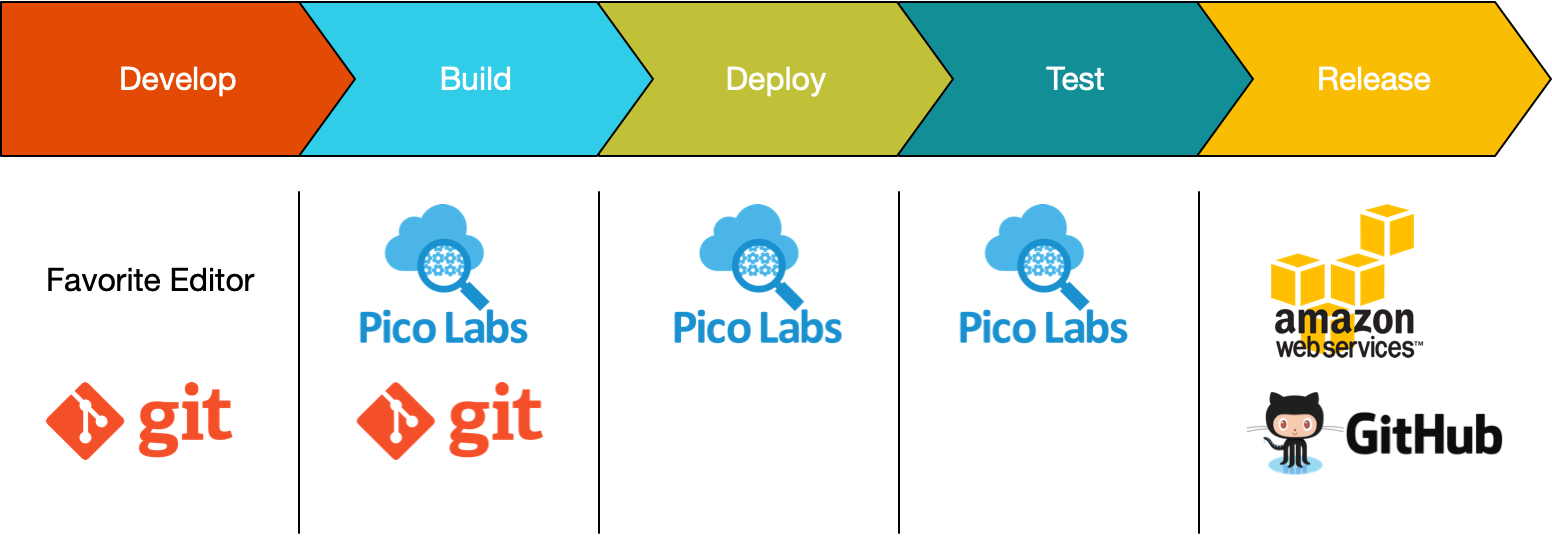 The loop you'll spend most of your time in is Develop → Build → Deploy (flush) → Test. Release only matters when someone other than you depends on the ruleset.
## Develop
Use Git (or any version control) and your favorite editor. A KRL ruleset is a plain text file, by convention named after its ruleset id with a `.krl` extension.
```sh
mkdir myproject
cd myproject
git init
```
Create a ruleset file in the repository, for example `io.picolabs.hello_world.krl`. Editors don't need special support, but KRL is close enough to JavaScript that syntax highlighting for JavaScript is a reasonable fallback.
Write `/** … */` doc comments on your rules and shared functions, using the `@attr`, `@param`, and `@example` tags. The compiler turns them into the ruleset's *schema*, which the **Testing** tab uses to build forms. They don't change what the ruleset does. The [Quickstart](/lessons/quickstart) shows an example.
## Build
"Building" a ruleset means making sure it parses and compiles. Use `krl-check`, which ships with `krl-compiler`:
```sh
npm install -g krl-compiler
krl-check my.ruleset.krl
```
`krl-check` parses and compiles the file, and also lints doc comments and views. It exits with status 1 when there is an error, and prints warnings to stderr. With no file argument it reads standard input. `--json` prints a machine-readable result.
> **Note:** `krl-check` replaces the old parse-only hook scripts (`krl-compiler --verify`, and the hooks built on the old parser). If you still have one of those in a repository, replace it.
Run it often, from your editor or a file watcher. To make sure nothing that fails to compile is ever committed, add a Git pre-commit hook. [Tips](/developing/tips) has the hook, and it checks the *staged* version of each file, which is what you want.
Then add and commit as usual:
```sh
git add io.picolabs.hello_world.krl
git commit -m "initial commit"
```
With the hook in place, a ruleset that commits is one that compiles. (It doesn't promise the rules do what you want. That's the Test stage.)
## Deploy
Deploying means installing the ruleset in each pico that needs it. If it's already installed, you only need to flush it.
### Install
Open the developer UI at
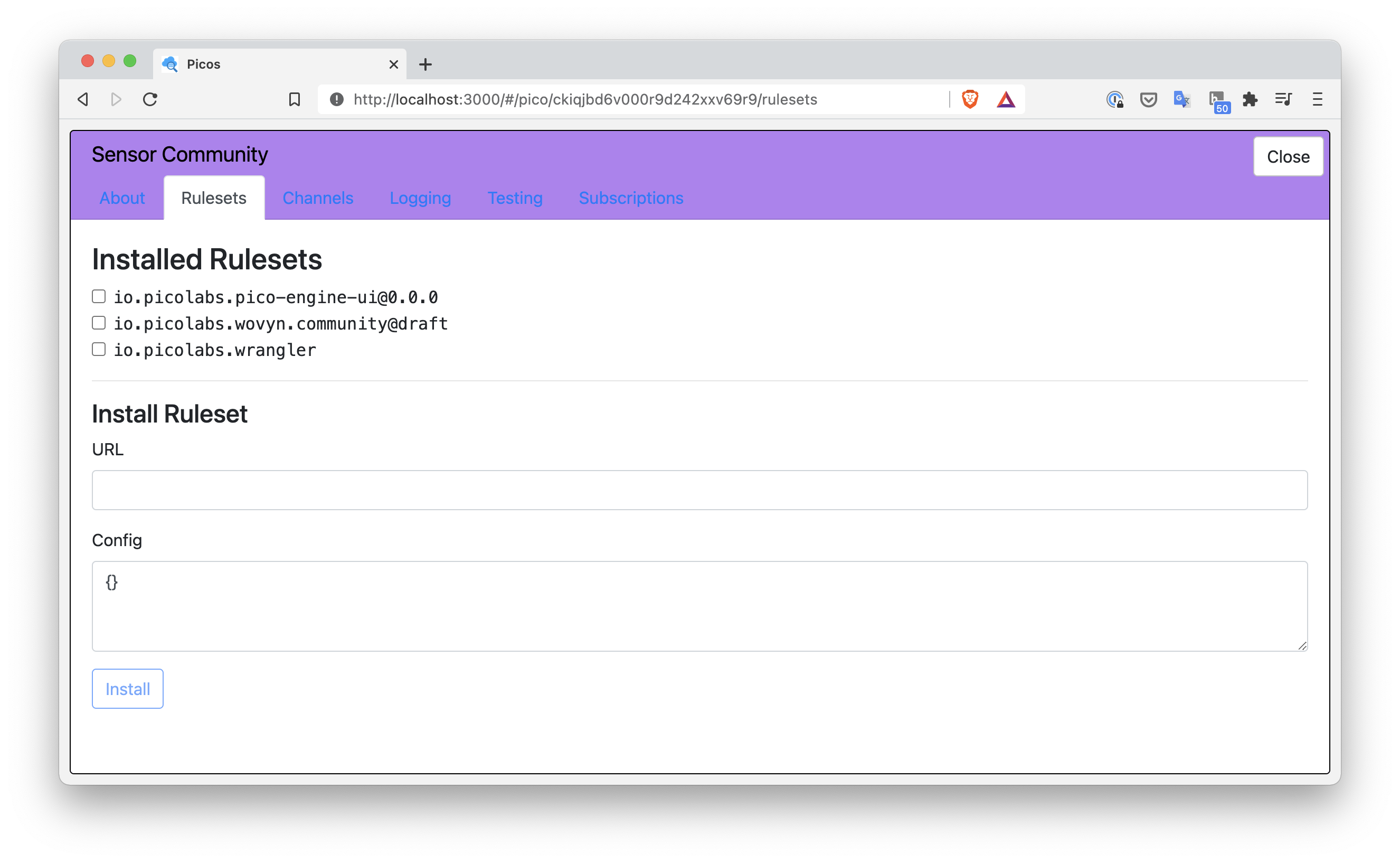 ### Flush
The engine compiles a ruleset once and keeps the result. After you change the source, **flush** it so the engine fetches the URL and compiles it again. On the **Rulesets** tab, click **flush** next to the ruleset. Flushing is per URL: every pico on this engine that has the ruleset installed from that URL gets the new version. The ruleset's hash changes with each new version of the source.
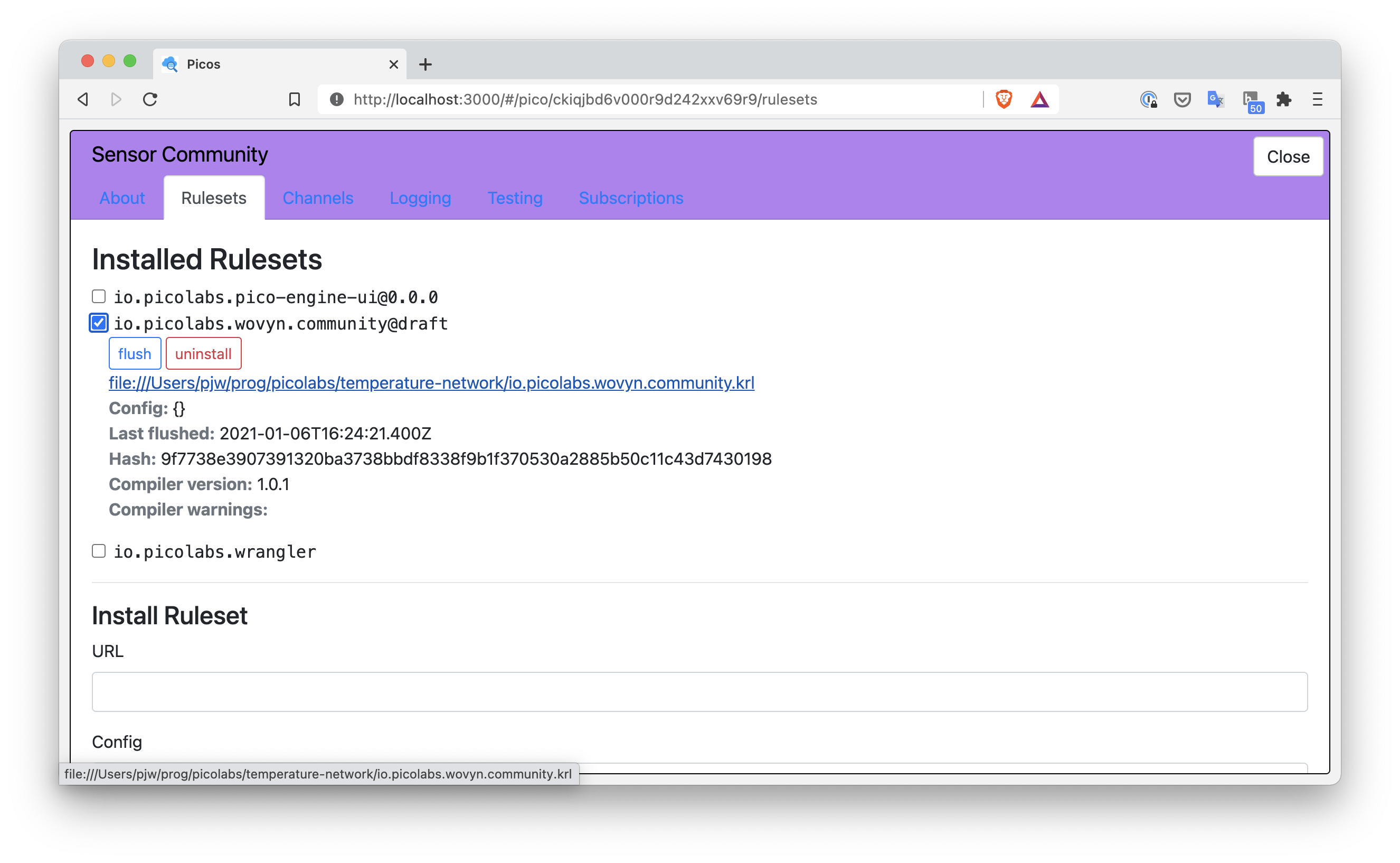 You can also flush from KRL, which is handy in scripts:
```krl
raise wrangler event "rulesets_need_flushing"
```
That re-fetches and recompiles every ruleset installed in the pico, and then raises `wrangler:rulesets_flushed`.
Flushing doesn't raise `wrangler:ruleset_installed`, so a rule that initializes the ruleset on install doesn't run again. If you changed what that rule sets up, run it yourself (or reinstall in a fresh pico). If a ruleset doesn't compile, the flush fails with the same kind of error you see on install.
## Test
The **Testing** tab sends events and queries to the pico without you building URLs. Choose a channel (ECI) and a ruleset. The forms come from the ruleset's schema, so the doc comments you wrote in the Develop stage become the form fields and presets. The tab keeps a history so you can send the same thing again. See [Events and Queries](/lessons/events-and-queries) for a walk-through.
The **Logging** tab is where you find out why a rule did or didn't run. It lists each event and query the pico handled, newest first, with the channel and policy decision, the attributes, which rules were selected and which fired, any `klog` output, the directives returned, and the events the rules raised. Add `klog` to a binding to see a value:
```krl
my_name = event:attr("name").klog("saw name: ")
```
For repeatable tests, or to try an event from a script, use `curl` or [Postman](/developing/postman) against the [Event and Query APIs](/exp/).
If you run the engine under a different host name or port than `localhost:3000`, remember the browser's passkey is tied to that address (see the operator guide's `baseUrl` and `webauthn` settings). Otherwise you can ignore passkeys in the workflow: you register once, on the first visit.
## Release
For local development there is nothing to do beyond Deploy.
When others use your ruleset, they need a *stable* version, even while you keep working. Any HTTP server will do:
- **GitHub.** Make a Git tag or a GitHub release for each version, and give users the raw URL at that tag (for example `https://raw.githubusercontent.com/
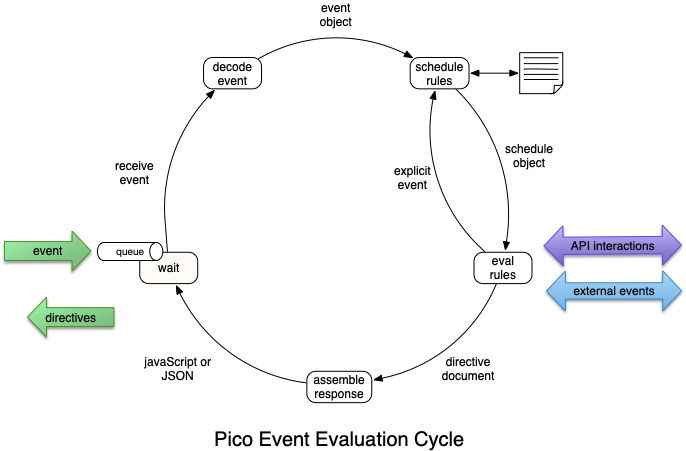 The five phases, in order: **Wait**, **Decode**, **Schedule Rules**, **Rule Evaluation**, **Assembling the Response**. Then the pico waits again.
## Wait
A pico spends nearly all its time waiting. An idle pico does no work.
Events the pico receives are added to its event queue and handled in the order received. The pico leaves the wait phase when the queue has an event to process.
**Picos are single-threaded.** A pico never processes two events at the same time, so rules in one pico can't race each other over its entity variables. Other events that arrive meanwhile queue up.
## Decode
The decode phase unpacks the event from whatever carried it and puts it in a common form, the *request* that the rest of the cycle uses whenever it needs information about the event: its domain, type, attributes, and event id.
Most events arrive over HTTP, through the [Sky event API](/exp/event) (`/sky/event/
 To remove the engine code (not your picos, which live in the data directory):
```sh
npm rm -g pico-engine
```
### Start over
The engine keeps everything in its data directory, `PICO_ENGINE_HOME`, which defaults to `~/.pico-engine`:
| Folder | What's in it |
|--------|--------------|
| `db/` | Picos, channels, users, identity |
| `rulesets-db/` | Which URL each ruleset came from (rebuildable) |
| `rulesets/` | Compiled rulesets (rebuildable) |
To wipe all picos and begin with a fresh engine, stop the engine and delete the data directory. You then register a new passkey on your next visit, and get a new root pico:
```sh
rm -r ~/.pico-engine
```
> **There is no undo.** Deleting `db/` deletes your picos. Deleting only `rulesets-db/` and `rulesets/` is harmless: they're rebuilt when rulesets are installed again. Adjust the path if you set `PICO_ENGINE_HOME` to somewhere else.
### Keep separate projects apart
The data directory is an *image* of the engine's state: all its picos and rulesets. Point `PICO_ENGINE_HOME` at different directories to keep projects separate, and return to where you left off in each:
```sh
PICO_ENGINE_HOME=~/.game_image pico-engine
PICO_ENGINE_HOME=~/.iot_image pico-engine
```
### Run more than one engine
To run several engines on one machine at once, give each its own port, its own data directory, and the matching public URL:
```sh
PORT=3001 PICO_ENGINE_HOME=~/.pico-engine-1 pico-engine
```
Never point two running engines at the same data directory. Engines can also be configured with a config file per process (`pico-engine -c file.json`). See [Multiple engines on one host](/pico-engine#multiple-engines-on-one-host).
### The base URL
The engine knows its own address, `http://localhost:3000` by default, and gives it to your KRL as `meta:host` (and uses it to build links). To use another address, such as a machine's name or a public domain, set `PICO_ENGINE_BASE_URL`:
```sh
PICO_ENGINE_BASE_URL=http://my-machine.local:3000 pico-engine
```
This is also what passkeys are bound to: the browser's passkey only works at the address the engine thinks it has. If you open the engine from a different host name than the one you registered with, sign-in fails; see `webauthn` in the operator guide.
The engine reads the address once, at startup. TLS isn't terminated by the engine, so for HTTPS put a reverse proxy in front of it and set the base URL to the public HTTPS address.
### Docker
There's an official image, `picolabs/pico-engine`. Mount a volume for the data directory and set the same variables you'd set for the command line:
```sh
docker run -p 3001:3000 \
-v ~/images/pico-image:/var/pico-image \
-e PICO_ENGINE_HOME=/var/pico-image \
-e PICO_ENGINE_BASE_URL=http://localhost:3001 \
picolabs/pico-engine:
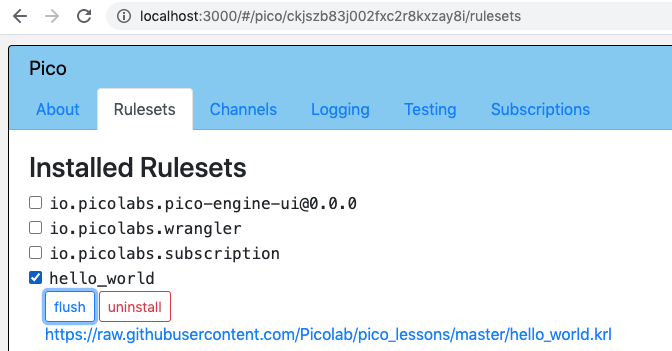 If the changed source doesn't compile, the flush fails and the error appears next to the ruleset:
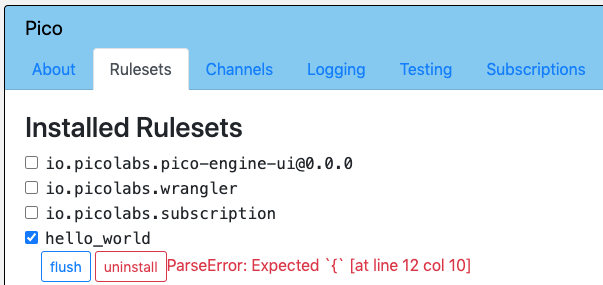 Flushing is by URL. The engine keeps one compiled version per URL, so every pico with that ruleset gets the update. Flushing does **not** raise `wrangler:ruleset_installed` again, so rules that run on install don't run. If you change what such a rule sets up (for example a channel's policy), run that rule again yourself. The [Bootstrap and channels](/cookbook/bootstrap/) demo shows how.
The UI uses `/api/flush?url=
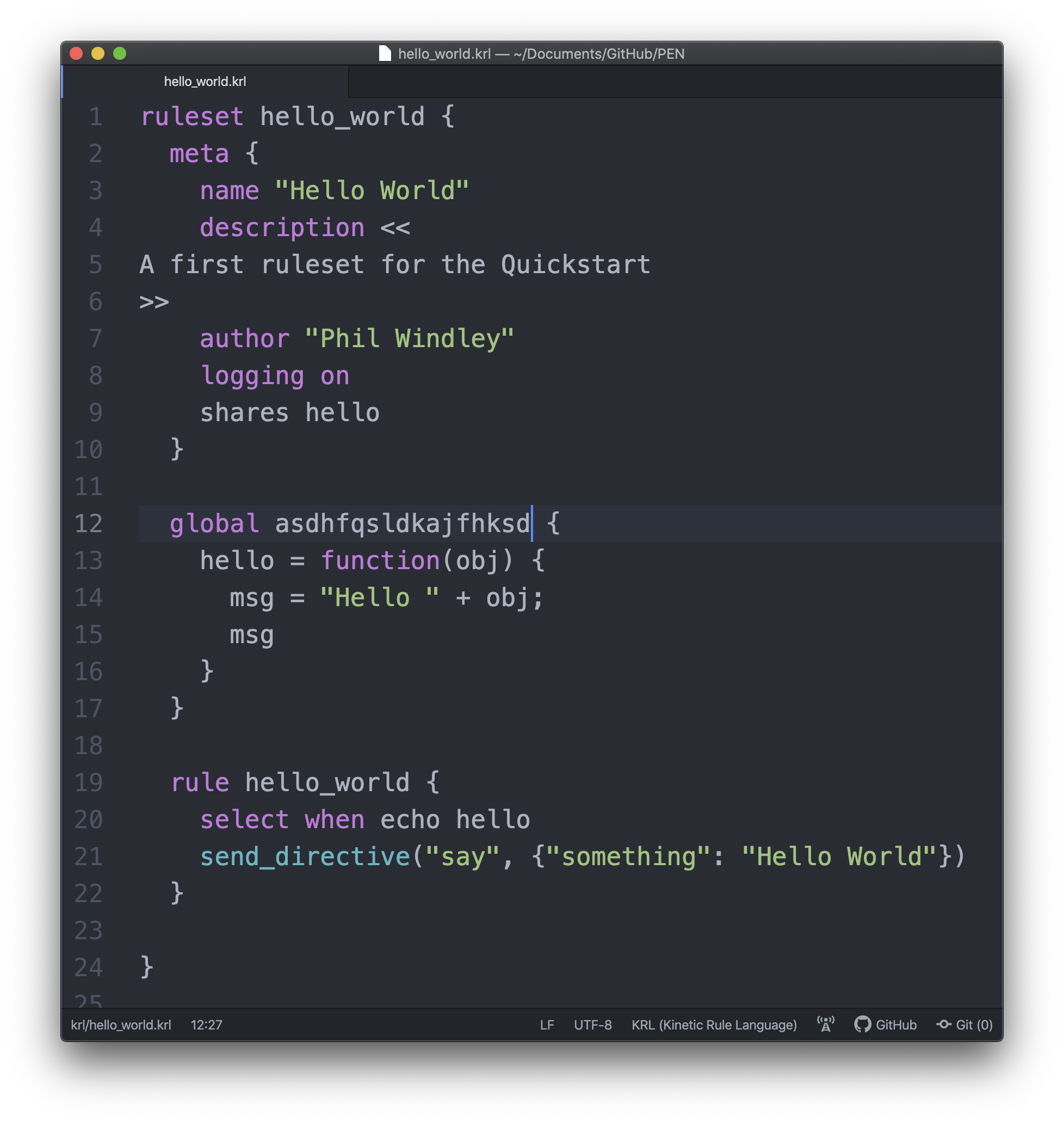 A Git pre-commit hook that checks the *staged* version of each `.krl` file:
```sh
#!/bin/sh
status=0
for f in $(git diff --cached --name-only --diff-filter=ACM -- '*.krl'); do
if ! git show ":$f" | krl-check >/dev/null; then
echo "krl-check failed: $f"
status=1
fi
done
exit $status
```
Save it as `.git/hooks/pre-commit` and make it executable. `git show ":$f"` is the staged copy, so a fix you haven't staged yet doesn't hide an error. See also [Programming Workflow](/developing/workflow).
## Writing and debugging
### Use the Testing and Logging tabs
- The **Testing** tab builds a form for each event and query a ruleset offers, using the ruleset's doc comments (`@attr`, `@param`, `@example`). Document your rules and shared functions and the forms write themselves.
- The **Logging** tab shows what the pico did for each event or query: the channel and its policy decision, the attributes, which rules were selected and which fired, directives, raised events, and `klog` output. Use the filters to narrow it to a ruleset, an event, or errors. It keeps recent transactions per pico in memory (200 by default, `PICO_ENGINE_LOG_RING`), so a restart clears it. The log file on disk keeps the full record; see [Reading the engine's log files](/developing/engine-log-files).
- `.klog("label: ")` returns the value it's applied to, so you can add it in the middle of an expression without changing the code.
### "Not allowed by channel policy"
This is the most common surprise when calling a pico from outside. The channel you used doesn't permit that event or query. Try another channel on the **Channels** tab, or give the channel a policy that allows what you need. See [Managing channels](/wrangler/channels).
### Initialize a ruleset when it's installed
Rulesets often need setup: default values for entity variables, a scheduled event, a channel. Wrangler raises `wrangler:ruleset_installed` when a ruleset is installed in a pico, and a rule in your ruleset can select on that event. Always check that the ruleset that was installed is yours, or the rule runs every time *any* ruleset is installed:
```krl
rule initialize_ruleset {
select when wrangler ruleset_installed where event:attr("rids") >< meta:rid
if ent:heartbeat_period.isnull() then noop()
fired {
ent:heartbeat_period := event:attr("heartbeat_period") || 60;
ent:emitter_state := "running"
}
}
```
Two cautions:
- The event isn't raised again on a flush, so a change to this rule's setup doesn't take effect on picos that already have the ruleset.
- Guard each initialization with `isnull()` so you never overwrite state that has accumulated.
More: [Initializing entity variables](/developing/initializing-entity-variables) and [Bootstrap and channels](/cookbook/bootstrap/).
### Wrangler, not `ctx`, in application rulesets
For children, channels, ruleset installation, and queries between picos, use wrangler's events and functions (`wrangler:new_child_request`, `wrangler:picoQuery`, and so on). The engine's lower-level `ctx:*` actions exist for wrangler and the platform to use. See [Wrangler](/wrangler/).
## Technique tips
Short techniques for writing KRL and working with picos, checked against this engine. For runnable examples, see the [Cookbook](/cookbook/) and the **Try It!** tab. Event and query URLs live in the [Event Exchange Protocol](/exp/).
### Working with data
| Page | What it covers |
|------|----------------|
| [Initializing entity variables](/developing/initializing-entity-variables) | `defaultsTo`, a guard rule, or a rule that runs on install |
| [Arrays and maps](/developing/arrays-and-maps) | Loops with `reduce`, flattening, and sorting arrays of maps by one key or two |
| [Decoding form-encoded data](/developing/decoding-form-data) | Turning `a=1&b=2` into a map, keeping repeated names, and decoding `+` and `%xx` |
| [Importing tables and CSV](/developing/tabular-data) | Tab- and comma-separated exports to arrays and maps, fetched with `http:get` |
| [Converting time formats](/developing/converting-time-formats) | RSS (RFC 2822) dates to the RFC 3339 form the time library uses |
| [What's in a name?](/developing/names-and-scope) | KRL's separate kinds of names, and how a `pre` declaration shadows a global |
### HTTP and the outside world
| Page | What it covers |
|------|----------------|
| [Cookies and redirects](/developing/cookies-and-redirects) | The `_cookie` and `_redirect` directives, reading cookies, and a URL shortener |
| [Events from email](/developing/events-from-email) | A mail webhook to an event, routing by address, and turning message lines into events |
| [Reading the engine's log files](/developing/engine-log-files) | Where the logs are, how they rotate, and one pico's history with `grep` and `jq` |
| [Event and Query URLs with Postman](/developing/postman) | Building Sky requests in Postman or `curl` |
### Picos working together
| Page | What it covers |
|------|----------------|
| [Querying another pico](/developing/querying-another-pico) | `wrangler:picoQuery`, which channel to use, why a pico can't query itself, and `http:get` |
| [Accepting relationship requests](/developing/accepting-relationship-requests) | An approving rule, wrangler's auto-accept configuration, and a ruleset that accepts later and removes itself |
| [One pico per resource](/developing/singleton-picos) | Giving a device or account its own pico, so requests can't collide |
### Patterns that became demos
| Pattern | Demo |
|---------|------|
| Idempotency and guard rules; authorize, then use | [Guard rules](/cookbook/guard_rules/) |
| Splitting rules for clarity and extensibility; layering functionality with rulesets; semantic translation | [Layered rulesets](/cookbook/layered_rulesets/) |
| Collection picos | [Collection](/cookbook/collection/) |
| Access tokens and other secrets; keeping keys safe | [Configuration and secrets](/cookbook/secrets/) |
| Installing a multi-ruleset application; creating a channel for a ruleset | [Bootstrap and channels](/cookbook/bootstrap/) |
| An echo server | [Echo](/cookbook/echo/) |
| A score tracker | [Score tracker](/cookbook/score_tracker/) |
| A child pico for an asynchronous task | [Child pico tasks](/cookbook/child_tasks/) |
| Automatic replies to relationship requests; querying over a relationship | [Two picos talking](/cookbook/two_picos/) |
| An event hierarchy across rulesets | [KBlog](/cookbook/kblog/) |
### In the KRL manual
- [Persistent variables](/krl/persistent-variables/)
- [User-defined actions](/krl/krl-expression-language/user-defined-actions)
### Left out of the old cookbook
- **Sending secure messages** used `engine:signChannelMessage` and its relatives, which are gone. Relationships can use DIDComm; see [Relationships](/wrangler/relationships).
- **Shorter URL for a query or event** used `io.picolabs.rewrite` on the root pico, removed in engine 1.0. A ruleset can do the same with `_redirect`: see [Cookies and redirects](/developing/cookies-and-redirects).
- **Account management using the root pico** described owner picos from before engine 1.0.
- **Generate an image with KRL**, **Using Foursquare data**, **Using Wovyn sensors**, **Using Git**, and **Using a Google sheet** are about particular services rather than KRL.
- **Proposals, experiments, and proofs of concept** were experiments on earlier engines.
---
Merges the [Developer Tips](https://picolabs.atlassian.net/wiki/spaces/docs/pages/31544297) wiki page (last edited there 2021-04-12) with the Patterns and tips / KRL Cookbook pages that still apply, updated for this engine.
---
# Developing: Event and Query URLs with Postman
# Event and Query URLs with Postman
[Postman](https://www.postman.com/) is a desktop tool for building and sending HTTP requests and examining the responses. It's handy for trying events and queries on a pico: you can save requests, change attributes quickly, and keep them in a collection.
Everything here is plain HTTP, so `curl` works equally well. Each Postman step has a `curl` equivalent. For the full API, see the [Event API](/exp/event) and [Query API](/exp/query). For a gentler introduction, see [Events and Queries](/lessons/events-and-queries).
The examples use `http://localhost:3000`, the engine's default address. Use your own host and port if you've changed them.
## Before you start: pick a channel
Both events and queries are sent to a pico through one of its **channels**, and a channel is named by its ECI (event channel identifier). The channel's *policy* decides which events and queries it allows.
1. Open the developer UI, click the pico, and open its **Channels** tab.
2. Choose a channel whose policies allow what you want to send. The pico's own `self` channel (its ECI is the pico's id) allows everything, which is fine for experiments. For anything you'll leave around, make a channel that allows only what's needed. See [Managing channels](/wrangler/channels).
3. Copy the ECI.
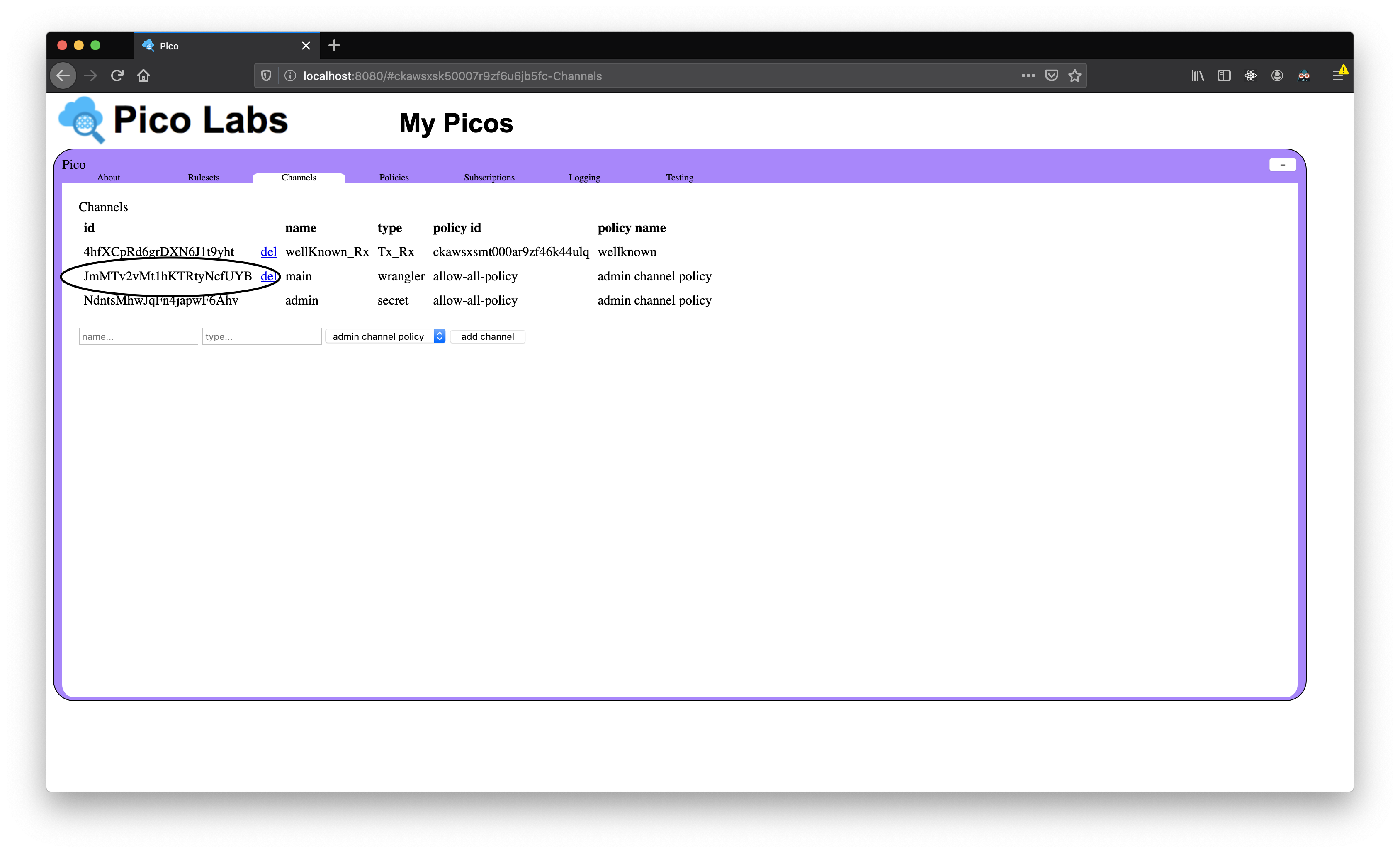 If a request is refused, you'll get HTTP 200 and `{"error":"Error: Not allowed by channel policy"}`. Use a channel with a more permissive policy.
If the mesh has [OAuth](/wrangler/oauth) turned on, requests also need an `Authorization: Bearer
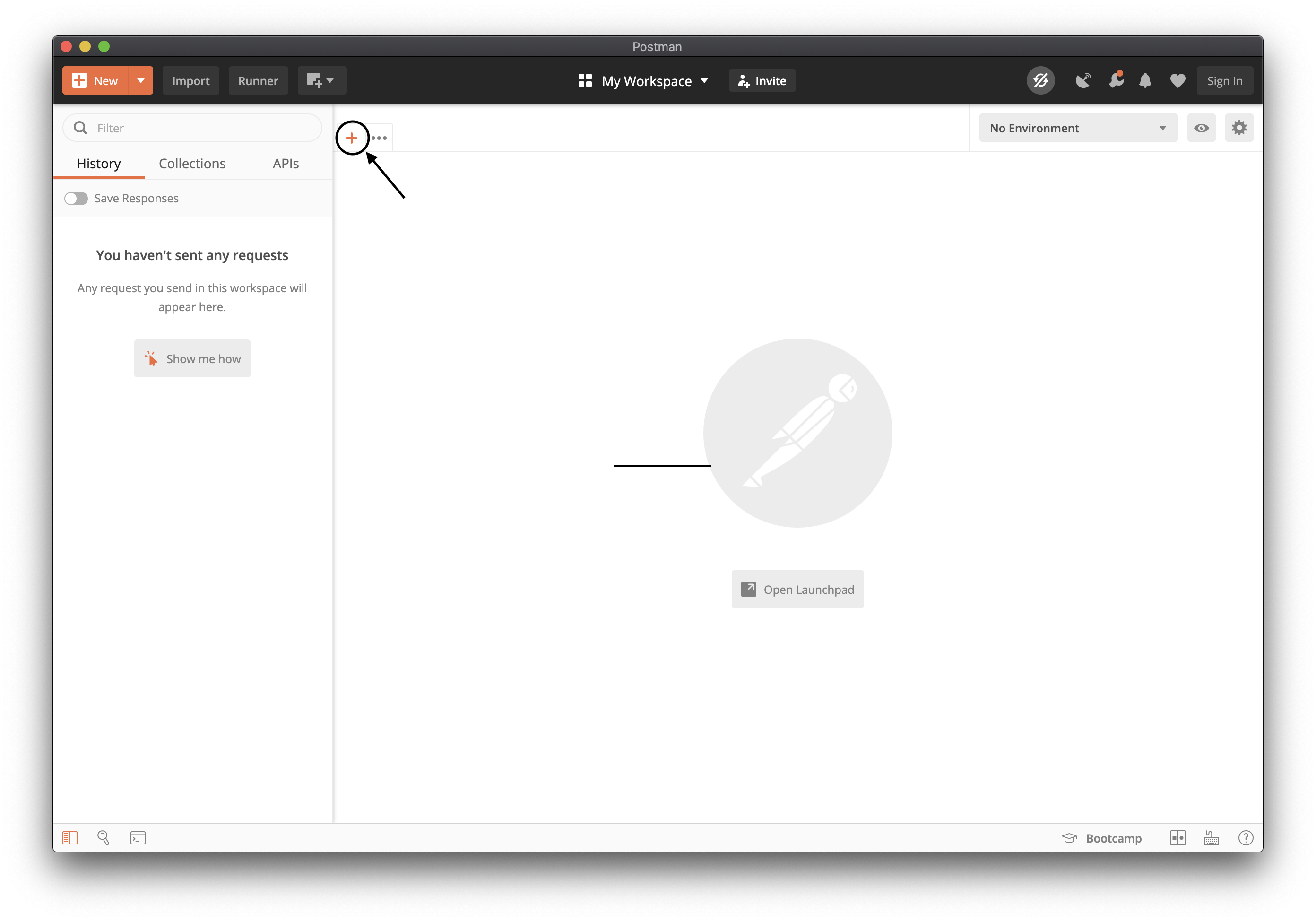 2. Set the method to **POST**. (GET works for events, but POST is preferred because an event may change the pico.)
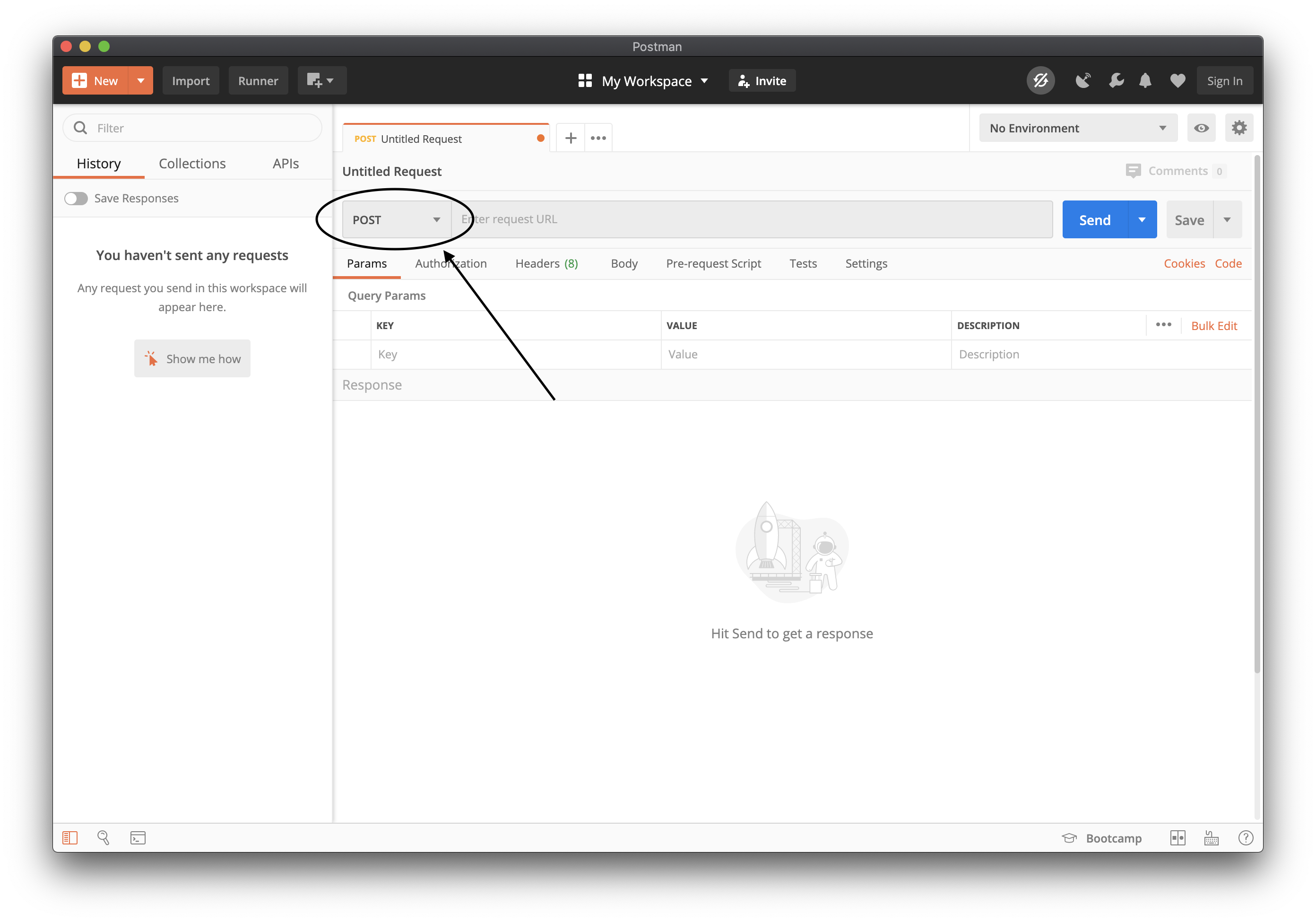 3. Enter the URL, with your ECI:
```
http://localhost:3000/sky/event/
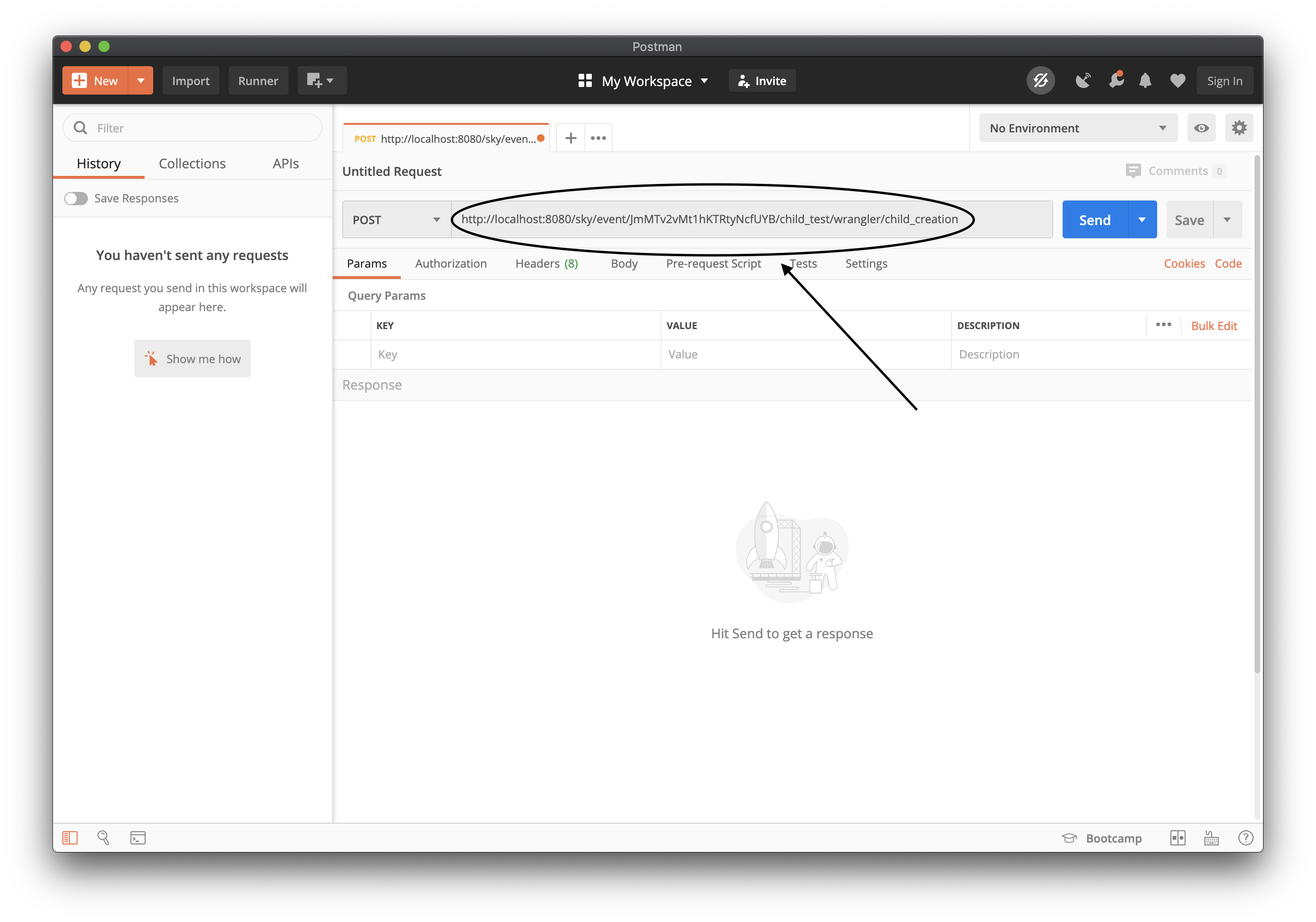 4. Open the **Body** tab, choose **raw**, and set the type to **JSON**. Put the event's attributes in the body as a JSON object:
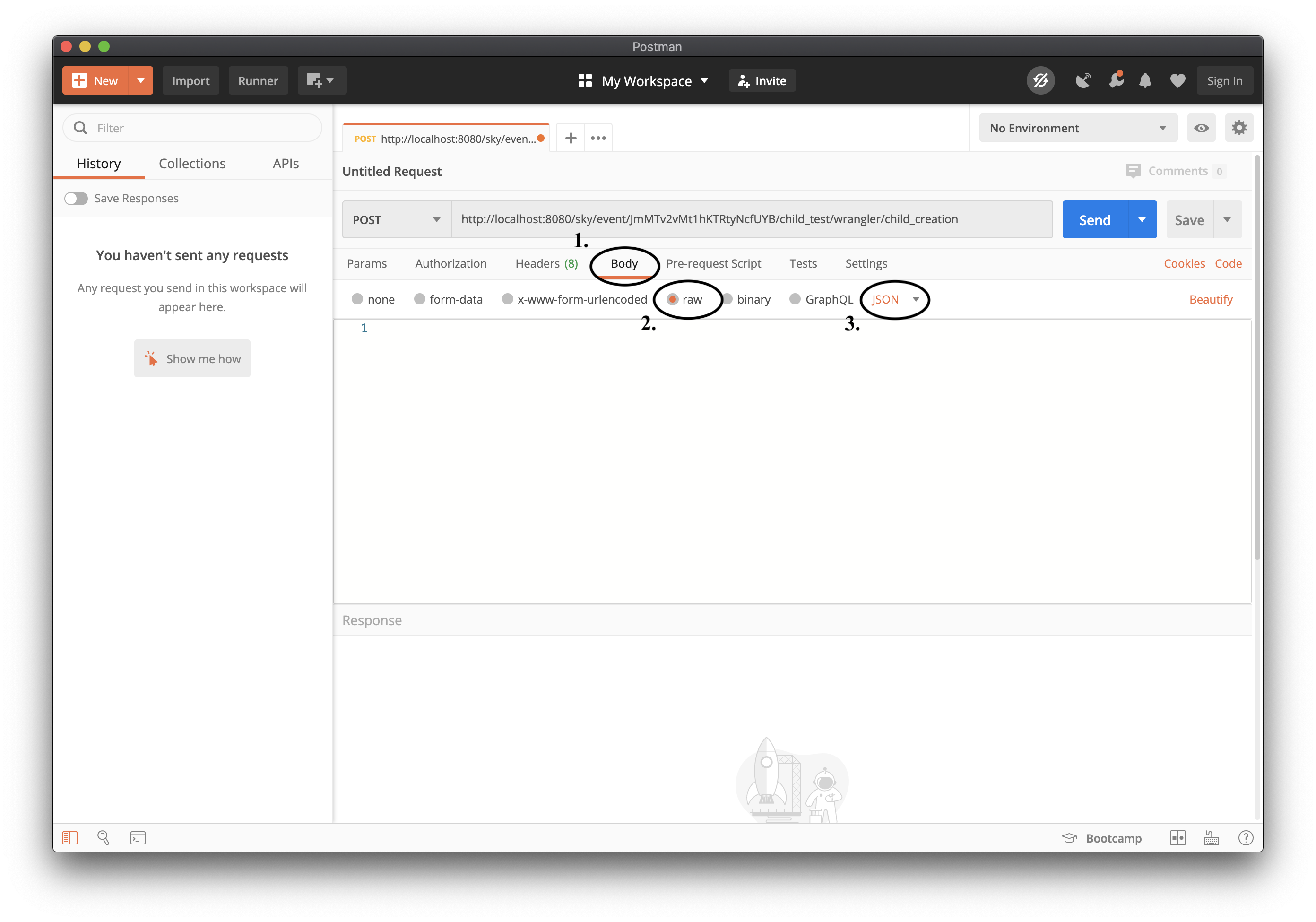 ```json
{
"name": "test child",
"backgroundColor": "#87cefa"
}
```
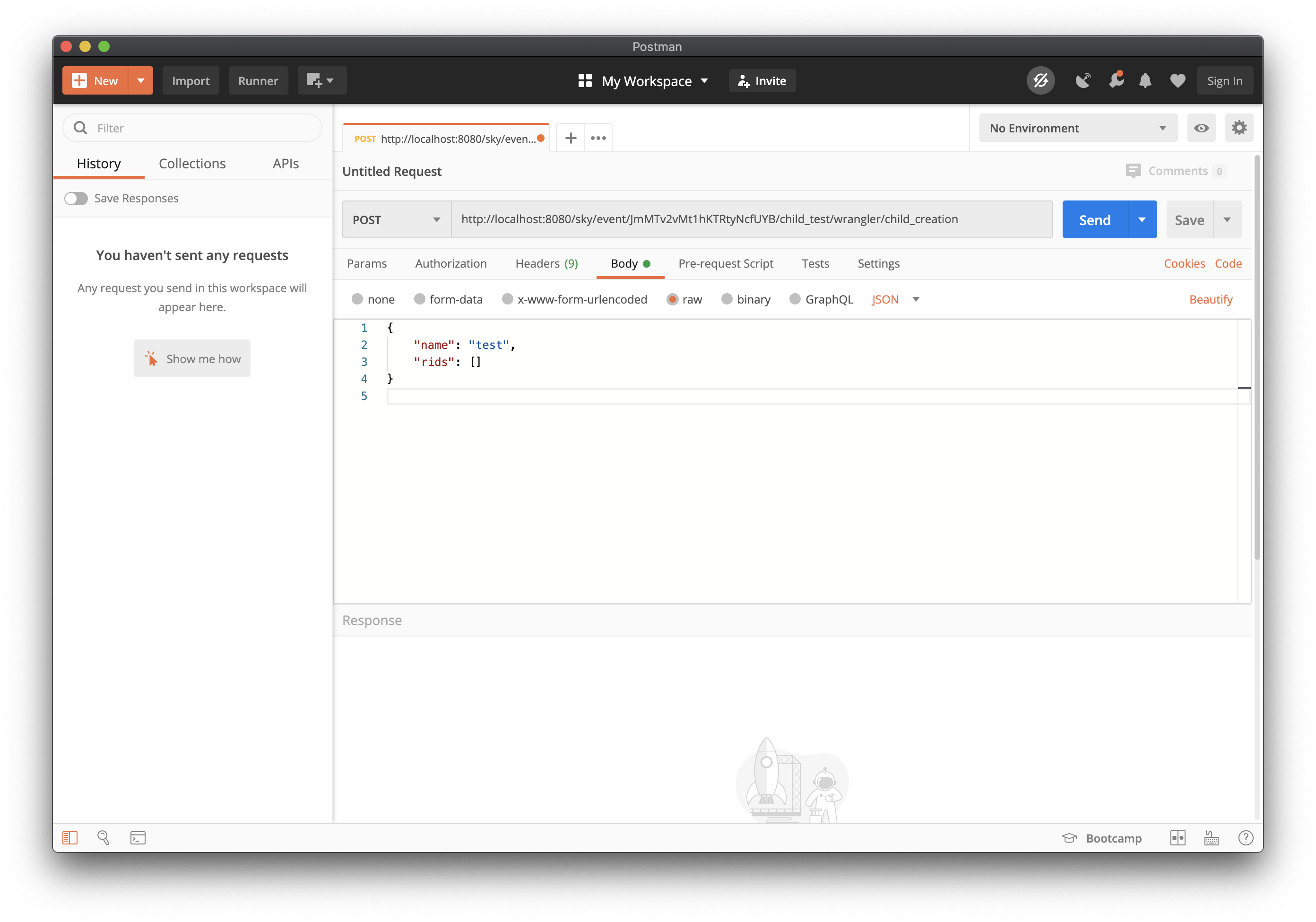 5. Click **Send**.
 *These screenshots are from an earlier release: they show port 8080 and the old `child_creation` event name. Use the URL and event above.*
A JSON body is the best way to send attributes: it keeps numbers, booleans, and nested maps as they are, and avoids URL-encoding. You can also send attributes as a query string (`?name=test%20child`) or as `application/x-www-form-urlencoded`. When a name appears in both body and query string, the body wins.
### The response
The response is JSON. It carries the transaction id, any directives from rules that ran, which rules fired, and the events raised during the cycle:
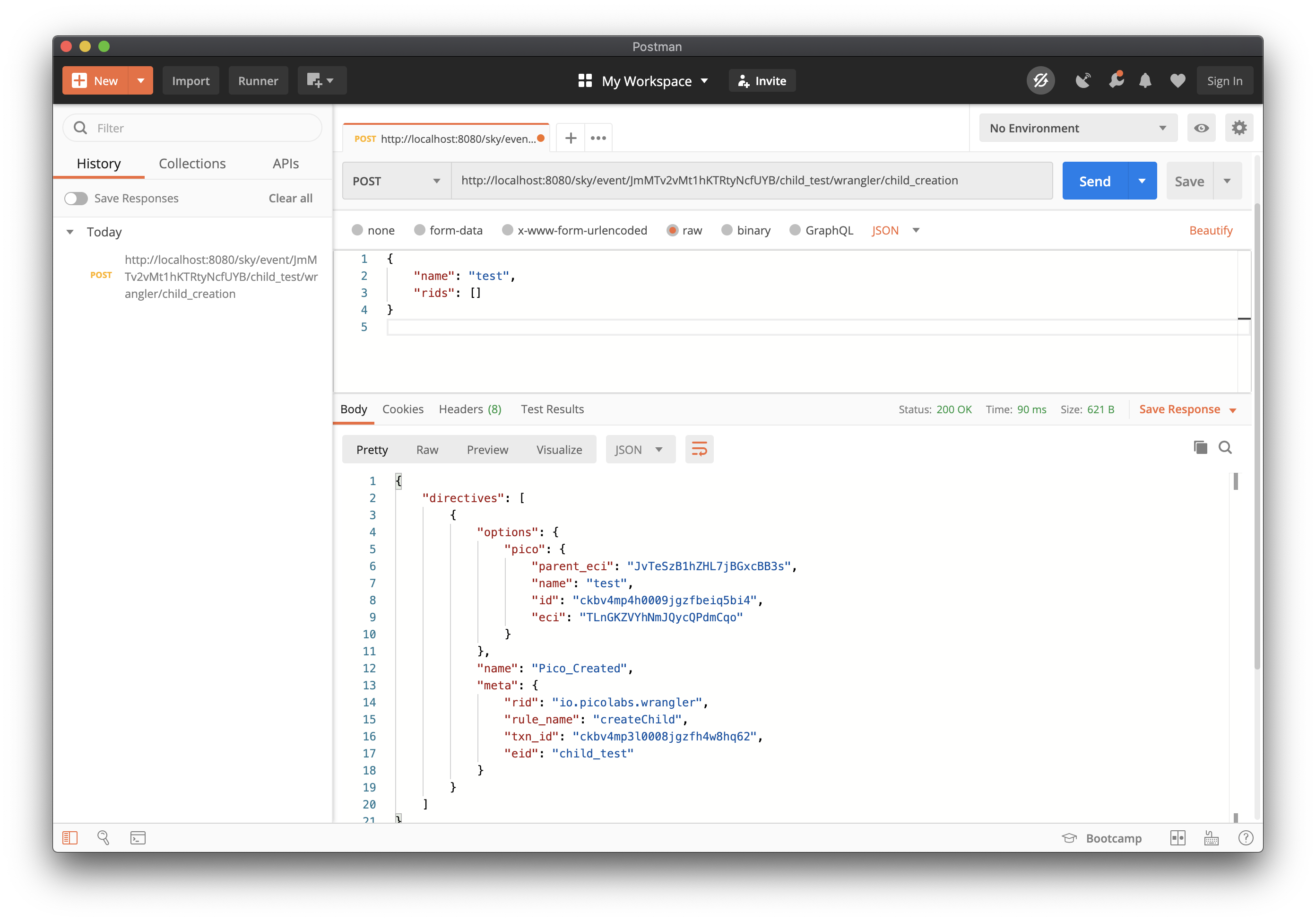 ```json
{
"eid": "…",
"directives": [ … ],
"ruleOutcomes": [ { "rid": "io.picolabs.wrangler", "rule": "createChild", "status": "fired" } ],
"events": [ { "domain": "wrangler", "name": "new_child_created", "attrs": { … } } ]
}
```
For a wrangler event like this one there may be no directive: the `events` list and the new child in the developer UI are your confirmation. A rule that calls `send_directive` shows up under `directives`. The [Event API](/exp/event#response) page describes every field.
### With curl
```sh
curl -X POST "http://localhost:3000/sky/event/
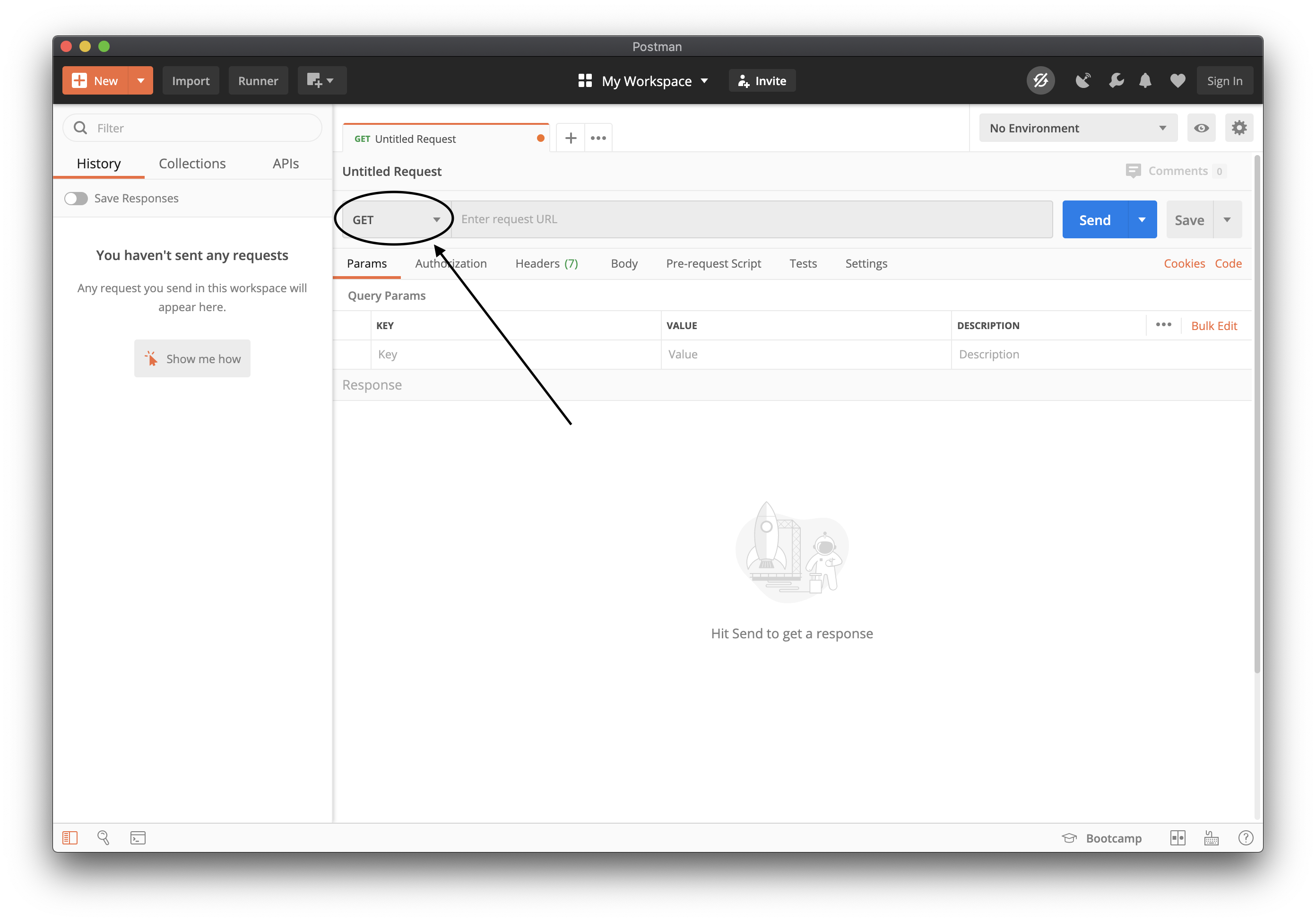 2. Choose the pico, the ruleset, and a function that ruleset shares. The pico's **Testing** tab lists the queries a ruleset shares, and the **Channels** tab has the ECI. This example uses wrangler's `children` query:
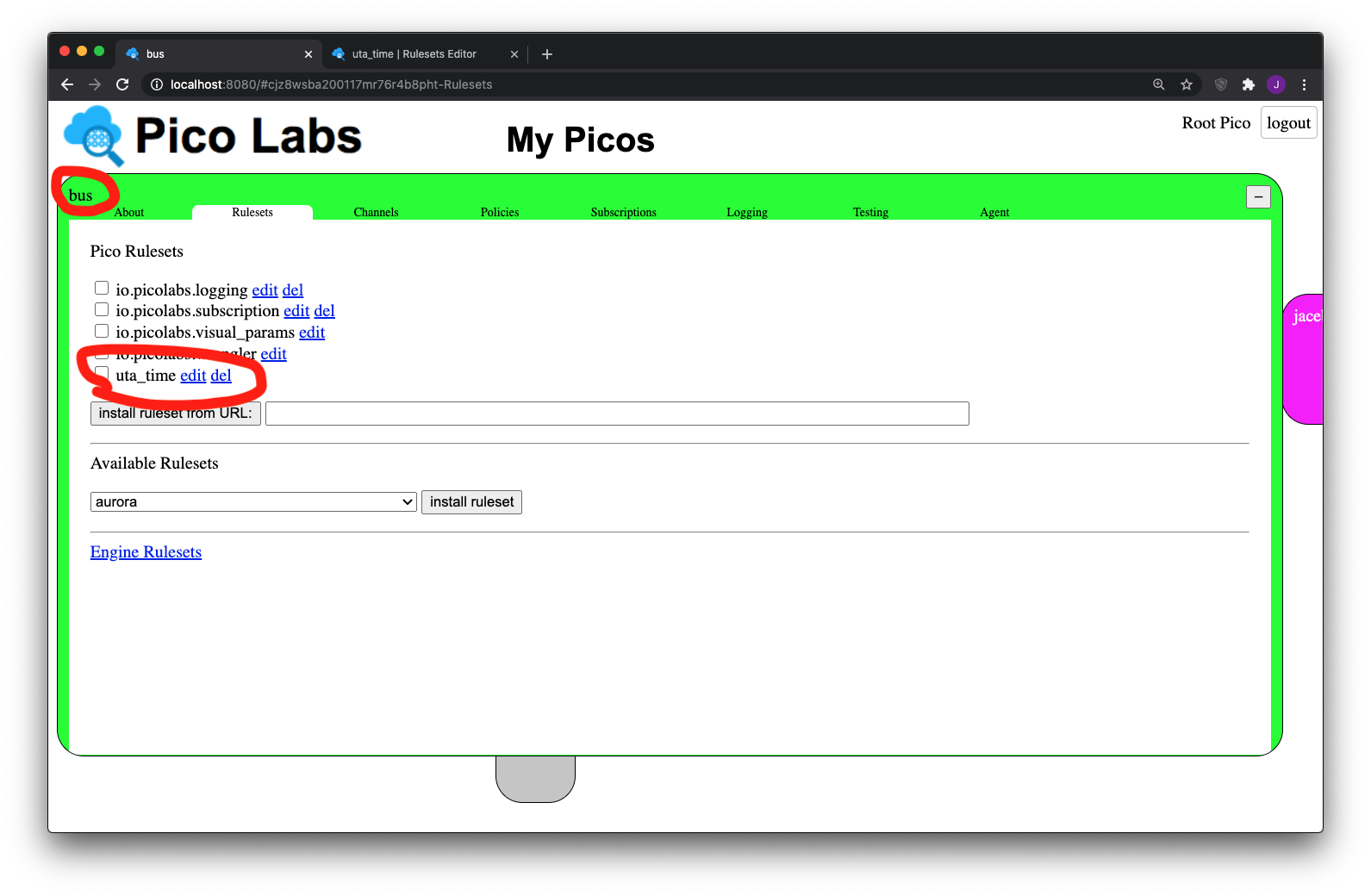
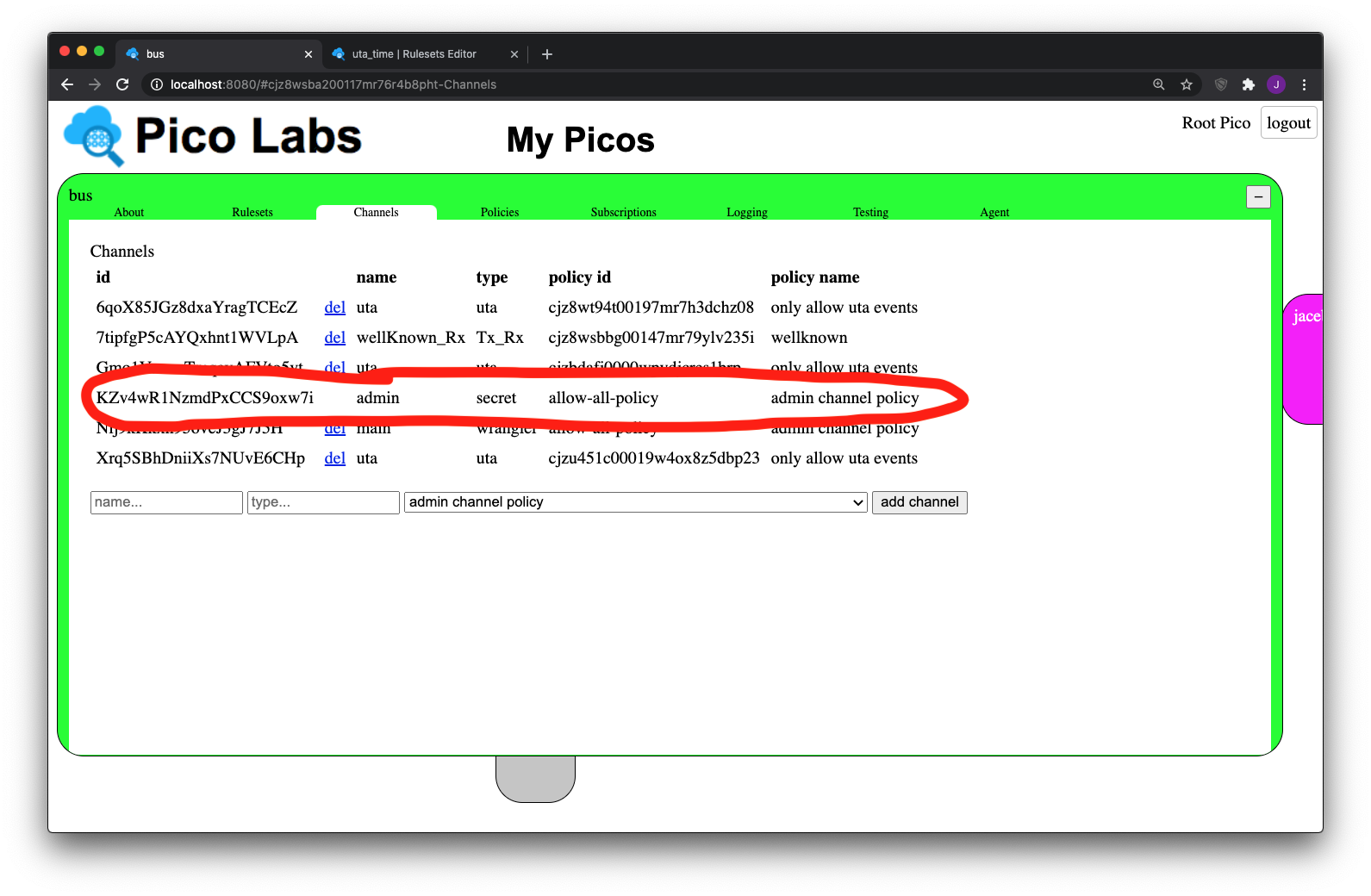 ```
http://localhost:3000/sky/query/
 4. Click **Send**. The body is the function's return value, as JSON.
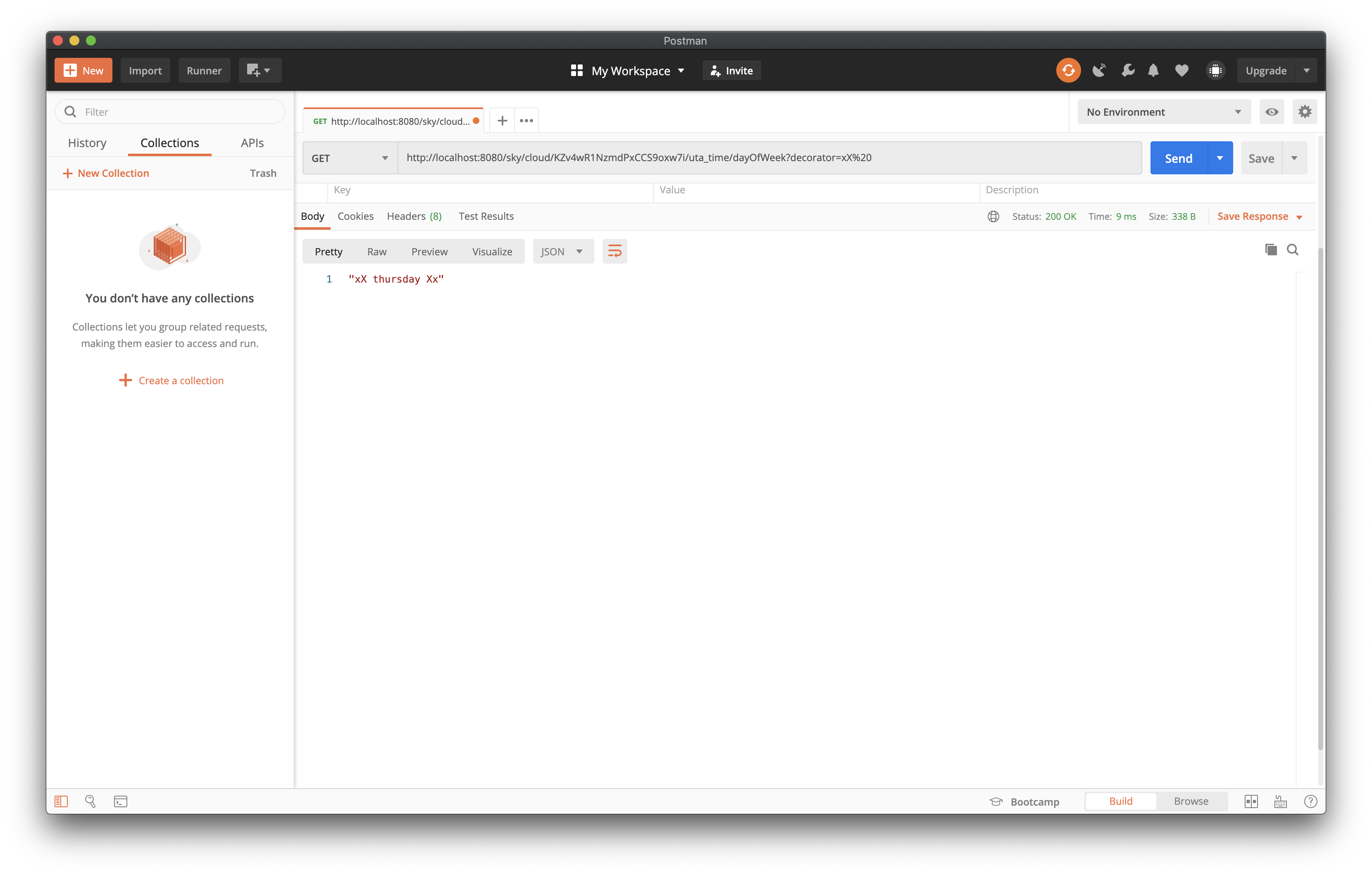 If the function isn't in the ruleset's `shares` list, or the ruleset isn't installed in that pico, the response has an `error` field instead of a value. A GET is the natural method, though POST with a form-encoded or JSON body also works and is useful for long arguments.
### With curl
```sh
curl "http://localhost:3000/sky/query/
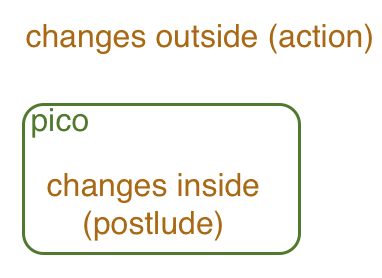 Queries are `GET`s to `/sky/query/
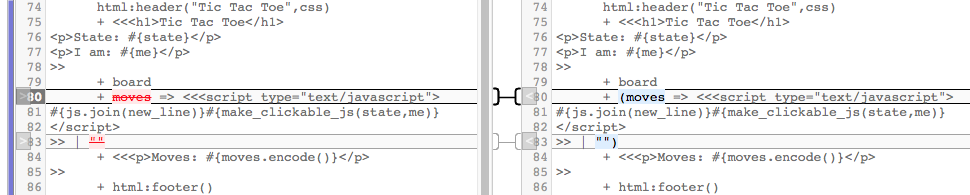 ### KRL isn't Java: `raise` is not a call
A ruleset installed as a module doesn't make an object. The pico pre-existed, and the ruleset's entity variables belong to that pico. Consider a ruleset that offers a "setter" by event:
```krl
ruleset holder {
meta { provides getter }
global { getter = function(){ ent:stuff } }
rule stuffer {
select when holder setter
fired {
ent:stuff := event:attrs{"stuff"};
raise holder event "stuffed" attributes event:attrs
}
}
}
```
and a naive caller:
```krl
ruleset java_pattern {
meta { use module holder }
rule checker {
select when user checker
pre { value = random:word() }
fired {
ent:value := value;
raise holder event "setter" attributes {"stuff": value} // schedules the setter, doesn't call it
}
}
rule tester {
select when user checker
send_directive("result", {"okay": ent:value == holder:getter()}) // false
}
}
```
The schedule when `user:checker` arrives is `checker`, then `tester`. `holder:setter` is *appended*, so `tester` runs before `stuffer` does and reports `false`. "Saves it away" should have been read as "schedules it to be saved, later."
The right pattern uses the terminal event the module raises, `holder:stuffed`, which it provides for exactly this purpose:
```krl
rule tester {
select when holder stuffed
send_directive("result", {"okay": ent:value == holder:getter()})
}
```
A module that does work in response to events should raise a *terminal* event, one it doesn't react to itself, so callers know when it has finished.
## Common errors
### Regular expression capture groups
`setting` binds to a capture group, which needs parentheses in the regular expression:
```krl
select when phone incoming number re#\d{10}# setting(caller_id) // caller_id is never bound
select when phone incoming number re#(\d{10})# setting(caller_id) // right
```
Without the parentheses `caller_id` stays unbound and evaluates to `null` when used.
### Regular expression capture vs. explicit binding
These look equivalent and aren't:
```krl
select when console incoming attr_name re#(.+)# setting(local_name)
```
```krl
select when console incoming
pre { local_name = event:attr("attr_name") }
```
The first only selects when `attr_name` matches. Regular expressions work on a single line, so with a multi-line value, don't count on getting more than the first line. The second binds the whole attribute value, which is also what you want when the value might be empty or absent. Use `event:attr` in the prelude for a multi-line value.
### Forgetting the parentheses on a function call
A function is called with parentheses, even with no arguments: `f()`. Without them, the name evaluates to the function itself, and the errors that follow can be astonishing.
### Dots, colons, and braces
- **Dots** introduce operators: `list.length()`. Don't use a dot to get a map key, as in JavaScript.
- **Colons** separate a module or library name from what it provides: `time:now()`, `ent:name`. A dot in its place gives an unknown operator error.
- **Curly braces** after a map get the value for a key or path: `m{"k"}`, `m{["a","b"]}`.
- **Square brackets** index arrays: `a[0]`.
### A name or a string in a map reference
Inside braces, a quoted key is the literal string; a bare name is the value the name is bound to. It's easy to get this wrong:
```krl
their_key = event:attr("sender_key")
se = ent:se{"their_key"} // the key "their_key", almost certainly null
se = ent:se{their_key} // the key the name is bound to
```
The first always gives `null`, and the `http:post` that uses it will always fail.
### The empty string isn't null
A blank form field arrives as the empty string, not as a missing attribute, so `event:attr("name")` is `""`, not `null`. Then:
- `isnull()` is `false`.
- `defaultsTo()` only replaces `null` (or a missing value), so `event:attr("name").defaultsTo(ent:name)` stays empty.
Use `||` when you also want to replace the empty string (and other false values):
```krl
name = event:attr("name") || ent:name
```
Also the string `"null"` is not `null`. `"null".decode()` is `null`, and so is `null.decode()`, so if you're not sure, decode. (`decode` returns a string unchanged if it isn't JSON.)
### Regular expressions and case
A regex is case sensitive unless you flag it:
```krl
"1E4C".match(re#1e4c#) // false
"1E4C".match(re#1e4c#i) // true
```
A regex made from a string, `"1e4c".as("RegExp")`, has no way to carry the `i` flag. Change the case of the string you're matching (or the pattern) with `uc()` or `lc()` instead:
```krl
"1E4C".match("1e4c".uc().as("RegExp")) // true
```
### Operator precedence
Infix operators rarely need parentheses, but sometimes you need them, and the bug is subtle. The conditional (`=>`) binds more loosely than `+`. This conditionally-added part didn't do what was intended:
```krl
html:header("Tic Tac Toe", css)
+ <<
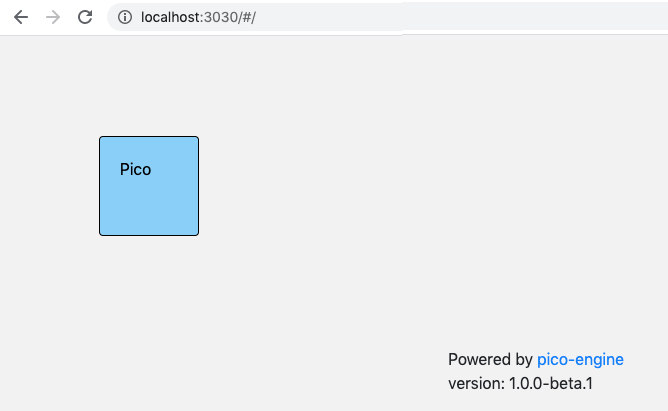 *The screenshots in this lesson come from an earlier release. Yours will look a little different, but the layout and the steps are the same.*
The page shows your root pico as a box. Click it to open its tabs:
| Tab | What it's for |
|-----|---------------|
| **About** | The pico's id, its parent and children, and its name |
| **Rulesets** | Install a ruleset on this pico, flush one after you change it |
| **Channels** | See, create, and edit the pico's channels and their policies |
| **Logging** | A trace of everything the pico has done, newest first |
| **Testing** | Send events and queries to the pico from forms |
| **Relationships** | Relationships with other picos (a later lesson) |
| **Try It!** | Demos you can run in a new child pico (root pico only, by default) |
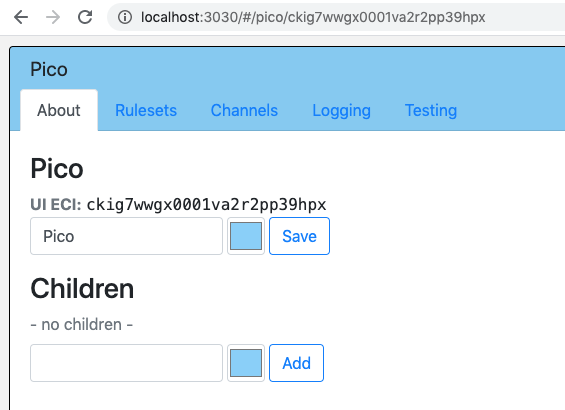 Every pico also gets its own box with a small form to **Add** a child pico, with a name and a color. The lessons use a child pico so your root pico stays clean: type a name such as `hello`, click **Add**, and open the new pico.
## The hello_world ruleset
A **ruleset** is the program a pico runs. It's written in KRL and has a unique ruleset id (the **rid**). Save this as `hello_world.krl`:
```krl
ruleset io.picolabs.hello_world {
meta {
name "Hello World"
description <<
A first ruleset for the Quickstart
>>
author "Phil Windley"
shares hello
}
global {
/**
* Greet someone.
* @param name String "who to greet"
* @returns String
*/
hello = function(name = "world") {
"Hello " + name
}
}
/**
* Answer with a greeting, as a say directive.
* @attr name String optional "who to greet"
* @example "Ada" { "name": "Ada" }
*/
rule hello_world {
select when echo hello
pre {
my_name = event:attr("name").defaultsTo("world").uc()
}
send_directive("say", {"something": "Hello " + my_name})
}
}
```
It has three parts:
- **`meta`** names the ruleset and lists what it `shares`. Names in `shares` are functions other parties can call as queries. The `description` uses KRL's `<< … >>` quotes, which span lines.
- **`global`** holds definitions every rule can use. `hello` is a function with a default for its parameter.
- **`rule hello_world`** says when to run and what to do. `select when echo hello` means "run for events with domain `echo` and type `hello`". The `pre` block declares `my_name` from the event's `name` attribute: `event:attr("name")` is `null` if the attribute is missing, `defaultsTo("world")` fills it in, and `uc()` upper-cases it. Then `send_directive` adds a directive named `say` to the response. A directive is how a rule answers whoever sent the event.
`pre` declares names. It doesn't assign: you can't declare the same name twice in one rule.
The `/** … */` comments are doc comments. The compiler turns the `@attr`, `@param`, and `@example` tags into the schema that the **Testing** tab uses to build its forms. They don't change what the ruleset does.
## Install it
You can install from a file on your machine, or from a URL.
1. Open the child pico and click its **Rulesets** tab.
2. Scroll to **Install Ruleset by URL**.
3. Either enter a URL, or click **Browse…** and pick `hello_world.krl`. Browse reads the file in your browser and stages a temporary `file://` URL on the engine host. This is for local development. You can also type the URL yourself: `file:///Users/you/lessons/hello_world.krl` (the engine must run on the same machine as the file).
If the ruleset is on GitHub, use the **raw** URL, such as `https://raw.githubusercontent.com/
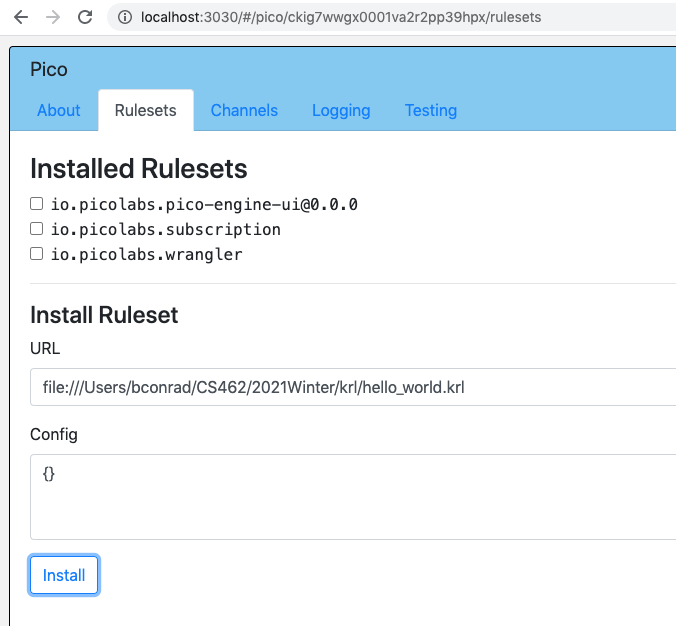
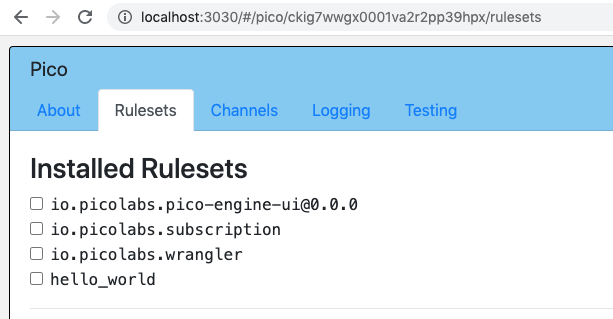 `io.picolabs.hello_world` now appears in the list of installed rulesets. More on URLs and hosting rulesets: [Tips](/developing/tips).
## Try it
Open the pico's **Testing** tab. Pick the pico's channel in the **ECI** menu and `io.picolabs.hello_world` in the **Ruleset** menu. The tab lists what the ruleset offers: the `echo:hello` event with an optional `name` attribute, and the `hello` query. The `Ada` preset comes from the rule's `@example` comment.
- Send `echo:hello` with `name` set to `Ada`. The result includes a `say` directive: `{"something": "Hello ADA"}`.
- Run the `hello` query with `name` set to `Ada`. The result is `"Hello Ada"`.
- Send `echo:hello` with no `name`. You get `Hello WORLD`.
The same operations work from outside the developer UI, over HTTP, once the pico has a channel for the purpose. The next lesson creates one. The [Echo demo](/cookbook/echo/) is a close relative of this ruleset, with a page that sends the events for you. Run it from the **Try It!** tab, or follow its [instructions](/cookbook/echo/instructions).
## Change it and flush
The engine compiles a ruleset once and remembers it. When you change the source, tell the engine to look again:
1. Edit `hello_world.krl`. Change `"Hello "` in the rule to `"Howdy "`.
2. On the child's **Rulesets** tab, find `io.picolabs.hello_world` in the list and click **flush**. The engine fetches the URL again and recompiles.
3. In **Testing**, send `echo:hello` again. The greeting now says `Howdy`.
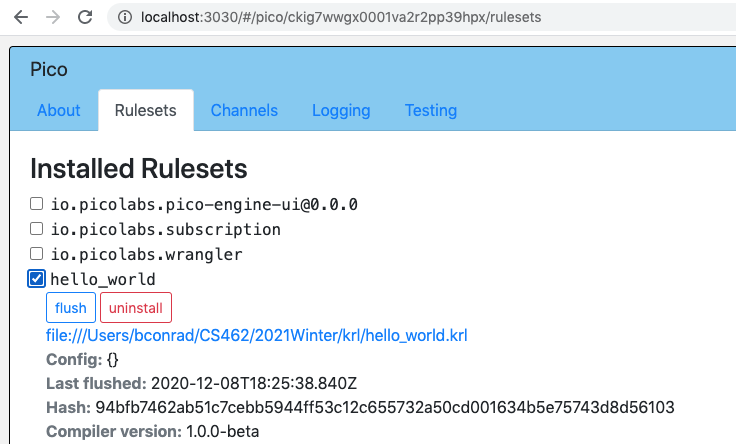 A flush updates every pico that has the ruleset installed. It rereads the ruleset's URL. If you installed with **Browse…**, that URL is the engine's staged copy, not your file, so flush won't see your edit: browse for the changed file again, or install from a `file://` URL you typed, which flush rereads. [Tips](/developing/tips) covers flushing, and how to check KRL from the command line with `krl-check` before you install it.
## Troubleshooting
- **The Install button does nothing, or shows an error.** The URL didn't load, or the KRL didn't compile. Check the path, and for GitHub use the raw URL.
- **The ruleset never seems to run.** Open the **Logging** tab and look for the event. If it's there and no rule was selected, check the domain and type. A stray character after the `meta { }` block can stop a ruleset from registering at all, so check it really shows in the installed list.
- **`Not allowed by channel policy`.** The channel you used doesn't permit that event or query. The Testing tab's ECI menu lists the pico's channels. Try another, or see [Managing channels](/wrangler/channels).
## Next steps
- [Events and Queries](/lessons/events-and-queries): give the pico a channel of its own, and call it with `curl`.
- [Pico State](/lessons/pico-state): make the pico remember things.
- [Persistent Compute Objects](/pico-overview): what picos are, and why.
- [Cookbook](/cookbook/): worked examples. The **Try It!** tab runs them for you.
---
Ported from the [Pico Labs wiki](https://picolabs.atlassian.net/wiki/spaces/docs/pages/19791878/Pico+Engine+Quickstart), and updated for this engine.
---
# Lesson: Events and Queries
# Events and Queries
Picos do two things for the world outside them: they react to **events**, and they answer **queries**. This lesson makes both real. You'll give a pico its own channel, send it events and queries with a browser, `curl`, and the Testing tab, and watch what happens in the Logging tab.
## Objectives
When you finish you will be able to:
- explain the difference between an event and a query, and why picos separate them
- create a channel with tags and a policy
- send an event and a query to a pico over HTTP
- add `klog` to a rule and read the output in the Logging tab
- tell why a request was refused
**Before you begin**, finish the [Quickstart](/lessons/quickstart). You need a running engine and a pico with `io.picolabs.hello_world` installed.
## Motivation: events change things, queries read them
Most web APIs are request-response: you call a function and it returns a value, and who knows what else happened. Picos split that in two:
| | Event | Query |
|--|-------|-------|
| Means | "Something happened. React if you care." | "Tell me something." |
| Changes the pico's state? | May | Never |
| Answered by | Zero, one, or many **rules**, each selecting events by domain and type | One **function** the ruleset lists in `shares` |
| Returns | **Directives** from the rules that ran | The function's return value |
The sender of an event doesn't name a function to run. It reports what happened, and the rules installed on the pico decide whether to react, and how. That lets you add behavior to a pico by installing another ruleset, without changing the sender. A query is a plain read: because it can't change state, it's safe to repeat and to cache. The engine enforces the split: functions can't write persistent state, only rules can.
Both kinds of traffic arrive on a **channel**. For the full model, see the [Event Exchange Protocol](/exp/) and the overview in [Persistent Compute Objects](/pico-overview).
## Channels
A channel is a communication path to one pico, identified by its **ECI** (event channel identifier), a unique string. Anyone who has the ECI and can reach the engine can use the channel, so an ECI works like a key. Each channel has:
- **tags**, a short list of words so you can find the channel later without remembering the ECI
- an **event policy** and a **query policy**, which list the events and queries the channel will accept. Anything not allowed is refused. This is how a pico limits what each party can do.
Your pico already has channels the engine made for it. The developer UI uses one, and the Testing tab sends on it. You'll make a new one for outside callers. The [Managing channels](/wrangler/channels) page has the whole story.
### Create a channel for hello_world
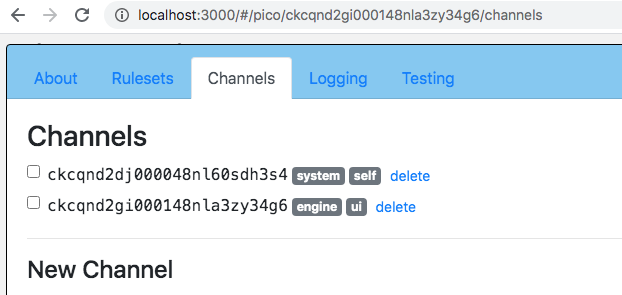 1. Open your pico and click its **Channels** tab.
2. In the **New Channel** form, leave **Channel id (ECI)** blank to let the engine pick one. (You can choose your own, at least 12 characters of letters, digits, hyphen or underscore, but it can't be changed later.)
3. Set **Tags** to `hello, lesson`.
4. Set **Event Policy** to:
```json
{
"allow": [{"domain": "echo", "name": "hello"}],
"deny": []
}
```
5. Set **Query Policy** to:
```json
{
"allow": [{"rid": "io.picolabs.hello_world", "name": "hello"}],
"deny": []
}
```
6. Click **Add**. The new channel appears in the list, with its ECI. Copy it.
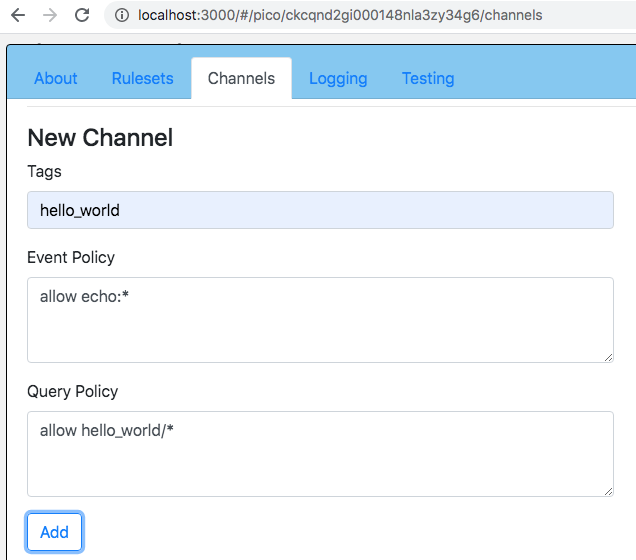
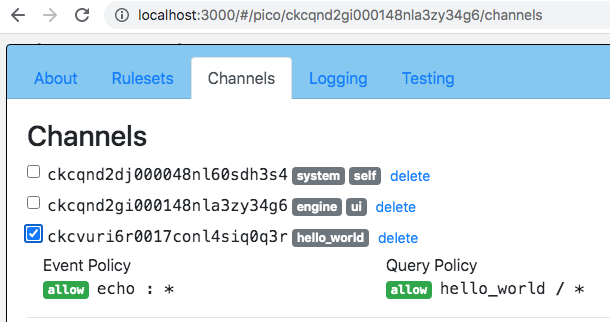 The policy says this channel accepts one event, `echo:hello`, and one query, the `hello` function of `io.picolabs.hello_world`. Use `"*"` to match anything, for instance `{"domain": "echo", "name": "*"}` allows every `echo` event. A rule in `deny` always wins over `allow`.
From here on, `
 GET works too, so you can paste the URL in a browser, but **POST is preferred** for events because an event can change state.
Now try the things that should fail:
- Send `echo:goodbye`. The channel's policy doesn't allow it, so you get `{"error":"Error: Not allowed by channel policy"}`. The rule never saw the event.
- Send `echo:hello` with no `name`. The rule runs with its default, and says `Hello WORLD`.
## Send a query
The Query API URL is:
```
/sky/query/
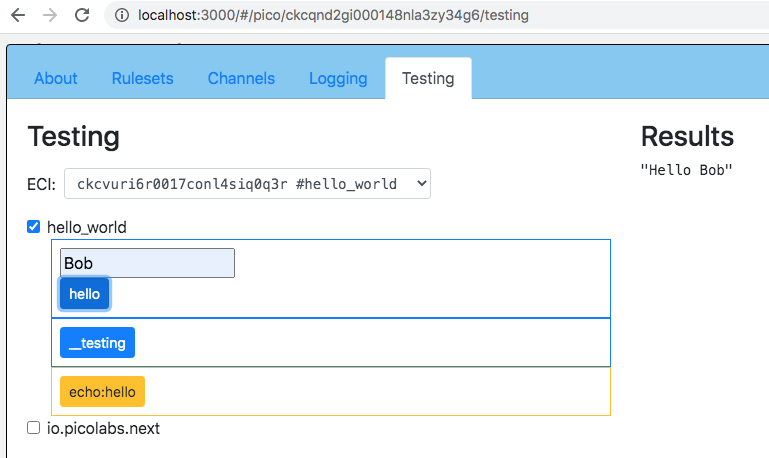 > **Note:** Older docs and rulesets show `/sky/cloud/…`. It's a legacy alias for the same handler. Use `/sky/query/…`.
## Use the Testing tab
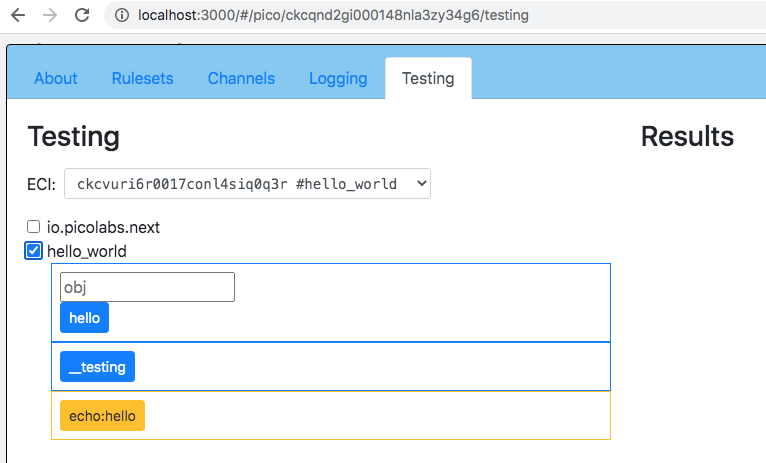 You can send the same events and queries without typing URLs. Open the pico's **Testing** tab:
1. Pick the **ECI** to send on. The menu lists the pico's channels with their tags, and the tab remembers your choice. It starts on the pico's own `self` channel (its ECI is the pico's id), which allows everything. Pick the channel you just made to see its policy at work.
2. Pick the **Ruleset**, `io.picolabs.hello_world`.
3. The tab builds a form for each event the ruleset's rules select and each query it shares. The forms come from the ruleset's **schema**, which the compiler generates from the code and from the `/** … */` doc comments on rules and functions: the `@attr` and `@param` tags name the inputs, and `@example` supplies presets. Fill in `name`, then send.
The result shows below the forms, and the tab keeps a history of what you sent so you can send it again.
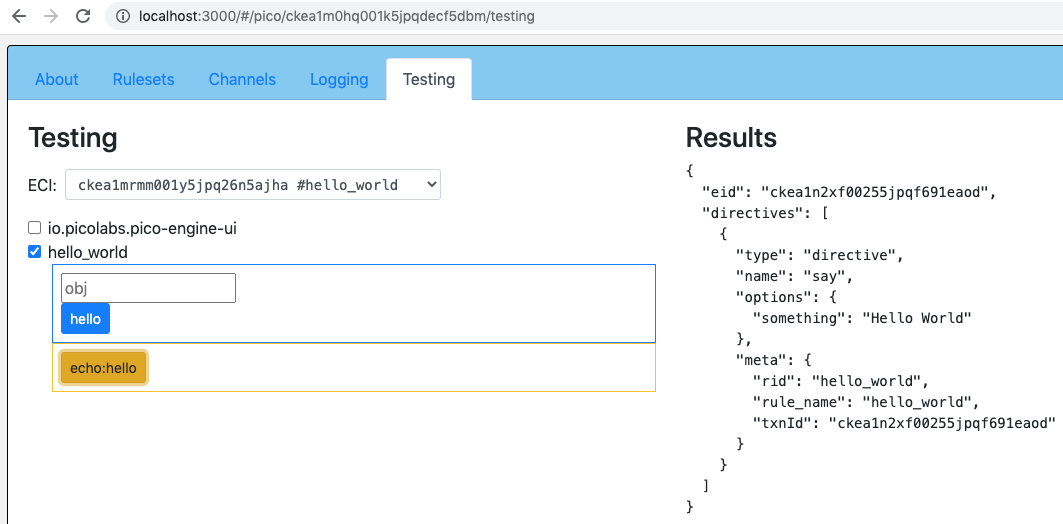
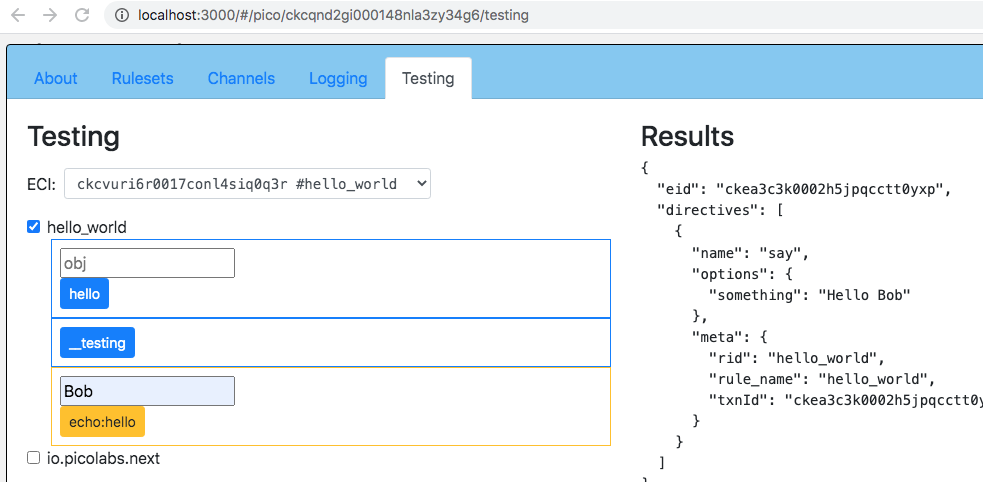 > **Note:** Older rulesets list their events and queries in a global `__testing` map. That's legacy: the engine still understands it for older rulesets, but new rulesets should use doc comments. Rules and functions with no doc comment still appear, with attributes the engine can find in the code, but you won't get descriptions or examples.
## Debug with klog and the Logging tab
`klog` is KRL's print statement. It's a function that returns the value it was applied to, so you can slip it into the middle of an expression:
```krl
my_name = event:attr("name")
.defaultsTo("world")
.lc()
.klog("Here's the name I saw: ")
.uc()
```
Change the rule in your `hello_world.krl` to look like this, and flush the ruleset (see the Quickstart). The full rule:
```krl
rule hello_world {
select when echo hello
pre {
my_name = event:attr("name")
.defaultsTo("world")
.lc()
.klog("Here's the name I saw: ")
.uc()
}
send_directive("say", {"something": "Hello " + my_name})
}
```
Send `echo:hello` with `name` set to `Ada`. Then open the **Logging** tab. It lists what the pico did, newest first, one transaction for each event or query that arrived. Select the `echo:hello` transaction. The panel shows:
- the channel it arrived on, and the policy decision
- the attributes the event carried
- which rules were selected and which fired
- your `klog` line, `Here's the name I saw: ada`
- the directives that went back
- any events the rules raised
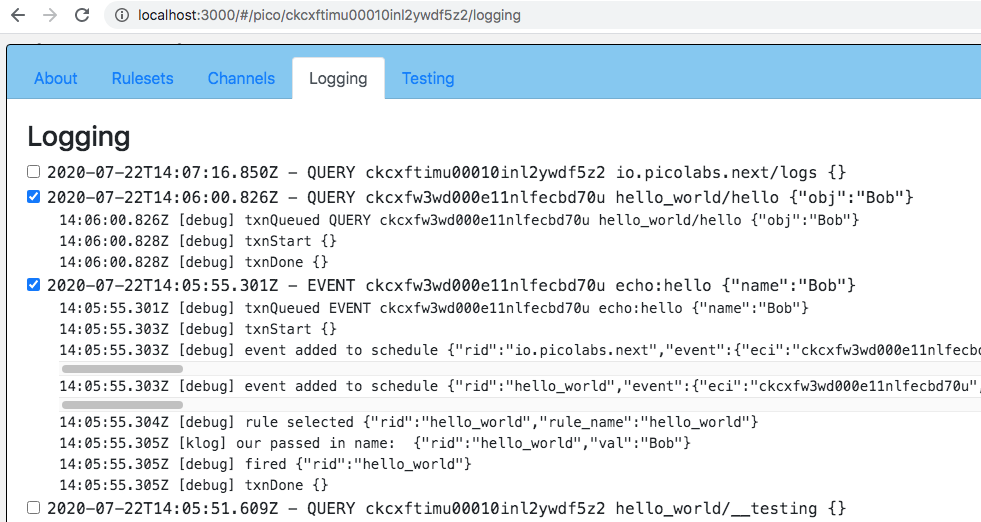 The **Filters** button narrows the list: by ruleset, by `domain:type`, errors only, or transactions that logged `klog`. The tab follows new transactions as they arrive. You'll use it constantly: if a rule didn't run, this is where you find out why. Rules that didn't select an event are shown with their `select` text, so you can see what they were waiting for.
`klog` also works inside a rule's postlude, and KRL has explicit [log statements](/krl/rulesets/rules/postlude/explicit-logging) with levels.
## Exercises
### Beginner
1. Create a new channel (any tags you like, same event and query policy as before). Send an event on it. Do you get the same result? Why or why not?
2. Delete that channel. Resend the event using the deleted ECI. What happens? Why?
3. Send the event `ecco/hello` (note the spelling) to your pico. What do you observe? Why?
4. Add a rule that selects `echo/monkey` and answers `"Hello Monkey"` unless an attribute `name` is given, in which case it answers `"Hello "` plus that name. Hint: `.defaultsTo()`. Use `.klog()` on the value you use.
5. Repeat the previous exercise with the ternary conditional (`=>` / `|`) instead of `.defaultsTo()`.
6. Create a second channel whose query policy allows only `hello` and whose event policy allows nothing (`{"allow": [], "deny": []}`). Show that the query works and the event is refused. Where in the Logging tab do you see the refusal?
### Intermediate
These presume [Pico State](/lessons/pico-state) and [Modules and External APIs](/lessons/modules-and-apis). Come back after those lessons.
1. Write and install a ruleset `track_trips` with a rule `process_trips` that selects `car:new_trip` with attribute `mileage` and answers a directive `trip` with option `trip_length` set to that mileage.
2. Create a pico that represents a car and install `track_trips` on it. Test with and without `mileage`.
3. Tighten the select so the rule only runs when `mileage` is a positive number (hint: the `as` operator).
4. Have `process_trips` raise `explicit:trip_processed` with the same attributes (`event:attrs`).
5. Add `find_long_trips` on `explicit:trip_processed`: if `mileage` is greater than a global `long_trip`, raise `explicit:found_long_trip`.
6. Add `trip_fuel_usage` on `explicit:trip_processed` that uses a vehicle-info function from your Modules lesson and the mileage to estimate gallons used, and returns that in a directive.
7. Use the Logging tab to convince yourself the cascade runs.
## What you learned
- Events report that something happened. Rules select them by domain and type, and answer with directives.
- Queries read state with no side effects, by calling a function listed in `shares`.
- Channels carry both, and a channel's policy decides what it accepts. Tags help you find channels.
- URLs: `/sky/event/
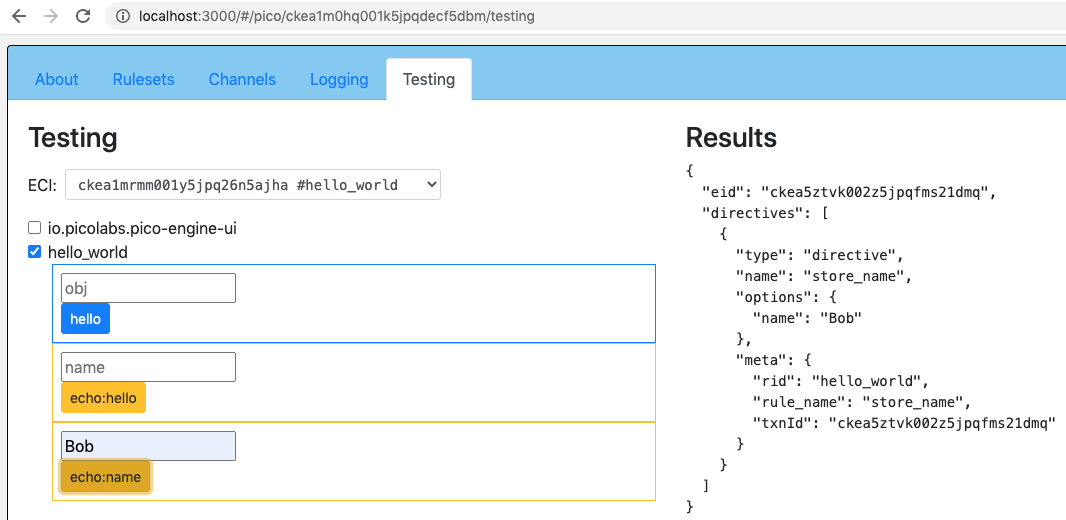
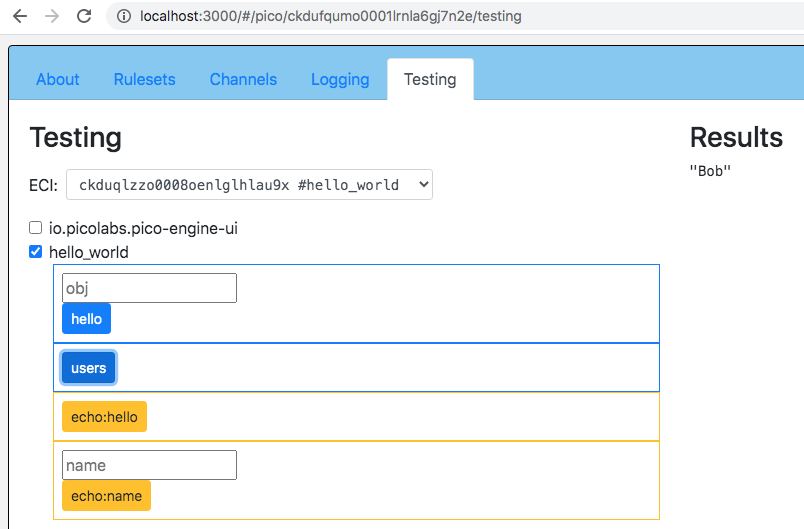 The pieces:
- `select when hello name name re#(.*)# setting(new_name)` selects `hello:name` events whose `name` attribute matches the regular expression, and `setting` gives the captured text a name. The domain is `hello`, the type is `name`, and `name` is the attribute.
- The rule has one action, `send_directive`. Anything after the action runs in the **postlude**.
- `always { … }` runs whether or not an action ran. `ent:name := new_name` is the only place the variable changes.
Notice that the function `name` and the event attribute `name` share a word and nothing else. Names in KRL live in different places: [What's in a name?](/developing/names-and-scope) explains the one case where that bites.
You can check any entity variable without writing a query. On the **Testing** tab, pick the ruleset, find the **KRL console**, enter `ent:name`, and click **Evaluate**. It evaluates the expression inside that ruleset on that pico.
## defaultsTo and ||
Two ways to say "this, or if it's missing, that":
```krl
ent:name.defaultsTo("Monkey")
ent:name || "Monkey"
```
They differ in what counts as missing:
| Expression | `ent:name` is `null` | `ent:name` is `""` | `ent:name` is `0` or `false` |
|---|---|---|---|
| `ent:name.defaultsTo("Monkey")` | `"Monkey"` | `""` | `0` / `false` |
| `ent:name \|\| "Monkey"` | `"Monkey"` | `"Monkey"` | `"Monkey"` |
`defaultsTo` replaces only `null`. `||` replaces anything false: `null`, the empty string, `0`, and `false`.
Try it. Send `hello:name` with `name` set to nothing at all (`...?name=`). The regular expression `(.*)` accepts an empty string, so the pico stores `""`. Query `name`:
- with `defaultsTo`, the answer is `""`. The stored empty string is a value.
- change the function to `ent:name || "Monkey"` and flush: the answer is `"Monkey"`.
Which is right depends on what the value means. For text where an empty string means "not set", use `||`. For counts, flags, and anywhere `0` or `false` is a real value, use `defaultsTo`. `ent:count || 5` can never give `0`. This is also the idiom for event attributes: `event:attr("name") || ent:name` falls back for a missing or empty attribute. See [event attributes](/krl/rulesets/rules/prelude/event-attributes).
## Many names: a map
One name isn't enough. To remember a name for each person, give each one an id and keep a map: `ent:users` maps an id to what we know about that person.
```json
{
"1": {"name": {"first": "Ada", "last": "Lovelace"}, "visits": 2},
"2": {"name": {"first": "Grace", "last": "Hopper"}}
}
```
To write inside the map, use a **path assignment**. The path is a list of keys, in `{[ … ]}` after the variable:
```krl
ent:users{[id, "name", "first"]} := first
```
That sets `first` under `id`, then `"name"`, then `"first"`. If `ent:users` or the maps along the path don't exist, they're created. You can read with the same path: `ent:users{[id, "name", "first"]}`. For one level, `ent:users{id}` works. For deeper keys, put them all in one list, and don't chain (`ent:users{id}{"name"}` isn't valid on the left of an assignment).
> **Older style:** you'll see `ent:users := ent:users.put([id, "name", "first"], first)` in older rulesets. It still works, but it reads the whole map, copies it, and writes it back. Prefer the path assignment.
## The full ruleset
Here's the whole ruleset, with names, visit counts, and a way to start over. Replace the contents of `hello_world_state.krl` with this one, and flush the ruleset:
```krl
ruleset io.picolabs.hello_world {
meta {
name "Hello World"
author "Phil Windley"
shares hello, name, users, visits
}
global {
hello = function(obj) {
"Hello " + obj
}
users = function() {
ent:users.defaultsTo({})
}
name = function(id) {
first = ent:users{[id, "name", "first"]}.defaultsTo("HAL")
last = ent:users{[id, "name", "last"]}.defaultsTo("9000")
first + " " + last
}
visits = function(id) {
ent:users{[id, "visits"]}.defaultsTo(0)
}
}
rule store_name {
select when hello name
pre {
id = event:attr("id")
first = event:attr("first")
last = event:attr("last")
}
if id && first && last then send_directive("store_name", {"id": id, "name": first + " " + last})
fired {
ent:users{[id, "name", "first"]} := first
ent:users{[id, "name", "last"]} := last
}
else {
error warn <
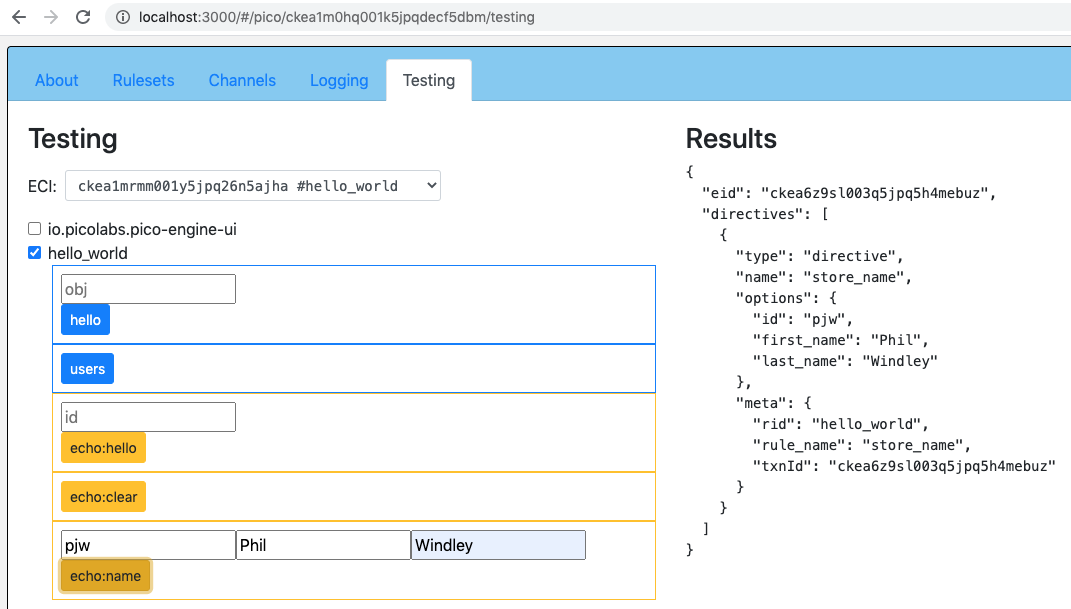 2. Send `hello:name` with `id` `2` and only `first`: the warning shows in the Logging tab and nothing is stored. The condition was false, so `else` ran.
3. Query `name` with `id` `1`: `"Ada Lovelace"`. With `id` `9`: `"HAL 9000"`.
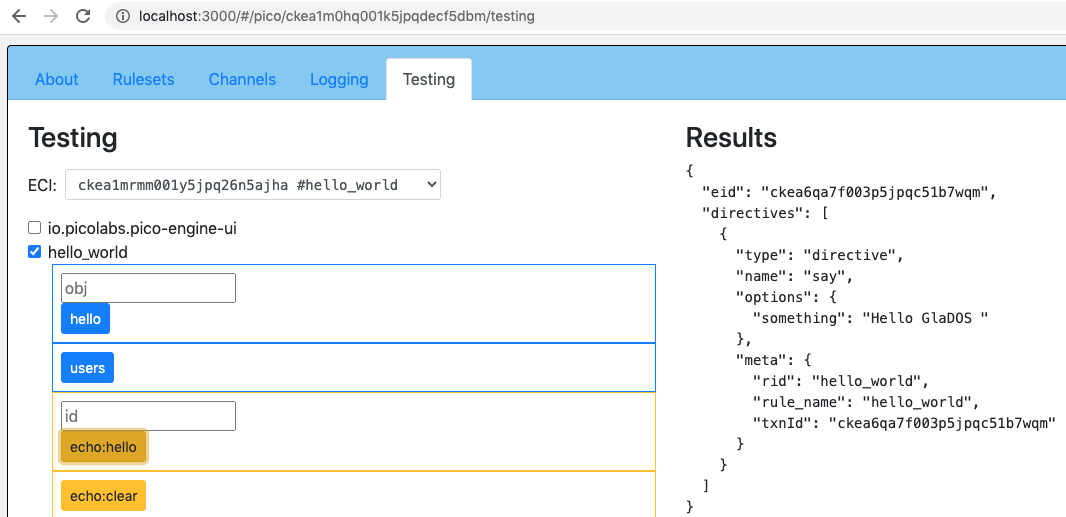 4. Send `hello:visit` with `id` `1` twice. The directive says `Hello Ada Lovelace`. Query `visits` with `id` `1`: `2`.
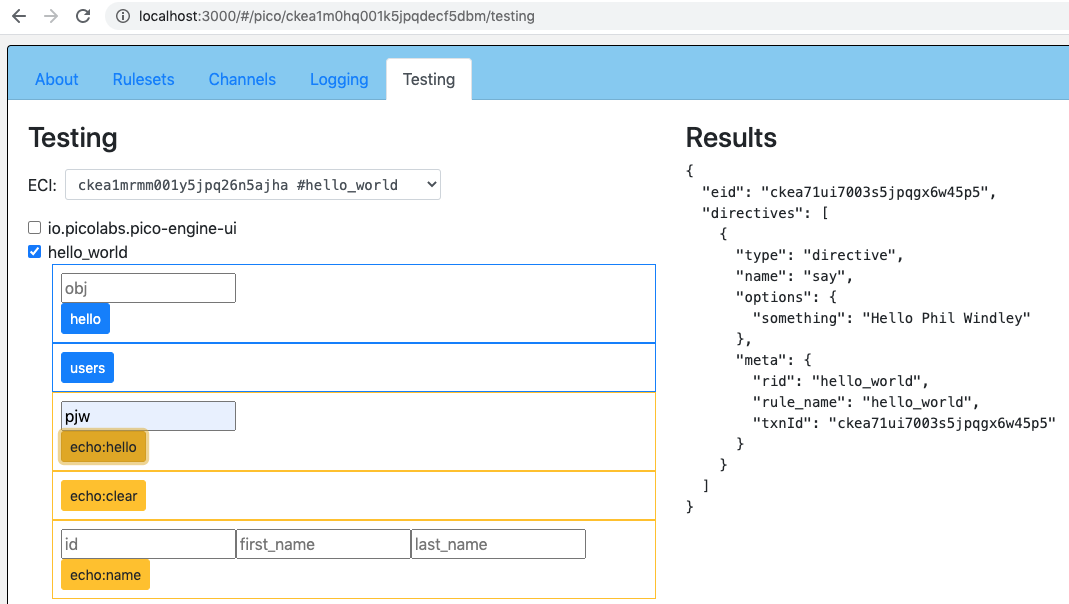 5. Query `users`: `{"1": {"name": {"first": "Ada", "last": "Lovelace"}, "visits": 2}}`.
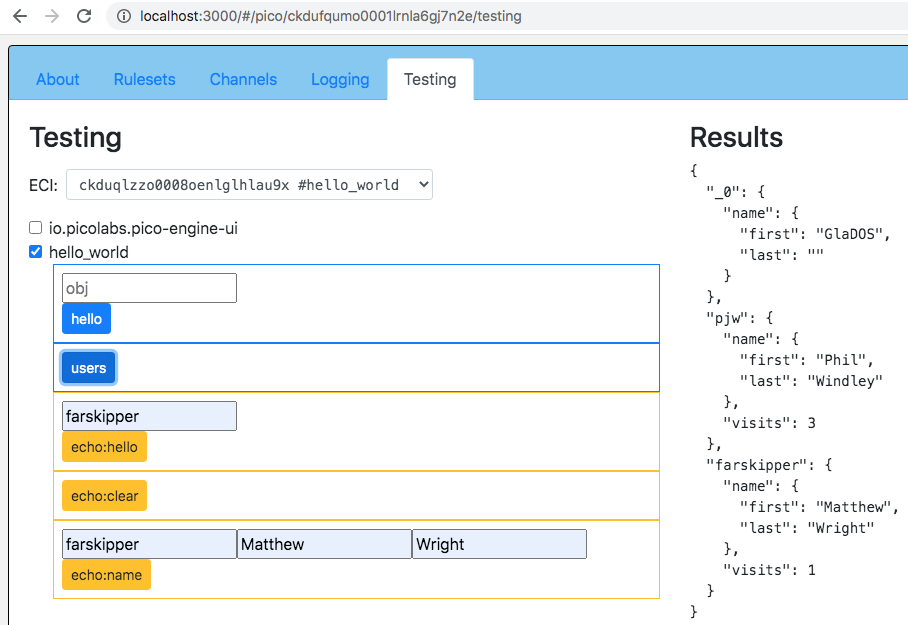 6. Send `hello:clear_names`. Query `users`: `{}`. The visit count went too, because it lives in the same map.
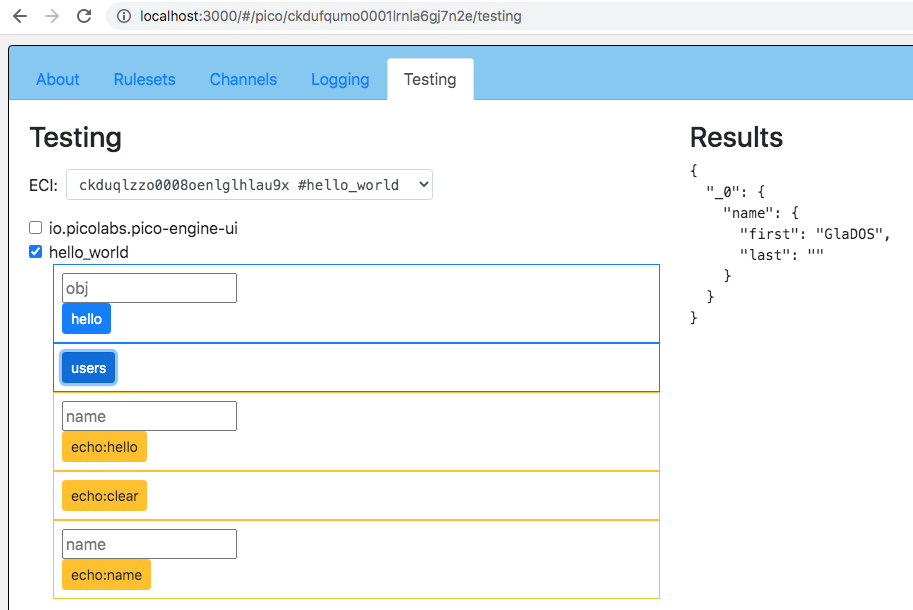 Over HTTP the same steps look like this:
```sh
curl -X POST "http://localhost:3000/sky/event/
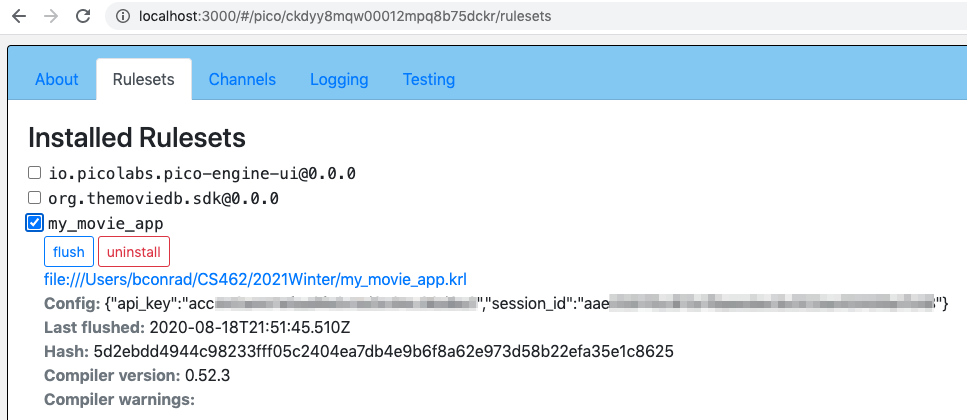 Install configuration keeps the secret out of the source, but not out of sight. Anyone who can use the developer UI can see the config on the **Rulesets** tab, the install event's attributes show in the **Logging** tab and the engine's log file, and `wrangler:rulesetConfig(rid)` returns it to anyone whose channel permits the query. The [Configuration and secrets](/cookbook/secrets/) demo walks through where a secret can be seen, how to get one in by event instead, and how to keep a ruleset idle until it has one.
> **Older rulesets:** you may see a `keys` ruleset that holds `key twilio { … }` in its source, and `use module io.picolabs.lesson_keys` with `keys:twilio("account_sid")`. That puts the secret in a file. Prefer install configuration.
## Try it
On the `movies` pico, open the **Testing** tab and choose `com.example.my_movie_app`.
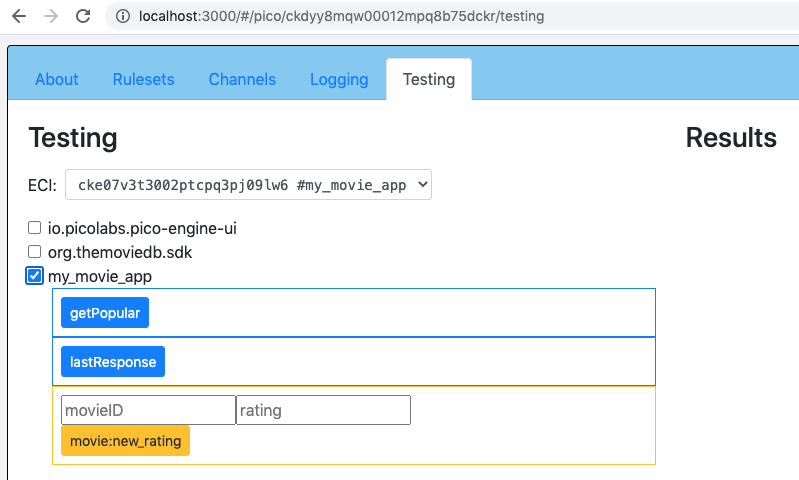 1. Run the `popular` query. With a valid key you get a list of titles. With a missing or wrong key, TMDB answers `401` and the module's function returns `[]`.
2. Send `movie:rating_given` with `movie_id` `550`, `rating` `8`, and a `guest_session_id` (you can make a guest session with TMDB's API, see its [documentation](https://developer.themoviedb.org/); any string works for seeing the flow).
3. Run the `ratings` query. It shows `{"550": {"rating": 8, "status": …}}` with TMDB's status code: `201` on success, `401` for a bad key.
4. Open the **Logging** tab. Select the `rate_movie` transaction and see the `ent:` writes and the event's attributes. To trace the HTTP status yourself, add `.klog("TMDB status")` to `response{"status_code"}` in the module's `rateMovie` and flush the module.
To change the key, uninstall `com.example.my_movie_app` and install it again with the new config.
## Exercise: a Twilio module
Twilio sends SMS messages from a web API. Build a module for it, in two steps. Twilio's endpoint is `POST https://api.twilio.com/2010-04-01/Accounts/

 The same events work without the page. This is why a view is a front end and not a different kind of pico:
```sh
curl -X POST "http://localhost:3000/sky/event/
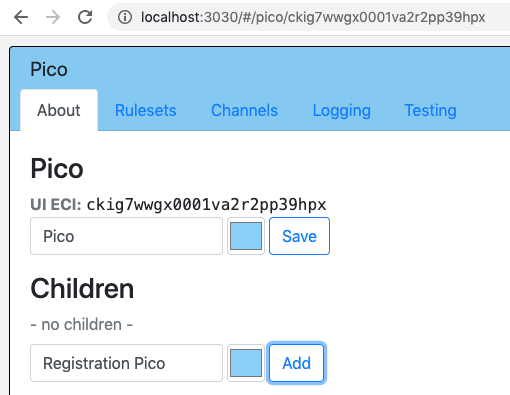 Open your root pico and click its **About** tab. Under **Children**, type a name and choose a color, then click the add button. Call the new pico "Registration". The About tab lists the new child with its ECI. Click the link to visit it. Notice that it has a **Parent** link and no children yet.
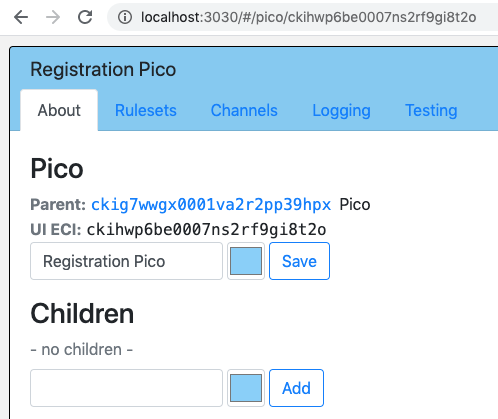 Create a second child of the root, "Section Collection", with a different color.
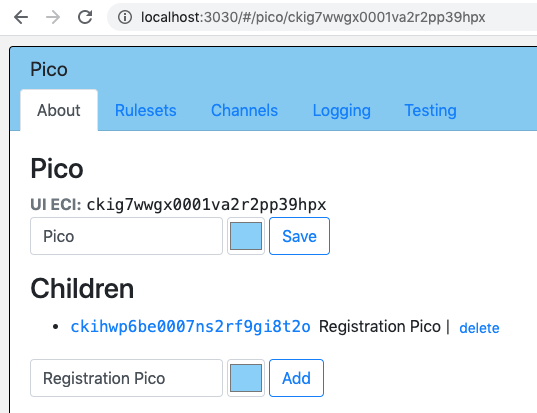 Click **Close** to see the layout: two picos connected to the root by their parent-child links. Drag them around. The layout is saved.
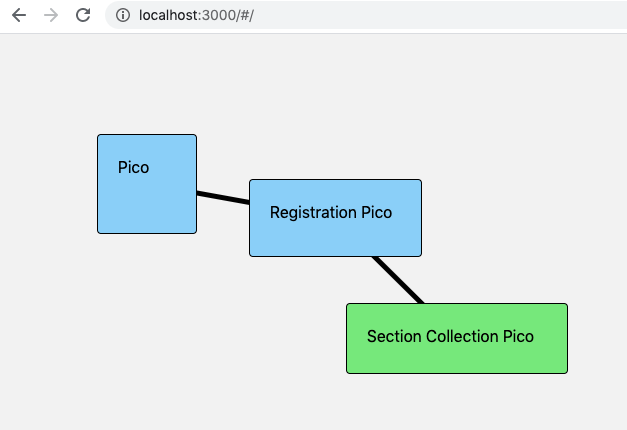
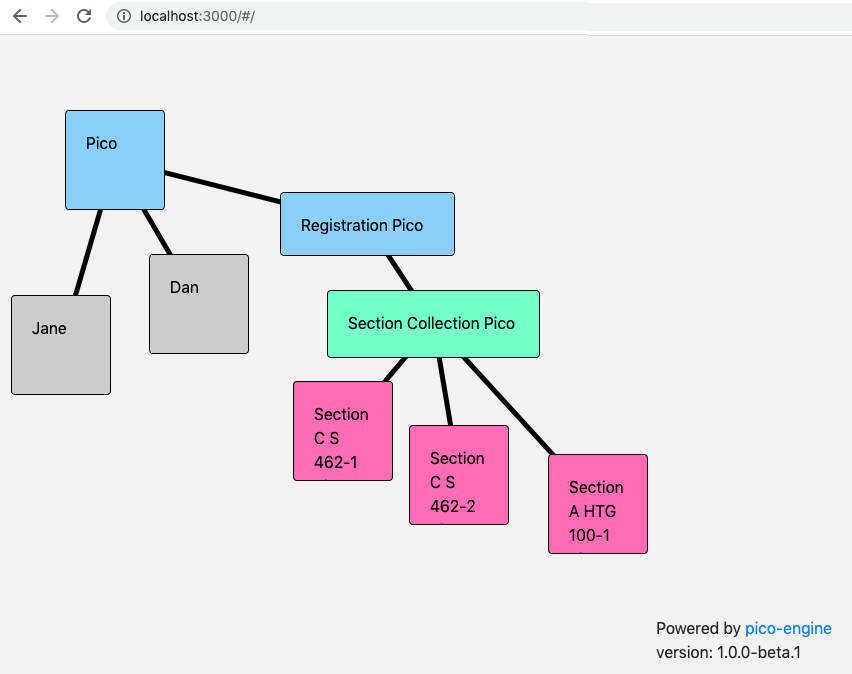 ## Delete children in the UI
Beside each child on the About tab is a **delete** link. Create a throwaway child inside one of the picos and delete it.
Deleting is permanent. Its channels, rulesets, state, and relationships are gone, and so are any picos below it. A parent is the only pico that can delete a child. The root pico can't be deleted.
## Create children from a rule
Picos create picos. The running example needs two more kinds, one pico for each section and one for each student, and they'll be made on demand. BYU teaches thousands of sections a semester; nobody is going to click add that many times.
We'll write a ruleset for the Section Collection pico. It's a directory: other picos, or the outside world (a class management system, say), tell it that a section needs a pico. It creates the pico and records it. Here's the plan:
```
root pico
├── Registration pico
└── Section Collection pico
├── Section CS462-1 pico
└── Section CS462-2 pico
```
Create `app_section_collection.krl`. Here is the part that asks for a child:
```krl
rule section_needed {
select when section needed
pre {
section_id = event:attr("section_id")
exists = ent:sections.defaultsTo({}) >< section_id
}
if not exists then noop()
fired {
ent:sections{section_id} := {}
raise wrangler event "new_child_request" attributes {
"name": nameFromID(section_id),
"backgroundColor": "#ff69b4",
"section_id": section_id
}
}
}
```
A tour of the rule:
- It's selected by events in the `section` domain of type `needed`.
- The prelude names two values. `section_id` is the event attribute of that name. `exists` is true if `ent:sections` already has that id as a key. `><` is the membership operator, and for a map it tests keys.
- The condition is `not exists`. `noop()` is an action that does nothing, so the rule has a condition to fire on and a postlude to run.
- The postlude runs when the rule fired, that is, when the section is new. It records the section in the map, and raises `wrangler:new_child_request`.
`raise` puts an event on this pico's own queue, and the Wrangler ruleset, which is installed on every pico, handles it. That's the same event the developer UI sends when you click add. Wrangler creates the child, installs the developer UI ruleset and itself in it, and tells your pico when it's done. The `name` and `backgroundColor` are for the UI. Any other attributes, such as `section_id`, are passed along to the new pico and come back to the parent with Wrangler's events, which is how a parent tells its children apart. The function `nameFromID` is in the `global` block:
```krl
nameFromID = function(section_id) {
"Section " + section_id + " Pico"
}
```
Share it, and `sections` (below), in the `meta` block with `shares`. The full ruleset is at the end of this lesson. Install it in the Section Collection pico on the **Rulesets** tab.
### Make a section pico
On the Section Collection pico's **Testing** tab, `section:needed` appears as a form. (Rules with a documentation comment, `@attr`, and `@example` show up there.) Enter a section id such as `CS462-1` and click the button. Close the pico and its tabs, and a new pink child is there.
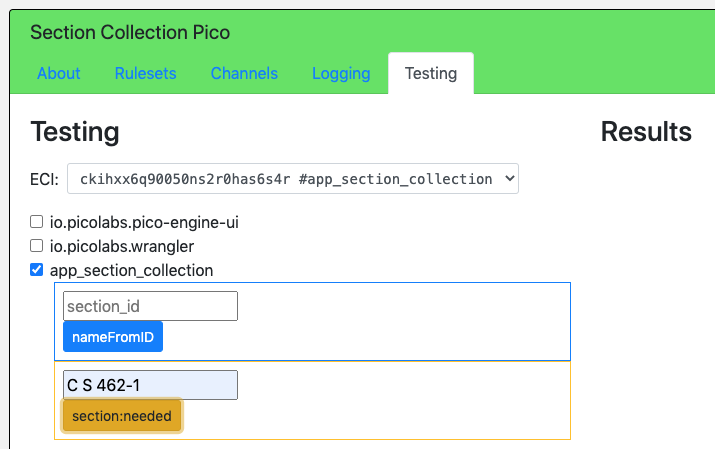
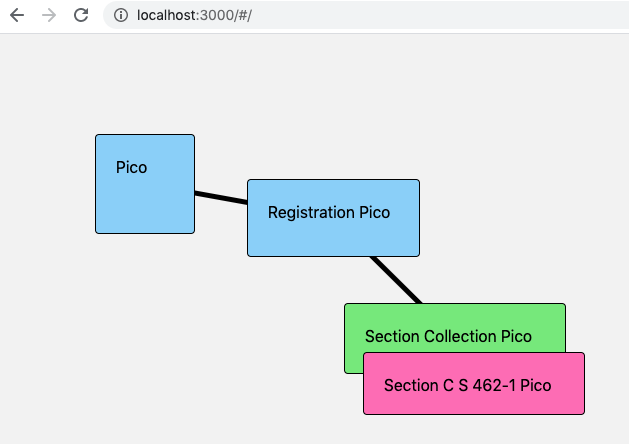 ### Why two rules?
There are two cases when a section is needed: its pico already exists, or it has to be created. We write a rule for each, and both select `section:needed`:
```krl
rule section_already_exists {
select when section needed
pre {
section_id = event:attr("section_id")
exists = ent:sections.defaultsTo({}) >< section_id
}
if exists then
send_directive("section_ready", {"section_id": section_id})
}
```
Every rule selected by an event runs, in the order they appear in the ruleset. The `section_needed` rule above does its work only when the section is new, and this one only when it isn't, so exactly one of them acts. Put `section_already_exists` first. If `section_needed` ran first, it would record the new section and `section_already_exists` would then find it and say it was ready.
The directive tells the sender what happened: `section_ready` when there was nothing to do.
### Start from an empty map
`ent:sections` is the map of sections, and it's the directory. To start over, add a rule:
```krl
rule initialize_sections {
select when section needs_initialization
always {
ent:sections := {}
}
}
```
and share a function that shows it:
```krl
sections = function() {
ent:sections
}
```
## What about race conditions?
You may have noticed this pattern:
```
exists = ent:sections >< section_id // is this id in the map?
if not exists // if not,
ent:sections{section_id} := {} // add it
```
It looks like a critical section that needs a lock. What if two events for the same section arrive at the same moment?
It's taken care of. When an event selects a rule, that rule runs to completion before the pico looks at any other event. The check and the update happen as one atomic step, and only then is the next event taken from the queue. A pico encapsulates its state and also synchronizes access to it. We say picos are **single-threaded**, even though the engine is concurrent: many picos can be handling events at the same time, but no pico handles two at once. Picos need no locks.
One more detail, because the atomic step is one *event*, not a whole *task*. Creating a child takes several events. If the rule only recorded the section when the child appeared, a second `section:needed` for the same id could arrive before that, find nothing, and request a second child. That's why `section_needed` writes `ent:sections{section_id} := {}` at once, as a placeholder, in the same step as the check. The ECI is filled in later.
## Record where each child is
To talk to a section pico, the collection needs its ECI. When Wrangler has created the child, it raises `wrangler:new_child_created` in the parent, with the child's family channel `eci` and its `uiEci`, plus the attributes you passed in. Store the ECI under the section id:
```krl
rule store_new_section {
select when wrangler new_child_created where event:attr("section_id")
pre {
section_id = event:attr("section_id")
}
always {
ent:sections{[section_id, "eci"]} := event:attr("eci")
}
}
```
The `where` clause makes the rule apply only to children this ruleset asked for. The path assignment `ent:sections{[section_id, "eci"]} := …` sets one part of one entry. `sections()` now looks like this:
```json
{
"CS462-1": { "eci": "cm0a8w4ks0004m8ys0p1e5k2r" },
"CS462-2": { "eci": "cm0a8w9sd0008m8ysg2l73c1d" }
}
```
(ECIs vary. Yours will look different.) To clear out earlier experiments, delete the old children on the About tab and raise `section:needs_initialization`.
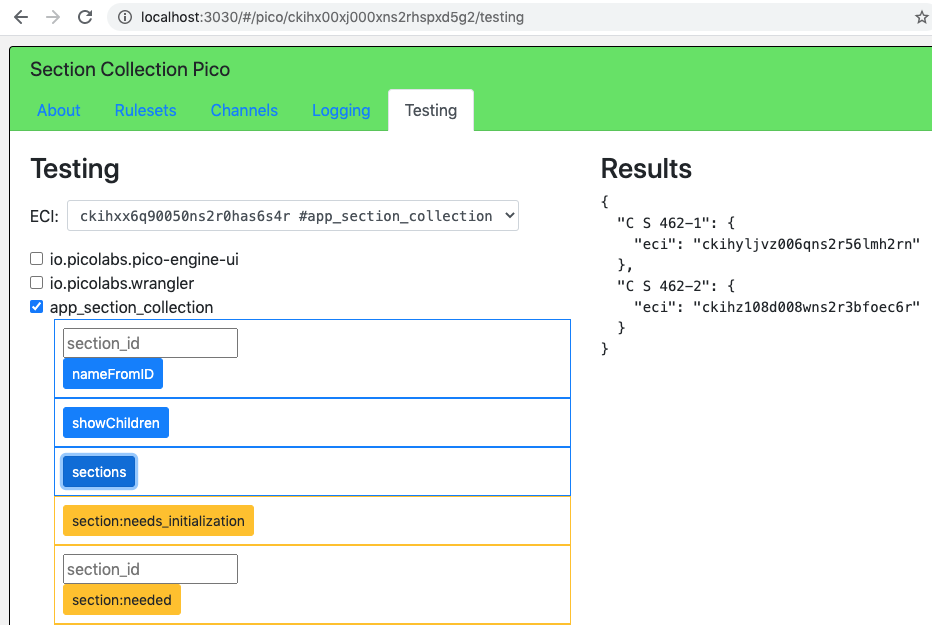 > **Note:** Don't use the old chained form `ent:sections{section_id}{"eci"} := …`. It doesn't parse. Use a composite path, `ent:sections{[section_id, "eci"]}`.
## List the children
Add `use module io.picolabs.wrangler alias wrangler` to the `meta` block. Then `wrangler:children()` returns an array with one map per child:
```json
[
{ "eci": "cm0a8w4ks0004m8ys0p1e5k2r", "name": "Section CS462-1 Pico", "parent_eci": "..." }
]
```
Wrangler functions are available inside your ruleset after `use module`, but to call one from outside the pico you must wrap it in a shared function:
```krl
showChildren = function() {
wrangler:children()
}
```
Share it, and the Testing tab shows `showChildren` and `sections` as queries.
## Query a child
You'll often need to ask a child something. In the [Events and Queries](/lessons/events-and-queries) lesson you queried a pico over HTTP. Don't do that from KRL: use `wrangler:picoQuery(eci, rid, name, args)`. On the same engine it calls the other pico directly, and it can use a family channel, which HTTP can't. It returns the function's value, or a map with `error` if the call failed.
```krl
sectionIdOf = function(section_id) {
eci = ent:sections{[section_id, "eci"]}
eci => wrangler:picoQuery(eci, "app_section", "sectionId", {}) | null
}
```
This asks a section pico which section it thinks it is, by calling the shared function `sectionId` of the ruleset `app_section`, which we'll write next. In a rule you would check the answer with `if answer{"error"}.isnull() then …`. A pico can't query itself, and a query waits for its answer, so avoid two picos that query each other at the same time. See [Querying another pico](/developing/querying-another-pico).
## Install a ruleset in a child
Why give a section pico any rulesets? A ruleset is behavior. A pico can be a digital twin of something real, here a section of a course, and its ruleset is what it does with events about that section.
Make a ruleset, `app_section.krl`, for the section picos. It can start nearly empty:
```krl
ruleset app_section {
meta {
name "Section"
shares sectionId
}
global {
sectionId = function() {
ent:section_id
}
}
}
```
**By hand.** Visit a section pico's **Rulesets** tab and install it.
**From a rule.** The parent asks the child's Wrangler to install it, by sending the child `wrangler:install_ruleset_request`. Wait until the child has finished setting up: when it has, Wrangler sends the parent `wrangler:child_initialized`, with the child's `eci` and the attributes of your request.
```krl
rule install_section_ruleset {
select when wrangler child_initialized where event:attr("section_id")
event:send({
"eci": event:attr("eci"),
"domain": "wrangler",
"type": "install_ruleset_request",
"attrs": {
"absoluteURL": meta:rulesetURI,
"rid": "app_section",
"section_id": event:attr("section_id")
}
})
}
```
`event:send` goes in the action block, never in a postlude. It sends the event to the child pico's channel. There are two ways to say what to install. With `url`, Wrangler installs the KRL at that URL. With `absoluteURL` and `rid`, it installs `
 Wrangler fetches and compiles the ruleset, installs it, and then raises `wrangler:ruleset_installed` in the **child**, with `rids` (an array holding the installed rid) and the other attributes of the request. So `section_id` is passed through, without Wrangler looking at it. The new ruleset's first event is `ruleset_installed`, and every ruleset on that pico sees it, so select your own with `where event:attr("rids") >< meta:rid`:
```krl
rule pico_ruleset_added {
select when wrangler ruleset_installed where event:attr("rids") >< meta:rid
always {
ent:section_id := event:attr("section_id")
}
}
```
Add this rule to `app_section`. Now follow `section_id` the whole way: it starts as an attribute of `section:needed`, goes through `new_child_request` to Wrangler, comes back in `child_initialized`, is sent in `install_ruleset_request`, appears in `ruleset_installed`, and ends up in the child's `ent:section_id`. Create a section and check with `sectionIdOf`.
If the ruleset doesn't compile, Wrangler raises `wrangler:ruleset_install_failed` instead, with the compiler's errors. See [The wrangler ruleset](/wrangler/wrangler).
## Delete a child from a rule
When the Section Collection learns that a section has gone off-line, it deletes that section's pico. Only the parent can do it, by raising `wrangler:child_deletion_request` with `eci` set to the family channel of the child, the same value you stored in `ent:sections`:
```krl
rule section_offline {
select when section offline
pre {
section_id = event:attr("section_id")
eci_to_delete = ent:sections{[section_id, "eci"]}
}
if eci_to_delete then
send_directive("deleting_section", {"section_id": section_id})
fired {
raise wrangler event "child_deletion_request" attributes {"eci": eci_to_delete}
clear ent:sections{section_id}
}
}
```
The directive is the rule's action, and it only happens if the section exists. The postlude asks Wrangler to delete the pico, and clears the section from the map. Wrangler deletes the child and all its descendants, then raises `wrangler:child_deleted` in the parent with the same attributes, in case another rule wants to know. Try it from the Testing tab with `section:offline`.
> **Note:** The deletion request takes the child's `eci`. An older form of this event took an `id`. It no longer works, and nothing happens if you use it.
A child can also ask for its own deletion by raising `wrangler:ready_for_deletion`. Wrangler passes the request to the parent as a `child_deletion_request`. The [Child pico tasks](/cookbook/child_tasks/) demo does that: each job runs in its own child pico, which reports and then removes itself.
## Put it together
The three steps for a child (create it, install its ruleset, learn when it's ready) can run as a chain with no waiting:
1. Your rule raises `wrangler:new_child_request`.
2. Wrangler raises `wrangler:new_child_created`. You record the child.
3. Wrangler raises `wrangler:child_initialized`. You send `wrangler:install_ruleset_request`.
4. Wrangler in the child raises `wrangler:ruleset_installed`. The child's ruleset starts up, and can tell its parent with an event of its own.
Each step starts the next. Nothing sleeps or polls, and you don't schedule an event to wait for the child.
## The whole ruleset
```krl
ruleset app_section_collection {
meta {
name "Section collection"
description "Creates, tracks, and deletes section picos."
use module io.picolabs.wrangler alias wrangler
shares sections, showChildren, sectionIdOf
}
global {
nameFromID = function(section_id) {
"Section " + section_id + " Pico"
}
/**
* The sections: section_id to { eci }.
* @returns Map
*/
sections = function() {
ent:sections
}
/**
* This pico's children, from Wrangler.
* @returns Array of { eci, name, parent_eci }
*/
showChildren = function() {
wrangler:children()
}
/**
* Ask a section pico which section it believes it is.
* @param section_id String "a section this pico created"
*/
sectionIdOf = function(section_id) {
eci = ent:sections{[section_id, "eci"]}
eci => wrangler:picoQuery(eci, "app_section", "sectionId", {}) | null
}
}
/**
* Start over with no sections.
*/
rule initialize_sections {
select when section needs_initialization
always {
ent:sections := {}
}
}
/**
* A section pico is needed. If one exists, say so.
* @attr section_id String "such as CS462-1"
* @example "CS 462, section 1" { "section_id": "CS462-1" }
*/
rule section_already_exists {
select when section needed
pre {
section_id = event:attr("section_id")
exists = ent:sections.defaultsTo({}) >< section_id
}
if exists then
send_directive("section_ready", {"section_id": section_id})
}
// Same event, other case: no pico for this section yet.
rule section_needed {
select when section needed
pre {
section_id = event:attr("section_id")
exists = ent:sections.defaultsTo({}) >< section_id
}
if not exists then noop()
fired {
ent:sections{section_id} := {}
raise wrangler event "new_child_request" attributes {
"name": nameFromID(section_id),
"backgroundColor": "#ff69b4",
"section_id": section_id
}
}
}
rule store_new_section {
select when wrangler new_child_created where event:attr("section_id")
pre {
section_id = event:attr("section_id")
}
always {
ent:sections{[section_id, "eci"]} := event:attr("eci")
}
}
rule install_section_ruleset {
select when wrangler child_initialized where event:attr("section_id")
event:send({
"eci": event:attr("eci"),
"domain": "wrangler",
"type": "install_ruleset_request",
"attrs": {
"absoluteURL": meta:rulesetURI,
"rid": "app_section",
"section_id": event:attr("section_id")
}
})
}
/**
* A section has gone off-line: delete its pico.
* @attr section_id String "a section this pico created"
* @example "CS 462, section 1" { "section_id": "CS462-1" }
*/
rule section_offline {
select when section offline
pre {
section_id = event:attr("section_id")
eci_to_delete = ent:sections{[section_id, "eci"]}
}
if eci_to_delete then
send_directive("deleting_section", {"section_id": section_id})
fired {
raise wrangler event "child_deletion_request" attributes {"eci": eci_to_delete}
clear ent:sections{section_id}
}
}
}
```
## Exercises
1. Make `section_needed` accept a `name` for the section as well, and use it in place of `nameFromID`.
2. When a section pico finishes installing, have `app_section` tell its parent (`wrangler:parent_eci()`) with an event, and have the collection record that the section is ready.
3. Add a function that returns `ent:sections` filtered to the sections whose picos are known (have an `eci`).
4. When `wrangler:child_deleted` arrives, remove any entry with that `eci` from `ent:sections` too, in case a child was deleted in the UI.
## Next
[Relationships](/lessons/relationships) connects picos that aren't parent and child: students to the sections they take. For another parent and child example you can run, see [Child pico tasks](/cookbook/child_tasks/) and [Wrangler](/wrangler/).
---
Ported from the [Pico Labs wiki](https://picolabs.atlassian.net/wiki/spaces/docs/pages/21168151) (Pico-Based Systems Lesson, last edited there 2021-02-25), and updated for this engine.
---
# Lesson: Relationships
# Relationships
Not every relationship between picos is parent and child. A flower shop may need a link to a delivery driver so it can broadcast a request and the driver can bid on it, and neither created the other. Many systems are built from peers. This lesson teaches picos to link to one another with **relationships**, and to use the link.
> **Terminology:** What the engine now calls a *relationship* was called a *subscription* before engine 1.6.2. The ideas are the same. The ruleset is still `io.picolabs.subscription`, and the older event names (`wrangler:subscription`, `wrangler:pending_subscription_approval`, …) still work next to the new ones. This lesson uses the new names. See [Relationships](/wrangler/relationships) for the full list.
## Objectives
When you finish you will be able to:
- explain what a relationship is: a named, two-way link with a channel and a role at each end
- say what `Tx`, `Rx`, `Tx_role`, `Rx_role`, and the well-known channel are
- create, approve, and inspect relationships in the developer UI
- create, approve, reject, and cancel relationships from rules
- send an event over a relationship and use it to tell friend from stranger
- say what changes when a relationship uses DIDs instead of a well-known channel
**Before you begin**, finish:
- [Quickstart](/lessons/quickstart): install rulesets
- [Events and Queries](/lessons/events-and-queries): channels, and events raised on them
- [Pico State](/lessons/pico-state): entity variables, simple and complex
- [Pico-Based Systems](/lessons/pico-based-systems): create and delete children, and install rulesets in them (you'll rebuild the registration system from it here)
and read [Relationships](/wrangler/relationships) in the Wrangler documentation.
## Relationships
A relationship has a name and **two channels**, one owned by each pico. Each pico sees it from its own side. In a relationship between picos A and B:
- A's **`Rx`** is the channel on which A *receives* events and queries. It's a channel in A, and its policy decides what B may do. It's B's `Tx`.
- A's **`Tx`** is the channel A *transmits* on, to reach B. It's B's `Rx`.
The two picos see the channels swapped, which is the point: each side keeps its own rules about who can do what to it.
Each end may also have a role. From A's perspective, **`Rx_role`** is A's role, "mine", and **`Tx_role`** is B's, "theirs". From B's perspective they are the other way round. Roles label a relationship (`student`, `section`, `owner`). They prove nothing. What a pico may do is decided by the policy of its `Rx` channel.
The relationship also has an **`Id`**, the same on both ends. It is the one field that is: there's one relationship with two ends, and the rest of its fields swap.
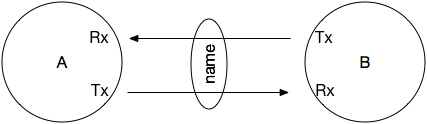 ## The experiment
We continue the registration example. The root pico has two children, the **Registration** pico and the **Section Collection** pico. The Section Collection pico has a child pico for each section. Students are children of the Registration pico, and each student will have a relationship with each section they take:
```
root pico
├── Registration pico
│ └── Student pico (Jane)
└── Section Collection pico
├── Section A HTG 100-1 pico
└── Section CS462-1 pico
```
Parent-child links are the tree. Relationships are separate lines drawn across it: Jane to a section, and Jane to the Section Collection.
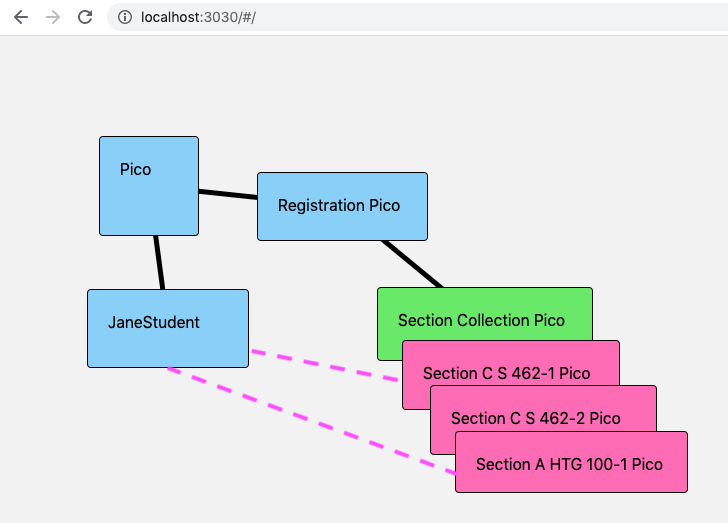 To prepare, (re)build the registration system from [Pico-Based Systems](/lessons/pico-based-systems): install `app_section_collection` in the Section Collection pico and create two sections with `section:needed`. Then create a pico for a student, a child of the root named "Jane", with the About tab. Every pico has `io.picolabs.subscription` installed already, so you needn't install it.
## Create a relationship by hand
To form a relationship, Wrangler makes a new channel in each pico. To get started, it needs a channel that already exists in each one. That's the **well-known channel**.
*The screenshots below come from an earlier release, when the **Relationships** tab was called **Subscriptions**. The layout has changed since, but the steps are the same.*
### Find the well-known channel
Every pico has a **well-known channel**, created by `io.picolabs.subscription` when it's installed. Its policy is deliberately narrow: it accepts only the events that start a relationship (and one that removes an unaccepted request), and it answers a single query, for its own ID. That makes its ECI safe to pass around widely.
Visit a section pico and open its **Relationships** tab. The **Identity** panel shows the well-known channel, `wellKnown_Rx`. Copy it.
### Ask for a relationship
Open Jane's **Relationships** tab and find **New relationship**. Choose the classic (ECI) form and fill it in:
1. `wellKnown_Tx`: paste the section pico's well-known ECI
2. `Rx_role`: this pico's role: `student`
3. `Tx_role`: the other pico's role: `class`
4. `name`: a name for the relationship, such as `Jane-A HTG 100-1`
5. Leave the `channel_type` as it is (the default is `Tx_Rx`), and leave the password and host blank. A password is for auto-accept configuration, and the host is for a pico on another engine
Submit the form. It raises `wrangler:relationship` in Jane's pico.
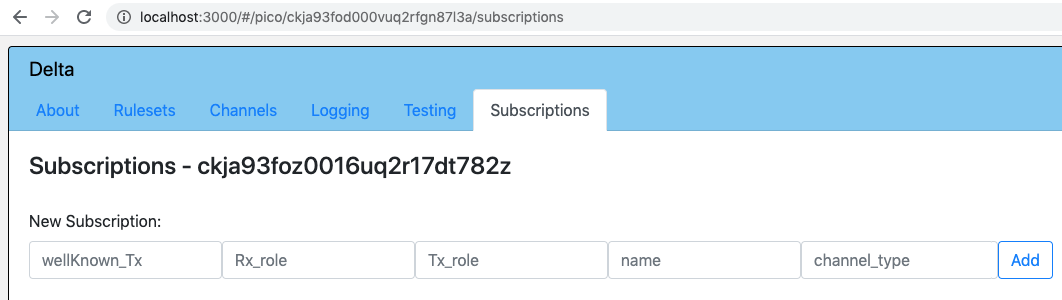 ### Look at what happened
On Jane's **Channels** tab there's a new channel for this relationship. It is Jane's `Rx`, and the section's `Tx`.
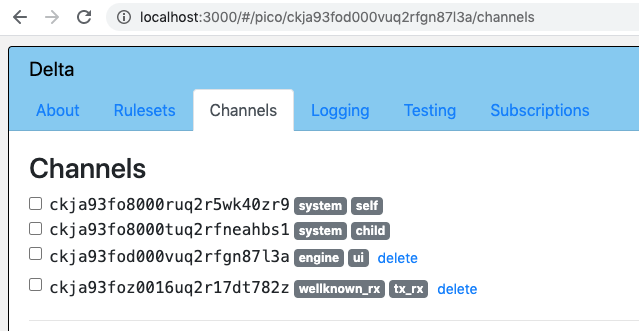 On Jane's **Relationships** tab, the relationship is under **Outbound pending**: proposed to the other pico, not yet accepted.
Visit the section pico. Its **Inbound pending** list has the same relationship. Expand both and compare. `Id` is the same. The roles are swapped and so are `Tx` and `Rx`. Jane doesn't yet have the section's ECI, because the section hasn't accepted.
 ### Accept it
On the section pico, expand the inbound relationship and click **Approve**. That raises `wrangler:pending_relationship_approval` with the relationship's `Id`. Both sides now show it as **Established**. Jane has the section's channel, and the section has Jane's.
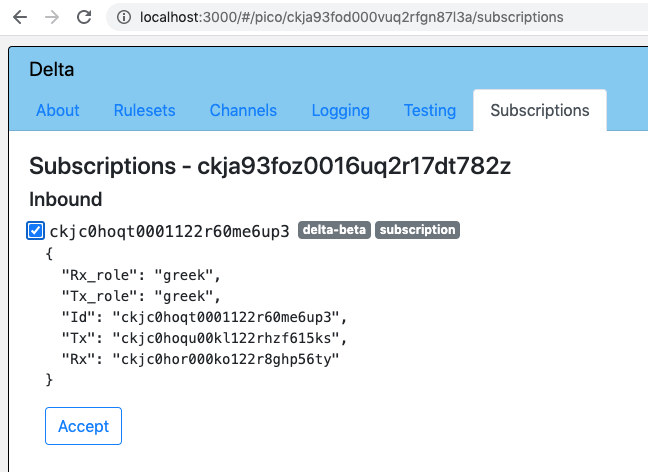
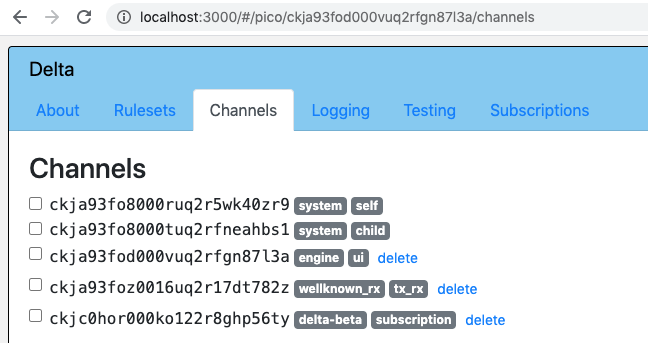 Do it again with Jane and the other section. Jane's established list now has two relationships. Their `Id`s differ.
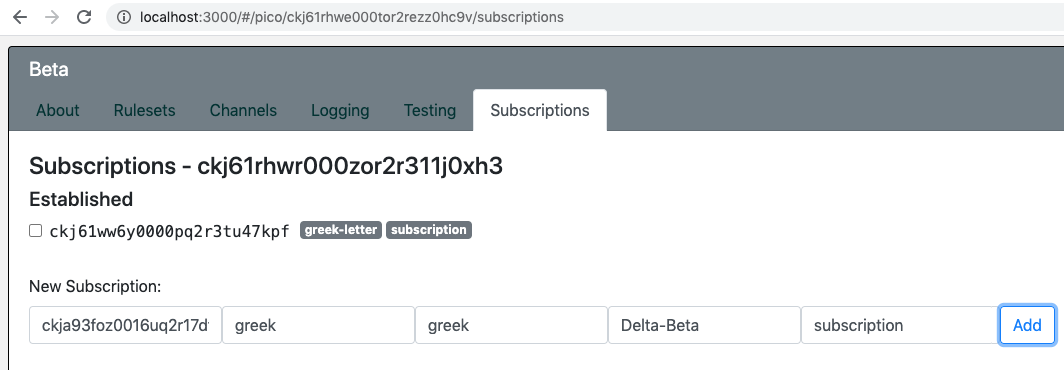
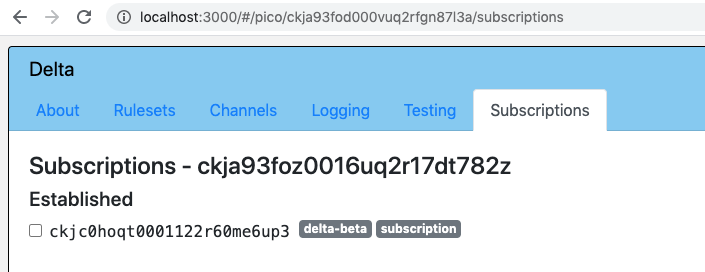
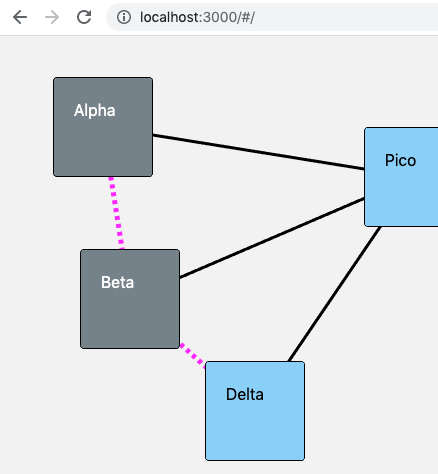 ## Create a relationship from a rule
Everything the UI did, a rule can do, so the system can build itself. The challenge is the starting point: a rule can only use a well-known ECI that it has *found*. Someone must publish it. A natural place is the parent: a new pico tells its parent, and others ask the parent.
### Sections report their well-known channels
Replace `app_section` from the last lesson with this version. Its rule runs when the ruleset is installed, finds the pico's well-known channel, and tells the Section Collection pico:
```krl
ruleset app_section {
meta {
name "Section"
use module io.picolabs.wrangler alias wrangler
use module io.picolabs.subscription alias relationship
shares sectionId
}
global {
sectionId = function() {
ent:section_id
}
}
rule pico_ruleset_added {
select when wrangler ruleset_installed where event:attr("rids") >< meta:rid
pre {
section_id = event:attr("section_id")
well_known = relationship:wellKnown_Rx(){"id"}
}
event:send({
"eci": wrangler:parent_eci(),
"domain": "section",
"type": "identify",
"attrs": {"section_id": section_id, "wellKnown_eci": well_known}
})
always {
ent:section_id := section_id
}
}
}
```
Look at the new parts: the `use module io.picolabs.subscription alias relationship` line gives access to the relationship functions. `relationship:wellKnown_Rx()` returns the well-known channel, a map with an `id`. `event:send` in the action block sends `section:identify` to the parent over the family channel.
Add these rules to `app_section_collection`. The first one stores what sections report:
```krl
rule accept_wellKnown {
select when section identify
section_id re#(.+)#
wellKnown_eci re#(.+)#
setting(section_id, wellKnown_eci)
always {
ent:sections{[section_id, "wellKnown_eci"]} := wellKnown_eci
}
}
// A student asked for a relationship with this pico: this pico's role is registration.
rule accept_student {
select when wrangler inbound_pending_relationship_added
where event:attr("Rx_role") == "registration"
always {
raise wrangler event "pending_relationship_approval" attributes event:attrs
}
}
rule introduce_section_to_student {
select when section add_request
pre {
section_id = event:attr("section_id")
name = event:attr("name")
}
event:send({
"eci": ent:sections{[section_id, "wellKnown_eci"]},
"domain": "wrangler",
"type": "relationship",
"attrs": {
"wellKnown_Tx": event:attr("wellKnown_Tx"),
"Rx_role": "section",
"Tx_role": "student",
"name": name + "-" + section_id,
"section_id": section_id
}
})
}
```
After a few sections have reported, `sections()` returns more than it did, because each entry now has the section's well-known ECI beside its family `eci`:
```json
{
"CS462-1": { "eci": "cm0a8w4ks0004m8ys0p1e5k2r", "wellKnown_eci": "cm0a8w4ls0007m8ys6bd2f5h3" },
"A HTG 100-1": { "eci": "cm0a8w9sd0008m8ysg2l73c1d", "wellKnown_eci": "cm0a8w9tc000bm8ysd4w9j8e1" }
}
```
Any section ID can now be turned into a well-known ECI by asking the Section Collection pico.
The Registration pico has to know the Section Collection pico's well-known channel too. To keep this lesson short, do that by hand: copy it from the Section Collection pico's Relationships tab, and send `registration:collection_known` with the `wellKnown_Rx` attribute to the Registration pico on its Testing tab. (Making the collection report it, like the sections do, is an exercise.)
### The Registration pico makes students
Here is `app_registration`. When a student arrives, it creates a child pico for them. When the child has finished setting up, it installs `app_student` and passes along the student's name and the collection's well-known channel:
```krl
ruleset app_registration {
meta {
use module io.picolabs.wrangler alias wrangler
shares collection
}
global {
collection = function() {
ent:collectionWellKnown
}
}
rule collection_known {
select when registration collection_known wellKnown_Rx re#(.+)# setting(well_known)
always {
ent:collectionWellKnown := well_known
}
}
rule allow_student_to_register {
select when student arrives name re#(.+)# setting(name)
always {
raise wrangler event "new_child_request" attributes {
"name": name,
"backgroundColor": event:attr("backgroundColor") || "#CCCCCC",
"student_name": name
}
}
}
rule install_student_ruleset {
select when wrangler child_initialized where event:attr("student_name")
event:send({
"eci": event:attr("eci"),
"domain": "wrangler",
"type": "install_ruleset_request",
"attrs": {
"absoluteURL": meta:rulesetURI,
"rid": "app_student",
"student_name": event:attr("student_name"),
"collection_wellKnown": ent:collectionWellKnown
}
})
}
}
```
This is the same create-then-install chain as in [Pico-Based Systems](/lessons/pico-based-systems): `new_child_request`, then `child_initialized`, then `install_ruleset_request`. Install `app_registration` in the Registration pico, with `app_student` in the same folder. Send `registration:collection_known` first, so there's a well-known channel to pass on, and then `student:arrives` with `name=Jane` on its Testing tab.
### The student asks the collection for a relationship
Now `app_student`, in full. Each rule is explained below, but read the first two now:
```krl
ruleset app_student {
meta {
use module io.picolabs.wrangler alias wrangler
use module io.picolabs.subscription alias relationship
shares classes
}
global {
classes = function() {
ent:classes.defaultsTo({}).values()
}
}
rule capture_initial_state {
select when wrangler ruleset_installed where event:attr("rids") >< meta:rid
always {
ent:name := event:attr("student_name")
ent:collectionWellKnown := event:attr("collection_wellKnown")
raise student event "new_relationship_request"
}
}
rule make_a_relationship {
select when student new_relationship_request
always {
raise wrangler event "relationship" attributes {
"wellKnown_Tx": ent:collectionWellKnown,
"Rx_role": "student",
"Tx_role": "registration",
"name": ent:name + "-registration"
}
}
}
rule add_a_class {
select when section add_request section_id re#(.+)# setting(section_id)
pre {
already_enrolled = classes() >< section_id
registration = relationship:established("Tx_role", "registration").head()
}
if not already_enrolled && registration then
event:send({
"sub": registration,
"domain": "section",
"type": "add_request",
"attrs": {
"wellKnown_Tx": relationship:wellKnown_Rx(){"id"},
"section_id": section_id,
"name": ent:name
}
})
}
rule auto_accept_section {
select when wrangler inbound_pending_relationship_added
Rx_role re#^student$#
Tx_role re#^section$#
pre {
section_id = event:attr("section_id")
}
if section_id then noop()
fired {
ent:classes{event:attr("Id")} := section_id
raise wrangler event "pending_relationship_approval" attributes event:attrs
last
}
}
rule reject_everything_else {
select when wrangler inbound_pending_relationship_added
always {
raise wrangler event "inbound_rejection" attributes event:attrs
}
}
rule drop_a_class {
select when section drop_request section_id re#(.+)# setting(section_id)
pre {
rel_id = ent:classes.defaultsTo({})
.filter(function(v) { v == section_id })
.keys()
.head()
}
if rel_id then noop()
fired {
clear ent:classes{rel_id}
raise wrangler event "relationship_cancellation" attributes {"Id": rel_id}
}
}
}
```
`capture_initial_state` runs when `app_student` is installed in the new pico. It stores what it was given, and raises `student:new_relationship_request`. It's a separate rule so we can raise that event again whenever we need another relationship. `make_a_relationship` raises `wrangler:relationship` with the collection's `wellKnown_Tx`, and roles: this pico is a `student`, the other a `registration`. It's what you did in the UI with the form.
Note what it sends to whom. The student asks the Section Collection pico, and that pico's `accept_student` rule (above) approves any request in which its own role is `registration`:
```krl
rule accept_student {
select when wrangler inbound_pending_relationship_added
where event:attr("Rx_role") == "registration"
always {
raise wrangler event "pending_relationship_approval" attributes event:attrs
}
}
```
When a relationship arrives, Wrangler raises `wrangler:inbound_pending_relationship_added` with the attributes of the request, seen from the receiver's side: `Rx_role` is the receiver's own role. The rule approves by raising `wrangler:pending_relationship_approval` with the same attributes (which include `Id`). That's the programmatic version of clicking **Approve**.
Don't approve everyone. This rule only accepts the request when its `Rx_role` is `registration`; anything else is left pending. For something more general, see [Accepting relationship requests](/developing/accepting-relationship-requests) for the auto-accept configuration.
### Add a class: introduce a section
With the relationship between a student and the collection established, a student pico can ask to join a class. The rule `add_a_class` in `app_student`, which you've seen in the listing, sends `section:add_request` over the relationship:
```krl
rule add_a_class {
select when section add_request section_id re#(.+)# setting(section_id)
pre {
already_enrolled = classes() >< section_id
registration = relationship:established("Tx_role", "registration").head()
}
if not already_enrolled && registration then
event:send({
"sub": registration,
"domain": "section",
"type": "add_request",
"attrs": {
"wellKnown_Tx": relationship:wellKnown_Rx(){"id"},
"section_id": section_id,
"name": ent:name
}
})
}
```
The prelude checks that we aren't enrolled already (`classes()` is a function defined in the ruleset, and shared), and finds the relationship whose other end is a `registration`. `relationship:established("Tx_role", "registration")` returns the established relationships whose `Tx_role` is that. `event:send` with `"sub"` sends over a relationship, here the one with the collection, so the student needs no ECI of its own for the collection. It passes the student's well-known ECI, the section, and the student's name.
The collection pico gets `section:add_request`. Its `introduce_section_to_student` rule (in the listing above) *introduces* the section to the student. It sends a `wrangler:relationship` event to the **section's** well-known channel, with the **student's** well-known ECI as `wellKnown_Tx`:
```krl
rule introduce_section_to_student {
select when section add_request
pre {
section_id = event:attr("section_id")
name = event:attr("name")
}
event:send({
"eci": ent:sections{[section_id, "wellKnown_eci"]},
"domain": "wrangler",
"type": "relationship",
"attrs": {
"wellKnown_Tx": event:attr("wellKnown_Tx"),
"Rx_role": "section",
"Tx_role": "student",
"name": name + "-" + section_id,
"section_id": section_id
}
})
}
```
This is the same as typing in the section pico's New relationship form, but the collection did it on its behalf. The section pico needs no code for it: `io.picolabs.subscription` handles the event, and the section proposes a relationship to the student, who is sent the `section_id` as well. This is **introduction**: a third pico that knows both well-known channels connects two picos that don't know each other.
### The student accepts a section
Back in `app_student`, these rules see the proposal arrive:
```krl
rule auto_accept_section {
select when wrangler inbound_pending_relationship_added
Rx_role re#^student$#
Tx_role re#^section$#
pre {
section_id = event:attr("section_id")
}
if section_id then noop()
fired {
ent:classes{event:attr("Id")} := section_id
raise wrangler event "pending_relationship_approval" attributes event:attrs
last
}
}
rule reject_everything_else {
select when wrangler inbound_pending_relationship_added
always {
raise wrangler event "inbound_rejection" attributes event:attrs
}
}
```
The first rule is selected only when `Rx_role` is `student` and `Tx_role` is `section`. If the request carries a `section_id`, the rule records the relationship in `ent:classes`, a map from relationship `Id` to section id, and approves. The relationship is now established at both ends.
`last` ends the processing of this event in this ruleset, and it's essential. Both rules select the same event, and rules run in the order they're written, so the accepting rule must come first. If it fired, the rejecting rule must not run, or the student would approve and reject the same request. A request this ruleset doesn't recognize falls to `reject_everything_else`, which raises `wrangler:inbound_rejection` to refuse it.
### A class list
`ent:classes` maps relationship ids to section ids, so the list of classes is its values:
```krl
classes = function() {
ent:classes.defaultsTo({}).values()
}
```
The function is shared in `meta`. Try the whole flow: send `section:add_request` with `section_id=CS462-1` to Jane's pico, and check `classes`. Jane's Relationships tab now lists the collection and the section.
Notice that `section:add_request` is used twice: a user sends it to a student pico, and the student pico sends it to the collection pico. The registration application is one application, spread across several rulesets, for several kinds of pico. Events with the same name mean the same thing wherever they go.
## Cancel a relationship
Either pico in an established relationship can end it by raising `wrangler:relationship_cancellation` with the relationship's `Id`. Wrangler removes both ends. This rule, in `app_student`, drops a class:
```krl
rule drop_a_class {
select when section drop_request section_id re#(.+)# setting(section_id)
pre {
rel_id = ent:classes.defaultsTo({})
.filter(function(v) { v == section_id })
.keys()
.head()
}
if rel_id then noop()
fired {
clear ent:classes{rel_id}
raise wrangler event "relationship_cancellation" attributes {"Id": rel_id}
}
}
```
The prelude finds the relationship for that section. `filter` keeps the map entries whose value is the section id, `keys()` turns the remaining map into an array of its keys, and `head()` takes the first, or `null` if there's none. If there is one, the postlude removes it from `ent:classes` and asks Wrangler to cancel. The rule in `io.picolabs.subscription` removes both ends. You can see the same with the **Delete relationship** button in the Relationships tab.
To remove every relationship at once, for example before deleting a pico, raise `wrangler:cancel_subscriptions`.
## Use DIDs instead of a well-known ECI
Everything above is **classic** (ECI-based) relationships, and it's fully supported. Engine 1.6 added **DID-based** relationships, which are what new work should use. A pico has a portable identity, its `did:webvh`, and a relationship between two DID-based picos has its own private pairwise identity, a `did:peer`. DIDs work across meshes and engines without sharing an ECI.
What changes in the code:
| | Classic | DID-based |
|--|---------|-----------|
| What the asker needs to know | The other pico's well-known ECI, `relationship:wellKnown_Rx(){"id"}` | The other pico's DID, `wrangler:myDid()` |
| `wrangler:relationship` attributes | `wellKnown_Tx` | `layer2: true` and `target_did` |
| The established relationship has | `Tx` and `Rx` ECIs | `Tx_did` and `Rx_did` |
| Sending an event | `event:send({"sub": rel, …})` | the same, or `event:send({"did": …, …})` |
| Querying | `relationship:queryOnSub(Id, rid, name, args)` | the same, or `wrangler:picoQuery(did, rid, name, args)` |
In this lesson's application, a section would report `wrangler:myDid()` instead of its well-known channel, and a student asks with `"layer2": true, "target_did": the_did`. Approval, roles, `inbound_pending_relationship_added`, `last`, and cancellation are the same. One thing to know: a pico accepts an introduction by DID from a stranger only if its **public intro** is on. Root picos default to on. Child picos default to off, so a student pico that others will reach by DID has to turn it on (`wrangler:set_public_intro` with `enabled`). See [Relationships](/wrangler/relationships) for the details, and for how a relationship works across engines.
## Where to go next
- [Relationships](/wrangler/relationships): DIDs, public intro, routing, across engines, and the whole API
- [Two picos talking](/cookbook/two_picos/): two picos, a relationship, and queries over it, that you can run in two minutes
- [Accepting relationship requests](/developing/accepting-relationship-requests): auto-accept by configuration
- [Scatter-Gather](/lessons/scatter-gather): what to do once a pico has relationships with many others
---
Ported from the [Pico Labs wiki](https://picolabs.atlassian.net/wiki/spaces/docs/pages/21659676) (Pico to Pico Subscriptions Lesson, last edited there 2021-03-06), and updated for this engine. "Subscriptions" there are "relationships" here.
---
# Lesson: Scatter-Gather
# Scatter-Gather
Sometimes one pico needs many others to do something, and then needs all the answers together. A fleet pico wants a report from every vehicle pico. A course pico wants a grade from every section. A coordinator wants a vote from every member.
The **scatter-gather** pattern does this with events alone, so nobody waits on anybody. This lesson explains the pattern with the problem that taught it to us, and builds a runnable version.
## Objectives
When you finish you will be able to:
- explain why a synchronous request-response solution breaks as the number of picos grows
- scatter an event to a computed list of picos, and gather the answers with an aggregator
- use a **correlation number** to keep concurrent conversations apart
- add a timeout, and say why it is a safety net and not the way the work finishes
- compare event recipient lists, content-based routing, and registration as ways to decide who gets an event
**Before you begin**, finish [Pico-Based Systems](/lessons/pico-based-systems) and [Relationships](/lessons/relationships). The example sends events to children, and the routing examples use relationships.
## The problem
 Fuse was an open-source connected-car platform built with picos. Every week it sent the fleet owner a report: the trips and fuel fill-ups of each vehicle in the period, summed for each vehicle and then for the fleet. Here's the start of a weekly report for one fleet:
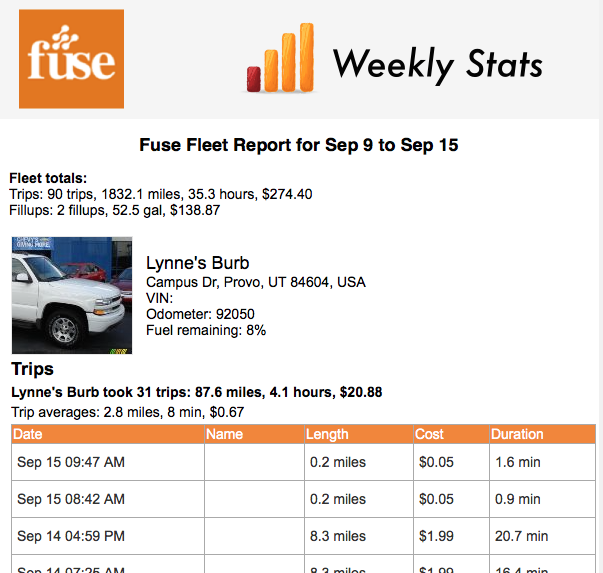 The owner was a pico, so was the fleet, and so was each vehicle. Each was independent and addressable, kept its own data, and answered queries (functions) and events (rules). They talked to one another directly, with nothing in between.
## The synchronous solution
The straightforward way is for the fleet to *ask* each vehicle for its details, wait for every reply, format the report, and tell the owner that it's ready:
```krl
fleetDetails = function() {
wrangler:children().map(function(vehicle) {
wrangler:picoQuery(vehicle{"eci"}, "com.example.vehicle", "summary", {})
})
}
```
That process looks like this. The owner sends `periodic_report` to the fleet; a rule calls a function that queries each vehicle over HTTP; once every vehicle has answered, the fleet formats the report and tells the owner it's ready:
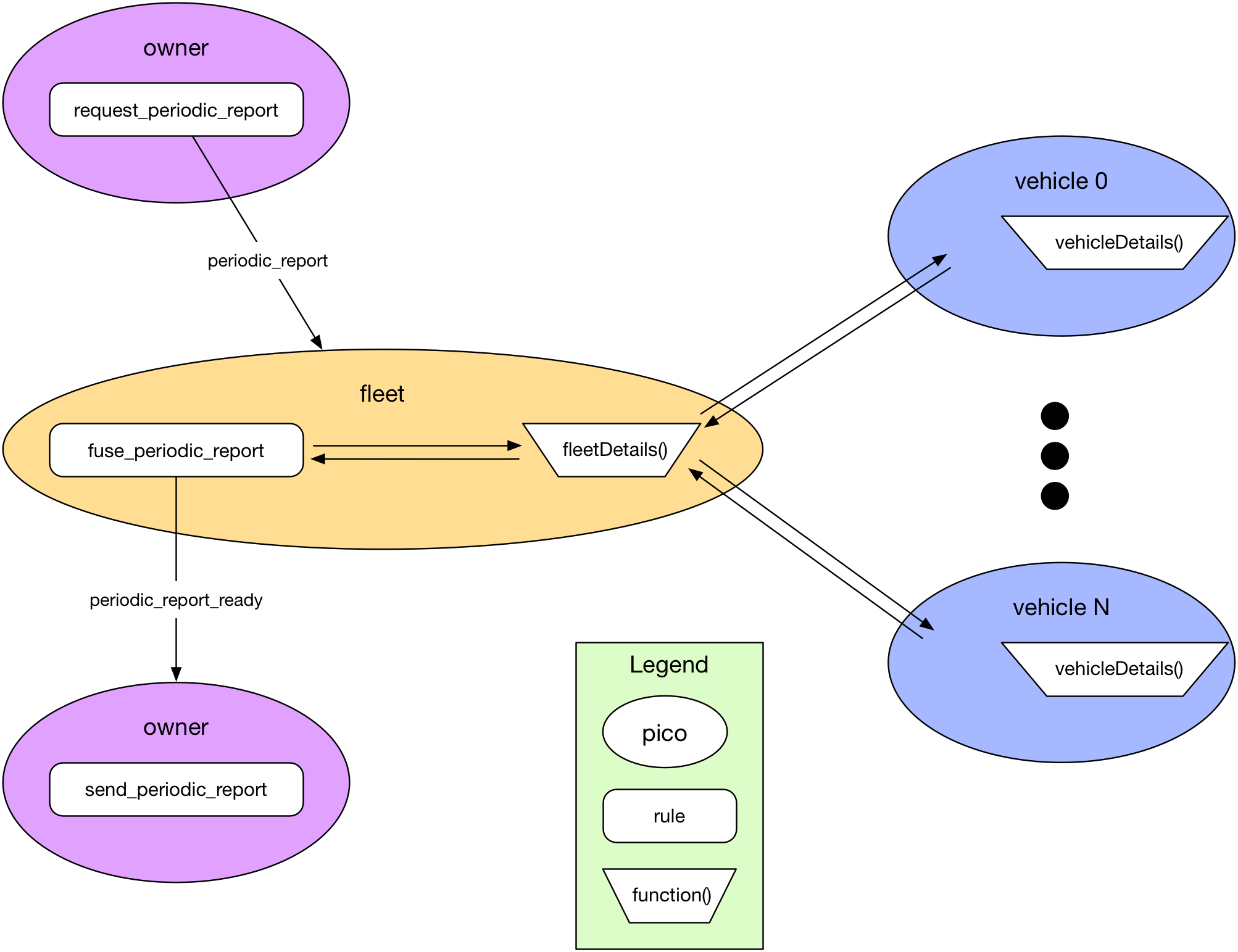 Programmers who've used an API will find that familiar. It works so long as every vehicle answers promptly. A query waits for its answer, so the fleet pico is stuck for the sum of all the delays, and it can't handle anything else meanwhile. Vehicles on other engines are queried over the network, where timeouts have to be short, and one slow vehicle gets missed. With a few vehicles that's rare. With ten, the chance that at least one is late gets good, and with a hundred it's routine.
Longer timeouts only hide the problem. Making each vehicle faster helps, but there is always something that can be slow: the network, a busy engine, a database. If a synchronous request-response were your only tool, this would be a serious problem. It isn't your only tool.
## The scatter-gather solution
Use events, and let every pico work at its own pace. Vaughn Vernon describes the pattern in *Reactive Messaging Patterns with the Actor Model*: get a number of actors to do something, then aggregate what they send back. Here:
1. The owner (or anything else) sends the fleet `report:requested`. Having sent it, the sender is free to do other things.
2. A rule in the fleet **scatters** a `report:vehicle_report_requested` event to each vehicle, whether there are 1 or 100. These are asynchronous too, and under no time pressure.
3. Each vehicle builds its report and sends `report:vehicle_report_created` to the fleet.
4. A rule in the fleet **gathers** them, one at a time, as they arrive.
5. Another rule checks whether every vehicle has answered. When all have, the fleet finishes the report.
There are no queries in this flow, only events. Events go to a pico, not to a particular rule: each pico has its own event bus, and any rule that selects the event runs. A rule doesn't need to know who raised the event, or what else is listening.
Fuse's weekly report used exactly this pattern, with a timer added as a safety net. Each oval is a pico, each rounded box a rule, and each arrow an event. Picos with the same name are the same pico, drawn again to show the next step:
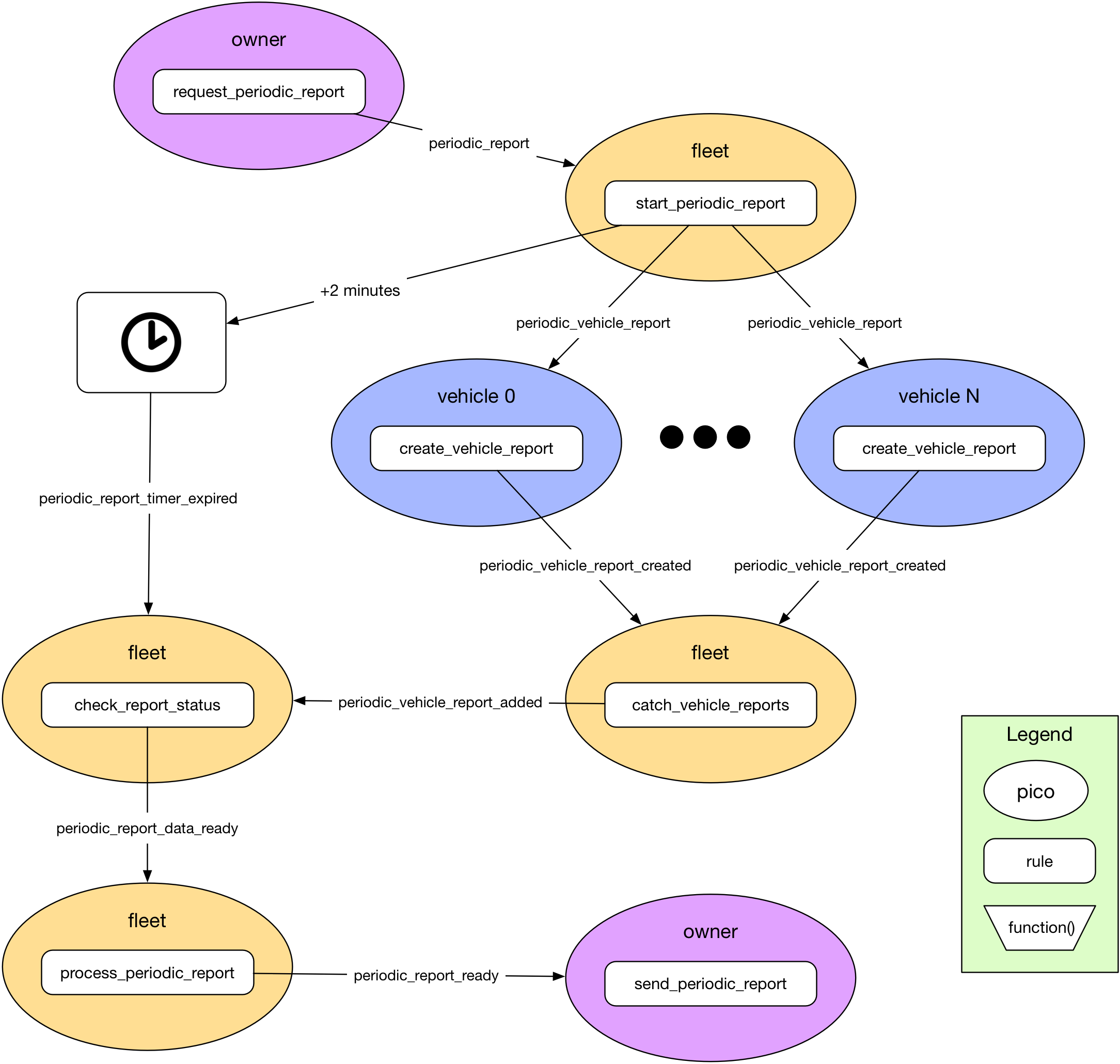 ## The messy details
Two problems have to be solved for this to be reliable.
**Overlap.** A second report might start before the first has finished. Each run therefore carries a unique **correlation number**, `rcn`. Every rule that sees it passes it along and files its data under it, so two reports in flight at once never get mixed up. (Reports run once a week and almost never overlap, but it's a good habit: independent conversations should be kept independent.)
**Loss.** The "is everyone in?" check depends on events from vehicles. Delivery isn't guaranteed: a pico might be down, an engine unreachable, a pico deleted mid-conversation. If one never answers, the report never finishes. There are several tactics:
- Accept it: tell owners that a report sometimes fails, and let someone ask for it again.
- Set a timeout and carry on, producing the report with some vehicles missing.
- Set a timeout and re-send the request to the vehicles that haven't answered, and give up (carry on without them) after some number of retries.
Fuse used the second. Picos have no clock tick of their own. They react to events, so if you need a timer you schedule an event for later. Two minutes was plenty. Scheduling a short, recurring event to make a "tick" is possible, but usually unnecessary and wasteful.
> **The timeout is a safety net.** The normal path is driven entirely by events: the last answer arrives, the check fires, the report finishes. The timer only matters when something went wrong. Don't schedule an event to wait for work to finish. Chain steps with events instead.
## The pieces
Here is the fleet. It's a ruleset for a pico whose children are vehicles. The rules appear in the order they run, one for each step above.
### Correlating events
A **correlation identifier** links the two halves of an asynchronous conversation. It is an event attribute, any string that's unique within the conversation, and the sender of the first event expects it back in the reply. Rules also use it as a key in persistent state, so each conversation's data is separate.
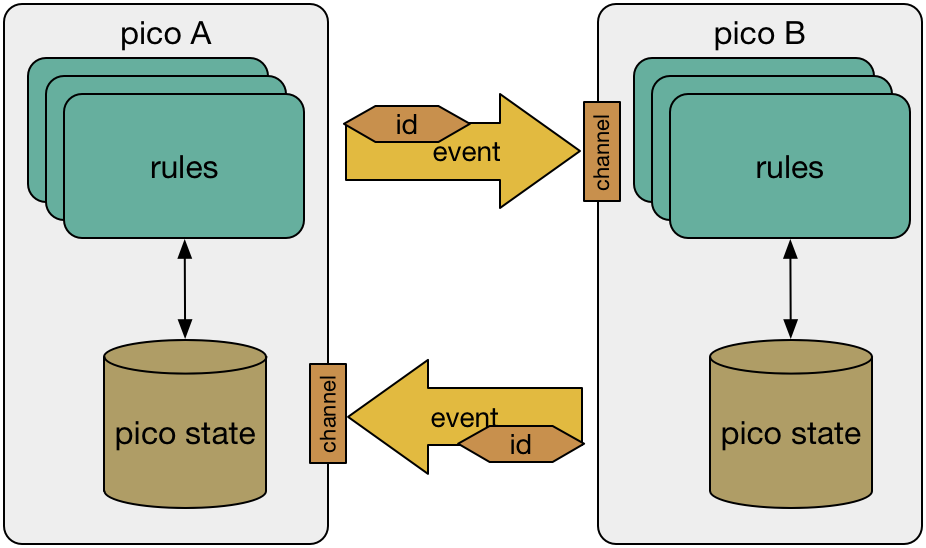 ```krl
// 1. Start: correlate the work, remember who we expect, set a safety timer.
rule start_report {
select when report requested
pre {
rcn = event:attr("rcn") || random:uuid()
expected = vehicles().map(function(v) { v{"name"} })
}
always {
ent:reports{rcn} := {"expected": expected, "received": {}}
raise report event "scatter" attributes {"rcn": rcn}
schedule report event "timer_expired"
at time:add(time:now(), {"minutes": 2})
attributes {"rcn": rcn}
}
}
```
- `rcn` is taken from the event if the caller supplied one (so a retry can reuse a number), and otherwise generated with `random:uuid()`.
- The rule stores the fleet's expectations under that number: the vehicles it's waiting for, and a map for what's received.
- In the postlude it raises `report:scatter` to start the work and schedules `report:timer_expired`, both carrying the number.
Any rule that sees an `rcn` must pass it on. Future versions of Wrangler may automate more of this.
### Event recipient lists
The simplest routing is to keep a list of picos and send the same event to each of them, like the **To:** line of an email. The list can be fixed, or computed, so that the pico acts as an event router. Here the list is the fleet's current children:
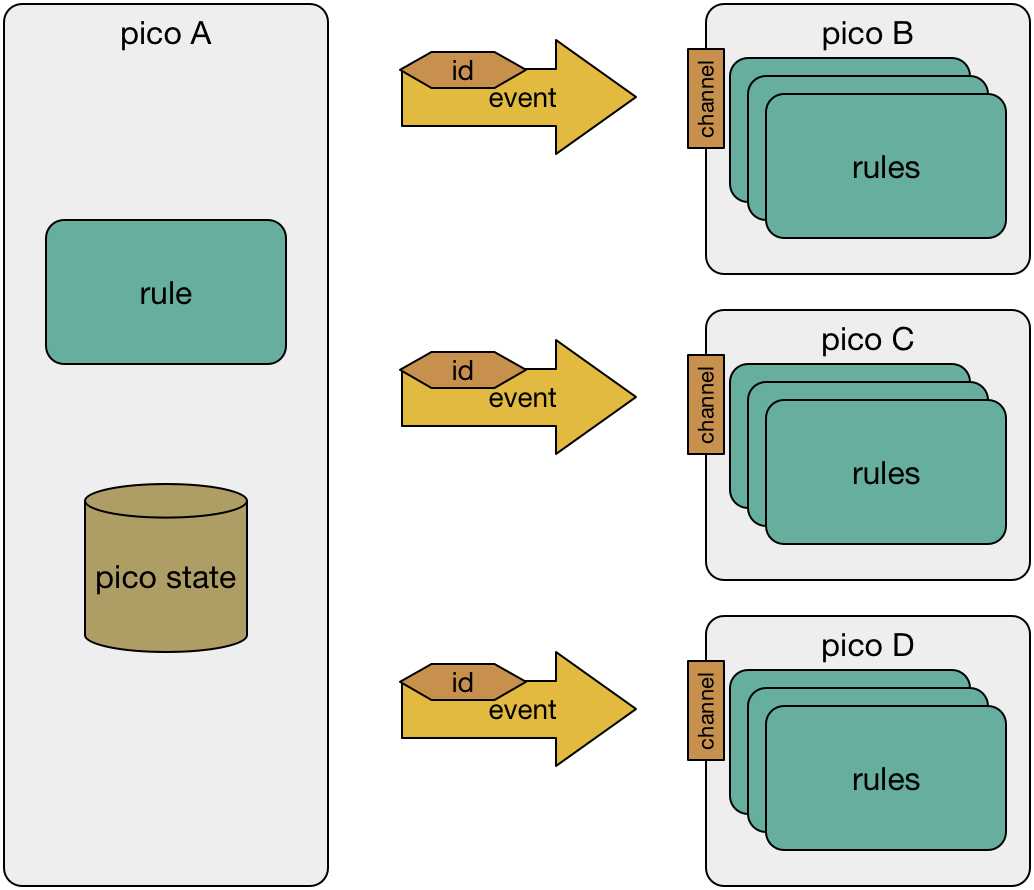 ```krl
// 2. Scatter: one event per vehicle, from a computed recipient list.
rule scatter {
select when report scatter
foreach vehicles() setting(vehicle)
event:send({
"eci": vehicle{"eci"},
"domain": "report",
"type": "vehicle_report_requested",
"attrs": {"rcn": event:attr("rcn")}
})
}
```
- `foreach` runs the rest of the rule once for each vehicle that `vehicles()` returns, setting `vehicle` each time. If vehicles are added or removed, the next report just uses the new list.
- `event:send` goes in the action block. It sends `report:vehicle_report_requested` over the family channel to each vehicle.
- The number goes along with it.
The vehicle pico does its part, and it can take as long as it likes:
```krl
ruleset com.example.vehicle {
meta {
name "Vehicle"
use module io.picolabs.wrangler alias wrangler
shares summary
}
global {
/**
* What this vehicle has done.
* @returns Map
*/
summary = function() {
{"trips": ent:trips.defaultsTo(0), "miles": ent:miles.defaultsTo(0)}
}
}
rule produce_vehicle_report {
select when report vehicle_report_requested rcn re#(.+)# setting(rcn)
event:send({
"eci": wrangler:parent_eci(),
"domain": "report",
"type": "vehicle_report_created",
"attrs": {"rcn": rcn, "vehicle": wrangler:name(), "details": summary()}
})
}
}
```
It sends the answer to its parent with the number and its name, so the fleet can tell who replied.
### Aggregators
An **aggregator** collects events and, when it has enough, raises an event or takes another action. The fleet's is two rules: one collects, and one decides.
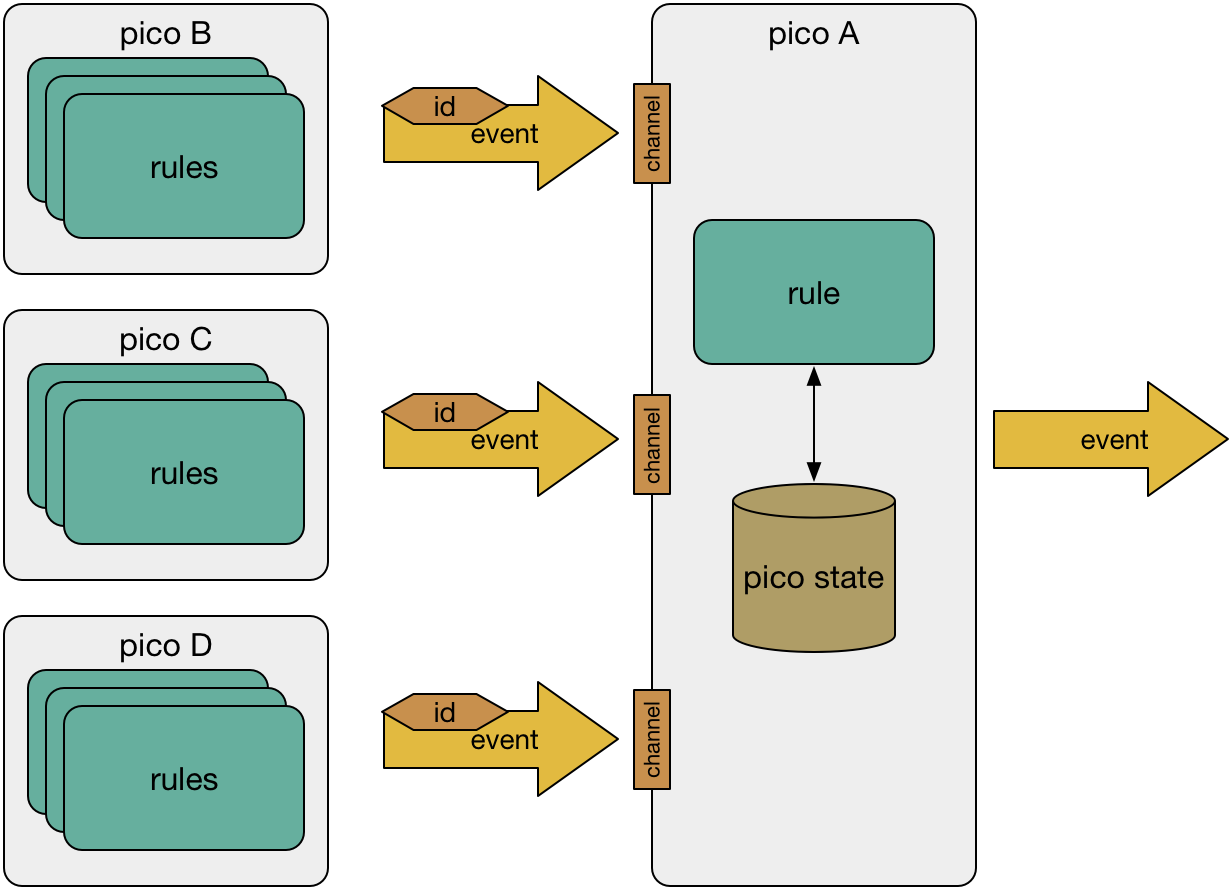 ```krl
// 3. Gather: file each answer under its correlation number.
rule catch_vehicle_report {
select when report vehicle_report_created
pre {
rcn = event:attr("rcn")
open = reports() >< rcn
}
if open then noop()
fired {
ent:reports{[rcn, "received", event:attr("vehicle")]} := event:attr("details")
raise report event "vehicle_report_added" attributes {"rcn": rcn}
}
}
```
- The rule files the vehicle's details under `[rcn, "received", vehicle name]`, so overlapping reports can't interfere, and a vehicle that answers twice just overwrites itself.
- The rule only acts if the report is still open (`reports() >< rcn`). An answer that arrives after the report has finished is ignored.
- It raises `report:vehicle_report_added` with the number so another rule can decide.
```krl
// 4. Check: is everyone in?
rule check_report_status {
select when report vehicle_report_added
pre {
rcn = event:attr("rcn")
report = ent:reports{rcn}
still_waiting = report{"expected"}.defaultsTo([]).difference(report{"received"}.defaultsTo({}).keys())
}
if not report.isnull() && still_waiting.length() == 0 then noop()
fired {
raise report event "ready" attributes {"rcn": rcn}
}
}
```
- The prelude works out which expected vehicles haven't answered. Each is in `expected` but not among the keys of `received`.
- If none is missing, the rule fires and raises `report:ready`. Otherwise it does nothing: there's no waiting, no loop, and the next answer will run this rule again.
### Dealing with failure
Because events may be lost, asynchronous systems have to be prepared to deal with failure. A timer, a retry, or both:
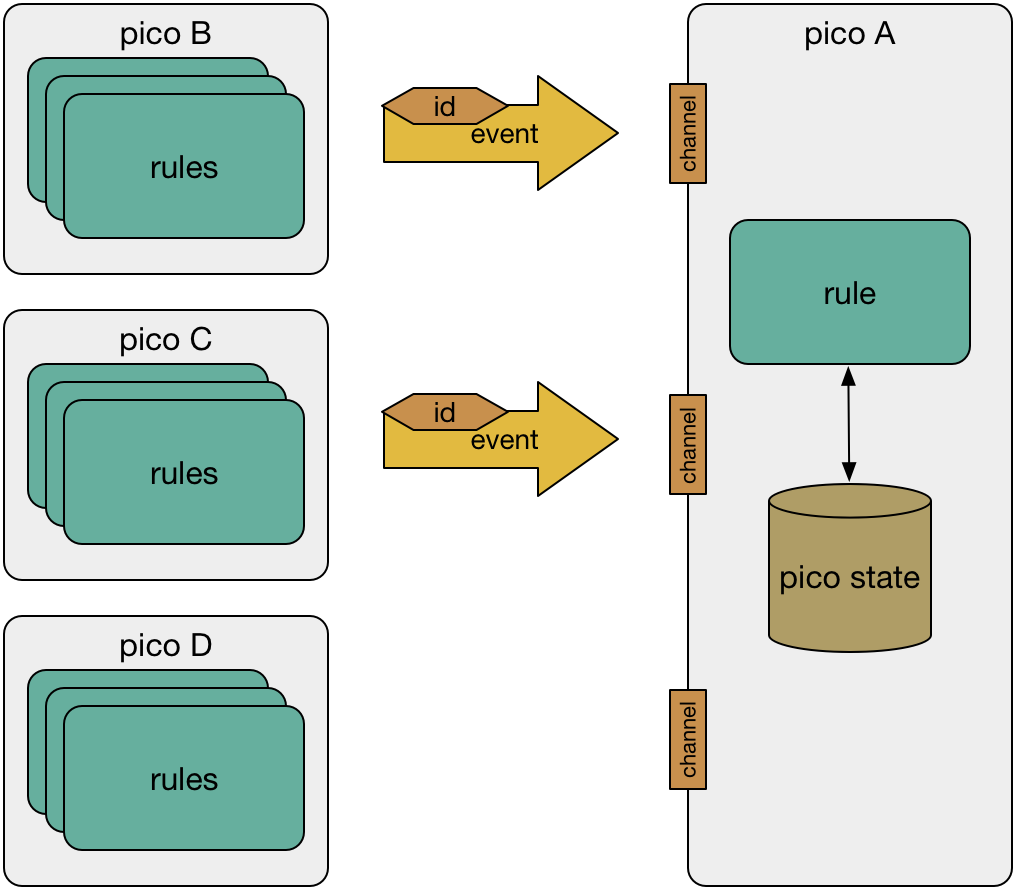 The timer was scheduled when the report began. When it expires, the rule sees whether the report is still open, and if it is, raises the same `report:ready` event, marked `timed_out`:
```krl
// The timer is a safety net, not the way the work normally finishes.
rule timer_expired {
select when report timer_expired
pre {
rcn = event:attr("rcn")
}
if reports() >< rcn then noop()
fired {
raise report event "ready" attributes {"rcn": rcn, "timed_out": true}
}
}
```
Whichever comes first, the last answer or the timer, ends in `report:ready`. The rule that finishes the report has to make sure it only does so once:
```krl
// 5. Finish once, however we got here.
rule finish_report {
select when report ready
pre {
rcn = event:attr("rcn")
report = ent:reports{rcn}
missing = report{"expected"}.defaultsTo([]).difference(report{"received"}.defaultsTo({}).keys())
}
if not report.isnull() then noop()
fired {
ent:completed{rcn} := {
"details": report{"received"},
"missing": missing,
"time": time:now()
}
clear ent:reports{rcn}
}
}
```
It runs only if `ent:reports{rcn}` still exists, and it clears it. So a late answer, or a timer that expires after the report is done, finds nothing to do. The finished report lists the `details` it has and which vehicles are `missing`, so a reader knows what it's made of.
To retry instead of just continuing, have `timer_expired` raise `report:scatter` again for only the missing vehicles (the same `rcn`), count the attempts, schedule the timer again, and finish after the limit. Fuse did this: up to two retries, two minutes apart, and then a report with what it had.
### Content-based event routing
Another way to decide who gets an event is by what it says. The routing pico knows several others and chooses by the event's domain, type, attributes, or its own state. A Fuse fleet could have more than one owner and needed to keep an owner informed by routing certain events to one:
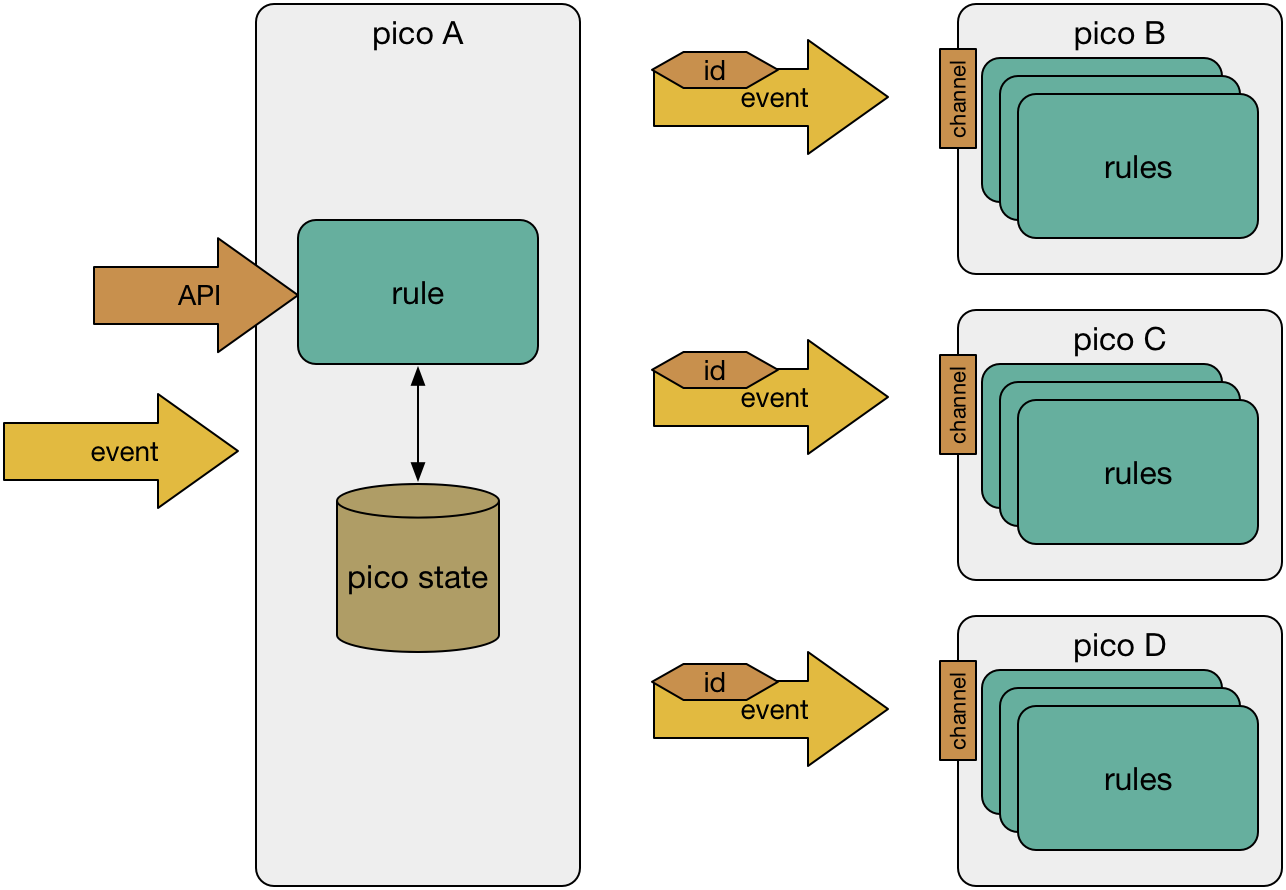 ```krl
// Content-based routing: the event decides where it goes.
rule route_to_owner {
select when fleet new_trip
or fleet reminders_ready
or fleet email_for_owner
pre {
owner = relationship:established("Tx_role", "owner").head()
}
if owner then
event:send({
"sub": owner,
"domain": "fleet",
"type": event:type(),
"attrs": event:attrs
})
}
```
- The event expression says which events get routed. It's fixed when the rule is written. To route on something computed, chain rules.
- `relationship:established("Tx_role", "owner")` finds the relationships whose other end is an owner. `head()` takes the first. To tell every owner, loop over them with `foreach`.
- `event:send` with `"sub"` sends over the relationship. The type and attributes of the incoming event go along unchanged.
### Registration
The most general routing is a directory. Picos send a registration event saying who they are and what they care about, and the directory routes events to those that have registered for them. The directory can be a special pico in a large system, or a ruleset in a pico that does other things too. A directory also lets a pico change its channel for security without losing service, and lets a pico move without losing messages.
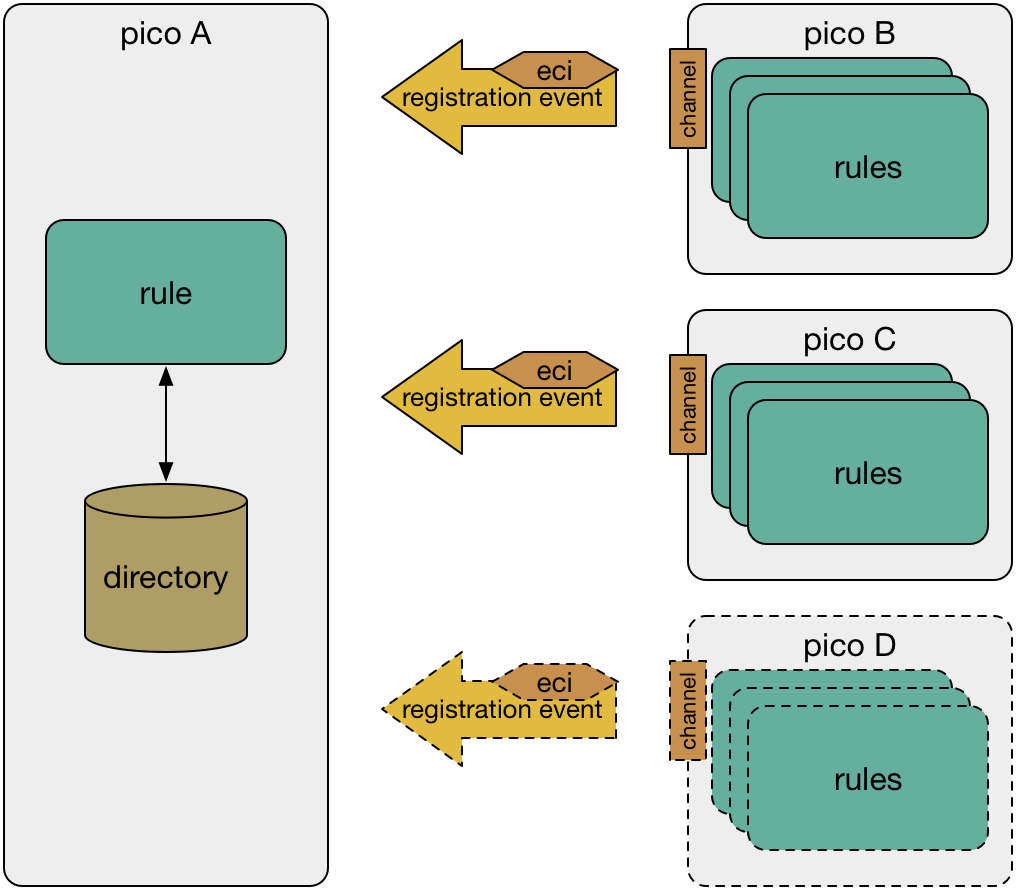 ```krl
// Registration: picos say what they want to hear about.
rule register_pico {
select when registry pico_registered
topic re#(.+)#
eci re#(.+)#
setting(topic, eci)
always {
ent:registrations{[topic, eci]} := event:attr("name")
}
}
```
```krl
rule route_to_registered {
select when fleet events_to_route
or fleet another_event_to_route
foreach registered(event:attr("topic")) setting(eci)
event:send({
"eci": eci,
"domain": "fleet",
"type": event:type(),
"attrs": event:attrs
})
}
```
The first rule files each registrant under its topic. The second sends an incoming event to every pico registered for the event's `topic`. A registrar goes a step further: it manages the registry on behalf of the picos, watching `wrangler:child_initialized` and `wrangler:child_deleted` and registering and deregistering as they come and go. The picos needn't know the registry exists.
## Try it
Make a fleet pico with two or three children. Install `com.example.vehicle` in each child, and `com.example.fleet` in the parent. The easy way is to use the chain from [Pico-Based Systems](/lessons/pico-based-systems): `new_child_request`, then `child_initialized`, then `install_ruleset_request`.
On the fleet's Testing tab, raise `report:requested`. Query `completed` and you'll see one report with every vehicle's details, an empty `missing` list, and the correlation number as its key. Then try it the hard way:
- Uninstall `com.example.vehicle` from one child and raise `report:requested` again. The report completes after the timer expires, with that vehicle in `missing`.
- Raise `report:requested` twice quickly. There are two numbers and two independent reports.
## Conclusion
Recipient list plus aggregator is the scatter-gather pattern in full:
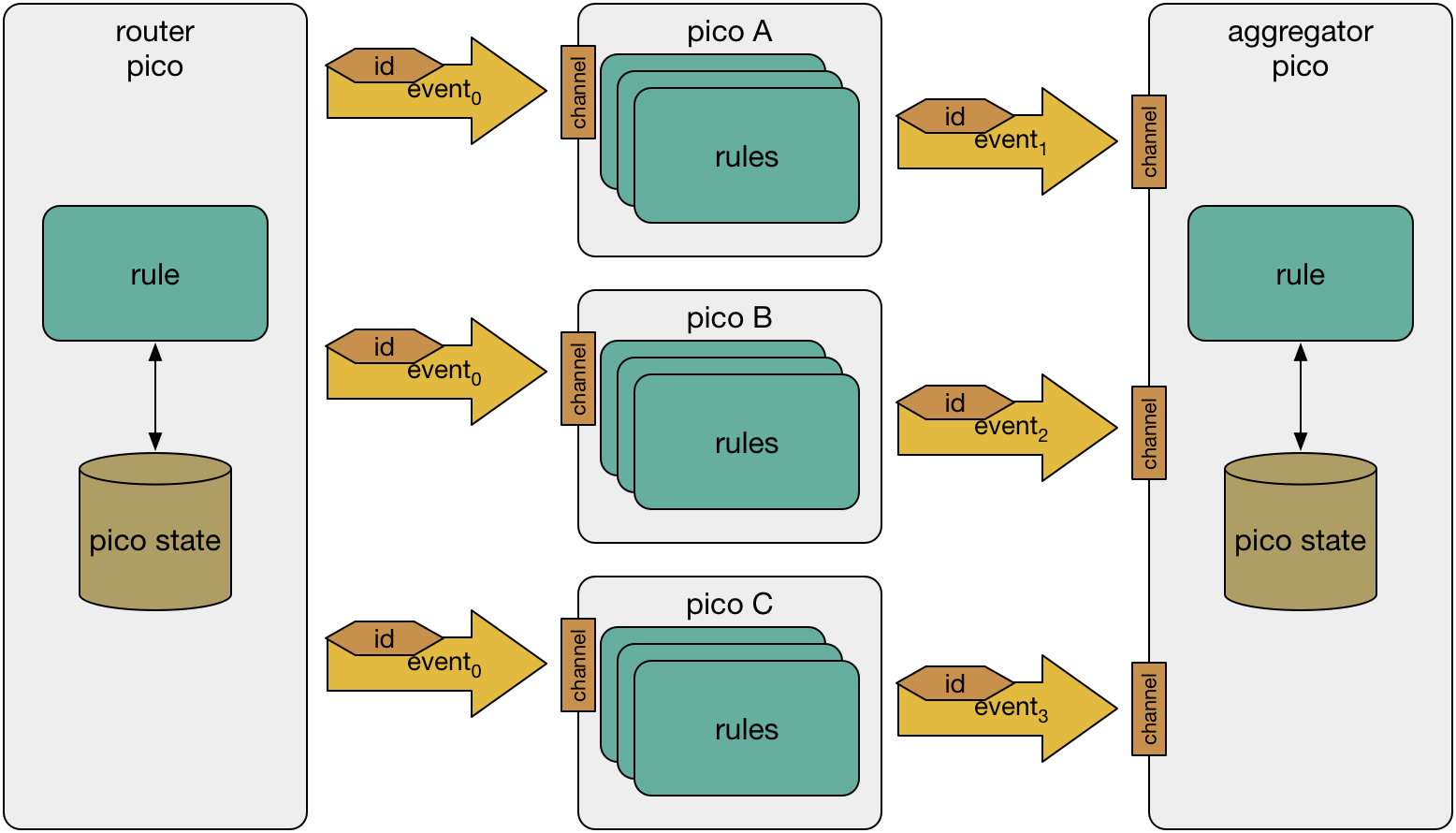 Scatter-gather adds a few rules over the synchronous version, and each is short and does one thing. What you get for it:
- **Reliability.** The synchronous version fails when any vehicle is slow. This one finishes even when one is dead.
- **Better use of the fleet pico.** It doesn't sit waiting. It handles other events while the vehicles work, and takes the answers as they arrive.
- **No locks.** The fleet pico may get answers from many vehicles at once, but they queue and are handled one at a time. Because each pico is independent, concurrent processing needs no locks, inside a pico or between picos. This is a property of actor systems, and picos are actors.
Vernon's book is a good companion. Its language and framework (Scala and Akka) are different, but the concepts carry over directly to picos.
## Related
- [Child pico tasks](/cookbook/child_tasks/): a pico per job, with a task id and no waiting
- [Querying another pico](/developing/querying-another-pico): when a synchronous query is the right tool
- [Relationships](/wrangler/relationships) and [The wrangler ruleset](/wrangler/wrangler): the events and functions used here
- [Gossip](/lessons/gossip): an advanced lab in which picos exchange state by events
---
Ported from the [Pico Labs wiki](https://picolabs.atlassian.net/wiki/spaces/docs/pages/1185976) (Reactive Programming Patterns: Scatter Gather, last edited there 2021-03-06), and rewritten for this engine. The Fuse examples are now written as a small fleet and vehicle.
---
# Lesson: Gossip Lab
# Gossip Lab
The Gossip Lab is an optional, advanced exercise. It was the ninth lab (Lab 9) in BYU CS 462, the course that uses picos to teach reactive, event-based programming. The Pico Programming Lessons list it last, and it isn't part of the main sequence.
## What's here, and what isn't
The original wiki page is almost empty. It holds one thing: a video recorded for the Lab 9 assignment. You can watch it on YouTube: [Gossip Lab video](https://www.youtube.com/watch?v=WrBf9kg-_ZY).
This engine's documentation doesn't reproduce the assignment. The wiki page doesn't contain it (students got the assignment through the course), and rather than guess at the protocol, this page stops here. If you're taking the course, use the assignment text from your instructor.
## Preparing for it
Whatever the details of the assignment, a gossip-style system of picos uses things these lessons teach. If you want to be ready, work through:
- [Pico-Based Systems](/lessons/pico-based-systems): create a set of picos and keep track of them
- [Relationships](/lessons/relationships): link picos that aren't parent and child, and send events over the link
- [Scatter-Gather](/lessons/scatter-gather): send events to many picos without waiting, correlate the answers, and deal with lost events
- [Pico State](/lessons/pico-state): keep and update persistent state
In the cookbook, [Two picos talking](/cookbook/two_picos/) and [Collection](/cookbook/collection/) are small runnable examples of picos with relationships. Picos communicate only by events and queries, so any distributed protocol on picos is built from those, plus a channel policy for what each peer may do.
## Back to the lessons
The main sequence starts at the [Quickstart](/lessons/quickstart).
---
Ported from the [Pico Labs wiki](https://picolabs.atlassian.net/wiki/spaces/docs/pages/727384069) (Gossip Lab, last edited there 2019-03-29). The wiki page holds only a video.
---
# Cookbook
# Cookbook
Worked examples you can install and run. Each recipe has an overview and step-by-step instructions. The KRL lives in the pico-engine repository under [`demos/`](https://github.com/Picolab/pico-engine/tree/master/demos), and the engine ships a copy.
The quickest start is the **Try It!** tab on the root pico in the developer UI (engine config `show_tryit_menu` can show it on every pico, or hide it). It lists the demos that have a bootstrap ruleset. Open one and **Run** it: the tab creates a child pico and installs that ruleset, which sets up the whole demo. The same window shows each ruleset's code and its path on disk. Edit a file, **Flush**, and watch the demo change. Agents can do the same with the dev MCP server (`pico-engine mcp --stdio`): `list_try_it_demos`, `run_try_it_demo`, and `try_it_status`. It also serves these pages as `pico://docs/cookbook/...` resources.
The demos are meant for an engine without [OAuth](/pico-views?id=oauth-protected-meshes), such as one on your own machine. On a mesh with OAuth turned on they still install, but their pages and `curl` examples call the pico without an access token, so they may not load their data. The Try It! tab says so when that's the case.
| Recipe | What it shows | KRL |
|--------|---------------|-----|
| [Echo](/cookbook/echo/) | The hello world of events: a rule answers an event with a directive, from a page or from `curl` | [`demos/echo/`](https://github.com/Picolab/pico-engine/tree/master/demos/echo) |
| [Score tracker](/cookbook/score_tracker/) | A contest pico with a leaderboard, and an app channel whose policy lets contestants play without changing the pico | [`demos/score_tracker/`](https://github.com/Picolab/pico-engine/tree/master/demos/score_tracker) |
| [Pico views](/cookbook/xmlui/) | XMLUI pages served from a pico: queries, events, app channels, detail routes, components (the Thermostat demo), and a view over another pico's data | [`demos/xmlui/`](https://github.com/Picolab/pico-engine/tree/master/demos/xmlui) |
| [Two picos talking](/cookbook/two_picos/) | Two picos form a relationship, and one queries the other over it | [`demos/two_picos/`](https://github.com/Picolab/pico-engine/tree/master/demos/two_picos) |
| [Child pico tasks](/cookbook/child_tasks/) | Running each task in a new child pico that reports back and deletes itself, so the parent never waits | [`demos/child_tasks/`](https://github.com/Picolab/pico-engine/tree/master/demos/child_tasks) |
| [Guard rules](/cookbook/guard_rules/) | Making a request idempotent with a guard rule, and refusing work with a gate rule and `last` until it can be done | [`demos/guard_rules/`](https://github.com/Picolab/pico-engine/tree/master/demos/guard_rules) |
| [Layered rulesets](/cookbook/layered_rulesets/) | Rules that each do one thing and raise an event, and add-on rulesets that change what a pico does without editing the base | [`demos/layered_rulesets/`](https://github.com/Picolab/pico-engine/tree/master/demos/layered_rulesets) |
| [Collection](/cookbook/collection/) | A pico that keeps a collection of other picos over relationships, accepts members by role, and reports on all of them | [`demos/collection/`](https://github.com/Picolab/pico-engine/tree/master/demos/collection) |
| [Configuration and secrets](/cookbook/secrets/) | Getting a secret into a ruleset with install configuration or an event, keeping a ruleset idle until it has one, and where secrets stay visible | [`demos/secrets/`](https://github.com/Picolab/pico-engine/tree/master/demos/secrets) |
| [Bootstrap and channels](/cookbook/bootstrap/) | A bootstrap ruleset installing an app in dependency order with configuration, and an app that creates or updates its own channel on install, with a policy built from its schema | [`demos/bootstrap/`](https://github.com/Picolab/pico-engine/tree/master/demos/bootstrap) |
| [KBlog](/cookbook/kblog/) | A blog written in KRL: four rulesets that work together through an event hierarchy, with a reader channel and an author channel | [`demos/kblog/`](https://github.com/Picolab/pico-engine/tree/master/demos/kblog) |
| [Querying JSON](/cookbook/json_query/) | Finding values in nested JSON with the `query()` operator and JSONPath: four canned queries over a fleet's data, or your own | [`demos/json_query/`](https://github.com/Picolab/pico-engine/tree/master/demos/json_query) |
| [Moving picos](/cookbook/moving_picos/) | Exporting a pico and its children from one engine and importing them on another, keeping its did:webvh identity and relationships | [`demos/moving_picos/`](https://github.com/Picolab/pico-engine/tree/master/demos/moving_picos) |
---
# Cookbook: pico views
# Pico views
Seven small rulesets that serve [XMLUI](https://xmlui.org) pages from a pico. Each one adds one idea, from a static page to a view that shows another pico's data. They are also the test fixtures for the engine's view routes.
Read [Pico views](/pico-views) for how views work. To install and open these, follow the [instructions](/cookbook/xmlui/instructions).
## The rulesets
| Ruleset | File | What it shows |
|---------|------|---------------|
| Hello | [`com.example.hello.krl`](https://github.com/Picolab/pico-engine/blob/master/demos/xmlui/com.example.hello.krl) | A `@view` function and nothing else |
| Favorite color | [`com.example.fav_color.krl`](https://github.com/Picolab/pico-engine/blob/master/demos/xmlui/com.example.fav_color.krl) | Reading with `ui:query` and writing with `ui:event`, then refreshing |
| Guestbook | [`com.example.guestbook.krl`](https://github.com/Picolab/pico-engine/blob/master/demos/xmlui/com.example.guestbook.krl) | An app channel created on install with `ui:create_app_channel` |
| Contacts | [`com.example.contacts.krl`](https://github.com/Picolab/pico-engine/blob/master/demos/xmlui/com.example.contacts.krl) | A list page and a detail page (`/contact/:id`), seeded with two contacts |
| Thermostat | [`com.example.thermostat.krl`](https://github.com/Picolab/pico-engine/blob/master/demos/xmlui/com.example.thermostat.krl) | Two channels with different policies (viewer and admin), an app `@component`, and the shared `PicoSettings`, `PicoThemeField`, and `PicoTheme` components |
| Thermostat bootstrap | [`com.example.thermostat.bootstrap.krl`](https://github.com/Picolab/pico-engine/blob/master/demos/xmlui/com.example.thermostat.bootstrap.krl) | Sets up the whole Thermostat demo on a new pico. The developer UI's **Try It!** tab runs it |
| Temperature sensors (data) | [`temperature_sensors.krl`](https://github.com/Picolab/pico-engine/blob/master/demos/xmlui/temperature_sensors.krl) | Sample readings on a data pico |
| Temperature sensors (view) | [`com.example.temperature_sensors_view.krl`](https://github.com/Picolab/pico-engine/blob/master/demos/xmlui/com.example.temperature_sensors_view.krl) | A view on one pico over data on another, reached through a relationship |
## What you need
- A running pico engine. Components (`@component` and the shared `Pico*` components, used by Thermostat) need pico-engine 1.9.4 or later.
- `io.picolabs.xmlui` installed on each pico that serves a view. The engine ships it at `/krl/io.picolabs.xmlui.krl` but does not install it anywhere by default.
---
# Cookbook: pico views instructions
# Pico views: instructions
These steps use the developer UI of a running engine at `http://localhost:3000`. Replace that with your engine's URL. See the [overview](/cookbook/xmlui/) for what each ruleset shows.
## The quick way: Try It!
Open the root pico in the developer UI and choose the **Try It!** tab. (Operators can show the tab on every pico, or hide it, with `show_tryit_menu` in the engine config.) Click **Thermostat**, then **Run in a new child pico**. The tab creates a child pico and installs `com.example.thermostat.bootstrap` on it. That one ruleset installs `io.picolabs.xmlui` and the thermostat, and records three readings. When the demo shows **ready**, open the dashboard links. **Delete Child** deletes the child pico.
The same window shows **the code**: the bootstrap and the rulesets it installed, each with its path on the engine's machine. Change one. For example, in `com.example.thermostat.krl` change `ent:threshold.defaultsTo(80)` to `65`, click **Flush**, and reload the dashboard: it says "Alert above 65 F". To contribute a change, make it in a clone of the [pico-engine repository](https://github.com/Picolab/pico-engine) and open a pull request.
The steps below do the same by hand, for every demo.
## 1. Prepare a pico
1. Open the developer UI and sign in.
2. Pick the pico that will serve the views. A new child pico keeps the demos apart from everything else.
3. On its **Rulesets** tab, install `io.picolabs.xmlui` from the engine:
```
http://localhost:3000/krl/io.picolabs.xmlui.krl
```
## 2. Install a demo
On the same **Rulesets** tab, install the demo by URL. Use the raw GitHub file:
```
https://raw.githubusercontent.com/Picolab/pico-engine/master/demos/xmlui/com.example.hello.krl
```
or a `file://` URL to your checkout of the repository:
```
file:///path/to/pico-engine/demos/xmlui/com.example.hello.krl
```
Install the others the same way: `com.example.fav_color.krl`, `com.example.guestbook.krl`, `com.example.contacts.krl`, `com.example.thermostat.krl`.
## 3. Open it
A ruleset with a `@view` function has a **View** button on the Rulesets tab. Click it, pick a channel, and open the app. The page is at:
```
http://localhost:3000/ui/
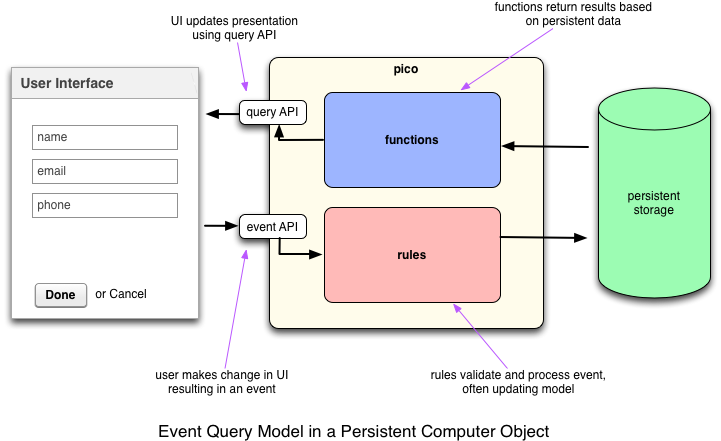 A better analogy than REST is a cloud-based persistent object: you send it messages (events) and ask it questions (queries), the same way you would talk to an object in an OO program. In return you get actors that scale by sharding, can live on different engines, and keep the user in control of their data.
Picos are not empty vessels for long. New children come with [Wrangler](/wrangler/) and the other platform rulesets already installed, so they already speak EXP. Application rulesets (and frameworks such as Manifold) add a more specific event-query surface and a data schema on top — a vehicle pico, a sensor pico, a community pico — which gives developers leverage without inventing a new HTTP style for each type.
## Channels and authorization
An EXP URL always includes an **ECI** (event channel identifier). That one token says which pico and which channel the request is for. The channel's [policy](/wrangler/channels) decides whether the event or query is allowed. On a mesh with [OAuth](/wrangler/oauth) turned on, most `/sky/*` requests also need a bearer token.
Both event and query accept GET and POST. POST with a JSON body is preferred when you have attributes or arguments.
The same operations exist for the developer UI on `/c/*` (passkey session). Integrators, webhooks, pico views, and Home Assistant use `/sky/*`. A machine-readable subset of the surface is in the [OpenAPI spec](/openapi.yaml).
## Try it
- The [Echo](/cookbook/echo/) demo raises events from a page and from `curl`, and shows the directives that come back.
- The [Querying JSON](/cookbook/json_query/) demo calls a shared function over `/sky/query`.
- On any pico's **Testing** tab, pick a ruleset and send a documented event or query on a channel you choose.
## See also
- [Persistent Compute Objects](/pico-overview) — where the event-query model sits in the pico picture
- [Managing channels](/wrangler/channels) — ECIs, tags, and policies
- [Cookies and redirects](/developing/cookies-and-redirects) — `_cookie` and `_redirect` directives on event responses
- [Pico views](/pico-views) — pages that call EXP from the browser
- [OAuth](/wrangler/oauth) — when `/sky/*` needs a bearer token
---
Ported from the Pico Labs wiki pages [Event Exchange Protocol](https://picolabs.atlassian.net/wiki/spaces/docs/pages/1189914/Event+Exchange+Protocol) (2021-02-20) and [Event-Query API](https://picolabs.atlassian.net/wiki/spaces/docs/pages/1189953/Event-Query+API) (2021-02-03), and updated for this engine.
---
# EXP: Event API (Sky)
# Event API (Sky)
Raise an event on a pico over HTTP. The channel in the URL identifies the pico; its event policy has to allow the domain and type. Rules that select on that event run, and their directives come back in the response.
Sky is the current [Event Exchange Protocol](/exp/) version; the path prefix is `/sky/event/…`.
## URL
```
/sky/event/